
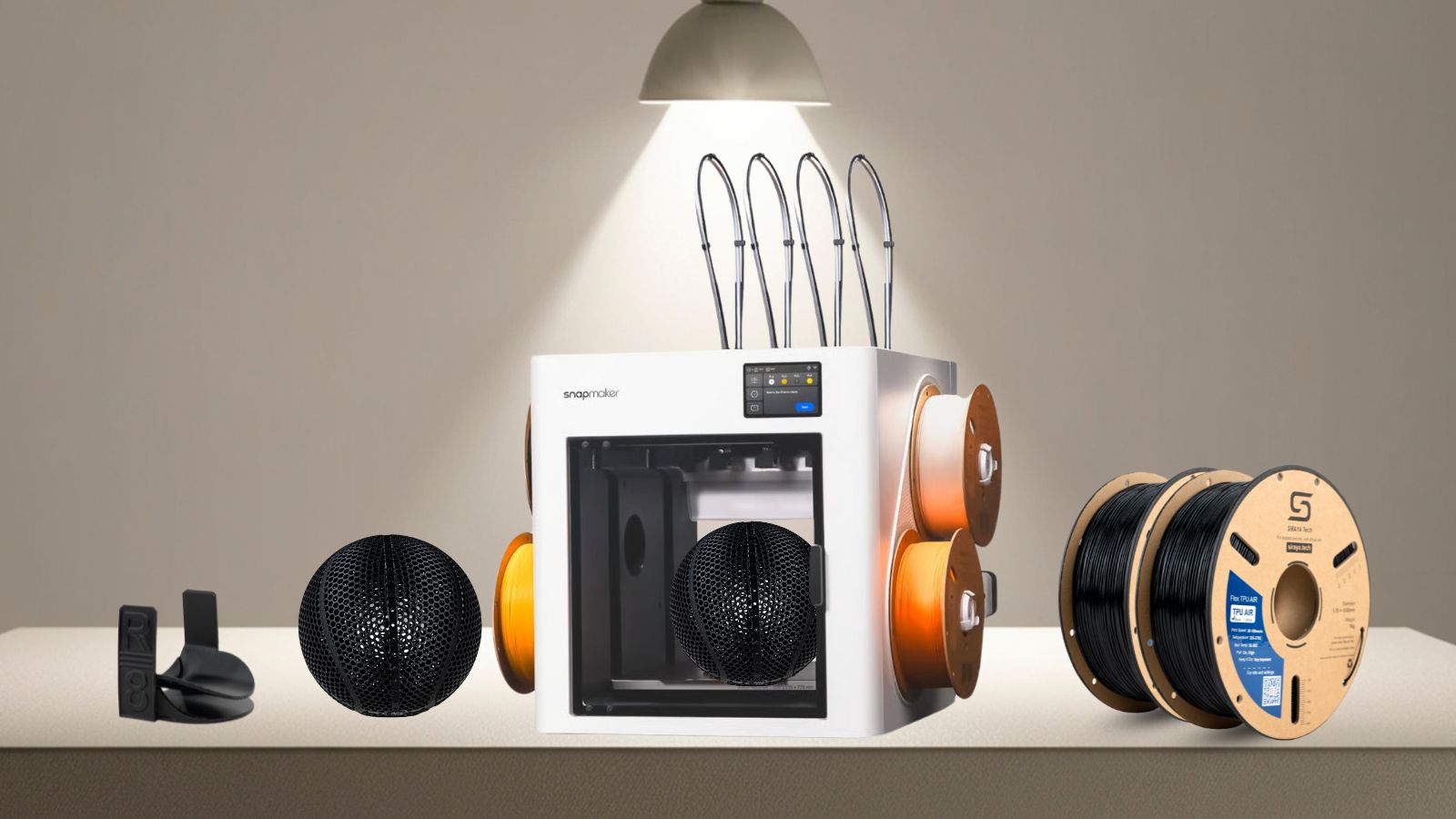
The Snapmaker U1 is a powerhouse in the world of tool-changing 3D printers, offering incredible versatility for multi-material projects. At Siraya Tech, we’ve been putting the U1 through its paces with our professional-grade TPU and PEBA filaments.
Our latest testing focused on a high-stakes application: 3D printed shoes. With print times exceeding 24 hours per unit, reliability is non-negotiable. Here is our comprehensive guide to getting the best results on your U1.
1. Hardware Setup: Smooth Feeding & Moisture Control
Flexible filaments like TPU and PEBA are notoriously hygroscopic (they absorb moisture). This can lead to stringing or extrusion failure if not managed properly.
● The PTFE Advantage: One standout feature of the Snapmaker U1 is its oversized PTFE tubing. The internal diameter is larger than standard tubes, which significantly reduces friction. This allows flexible filaments to slide through the path from the back of the machine to the extruder without binding.


PS: The left one is regular PTFE, and the right one is the PTFE used in the U1.
● The Dry Box Strategy: While the U1’s built-in filament rack works for short sessions, we highly recommend using a dedicated external dry box. You can feed the PTFE tube directly from the box into the back of the U1 to ensure the filament stays crisp throughout a 24-hour print.


2. The "Secret Fix" for Toolchanger Jams
The most common issue when printing TPU on toolchangers—similar to what users experience on the Creality K1C or K2 Plus—is filament buckling inside the extruder during a tool change.
The Problem
The default "Material Switching Retraction" for the U1 is often set to 10mm. For soft materials like Siraya Tech TPU, this long retraction can cause the filament to curl or "bird-nest" around the gears inside the extruder when the head is swapped, leading to a "no-extrusion" error.
The Solution: Adjust Retraction
To achieve 24h+ reliability, you must modify your slicer settings:
● Default Retraction at Switch: 10mm (Avoid this for TPU!)
● Siraya Tech Recommendation: 0mm to 4mm.

By reducing the retraction distance during a tool head swap, the filament stays seated in the drive path, preventing it from tangling or losing its grip.
3. 3D Printing Shoes: The Multi-Material Advantage
The Snapmaker U1’s toolchanger is a game-changer for footwear. The ability to use different materials for the sole, upper, and supports opens new doors for functional design.
Why use PLA for TPU Supports?
During our tests, we successfully printed full-sized shoes using Siraya Tech TPU with PLA as a support material.
● Easy Removal: Unlike using TPU-on-TPU supports, which can fuse together, PLA supports break away cleanly from the TPU surface, leaving a much smoother finish.
● Structural Stability: PLA provides a rigid foundation for the flexible TPU layers above, ensuring better dimensional accuracy for the shoe’s complex geometry.
Slicer Tip: We utilized Orca Slicer for our tests. While the results were excellent, we recommend fine-tuning your infill patterns. We found that adjusting the "Top Surface" settings in Orca is essential to achieving the premium look expected from high-end footwear.
4. Results: 24-Hour Industrial Reliability
We successfully completed multiple shoe prints on the U1, with each print taking over 24 hours. By following the retraction adjustments mentioned above, we experienced:
● Zero filament breaks.
● Zero extrusion jams.
● Consistent surface quality from the first layer to the last.
Whether you are printing high-performance midsoles with PEBA or durable outsoles with TPU, the Snapmaker U1's tool-changing system handles the job beautifully once these specific settings are applied.
Summary Checklist for Snapmaker U1 + TPU
|
Feature |
Recommendation |
|
Filament Path |
Use a Dry Box + U1’s Wide PTFE Tubing |
|
Switch Retraction |
Reduce from 10mm to 0-4mm |
|
Support Material |
Use PLA for easy-to-remove TPU supports |
|
Slicer Choice |
Orca Slicer (with customized TPU/PEBA profiles) |
Ready to start your next flexible project?
The Snapmaker U1 and Siraya Tech flexibles are a perfect match for engineers and designers pushing the boundaries of what's possible. Explore our range of high-performance TPU and PEBA filaments today and take your tool-changing prints to the next level.
Shop Siraya Tech High-Performance Flexibles
 |
 |
 |
|
|
 |
 |
 |
