
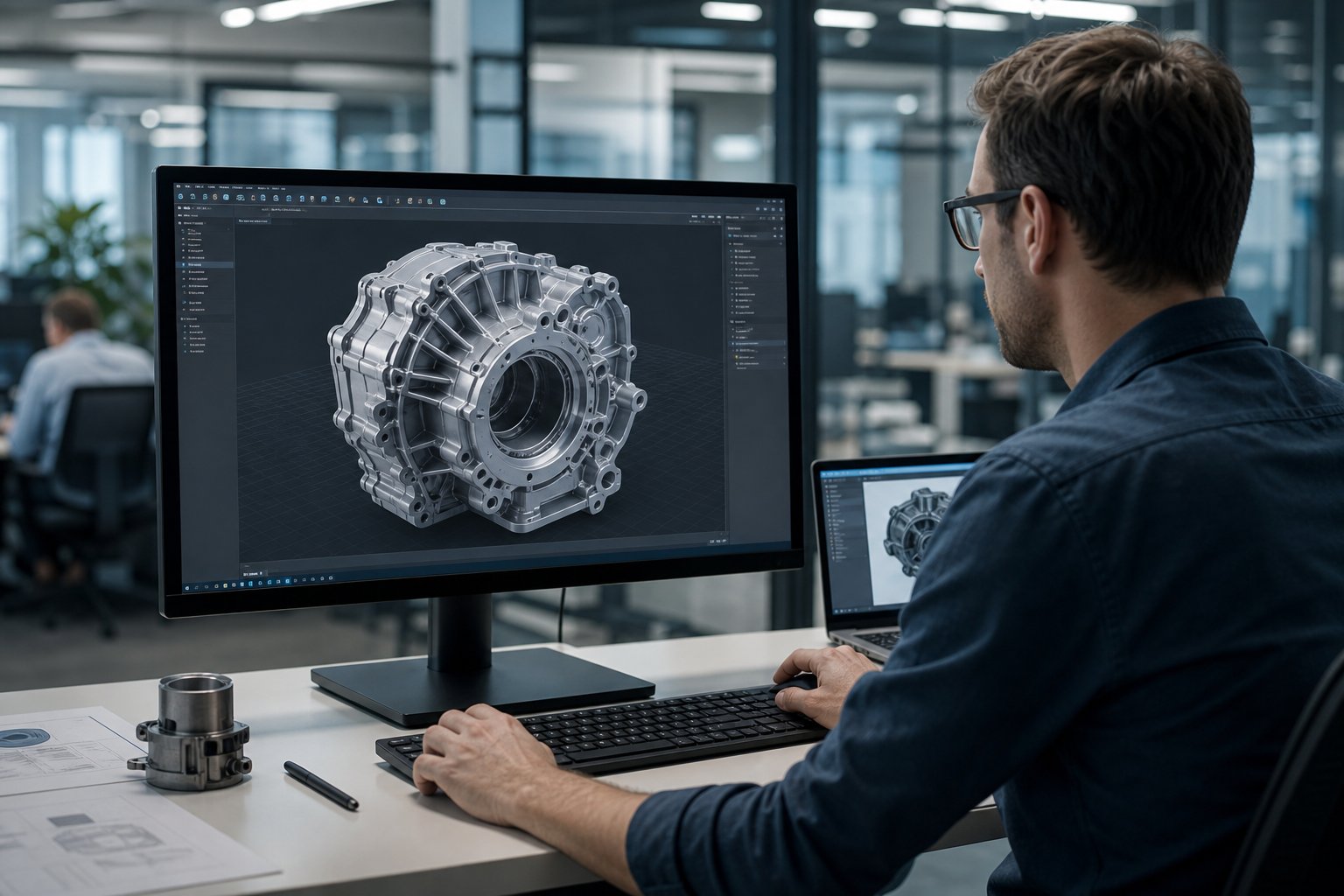
Creating 3D models once took years of practice and a steep software learning curve. Today, an AI 3D model generator can turn a simple text prompt or a photo into a detailed 3D object in minutes. Whether you want to design game assets, prototype a product, or generate files for 3D printing, this technology makes the process faster and far more accessible than it used to be.
Knowing how these tools actually work, and where they fall short, helps you get usable results instead of a pile of broken meshes. This guide walks through the workflow, the formats, the features worth comparing, and what still needs a human hand before anything goes near a printer.
🤖Key Takeaways
- •An AI 3D model generator creates 3D models from text-to-3D prompts or images
- •It's widely used for game development, product design, and 3D printing
- •Most tools support common formats like OBJ, FBX, GLB, and STL
- •Free plans exist, but advanced features often require payment
- •For physical prints, pairing good models with quality materials like Siraya filaments, resins, or platinum silicone improves the final result
What Is an AI 3D Model Generator
An AI 3D model generator is a software tool that automatically creates 3D models based on written descriptions or images. Instead of manually sculpting every detail, you describe what you want and the system builds a digital 3D object for you.
These tools are often called text-to-3D generators because they transform written prompts into 3D meshes. In some systems, the model first appears as a volumetric or neural representation before being converted into a mesh file for editing or export. The output can be edited, animated, or exported for 3D printing.
How an AI 3D Model Generator Works

An AI 3D model generator learns patterns from large collections of 3D shapes and structures. When you enter a prompt or upload an image, it generates a matching 3D mesh based on those learned patterns.
Step 1: Enter a Prompt or Upload an Image
You start with either a written description or a reference image, depending on the tool and the result you're after.
Step 2: The System Builds a 3D Mesh
The generator predicts a shape that matches your input and converts it into a usable mesh of connected triangles or polygons.
Step 3: Review and Refine the Preview
Most platforms let you preview the model before committing to a full-resolution export, which is the point to catch obvious shape or proportion problems.
Step 4: Export in Your Preferred Format
Once you're happy with the preview, you export the file in the format your downstream software, game engine, or slicer expects.
Not every generated model is automatically production-ready or print-ready. Some will need cleanup or optimization before final use, which is normal and worth planning for rather than treating as a failure.
Common Output Formats
| File Format | Best Used For | Compatible With |
|---|---|---|
| OBJ | General 3D modeling | Most 3D software |
| FBX | Animation and games | Game engines, animation tools |
| GLB | Web and AR use | Web viewers, AR platforms |
| STL | 3D printing | Slicing software |
If you plan to print your model, STL is the most common choice.
Core Features to Look for in an AI 3D Model Generator
Not all AI 3D model generators offer the same capabilities. Choosing the right one depends on your intended use, not just which tool has the flashiest demo.
Essential Features Comparison
| Feature | Why It Matters |
|---|---|
| Text-to-3D Support | Converts written prompts into 3D models |
| Image-to-3D Conversion | Turns photos or sketches into models |
| Clean Mesh Topology | Reduces editing time |
| Texture Generation | Adds realistic surface details |
| Multiple Export Formats | Ensures workflow compatibility |
| Commercial License | Allows business use |
For 3D printing specifically, watertight meshes and proper wall thickness matter more than almost any other feature on this list.
Types of AI 3D Model Generators
Different tools specialize in different tasks. Understanding these categories helps you avoid paying for features you'll never use.
Text-to-3D Generators
These tools create models directly from written descriptions. They're ideal for concept art, fast prototyping, and creative exploration where exact dimensions matter less than getting a shape down quickly.
Image-to-3D Generators
These convert 2D images into 3D objects. They're useful for recreating real objects or turning sketches into models without starting from a blank canvas.
Generators for Game Assets
These focus on optimized, low-poly models that run smoothly inside game engines. They often support FBX export and texture baking out of the box.
Generators for 3D Printing
These prioritize solid geometry and printable structure. They often export clean STL files ready for slicing, though manual inspection is still recommended before printing.
Using an AI 3D Model Generator for 3D Printing

An AI 3D model generator can quickly create custom designs for 3D printing. However, you should always inspect the file before printing, the same way you would with any downloaded or self-modeled file.
3D Printing Preparation Checklist
| Step | Why It Is Important |
|---|---|
| Check Watertight Mesh | Prevents slicing errors |
| Verify Wall Thickness | Avoids fragile prints |
| Repair Mesh Issues | Improves print success |
| Scale Correctly | Ensures proper dimensions |
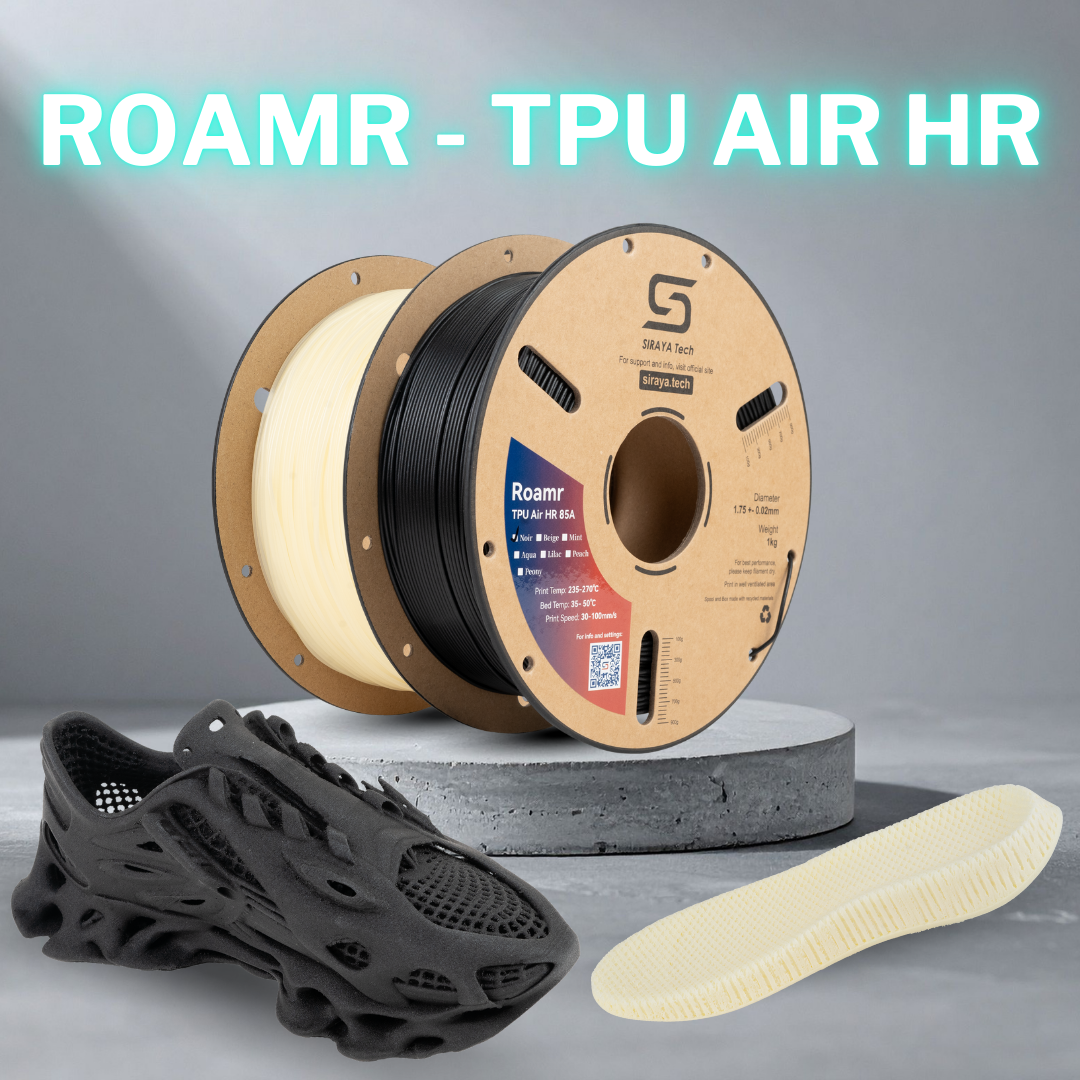
Material choice plays a major role in print quality too. Siraya offers reliable 3D printing filaments and advanced resins that help improve strength and detail. For flexible and impact-resistant parts, Tenacious resin can enhance durability. For jewelry or casting projects, castable resin provides clean burnouts. If you're making molds, platinum silicone is useful for capturing fine details.
If you need stronger filament options, materials like PETG-CF or ABS-CF style blends provide extra stiffness and reduced warping compared to standard versions. Carbon fiber reinforced filaments generally increase stiffness and dimensional stability, though they may reduce flexibility and increase brittleness depending on the formulation.
From AI-Generated Model to Finished Print
A clean export is only half the job. The material you print with decides whether your AI-generated design survives daily use. Browse Siraya's filaments and resins to match the right material to your model.
Explore Siraya Materials →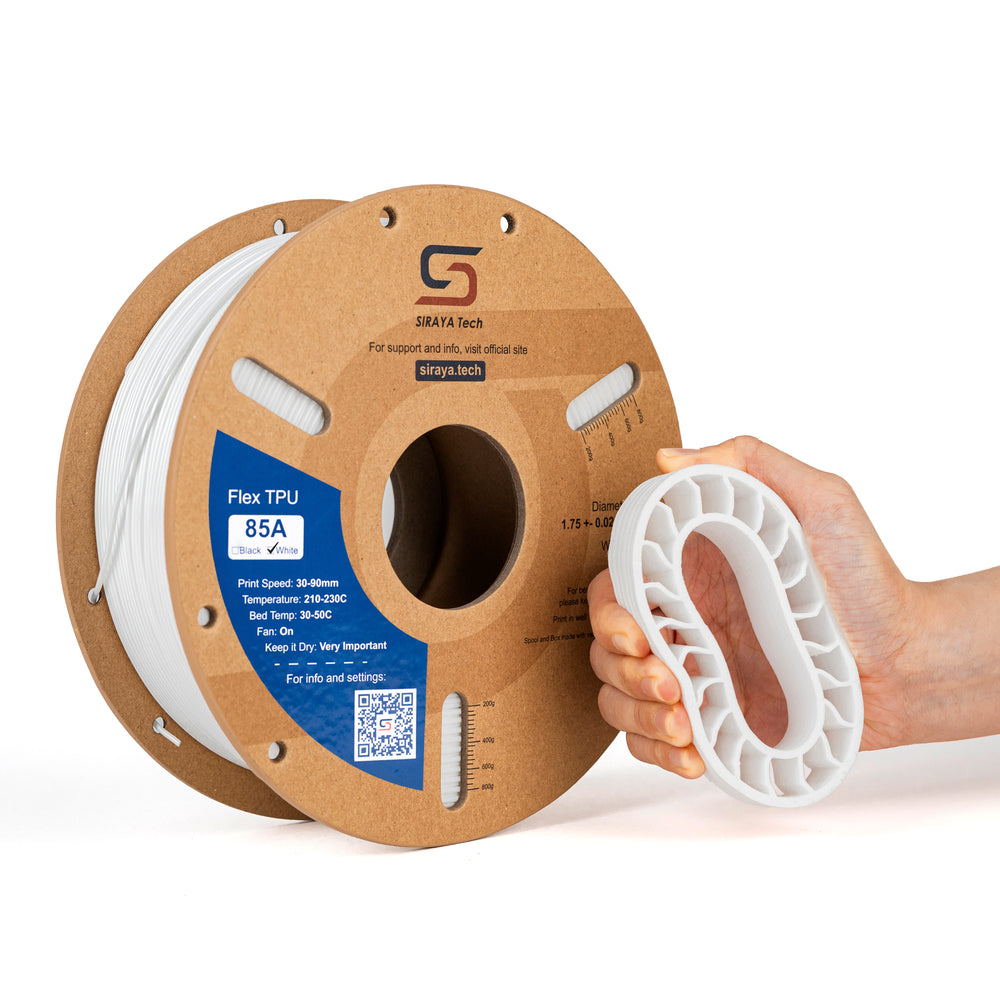


AI 3D Model Generators for Game Development
Game developers use AI 3D model generators to speed up asset creation and concept testing. Instead of modeling every prop manually, they generate a base model and refine it from there.
Faster Asset Iteration
Generating a rough version of a prop or character takes minutes instead of hours, which leaves more time for refinement.
Quick Environment Prototyping
Blocking out an environment with generated placeholder assets helps teams validate layout and scale before committing to final art.
Low-Poly Model Creation
Many generators can target a lower polygon count from the start, which saves time compared to manually retopologizing a dense mesh.
Faster Concept Validation
Turning an idea into a viewable 3D object quickly makes it easier to get feedback before investing in a full production asset.
After generation, models are usually optimized in 3D software before being imported into a game engine.
Benefits of an AI 3D Model Generator
An AI 3D model generator makes 3D design more accessible. It reduces the time and effort needed to create digital assets, which matters whether you're a hobbyist or running a small studio.
Key Advantages
- Saves hours of manual modeling
- Encourages experimentation
- Lowers entry barriers for beginners
- Speeds up product prototyping
For small businesses, this can reduce development costs and shorten production timelines significantly.
Limitations of an AI 3D Model Generator
While powerful, AI 3D model generators are not perfect. Many models require cleanup and refinement before they're truly ready to use.
Common Limitations
| Limitation | Impact |
|---|---|
| Messy Topology | Requires manual correction |
| Excess Polygons | Slower performance in games |
| Inconsistent Details | May affect realism |
| Limited Fine Control | Harder to achieve precise shapes |
Careful review ensures better final results, especially before printing or commercial use.
Pricing and Free AI 3D Model Generator Options
Most AI 3D model generator platforms use subscription or credit-based pricing. Some offer limited free plans for testing before you commit.
Typical Pricing Structures
| Pricing Model | Best For |
|---|---|
| Free Trial | Beginners exploring features |
| Monthly Subscription | Regular users |
| Credit-Based | Occasional creators |
| Enterprise License | Studios and teams |
Free versions may limit resolution or exports. Paid plans usually unlock higher-quality models and commercial rights.
How to Choose the Best AI 3D Model Generator
Choosing the right AI 3D model generator depends on your goals. A hobbyist printing miniatures needs different features than a game studio building environments.
Decision Factors
- Main purpose, such as text-to-3D prototyping or 3D printing
- Required export formats
- Mesh quality and structure
- Budget and licensing
- Ease of use
Testing multiple tools before committing to a subscription can help you find the best fit for your actual workflow, not just the one with the best demo reel.
Conclusion
An AI 3D model generator simplifies the process of creating digital 3D models from text or images. It helps designers, developers, and hobbyists work faster while lowering the learning curve that used to gatekeep 3D design. Some refinement is often necessary, but the speed and accessibility make it a genuinely useful addition to modern 3D workflows.
For more guides on 3D modeling and printing, explore the rest of the Siraya Tech blog. When your AI-generated design is ready for the real world, browse Siraya's filaments and resins to turn a clean digital file into a durable physical part.
Frequently Asked Questions (FAQs)
Are there any good AI 3D model generators?
Yes, many AI 3D model generator tools can create high quality 3D models for games, animation, and printing. The final quality often depends on the clarity of your prompt and the tool's capabilities. Testing different platforms helps you find the best match, and most offer trial access for evaluation.
Can you make a 3D model with AI?
Yes, you can create a 3D model using text-to-3D prompts or image inputs. The system generates a digital mesh that can be edited and exported. While it speeds up the process, some manual adjustments may still be needed. It works well for both beginners and experienced users.
Is there a free AI tool for 3D modeling?
Some AI 3D model generator platforms offer free plans or limited credits. These allow you to explore basic features and exports, though advanced capabilities may require a paid plan. Free options are useful for learning and experimentation before you commit to a subscription.
Can ChatGPT create a 3D model?
ChatGPT cannot directly generate a finished 3D model file. It can explain modeling techniques, write scripts, or guide you through software steps, but for full 3D mesh generation, you need a dedicated AI 3D model generator. It works better as a helpful assistant than a modeling engine.
Can ChatGPT actually make STL files?
ChatGPT cannot directly output ready-to-print STL files. It can provide instructions or code that may later be converted into an STL file, but for automatic 3D mesh creation, specialized 3D modeling tools are required. Those tools can then export STL files for printing.
Can I 3D model for free?
Yes, you can use free modeling software and trial versions of AI 3D model generators. This lets you design and export models without initial cost, though advanced features and commercial rights may require payment. Combining free tools with affordable materials makes the whole process accessible for beginners.