
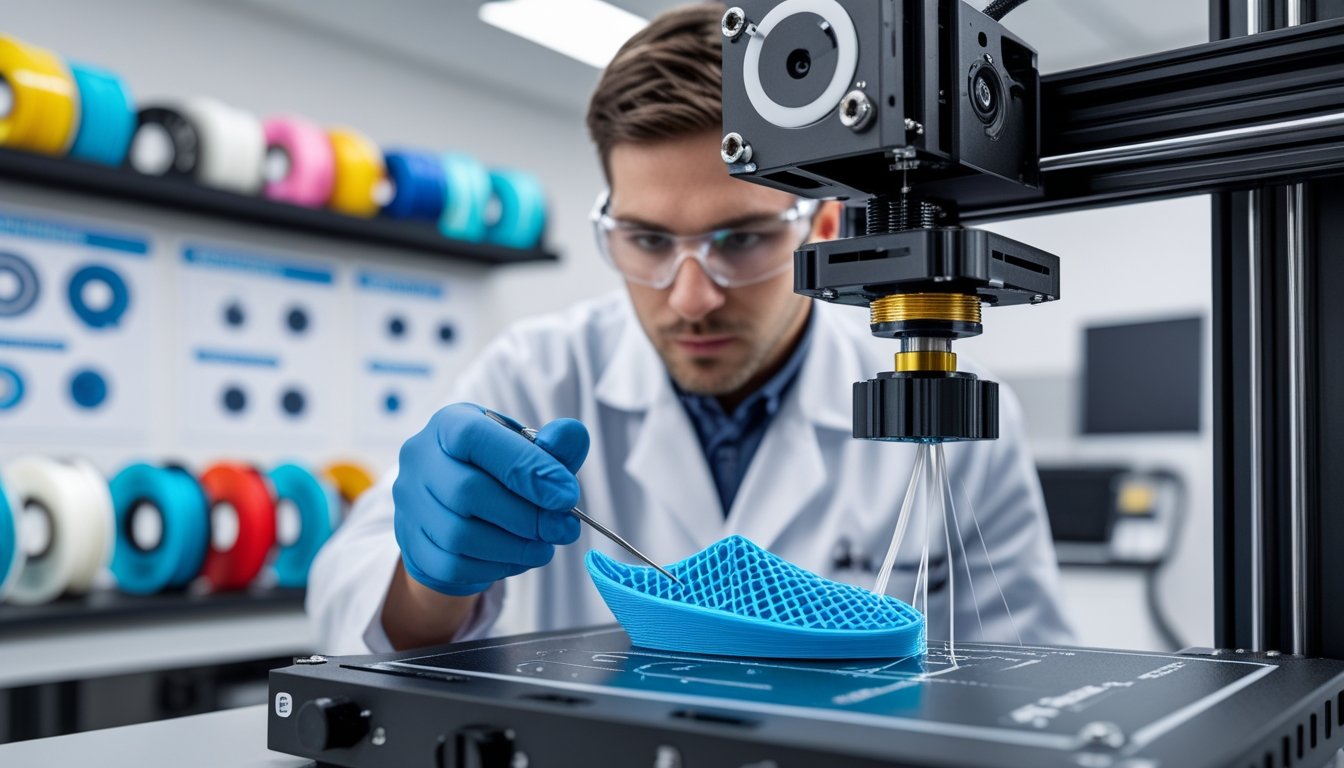
Learning how to fix 3D printing stringing issues transforms frustrating prints covered in wispy threads into clean, professional-looking parts. Stringing occurs when molten filament oozes from the nozzle during travel moves, leaving thin plastic strands between different areas of your print.
Most stringing problems stem from incorrect retraction settings, excessive temperature, or filament moisture. The good news is that these issues are usually fixable with simple adjustments to your slicer settings.
This guide walks you through the causes of stringing and provides practical solutions to eliminate it. You'll learn how to dial in retraction, optimize temperatures, and use advanced slicer features for string-free prints every time.
Key Takeaways
- Stringing pops up when filament oozes from the nozzle during travel moves, leaving thin strings between parts
- Changing retraction distance and speed, and lowering print temperature, are your best bets for stopping stringing
- Other fixes include faster travel moves, drying your filament, and cleaning out the nozzle
Tired of stringing with low-quality filament? Upgrade to our premium 3D printing filament collection for consistent diameter and reliable performance.
What Causes 3D Printing Stringing?

Stringing starts when melted filament leaks from your nozzle while the printer moves between sections, leaving behind those wispy threads. Usually, too much heat keeps the filament runny, or weak retraction doesn’t pull it back enough. Slow travel moves just give the gooey stuff more time to drip out.
Oozing And Temperature Problems
If your nozzle runs too hot, the filament gets too liquid and drips out, even when you’re not printing. That’s where those stray threads come from. Every material has its own sweet spot for temperature, and just a few degrees too high can make a big difference.
Moisture in filament only makes things worse. Wet filament turns to steam inside the nozzle, pushing out extra plastic and making both blobs and strings. PLA, PETG, and nylon soak up water from the air pretty fast.
PETG tends to ooze more than other materials since it stays runny over a wider range of temperatures. TPU and other flexibles string easily, too, because they’re sticky and soft when heated.
Retraction Settings Impact On Stringing
Retraction pulls the filament back into the nozzle before travel moves, helping stop oozing. If retraction distance is too short, not enough filament gets pulled back and it keeps leaking. Slow retraction speed lets plastic ooze out before the pull finishes.
Direct drive extruders usually need 1-2 mm retraction because the extruder sits right on the hotend. Bowden setups need more—around 4-6 mm—since the filament travels through a longer tube. Retraction speed should land between 25-45 mm/s to pull back the filament without chewing it up.
If you turn off retraction, stringing gets way worse because the printer never tries to stop filament flow during moves. Even basic retraction helps cut strings down a lot.
Travel Moves And Print Speed Factors
Travel moves are the paths your print head takes between printed sections without laying down plastic. Longer moves give melted filament more time to ooze, making longer strings. If travel speed is too slow, the nozzle hangs out in open air, and gravity does the rest.
Cranking travel speed up to 150-200 mm/s helps by shrinking the window for oozing. Most slicers have a combing mode that keeps the nozzle moving inside already-printed areas, which hides stringing. The avoid crossing perimeters setting takes the nozzle around your model’s outer walls instead of cutting straight across gaps.
A partially clogged nozzle can mess with pressure inside the hotend, making filament flow unpredictable during moves. Cleaning out your nozzle regularly helps stop unstable extrusion from causing stringing.
Retraction Settings To Eliminate Stringing

Retraction settings control how your printer pulls filament back into the nozzle when it moves between areas. You’ll want to focus on retraction distance and speed—these two work together to keep melted plastic from oozing out and making a mess.
Adjusting Retraction Distance And Speed
Retraction distance is how far the filament pulls back. Start with 1-2 mm for direct drive or 4-6 mm for Bowden setups. If you still see strings, bump it up by 0.5 mm until things look better.
Retraction speed is how fast the filament pulls back. Try 40-60 mm/s to start. If it’s too slow, plastic oozes before the pull finishes. Go too fast, though, and you might grind the filament or jam the extruder.
Print a retraction tower model to test different settings in one go. Check which part of the tower has the fewest strings and stick with those numbers.
Set a minimum travel distance (like 1-2 mm) before retraction kicks in. This avoids unnecessary retractions on tiny moves.
Retraction Settings For Different Filaments
Different filaments need different retraction values. PLA usually plays nice with moderate settings since it cools quickly and isn’t super runny.
|
Filament Type |
Retraction Distance |
Retraction Speed |
|
PLA |
0.5-2mm (DD), 4-6mm (Bowden) |
40-60mm/s |
|
PETG |
3-5mm (DD), 6-8mm (Bowden) |
20-40mm/s |
|
TPU |
0.5-1mm (DD), 5-7mm (Bowden) |
15-25mm/s |
PETG needs more aggressive retraction since it stays gooey for longer. Use higher distances but slow things down to avoid grinding.
Flexibles like TPU are picky. Keep retraction distance small and speed low, or you’ll just stretch or snap the filament in the extruder.
Direct Drive Vs Bowden Retraction Differences
With a direct drive extruder, the motor sits right above the hotend, so you only need a short retraction—usually 0.5-2 mm—and you can go faster, up to 60 mm/s.
Bowden systems put the motor on the frame, with a long PTFE tube. That extra distance means you need 4-8 mm retraction to account for tube slack.
Bowden setups can’t handle super-fast retractions, so stick to 40-50 mm/s tops. Direct drive responds quicker and can take higher speeds without trouble.
If you switch between extruder types, set up separate slicer profiles. That way, you won’t get mixed up and ruin a print.
Need materials that print clean at higher temperatures? Explore our high-temperature filaments collection for advanced engineering applications.
Additional Solutions For Stringing Problems

Besides retraction tweaks, you can fine-tune other settings to banish stringing. Changing your nozzle temperature, adjusting speeds, and turning on features like coasting can all help boost print quality.
Temperature Adjustments To Reduce Oozing
Your nozzle temperature has a big impact on stringing. Lowering it by 5-10°C can help because cooler filament doesn’t flow as easily during travel moves.
Print a temperature tower to find the lowest temp that still gives good layer adhesion. PLA usually likes 190-220°C, while PETG prefers 230-250°C. Too low, though, and your layers won’t stick.
Moisture in filament will mess with your results. Wet filament steams up and leaks more. Keep your filament in a dry box with desiccant, or dry it before printing.
If you’ve already tried retraction changes and still see strings, tweak your temperature next. Even a 5°C change can make a visible difference.
Print Speed And Travel Speed Optimization
Print speed and travel speed both play a role in stringing. Travel speed is how fast the nozzle moves between print areas without laying down plastic.
Crank up travel speed to 150-200 mm/s or more to cut down on stringing. Less time moving means less time for filament to drip and form strings. Most slicers let you set travel speed much higher than print speed.
Turn on combing mode in your slicer so travel moves stay inside printed areas. That way, any little strings end up hidden inside the model.
Avoid crossing perimeters tells the nozzle to go around the outside instead of through the print, keeping strings off visible surfaces.
Coasting, Wiping, And Z-Hop Features
Coasting stops extrusion just before finishing a line, letting leftover pressure finish the job. This helps prevent oozing during travel moves. Try a coasting distance of 0.2-0.5 mm to start.
Wiping drags the nozzle along the perimeter after retraction, scraping off extra filament before moving. Set a wipe distance of 1-3 mm to keep the nozzle clean.
Z-hop lifts the nozzle up during travel moves, so it doesn’t drag strings across your print. It won’t stop stringing, but it keeps strings from sticking to the part. Go for a z-hop height of 0.2-0.4 mm.
Good cooling helps, too. The faster your filament cools, the less it oozes. For PLA, run your part cooling fan at 100% to cut down on stringing.
Want flawless prints without stringing worries? Discover our 3D printing resins collection for smooth, detailed parts every time.
Conclusion: How to Fix 3D Printing Stringing
Fixing 3D printing stringing issues comes down to dialing in your retraction settings, finding the right temperature, and keeping your filament dry. Most stringing problems disappear once you optimize these core settings through simple test prints.
Start with retraction adjustments and temperature towers to identify your ideal settings. Clean nozzles and dry filament storage prevent most recurring stringing issues before they start.
Ready to tackle other common print quality problems? Check out our comprehensive guide on troubleshooting 3D printing issues to master perfect prints every time.
Frequently Asked Questions: How to Fix 3D Printing Stringing
Fixing stringing usually means adjusting retraction, lowering nozzle temp, and making sure your filament’s dry and decent quality. Bed adhesion and nozzle clogs can also mess with your results.
How do I get rid of stringing in 3D print?
Enable retraction in your slicer—use 0.5-1.0 mm for direct drive or 2-6 mm for Bowden extruders. Lower your nozzle temp by 5-10°C and print a temperature tower to find the sweet spot. Increase travel speed to 190-200 mm/s, keep filament dry with desiccant, and clean your nozzle regularly.
Why is my 3D print stringing and not sticking?
Incorrect nozzle temperature causes both oozing and poor adhesion simultaneously. Check bed leveling and retraction settings, as uneven surfaces and poor retraction create weak first layers and stringing. Run a temperature tower to find the setting where both adhesion and stringing improve together.
Can you smooth PLA with rubbing alcohol?
Rubbing alcohol doesn't smooth PLA since PLA doesn't dissolve in isopropyl alcohol. It works well for cleaning prints, removing fingerprints, and wiping down nozzles and build plates. For actual smoothing, use fine sandpaper, heat treatment, or chemical smoothing with ethyl acetate (with proper safety precautions).
Why does stringing occur in 3D printing?
Stringing happens when melted filament oozes from the nozzle during travel moves, leaving thin threads. High nozzle temperatures make filament runny and prone to dripping, while poor retraction settings allow pressure buildup. Moisture-laden filament creates steam bubbles that push out extra plastic, and dirty nozzles or inconsistent filament diameter disrupt pressure control.
1 コメント
sv infotech
Good.AWS And DevOps Training Institute in Hyderabad