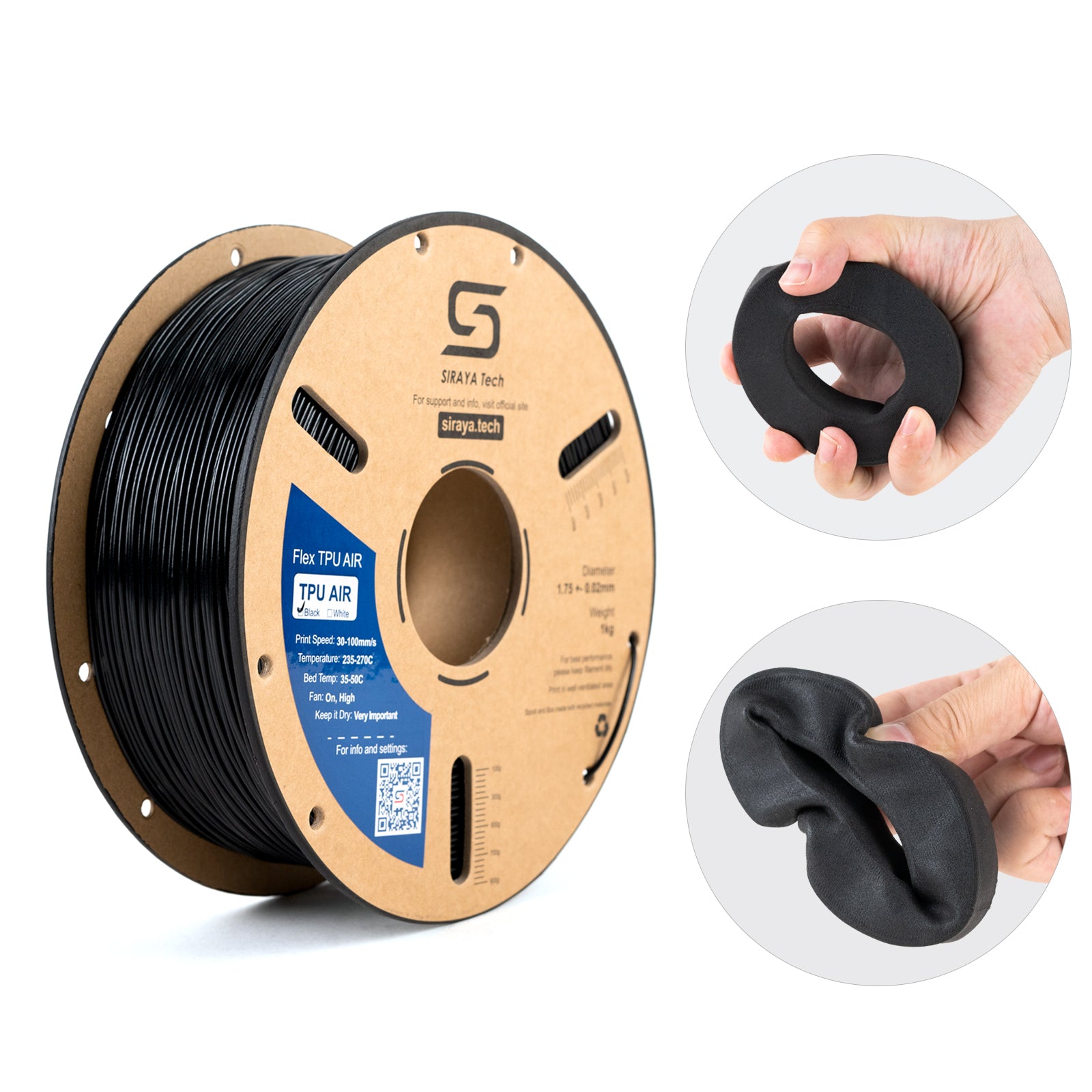
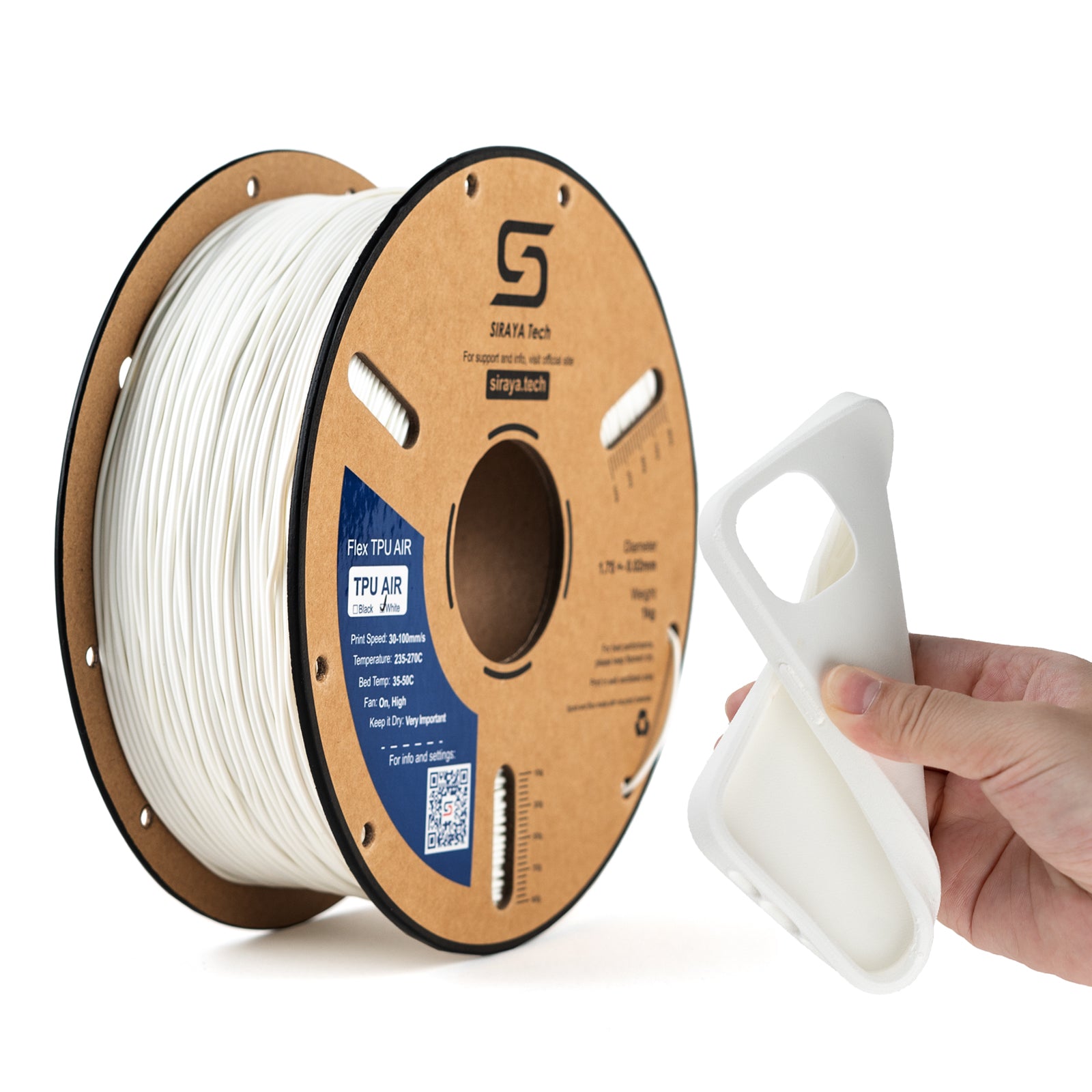
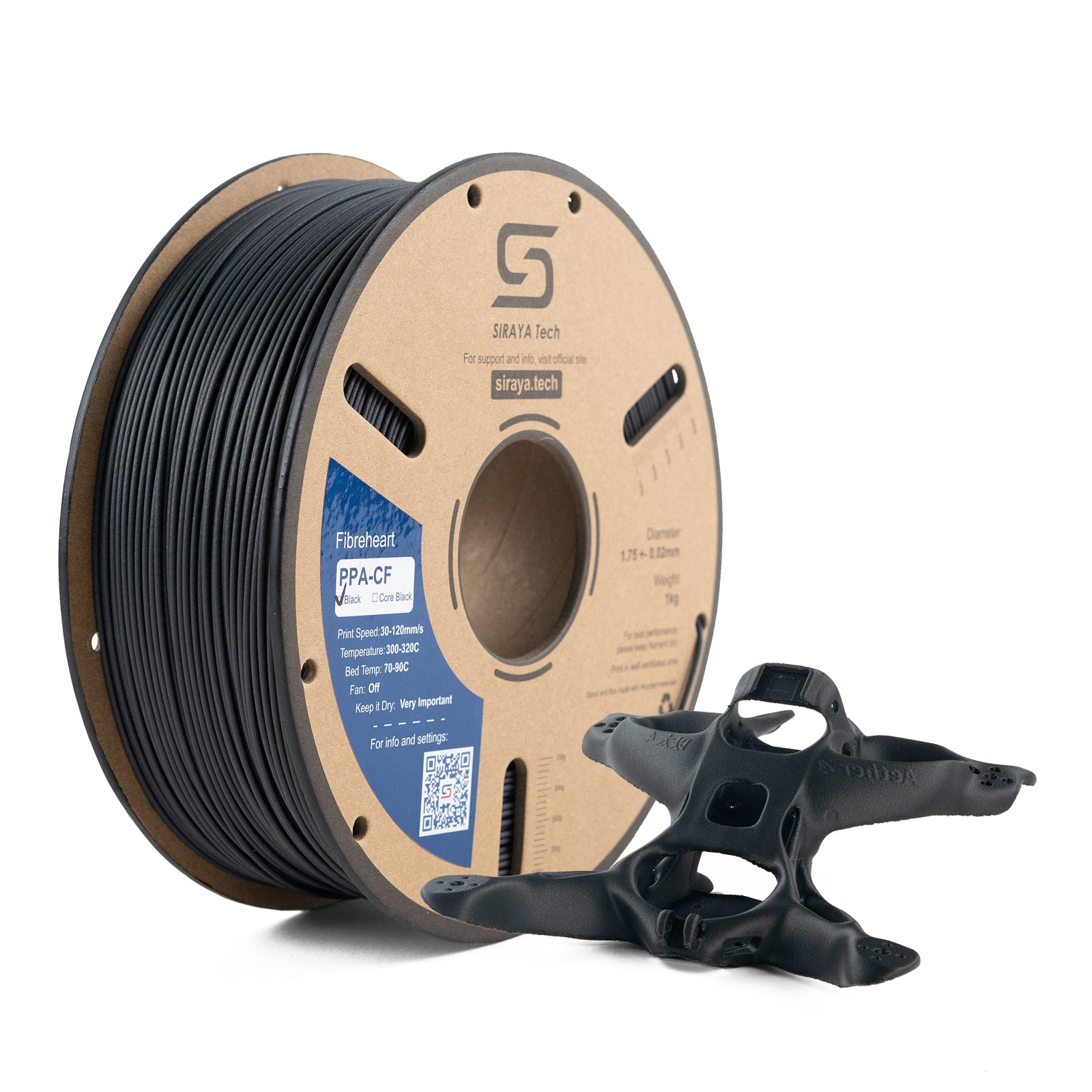
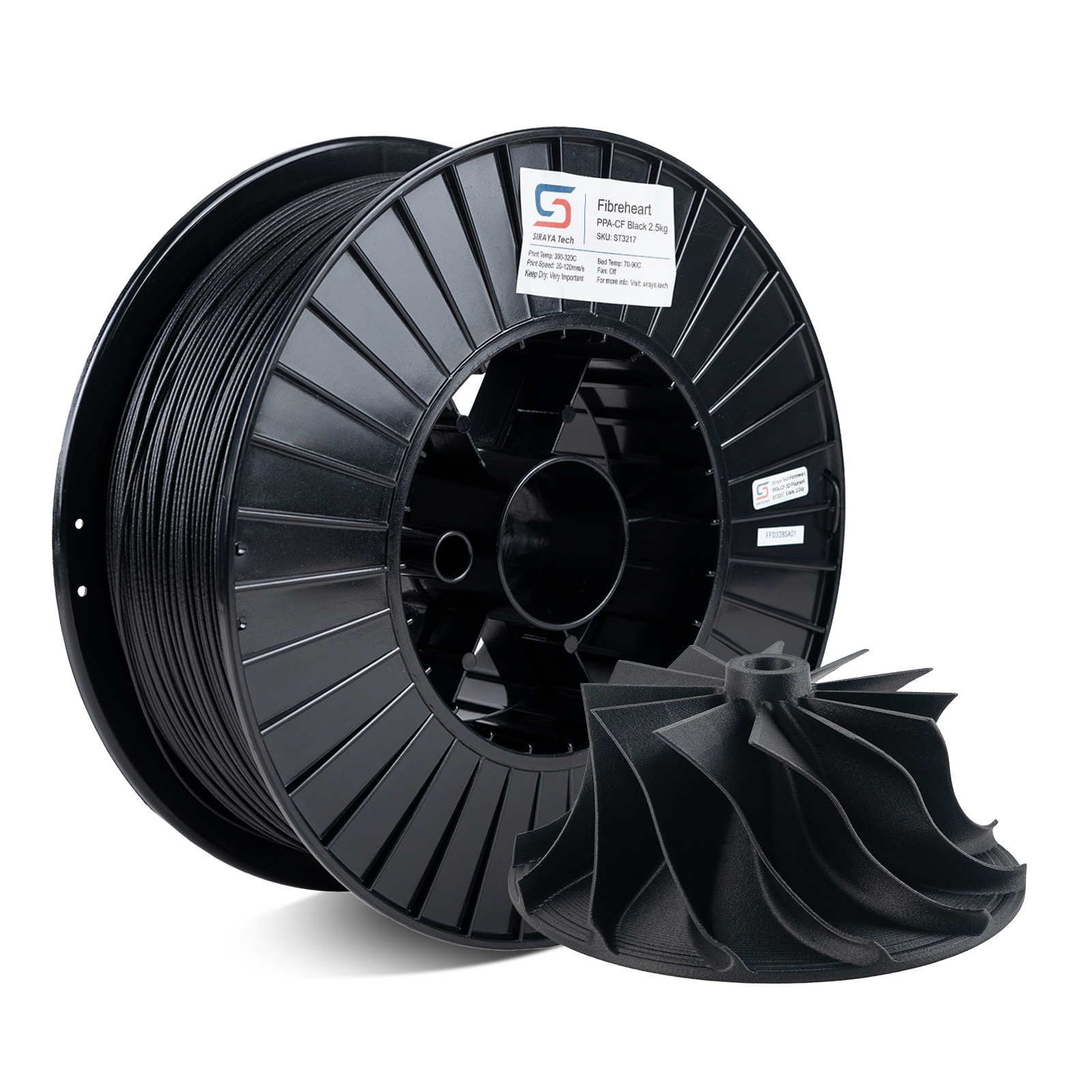
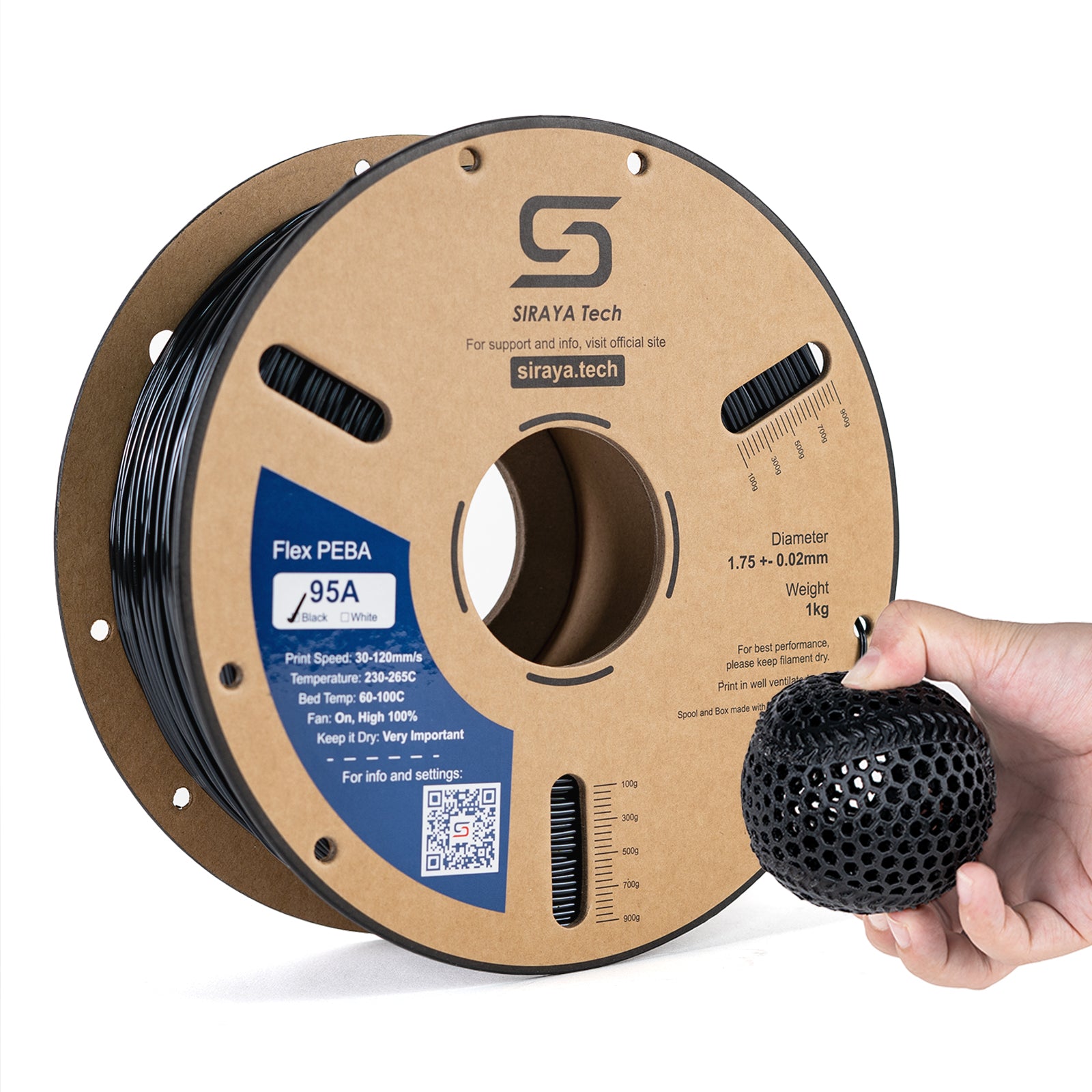
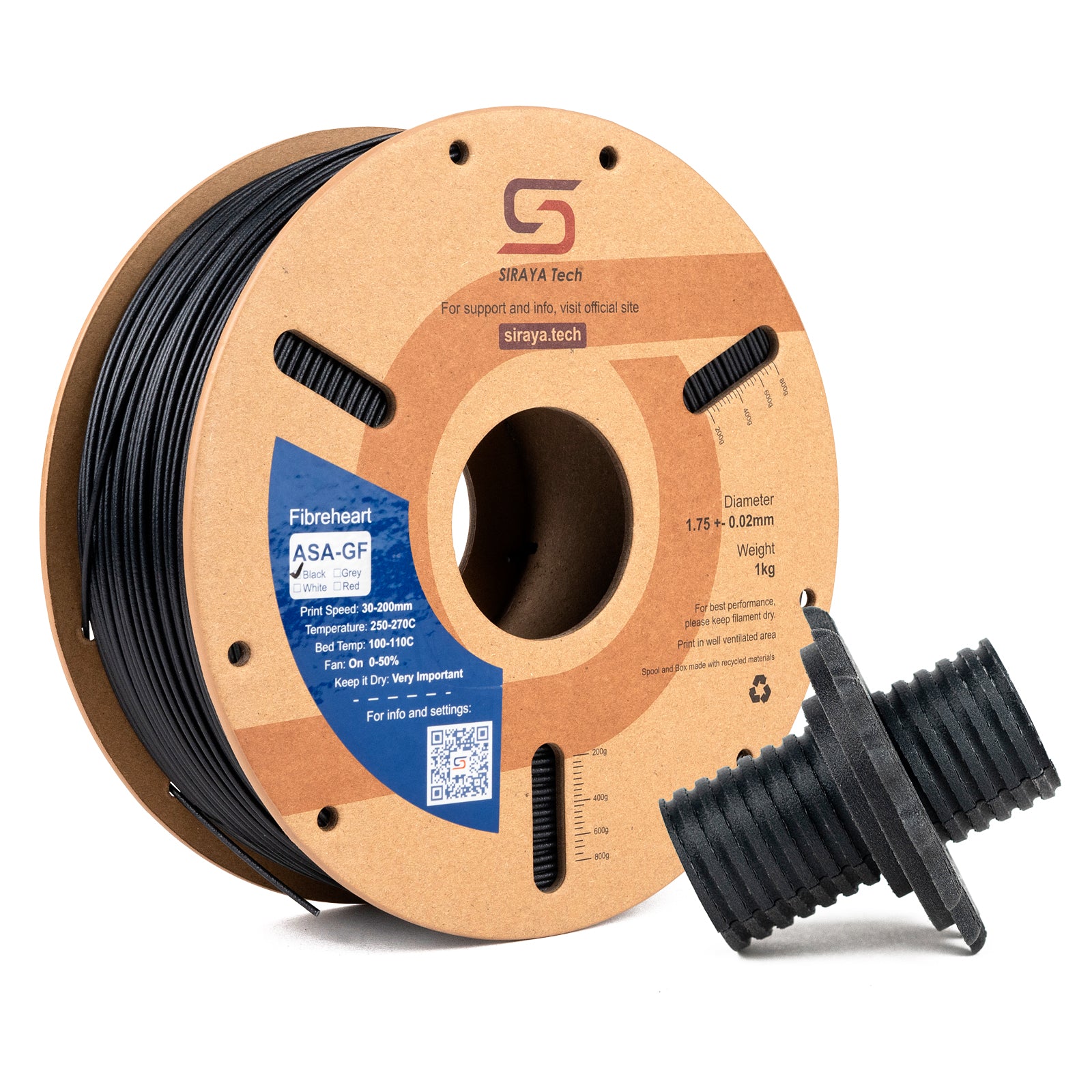
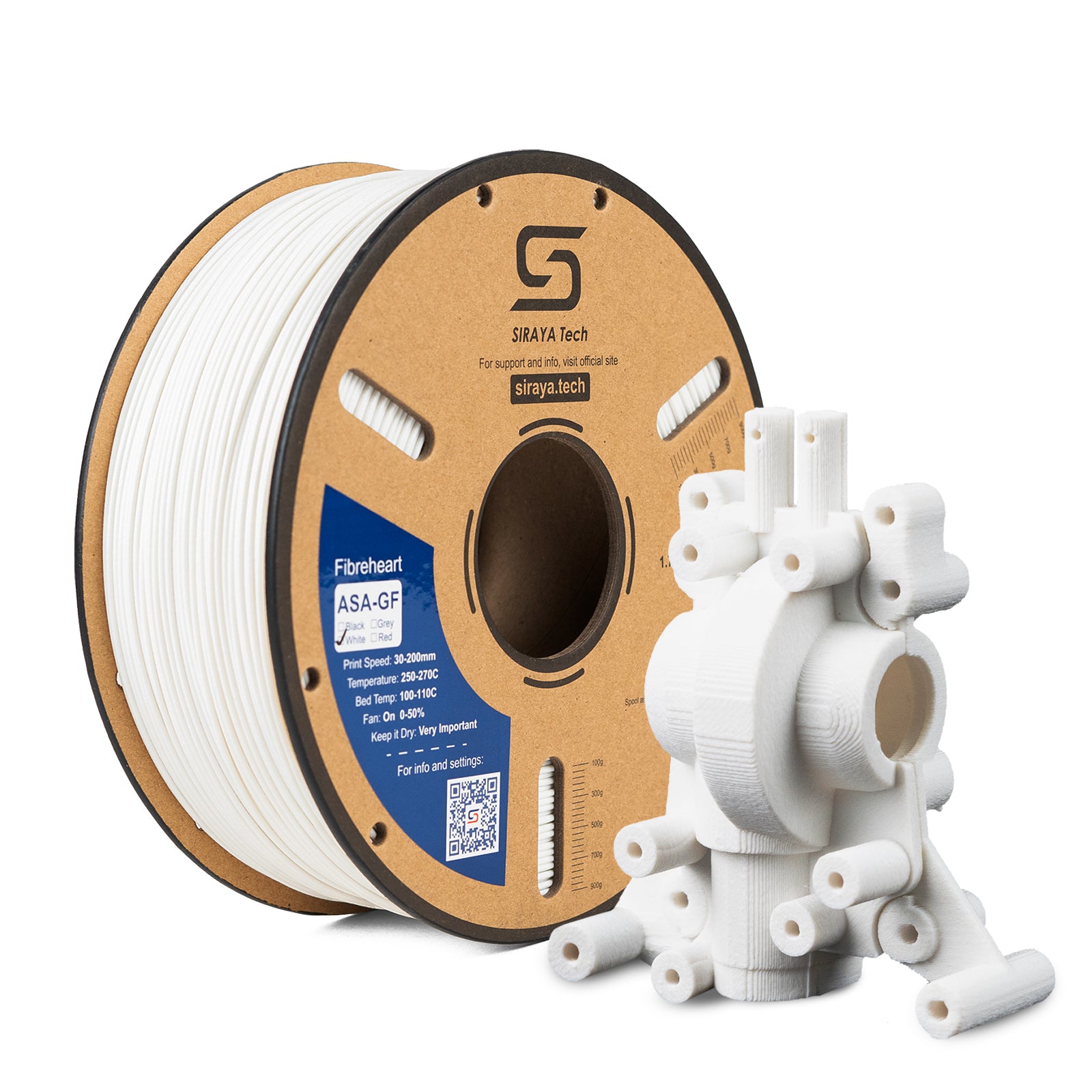
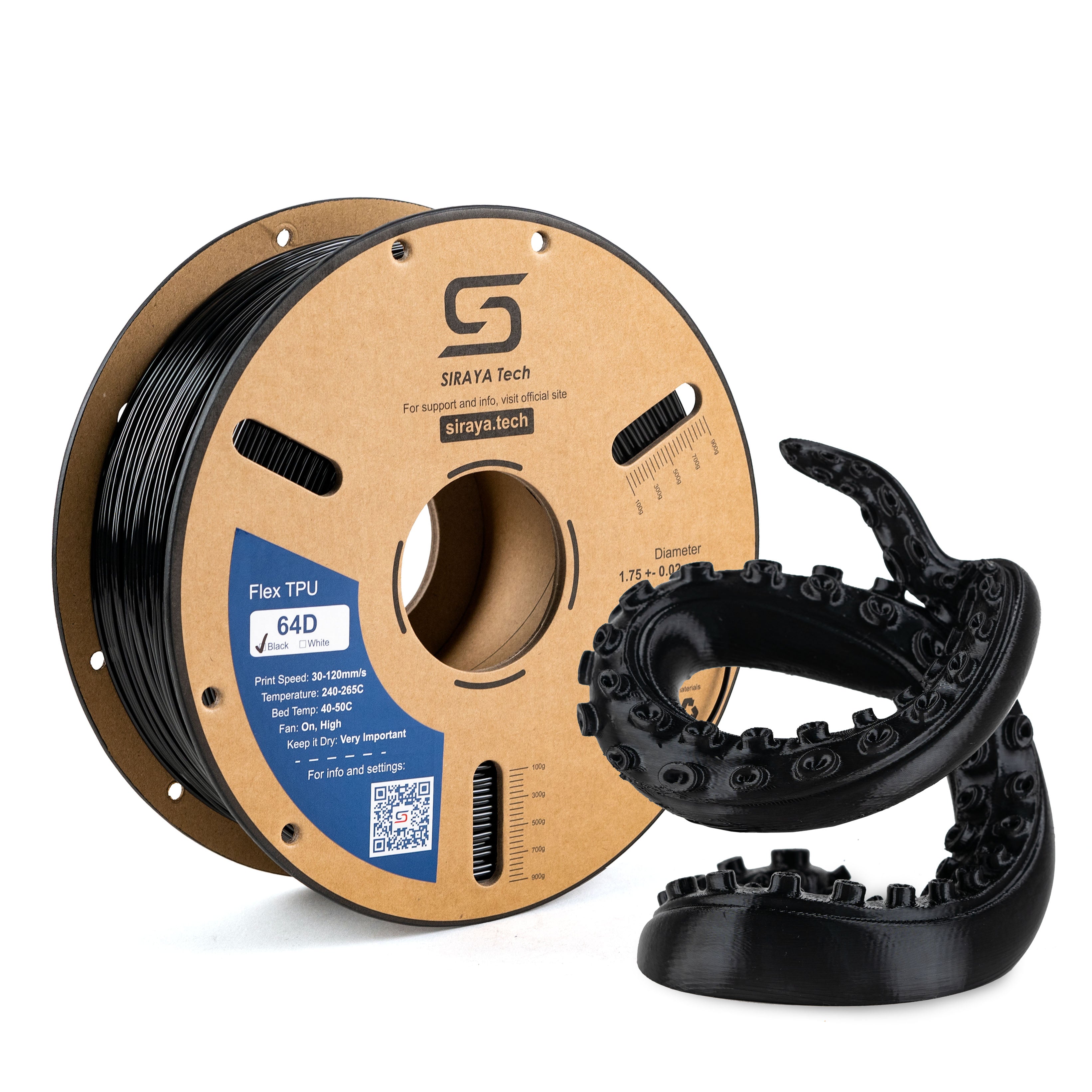
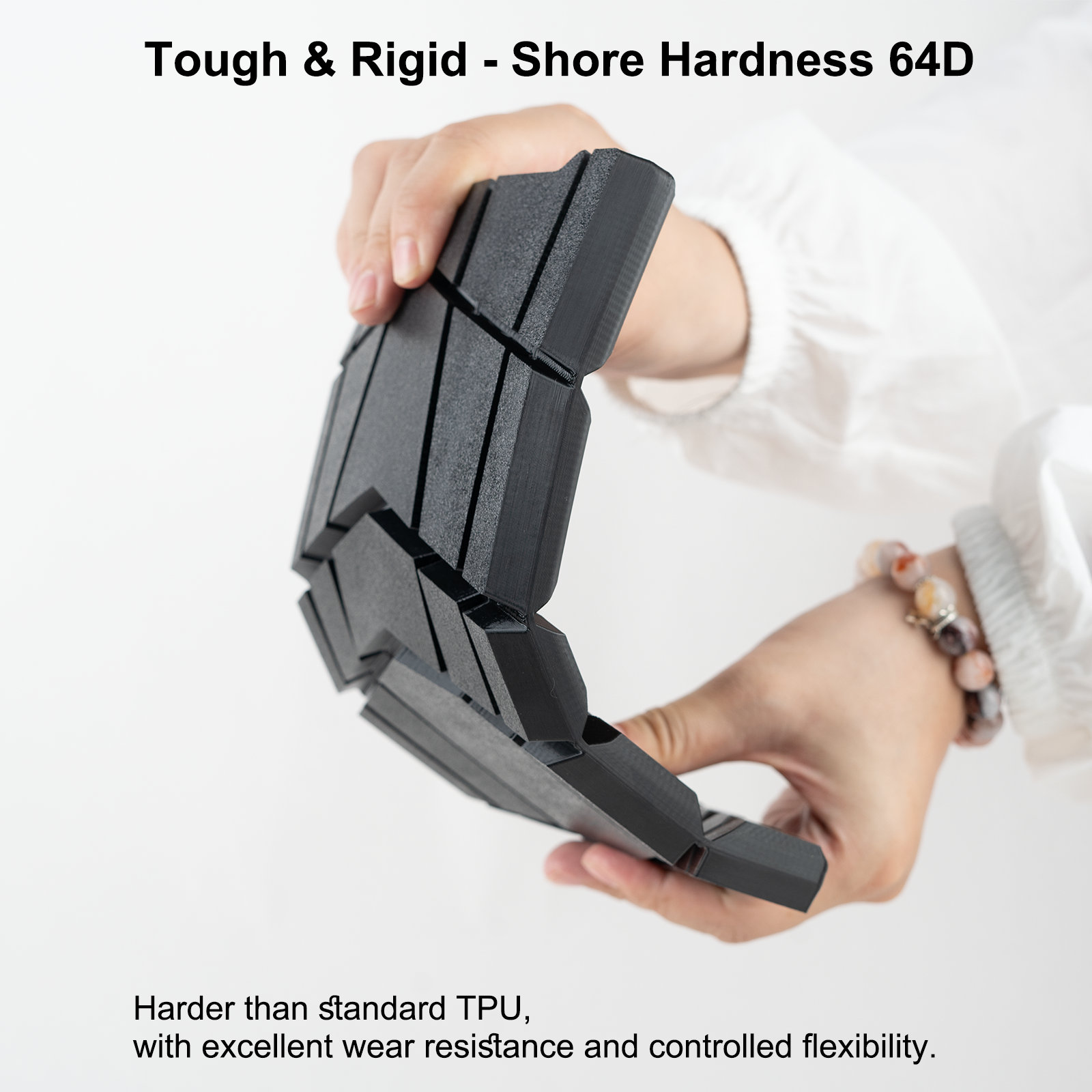
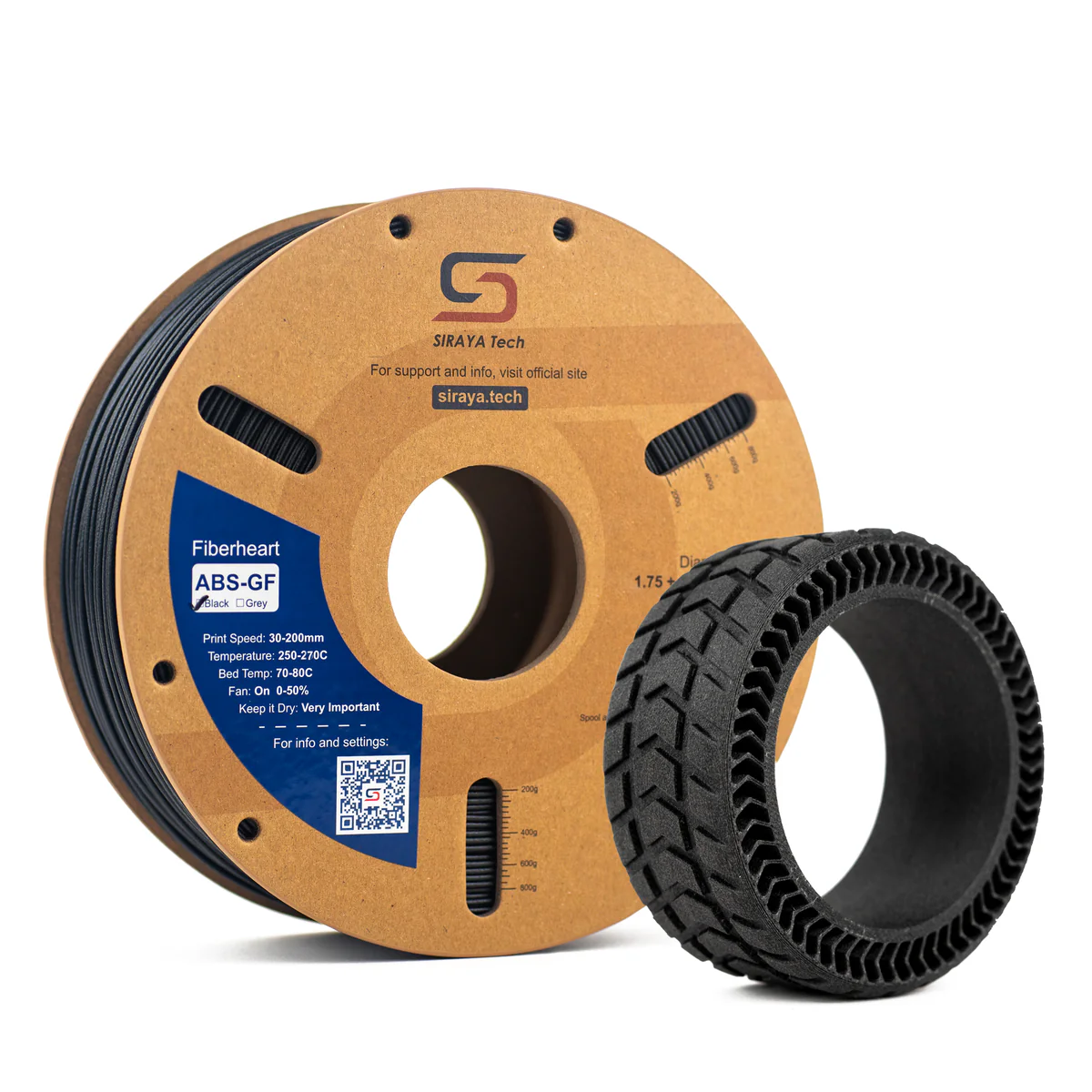
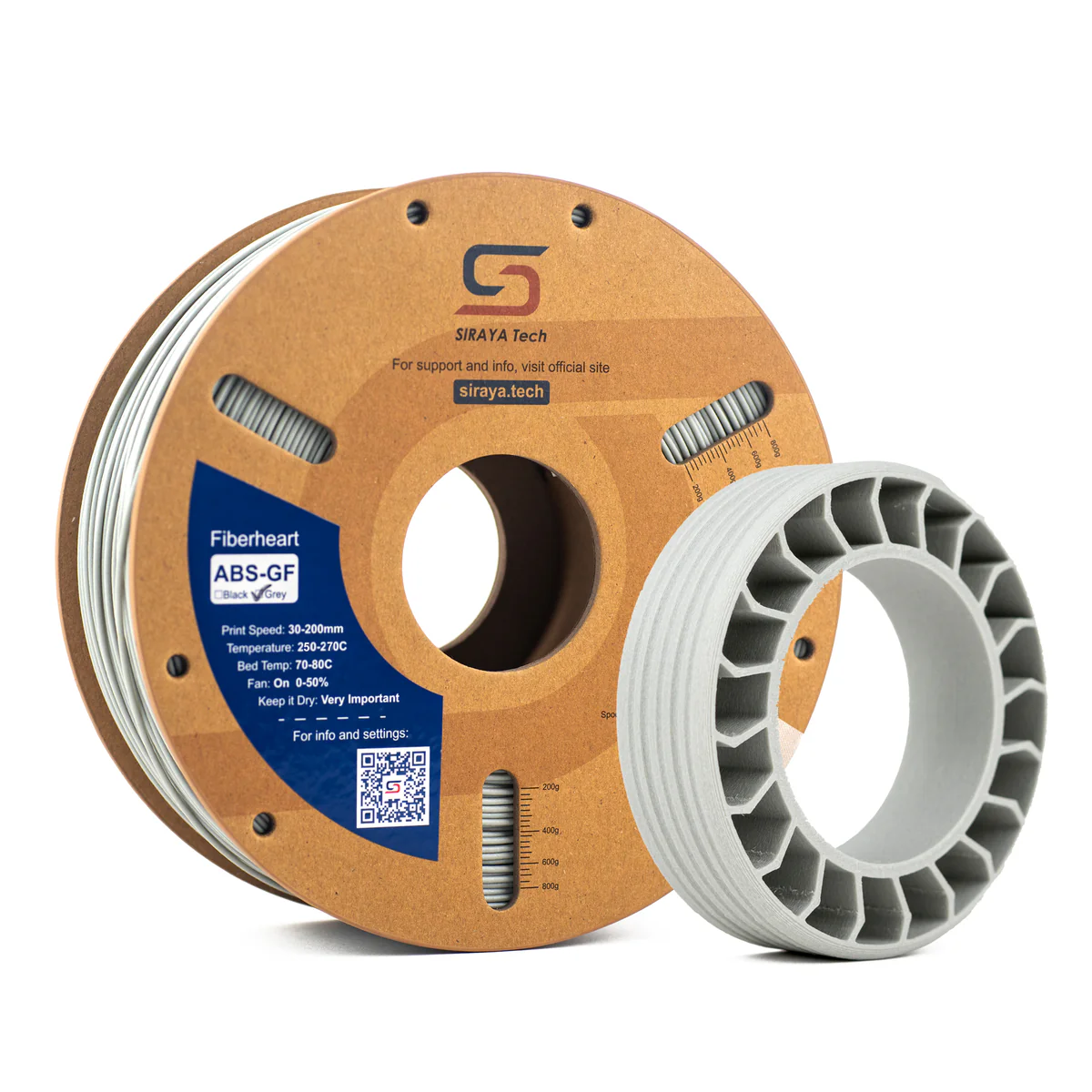
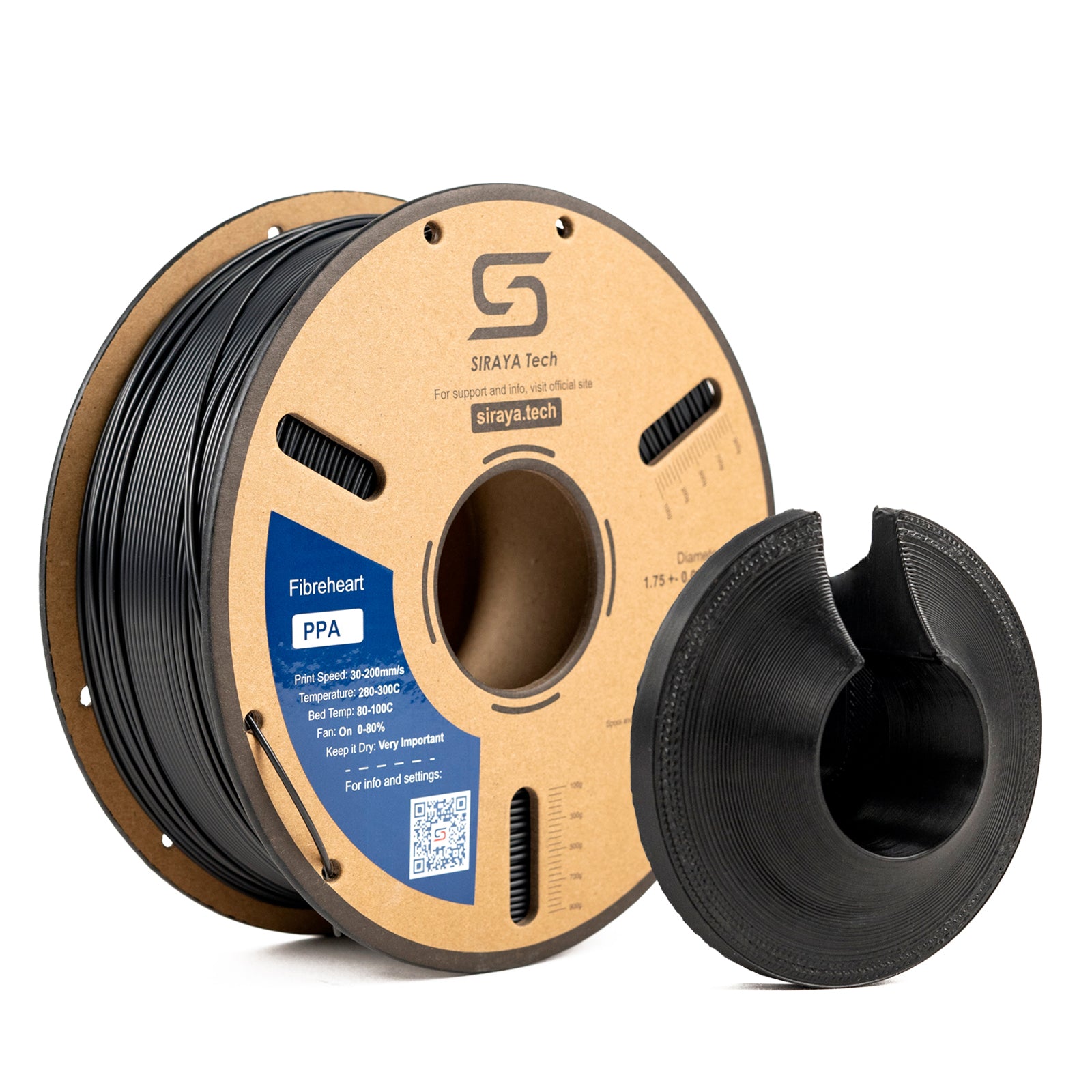
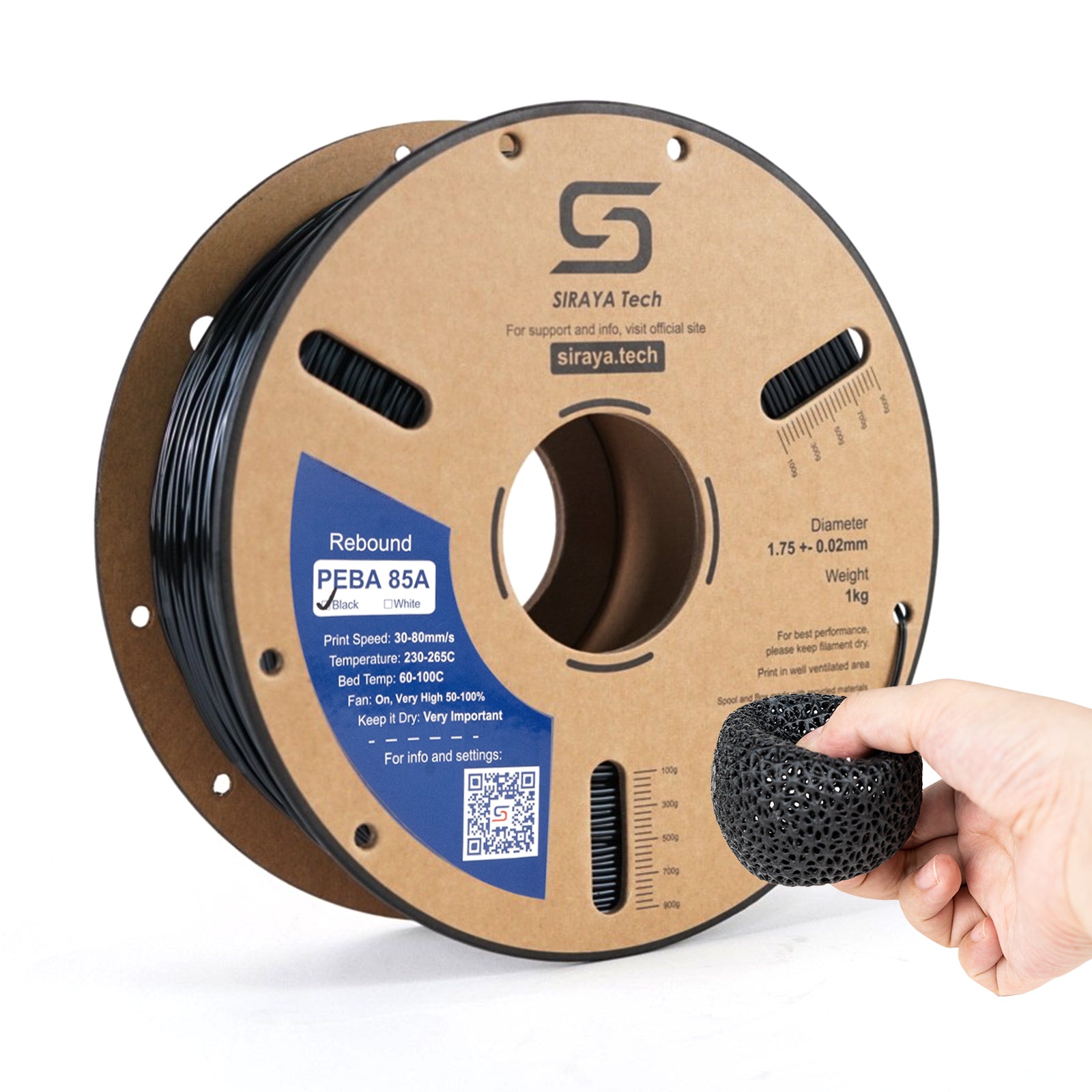
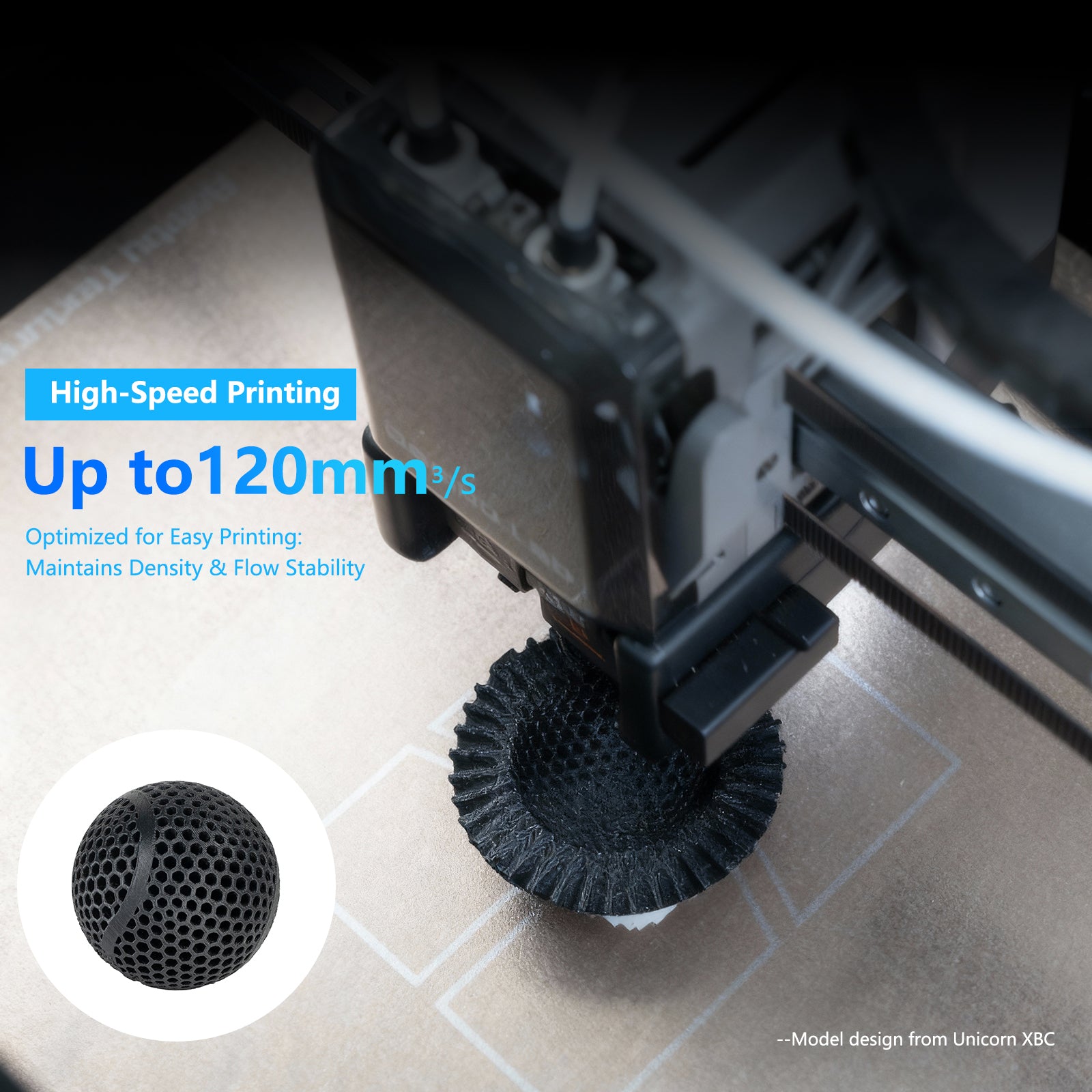
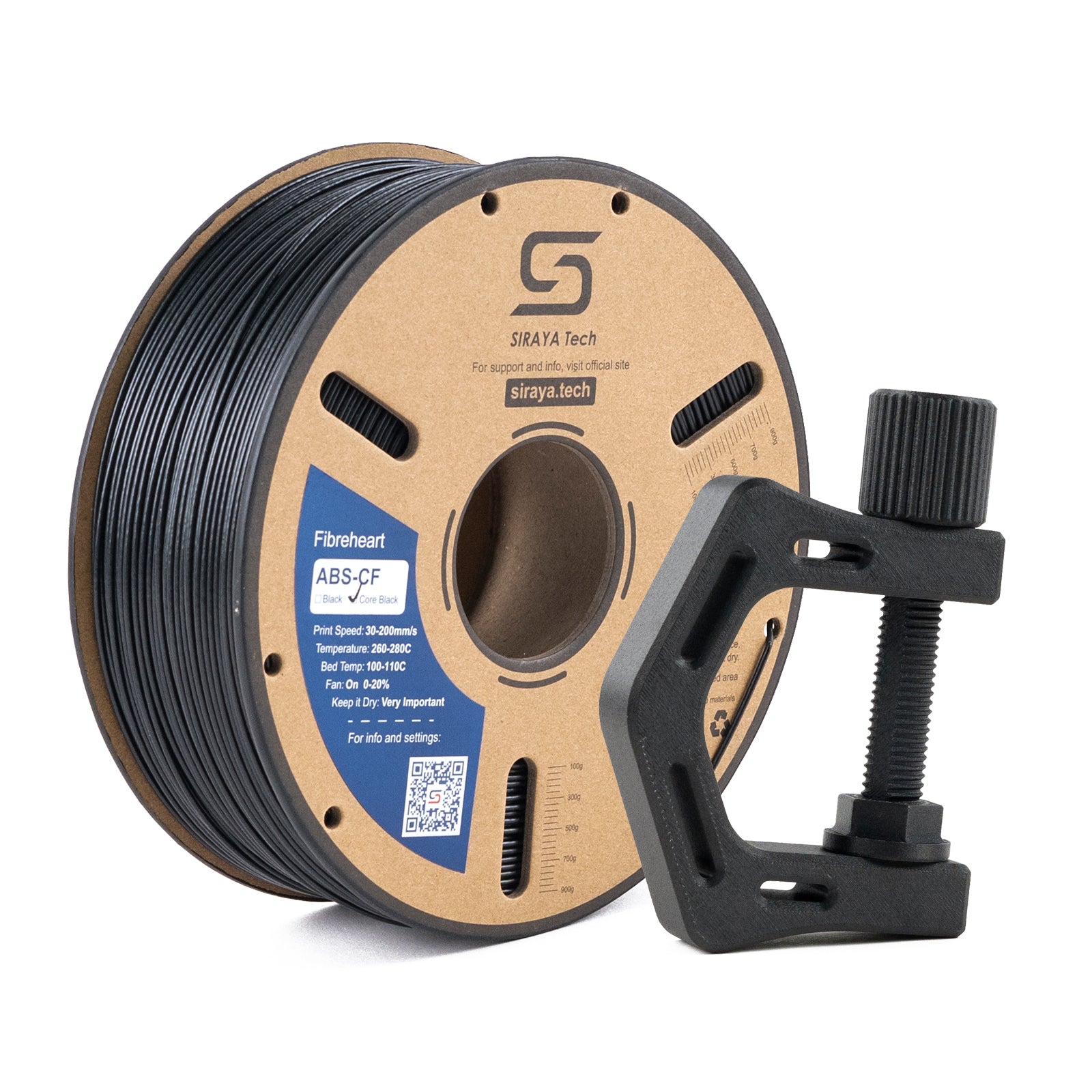
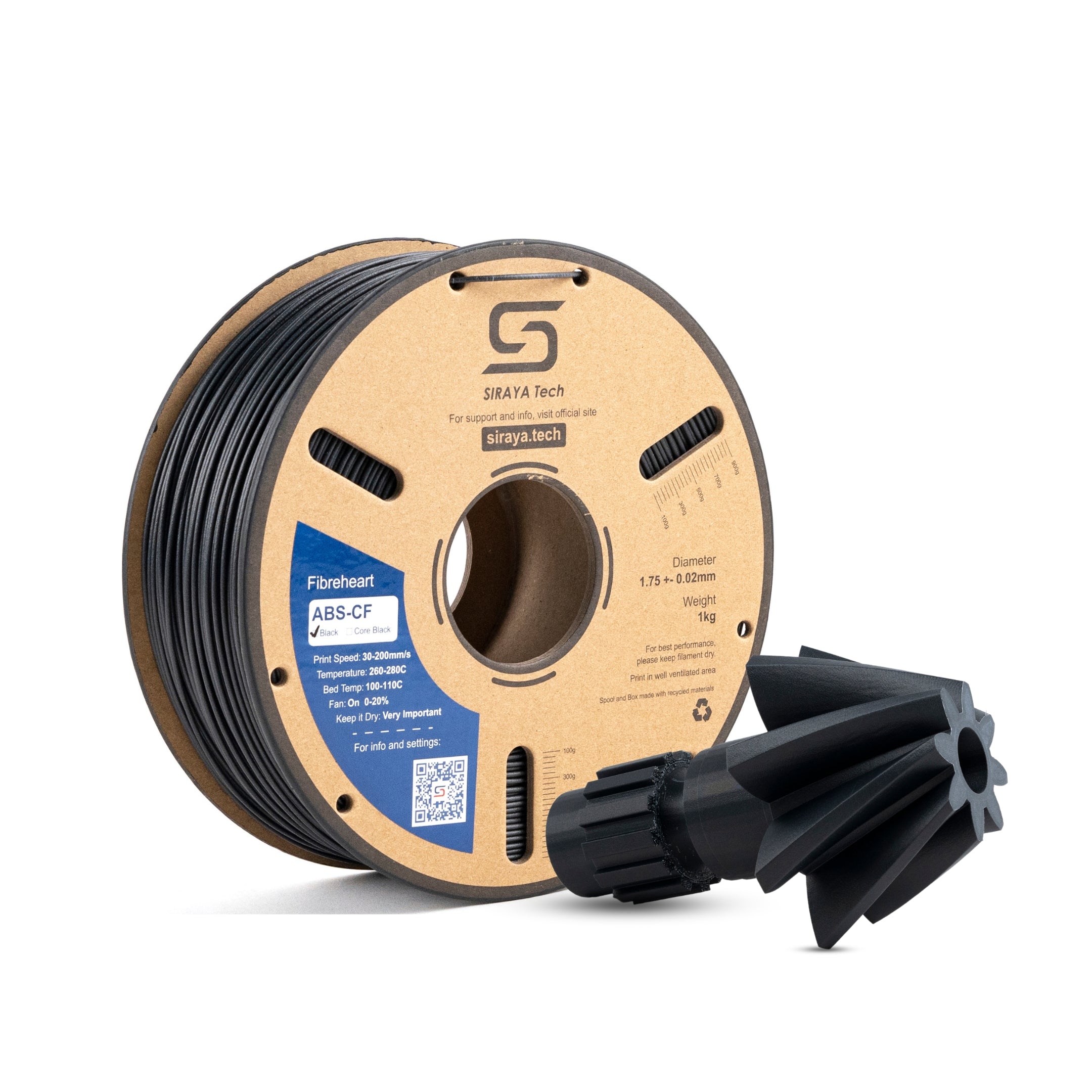
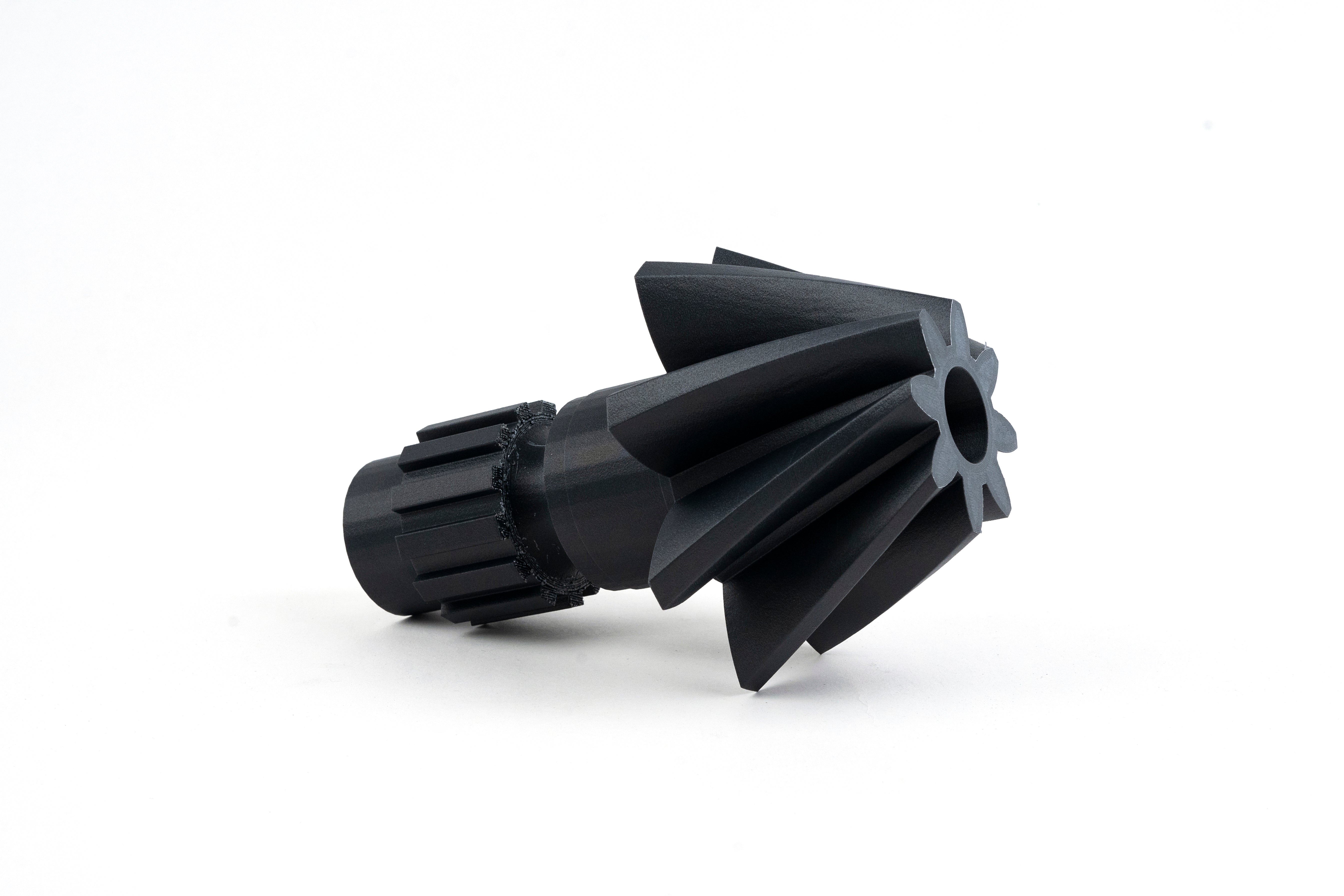
Stop wasting filament on failed prints. Siraya Tech makes filament for Elegoo Neptune Series that actually sticks to your bed, feeds without clogs, and delivers clean results every time. Our 1.75mm filament for Elegoo is tested specifically for Neptune printers so you get perfect prints without expensive trial and error.
Whether you need beginner-friendly PLA for Elegoo Neptune or stronger PETG and ABS for functional parts, every spool gives you the reliability your projects deserve at a price that makes sense.
Materials That Print Right the First Time
You shouldn't need an engineering degree to get good prints. Our Elegoo Neptune compatible filament works with your stock settings right out of the box.
PLA for Elegoo Neptune sticks easily and prints clean at 200-220°C with zero warping
PETG for Elegoo Neptune adds impact resistance and heat tolerance for parts that actually get used
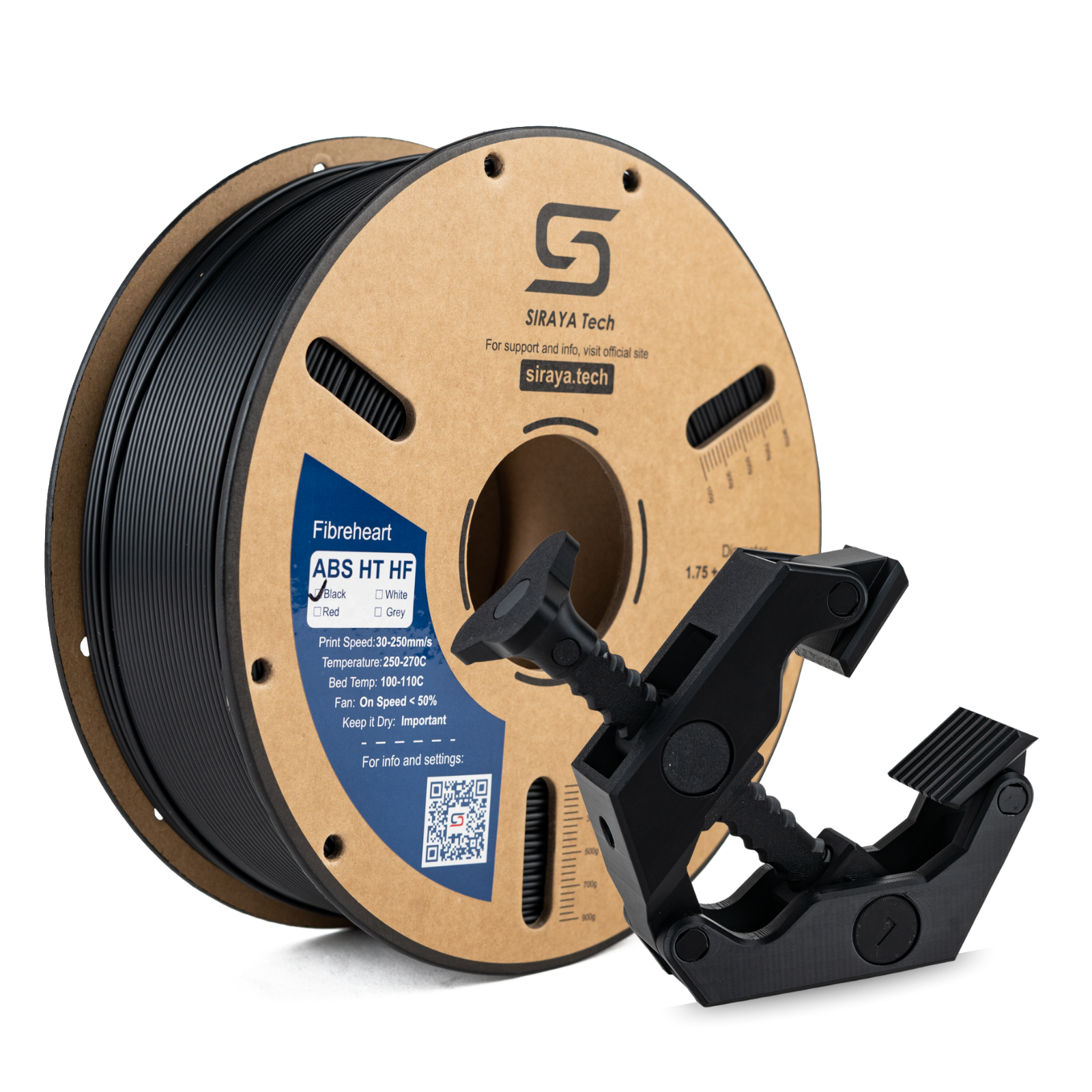
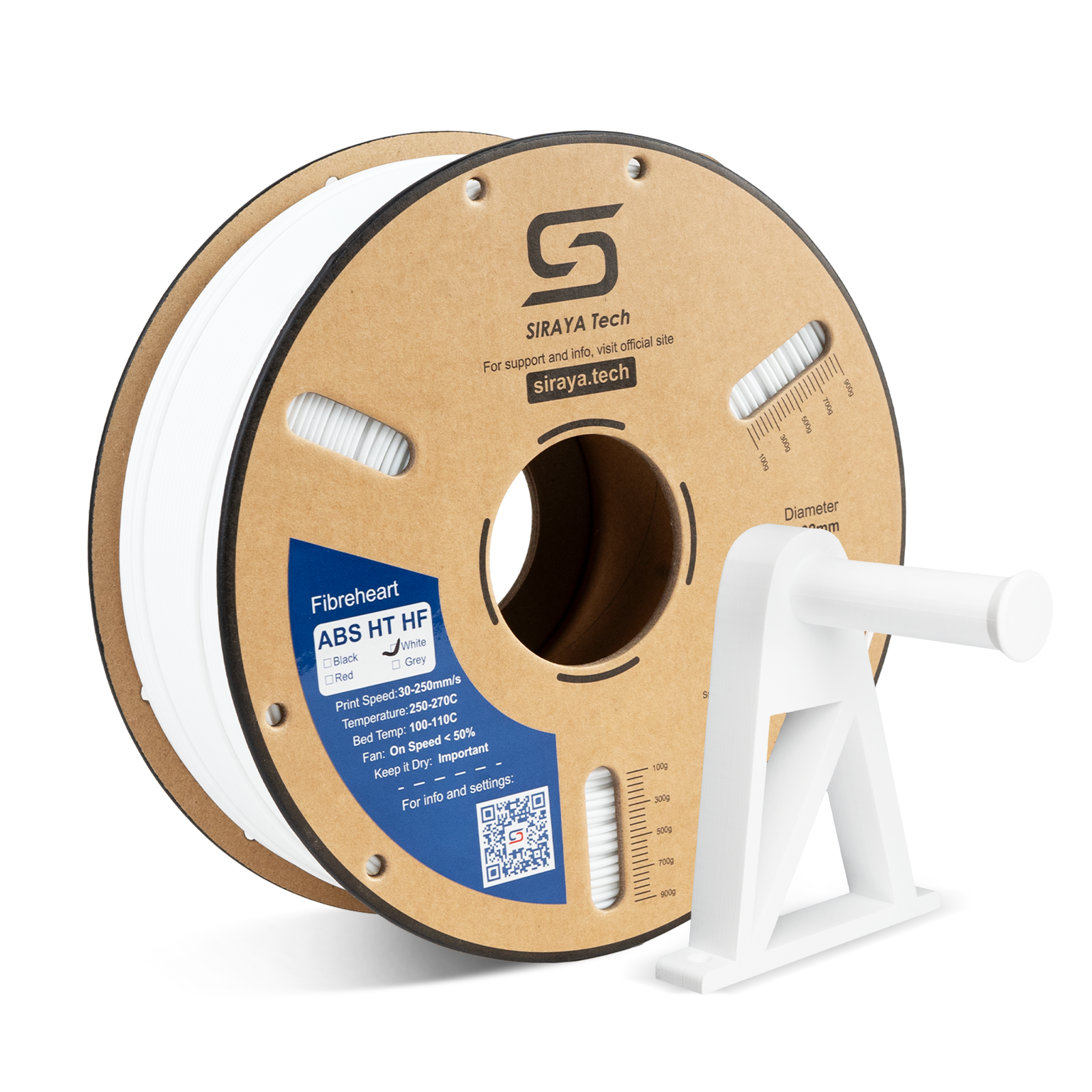
ABS filament Elegoo users choose for durability in high-temp applications
Low-stringing filament keeps details crisp without endless retraction tuning
Why Cheap Filament Costs You More
That discount spool seems like a deal until your print fails six hours in. Poor diameter control causes random clogs. Moisture-soaked filament creates bubbles and weak layers. Inconsistent quality means you're gambling every time you hit print.
Our reliable filament for FDM printers eliminates those problems with ±0.02mm diameter tolerance, proper moisture packaging, and clean spool winding that won't tangle mid-print.
Everything Works with Your Neptune
Our budget 3D printer filament gives you premium performance without the premium price, and it's compatible across the entire Neptune lineup.
Drop-in compatibility with Neptune 3, Neptune 4, and all series models
Works perfectly with default Cura profiles and standard print beds
Smooth extrusion filament flows consistently at Neptune's stock speeds
Temperature ranges match your printer's capabilities without modifications
Load the spool. Select your material. Start printing. No special upgrades. No complicated calibration. Just consistent results from the first layer to the last.
Our beginner filament Elegoo collection takes the frustration out of 3D printing so you can focus on creating instead of troubleshooting.
Explore Related Collections From Siraya Tech
PLA Filament for 3D Printing — Easiest material to print with excellent surface quality and reliable bed adhesion.
1.75mm Filament — Complete selection of standard diameter filaments for Neptune and most FDM printers.
Strong Filament — Reinforced materials for functional parts that handle real mechanical stress.
FAQs on Filaments Compatible with Elegoo Neptune Series
What filament does Elegoo use?
Elegoo Neptune printers use standard 1.75mm filament including PLA, PETG, ABS, and TPU. PLA is easiest for beginners because it prints at lower temperatures and sticks reliably to print beds without warping. PETG offers better strength and heat resistance for functional parts.
ABS provides durability for objects that handle higher temperatures or mechanical stress. All Neptune models work with these common materials using their stock hotend and settings.
How to tell if filament is compatible with a 3D printer?
Check the filament diameter, printing temperature, and diameter tolerance. Elegoo Neptune printers need 1.75mm filament that prints within their temperature range of 180-300°C depending on your model. Make sure the filament has ±0.02mm diameter tolerance to prevent jams and inconsistent extrusion.
If the spool matches your printer's diameter, your hotend reaches the recommended temperature, and the quality is consistent, the filament will work perfectly.
What filament can the Neptune 4 use?
The Elegoo Neptune 4 prints PLA, PETG, ABS, TPU, nylon, and polycarbonate since its hotend reaches 300°C. For everyday printing, use PLA at 200-220°C for easy results, PETG at 230-250°C for stronger parts, and ABS at 240-260°C for heat resistance.
The Neptune 4's direct drive system handles flexible TPU well too. Just make sure your filament is stored dry and has consistent diameter to avoid clogs at the higher speeds this printer can handle.
How do I know which filament to use?
Match the filament to what your print needs to do. Choose PLA for prototypes, decorative items, and learning because it's easiest to print and looks great. Use PETG when parts need strength, some heat resistance, or will be used outdoors.
Pick ABS for higher temperature tolerance and mechanical durability in functional parts. TPU works for flexible items. If you're new to printing, start with PLA and upgrade to other materials as your projects demand more performance.
Is PLA+ really better than PLA?
PLA+ offers stronger layer adhesion and better impact resistance, making it less brittle for functional parts. It also has slightly higher temperature tolerance and warps less during printing. Regular PLA works perfectly fine for decorative prints and costs less.
The difference matters most when you're making parts that might get dropped, bent, or used regularly. For display pieces and prototypes, save money with standard PLA. For anything that needs to perform or last, PLA+ is worth the small upgrade cost.