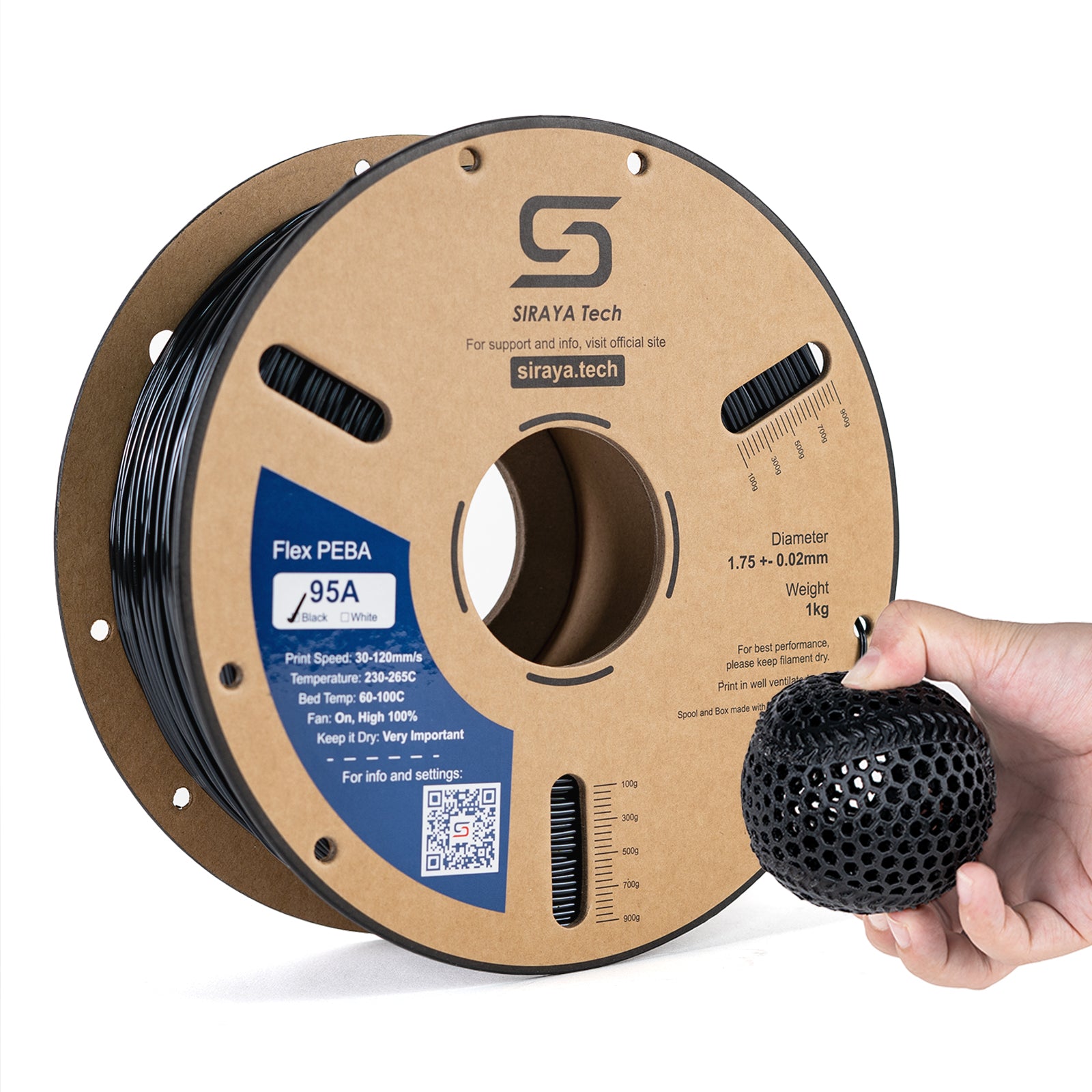
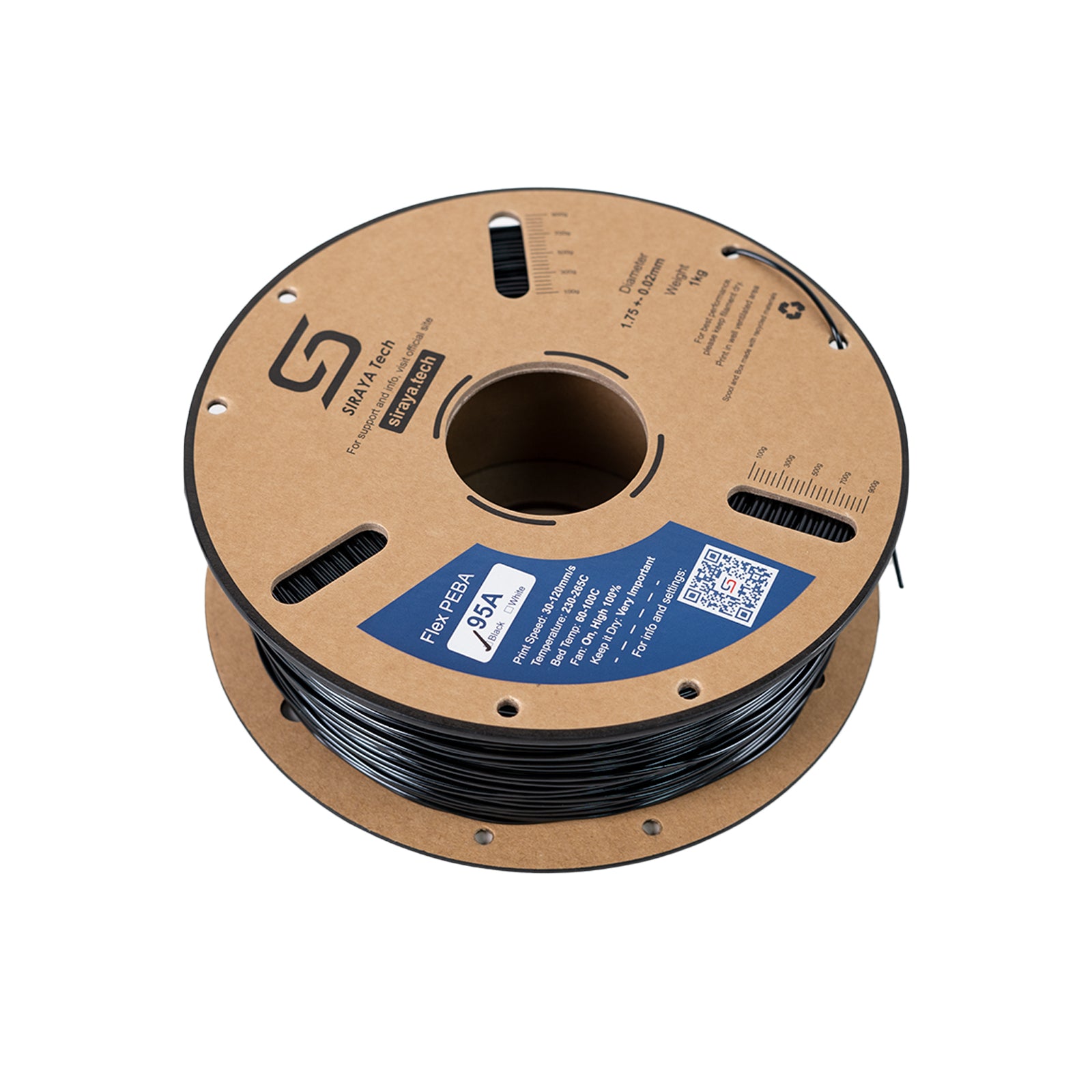
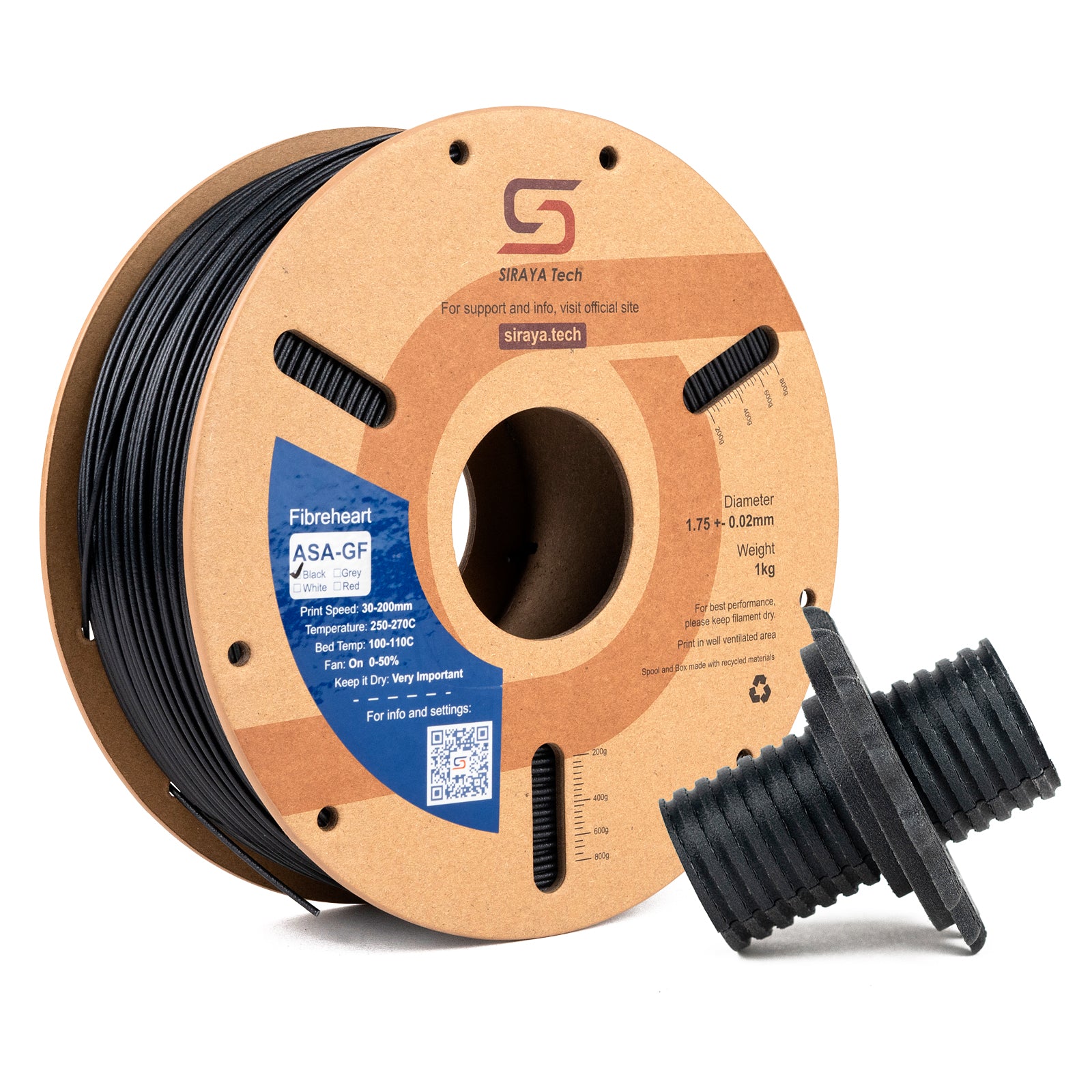
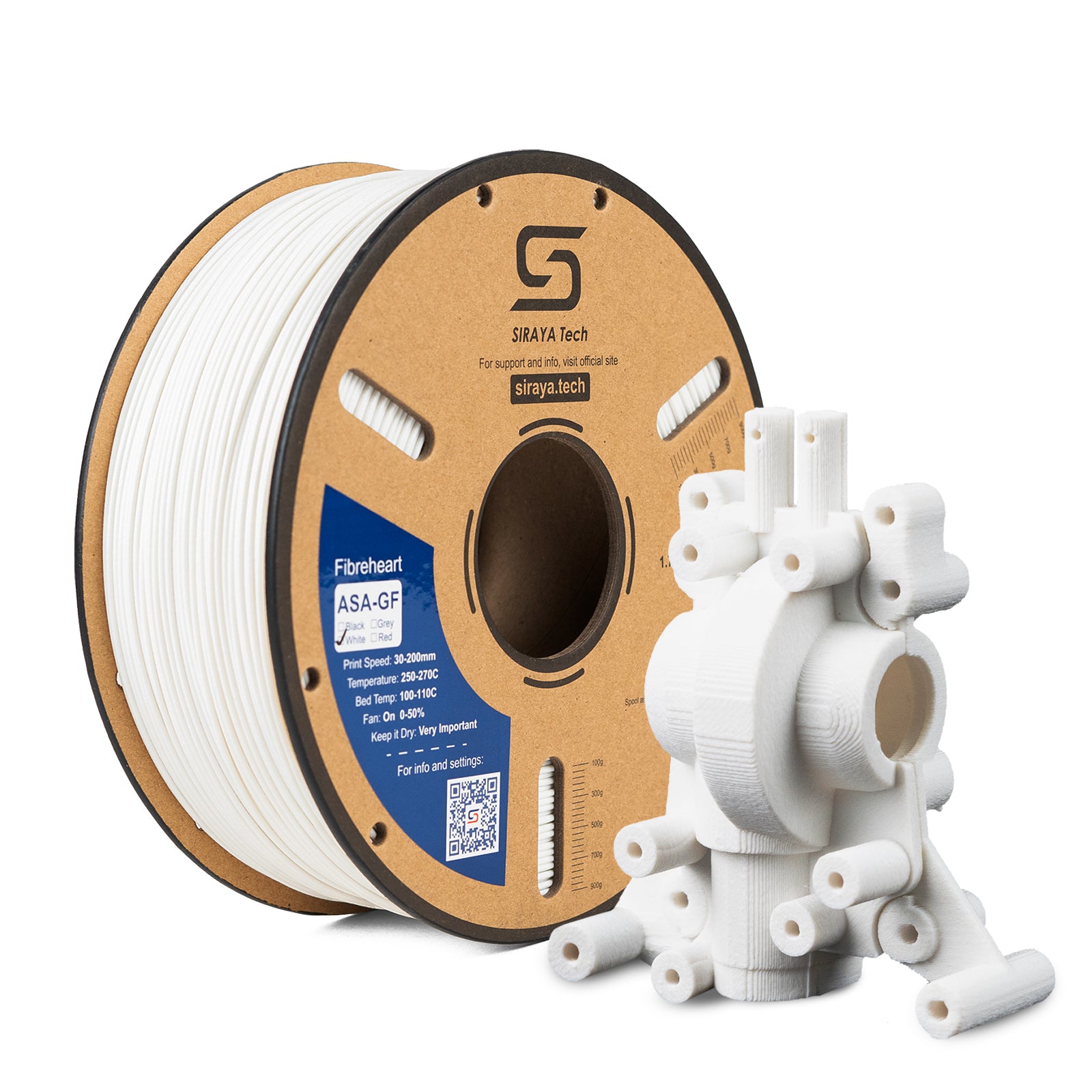
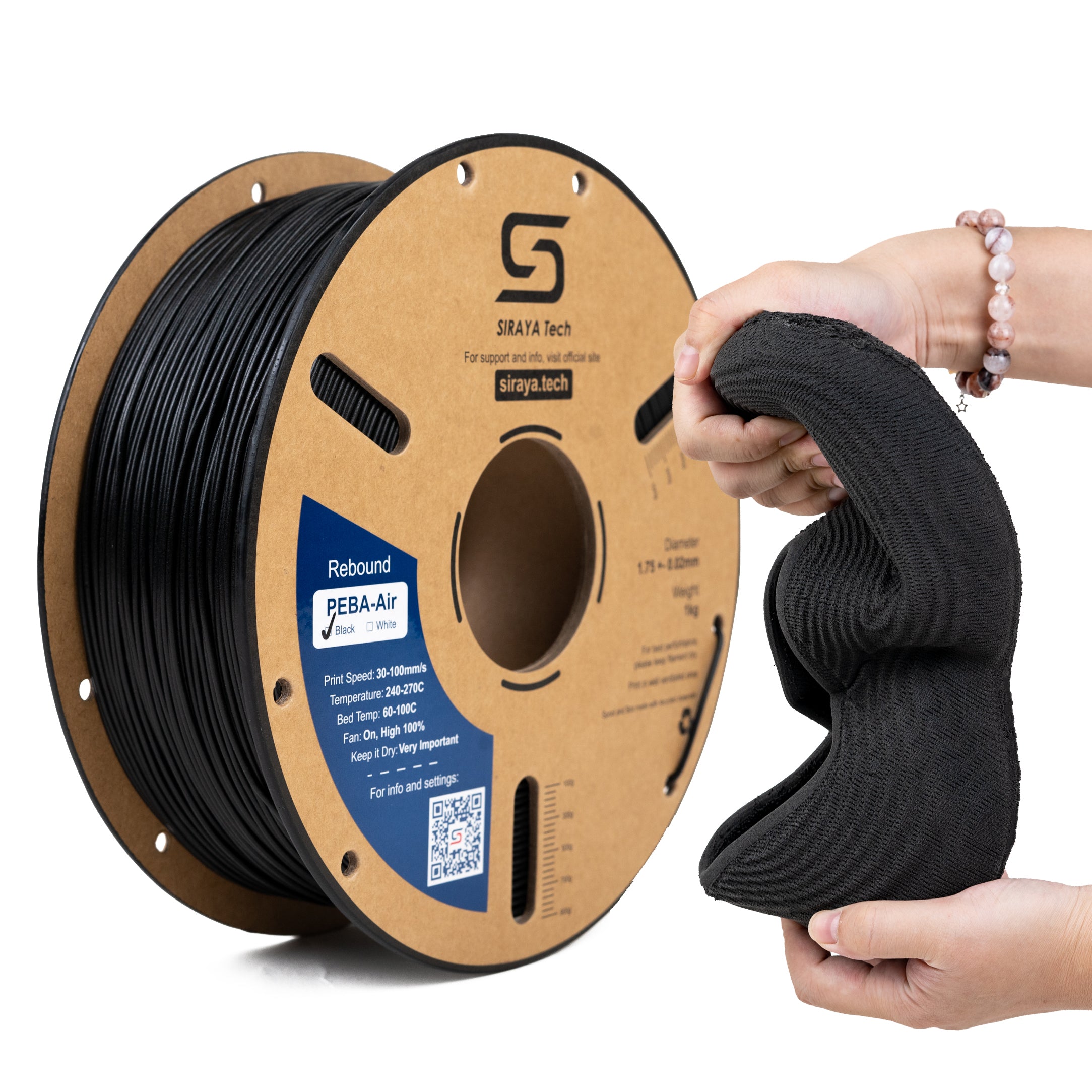
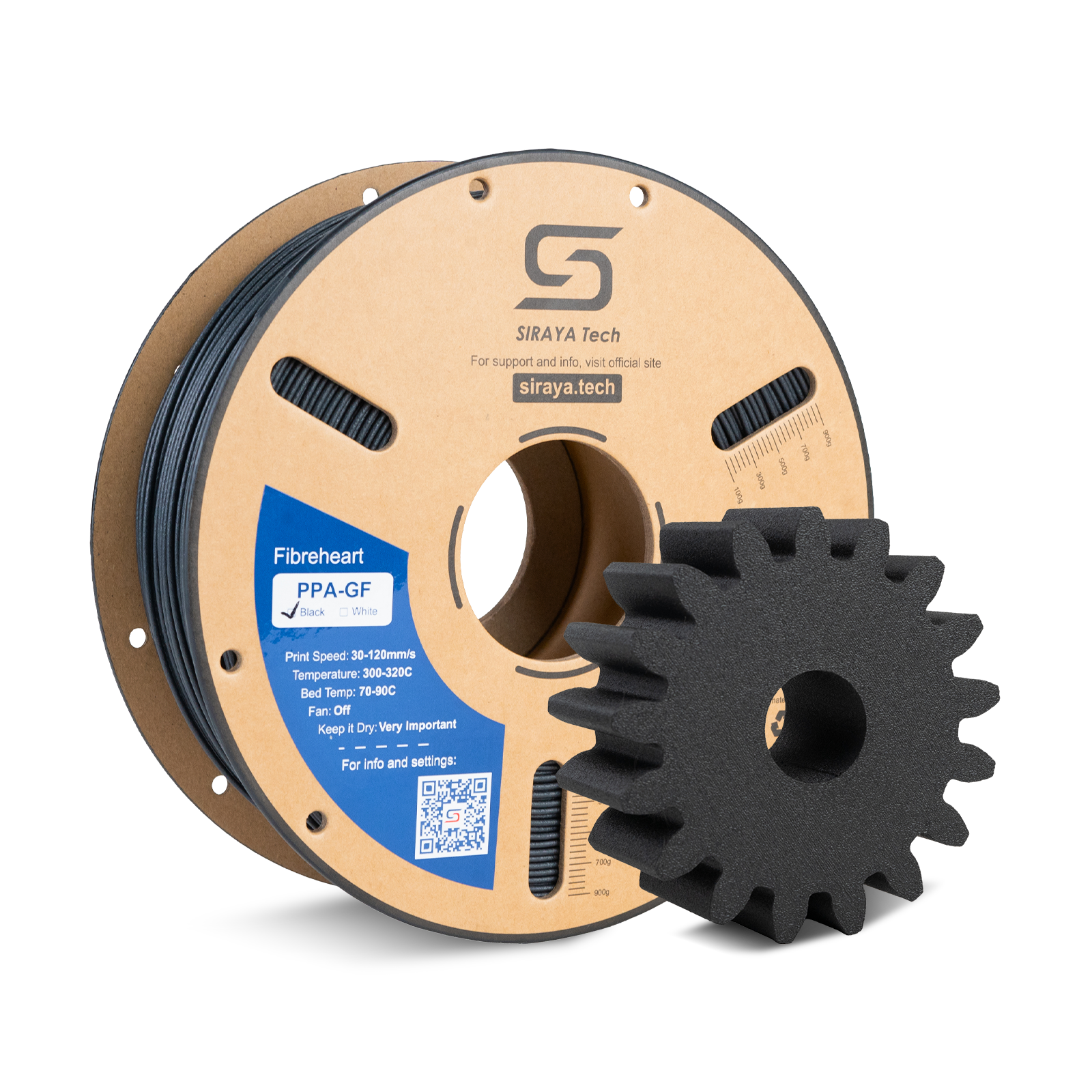
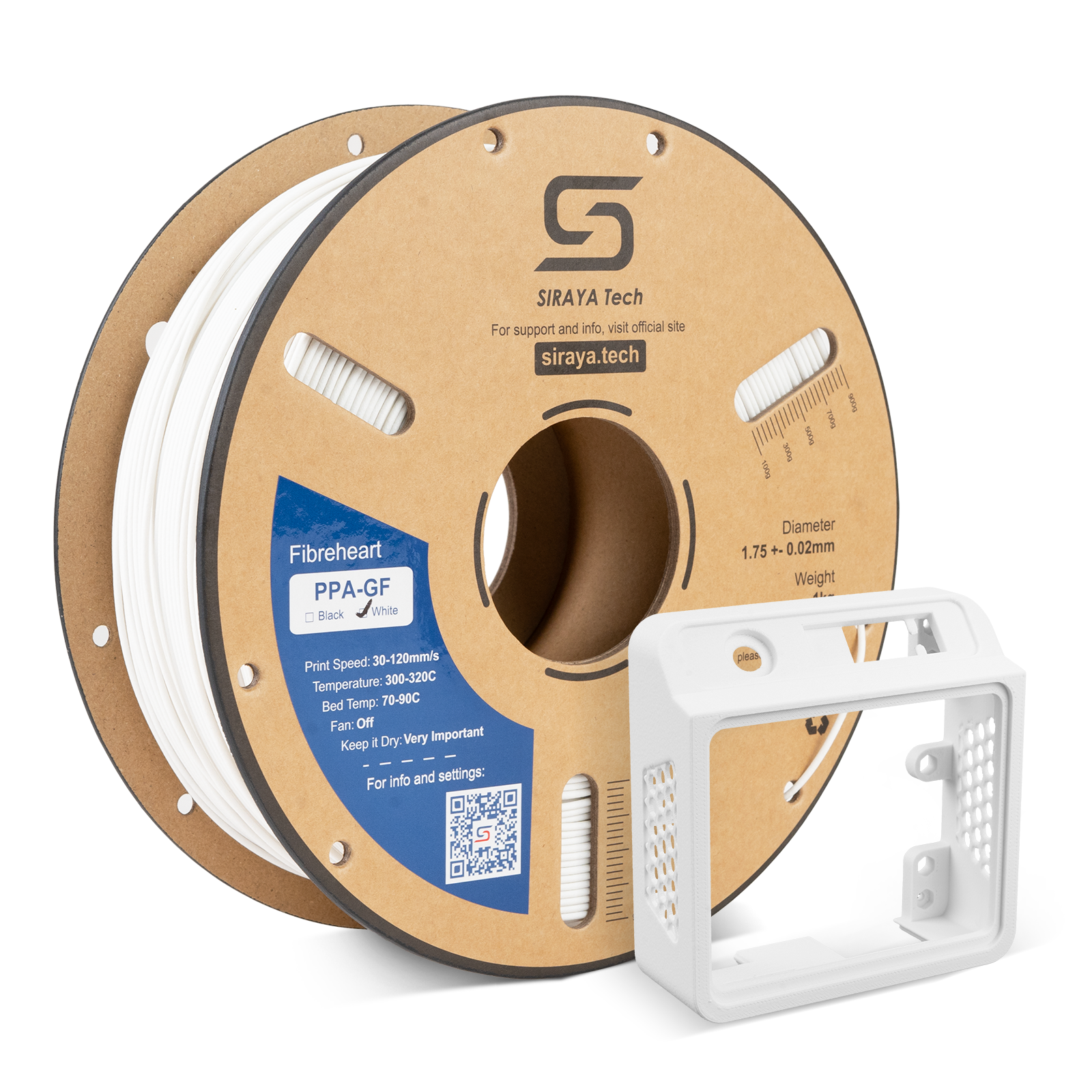
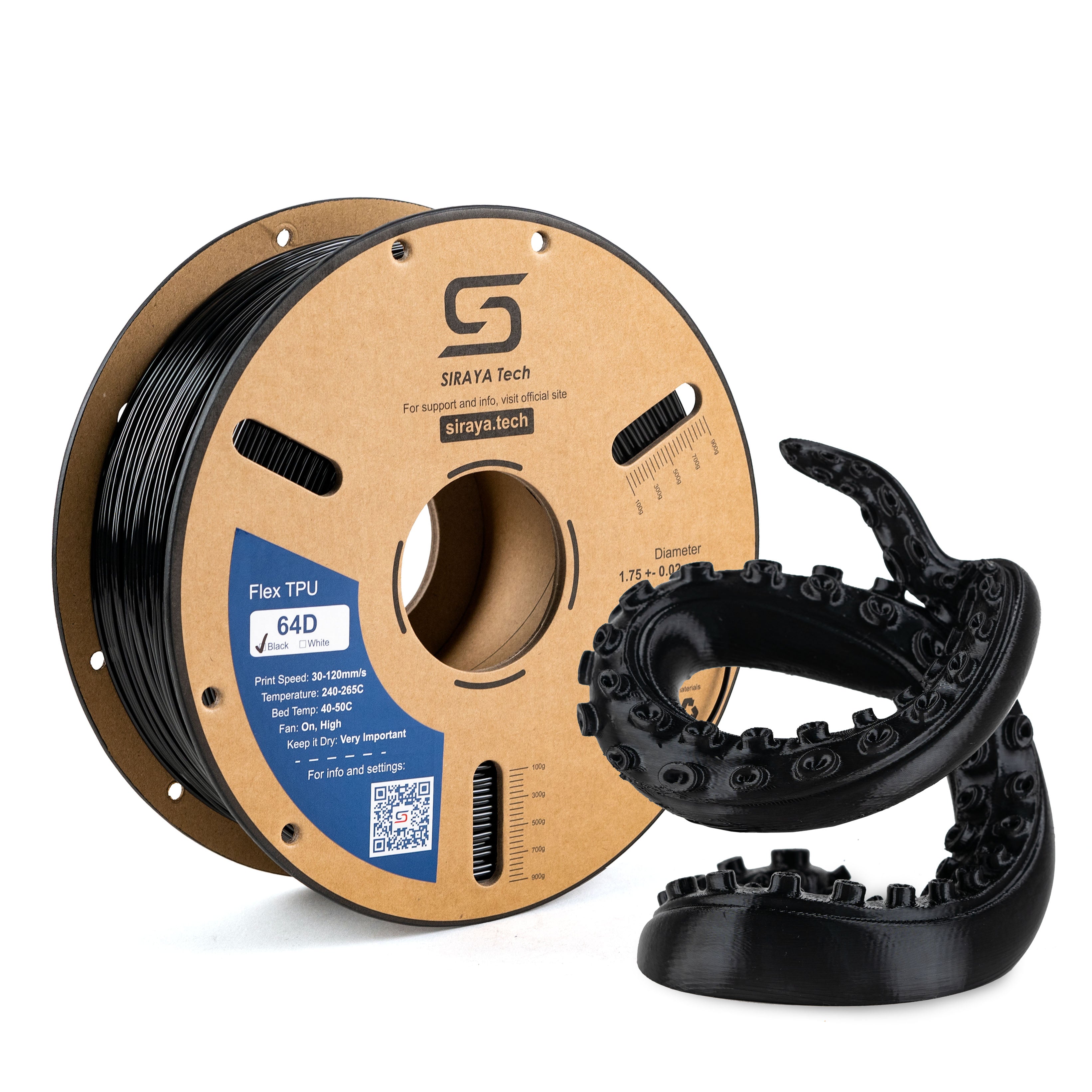
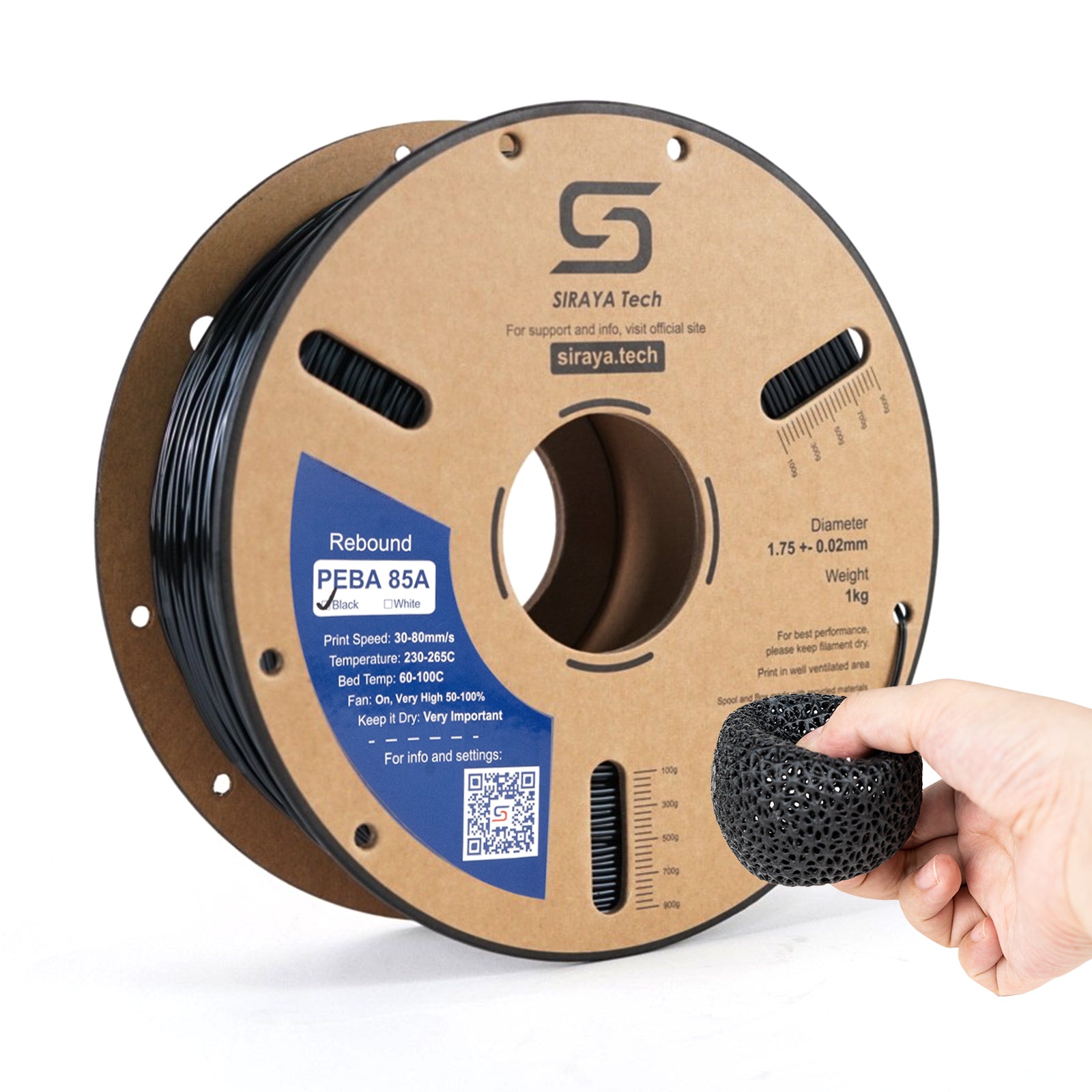
Two Trees SK1 filament needs to keep up with a CoreXY printer advertised at 700mm/s travel speed, even though real world print speed sits much lower. Siraya Tech stocks PLA, PETG, ABS, and reinforced filament that performs at the speeds this printer can actually sustain in normal use.
What Filament Works on the SK1
The SK1 has a 254x254x254mm build volume per Two Trees' own manual, a hotend rated to 300C, and a bed rated to 100C. The printer officially supports PLA, PETG, ABS, ASA, TPU, PC, and UltraPA. It runs Klipper firmware with a near-range dual-gear direct drive extruder, which handles TPU and stiffer filaments better than a Bowden setup would.
PLA and PETG print well at the SK1's everyday speeds with no changes needed
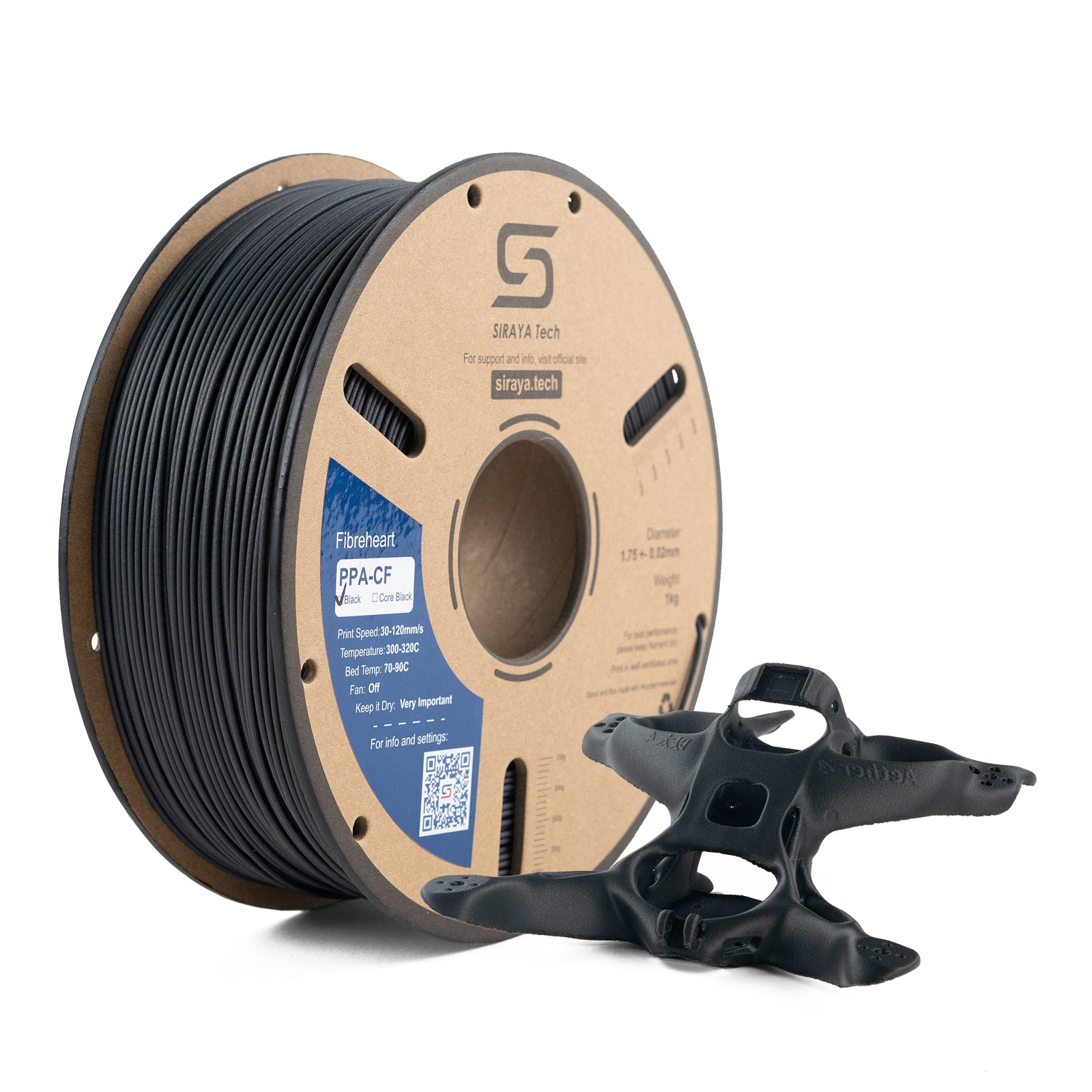
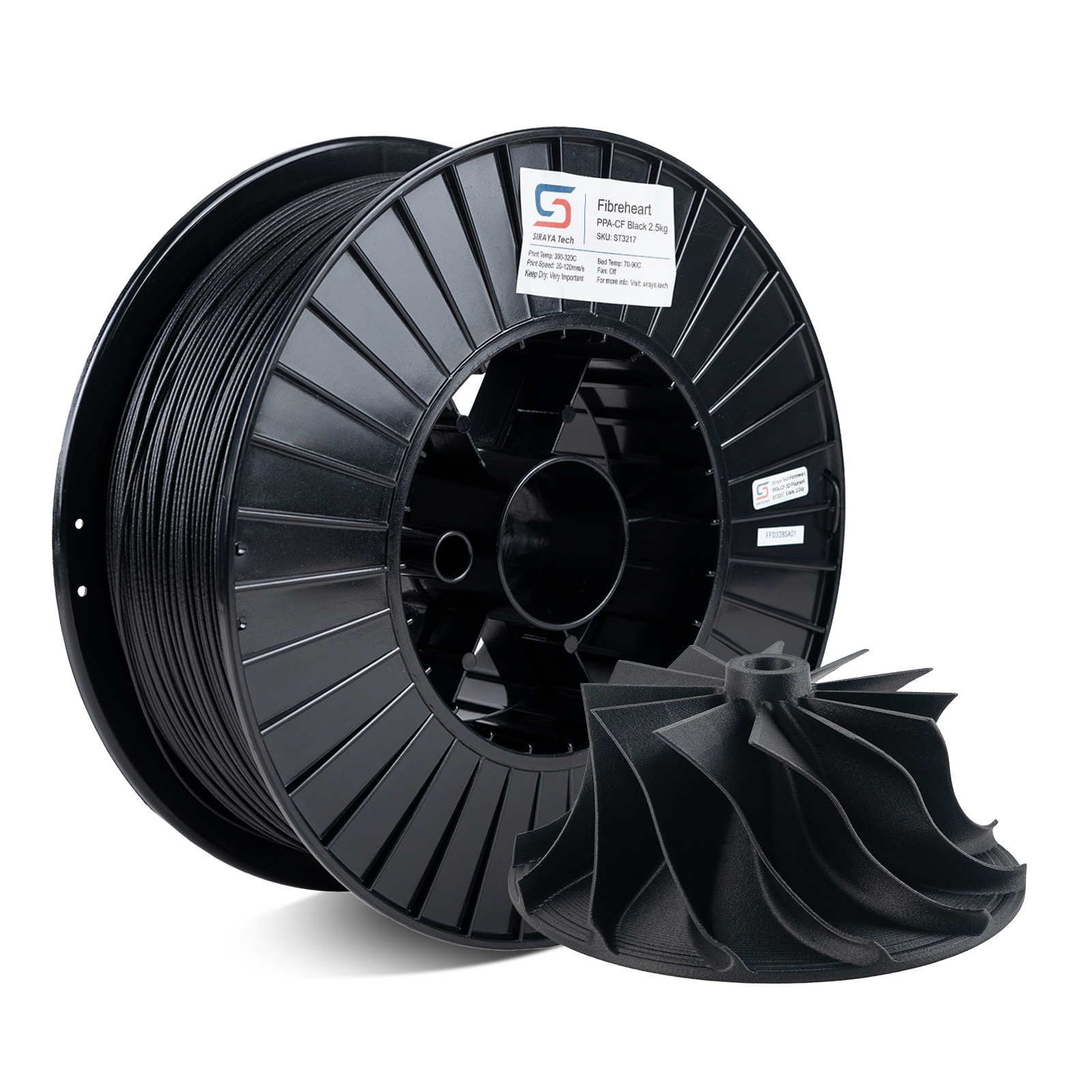
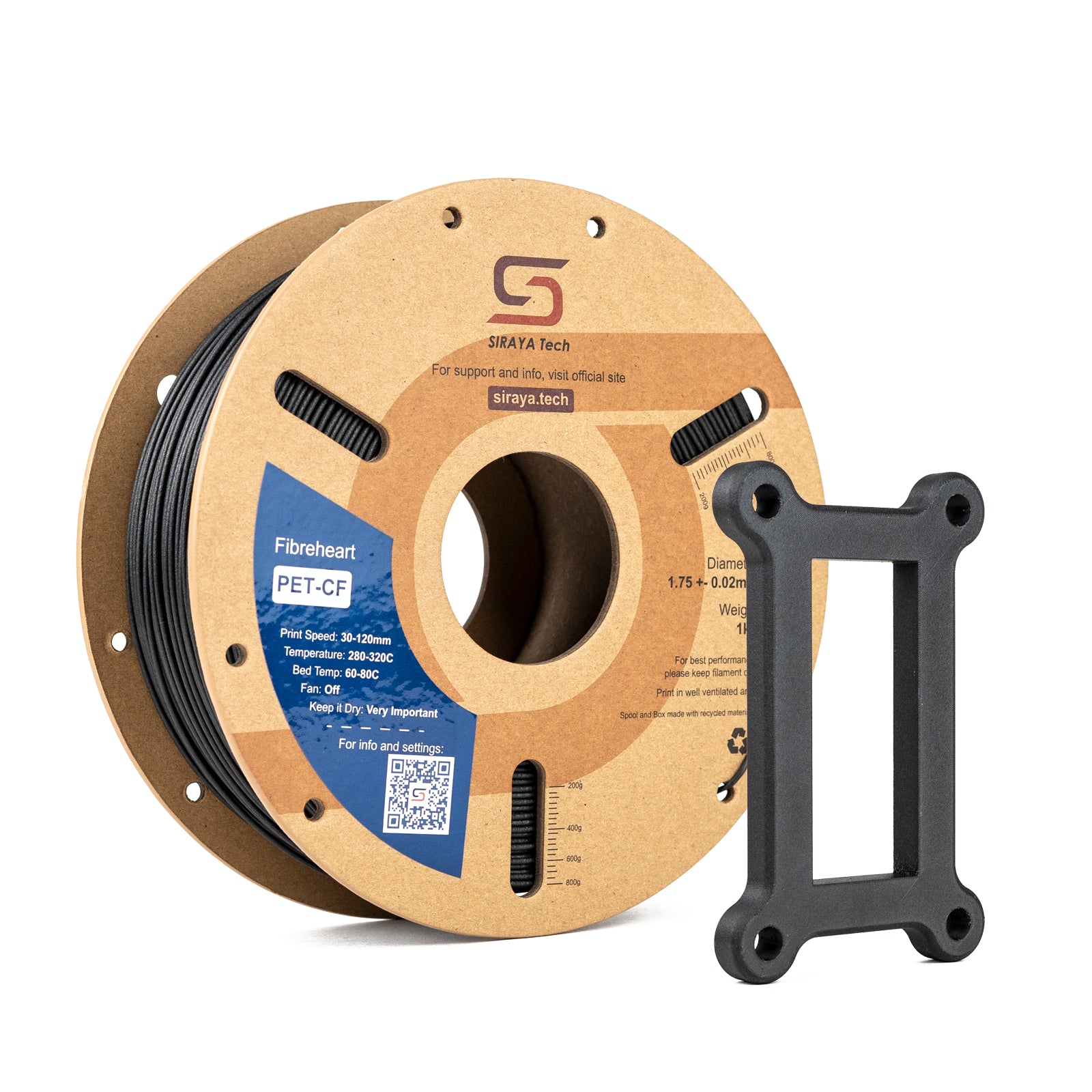
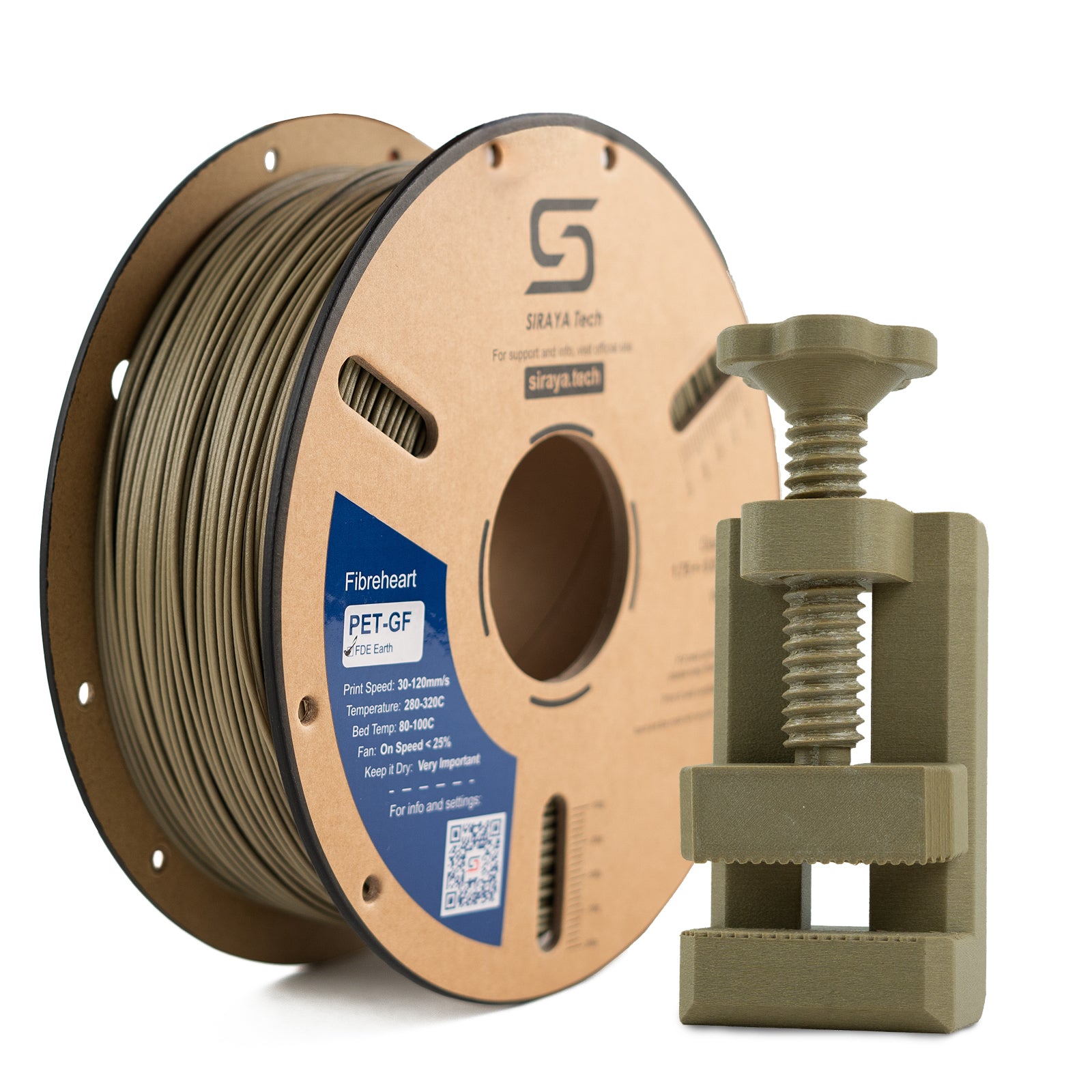
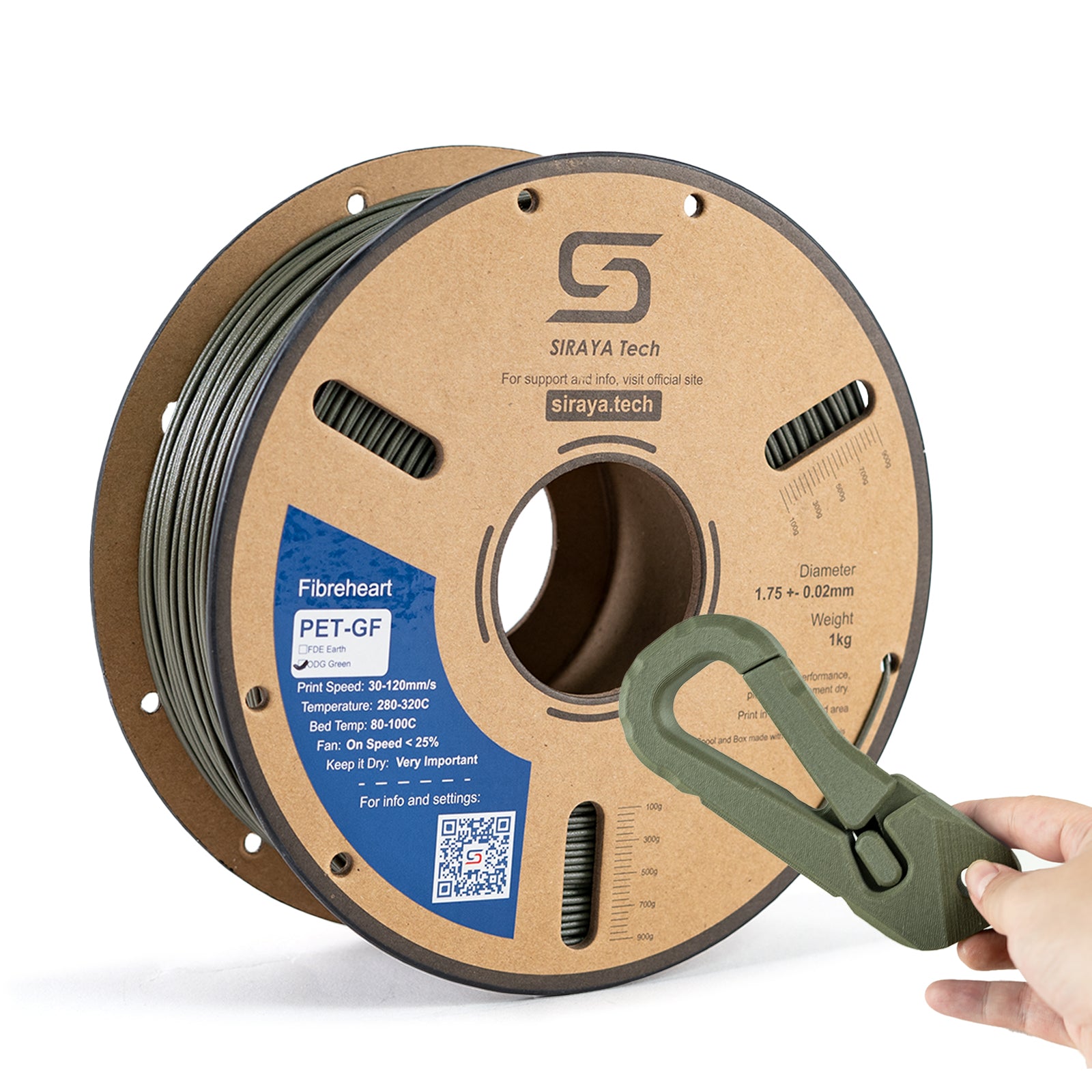
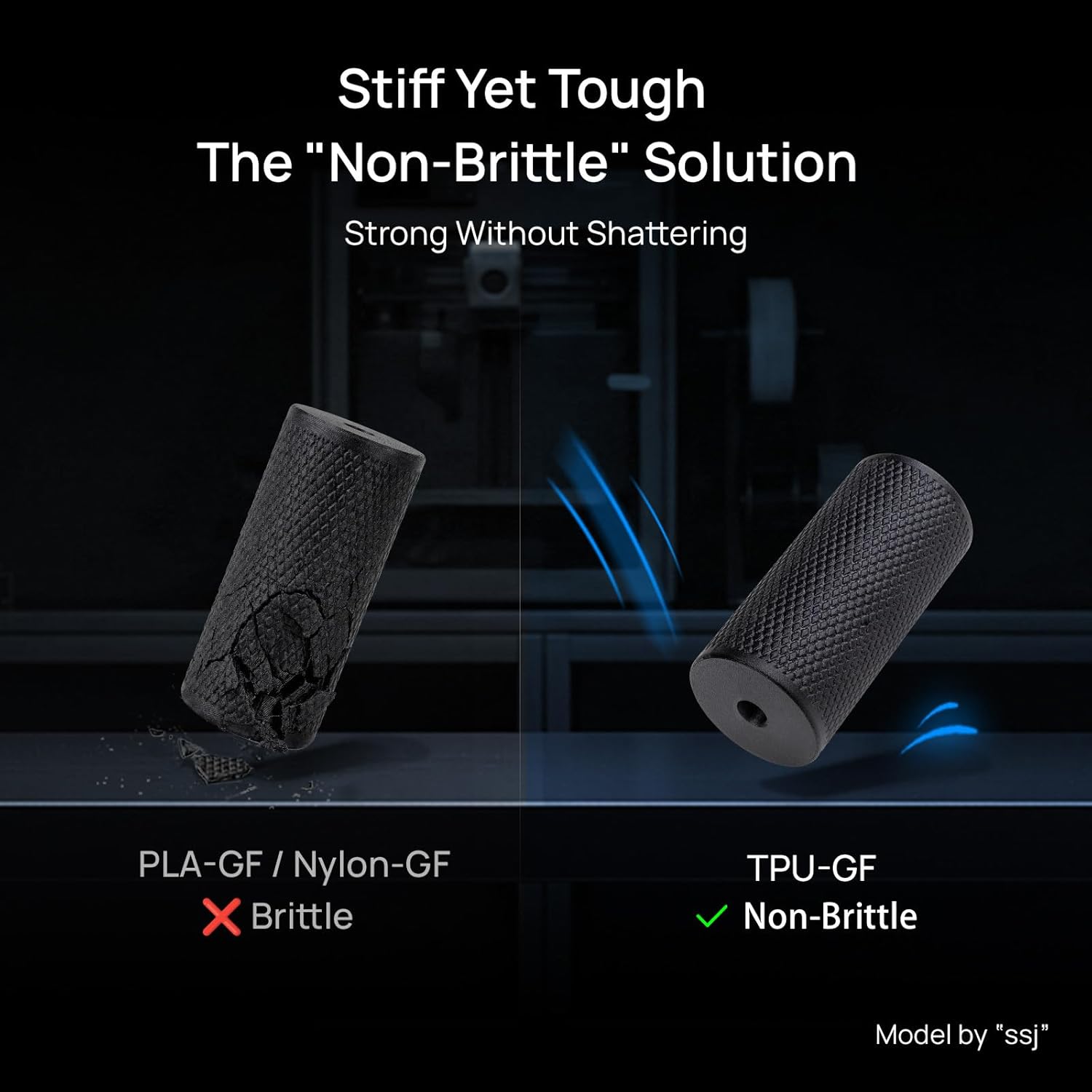
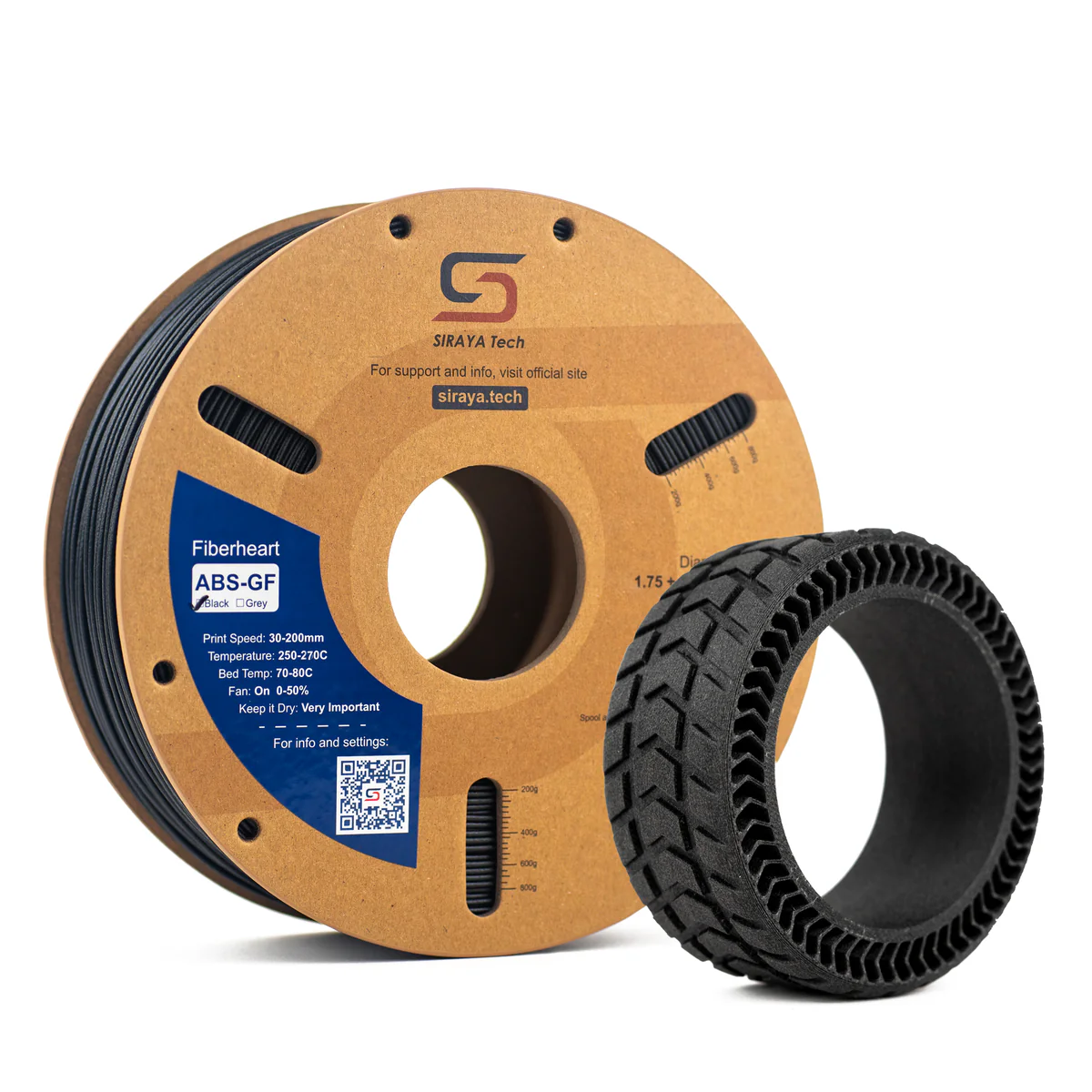
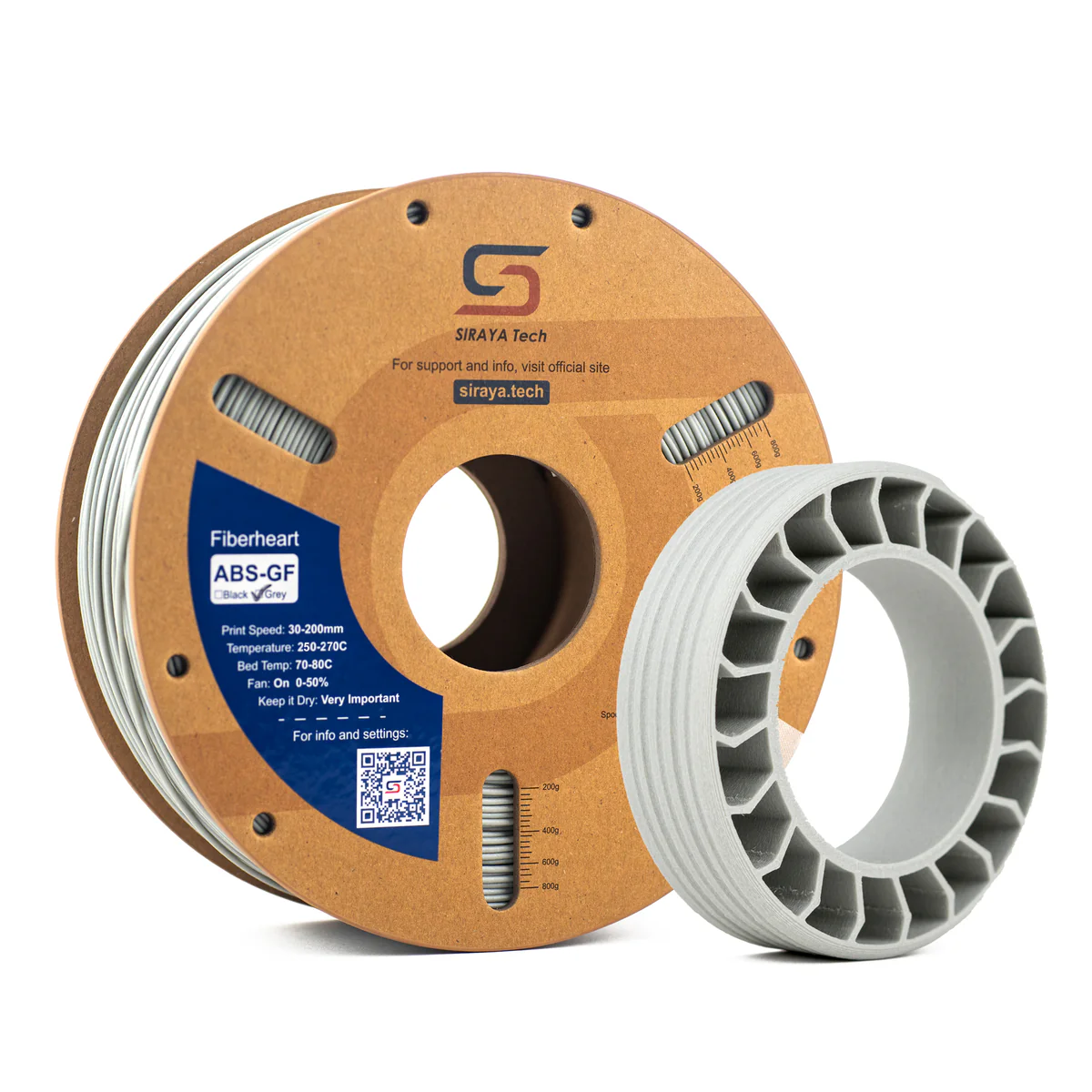
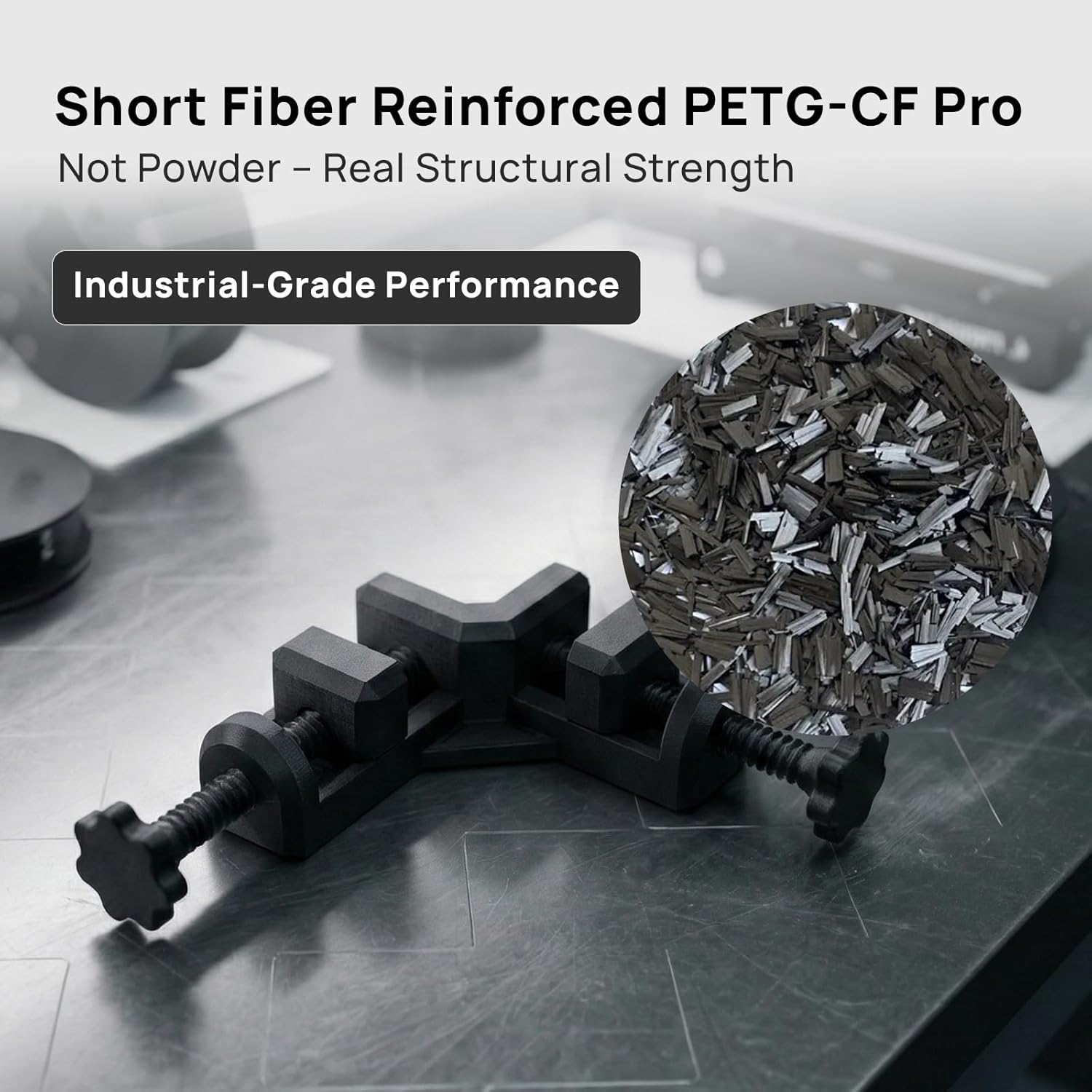
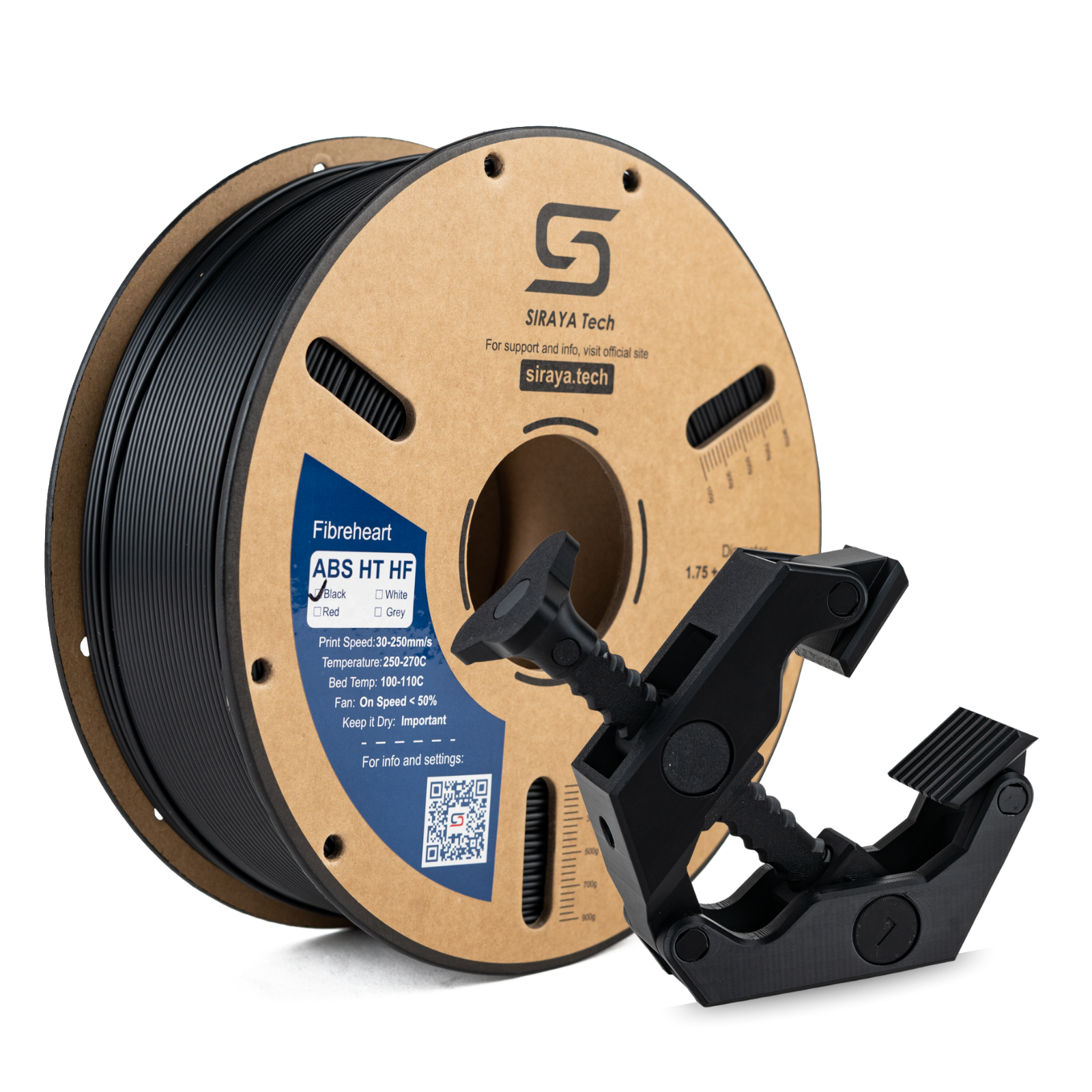
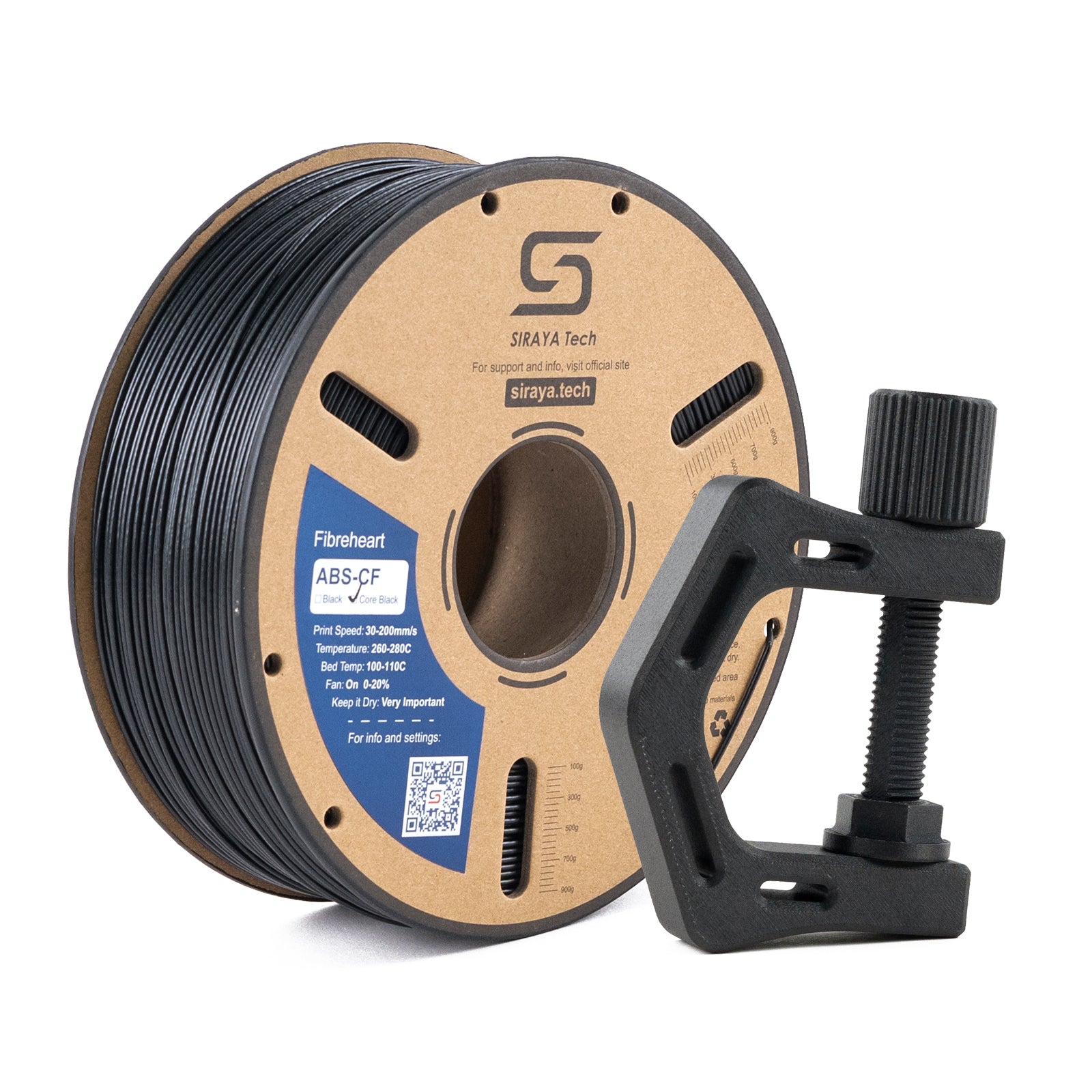
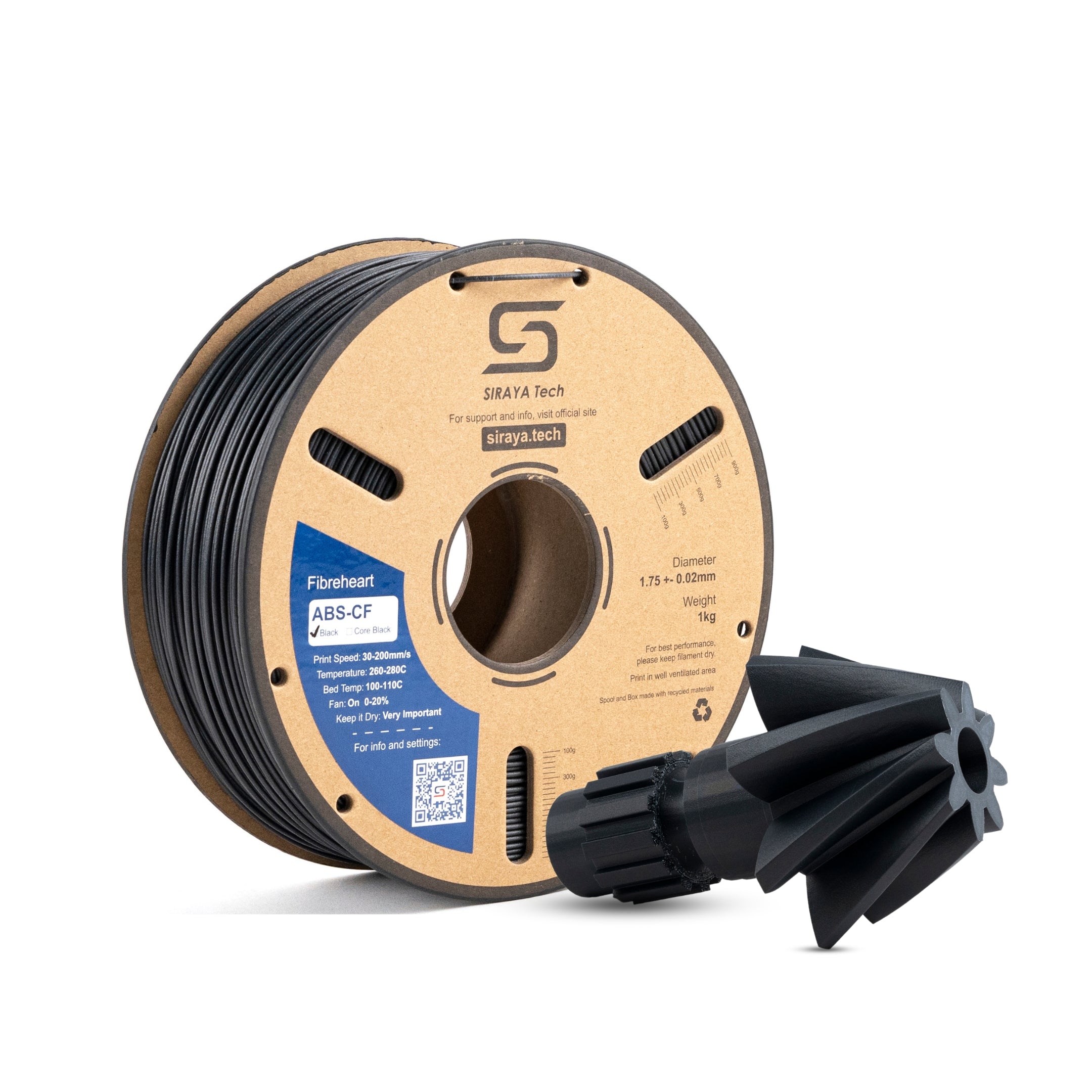
ABS-CF needs a hardened steel nozzle and benefits from an enclosure
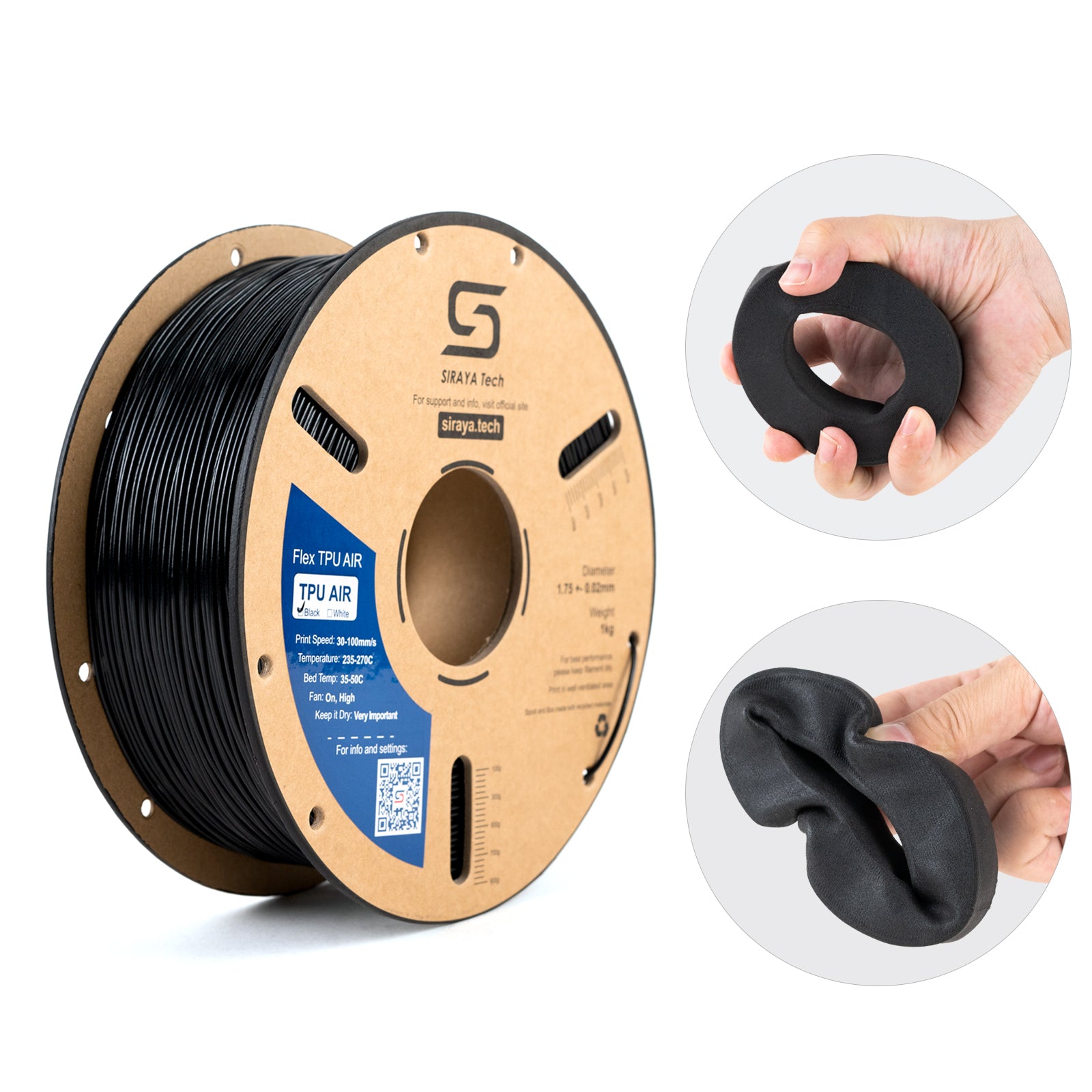
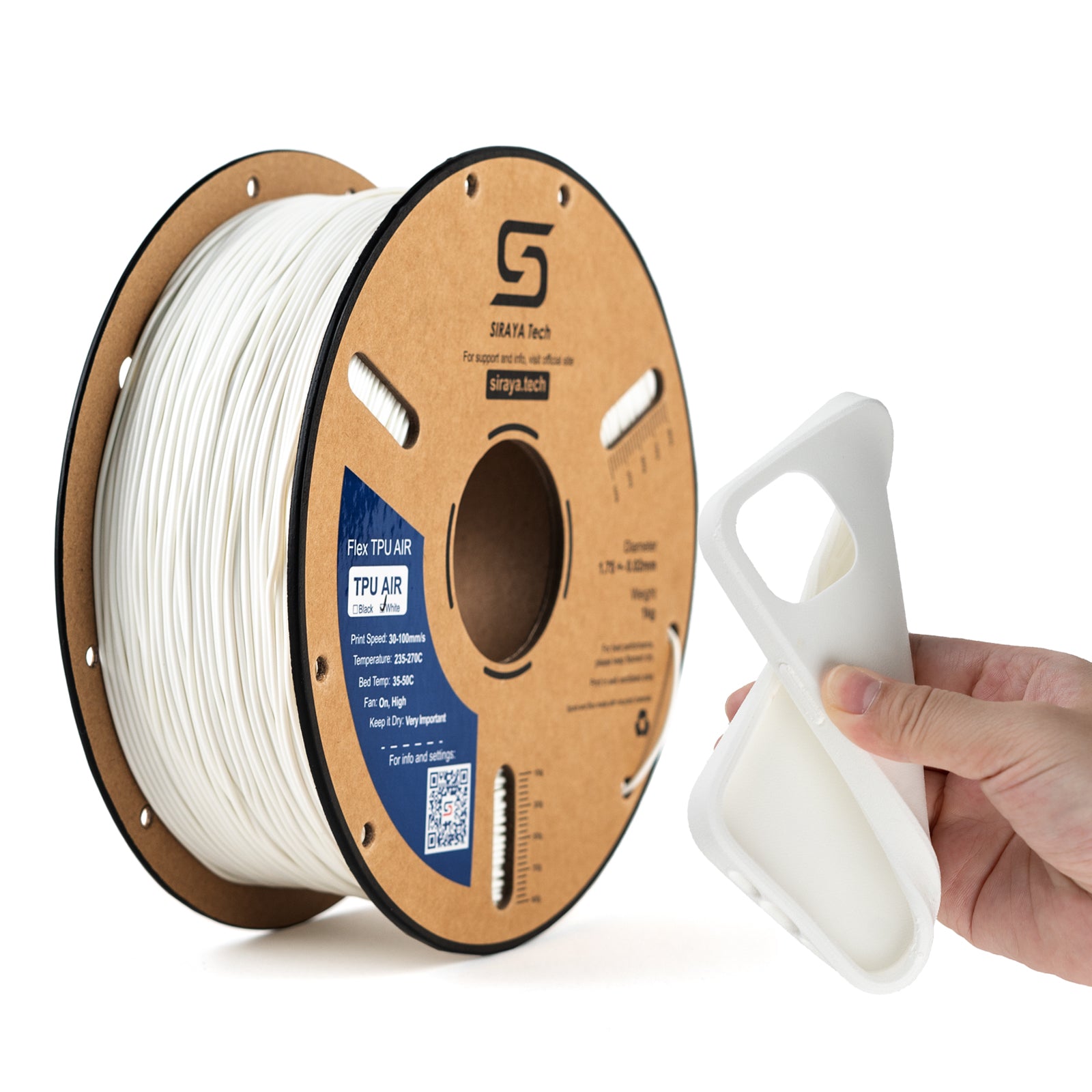
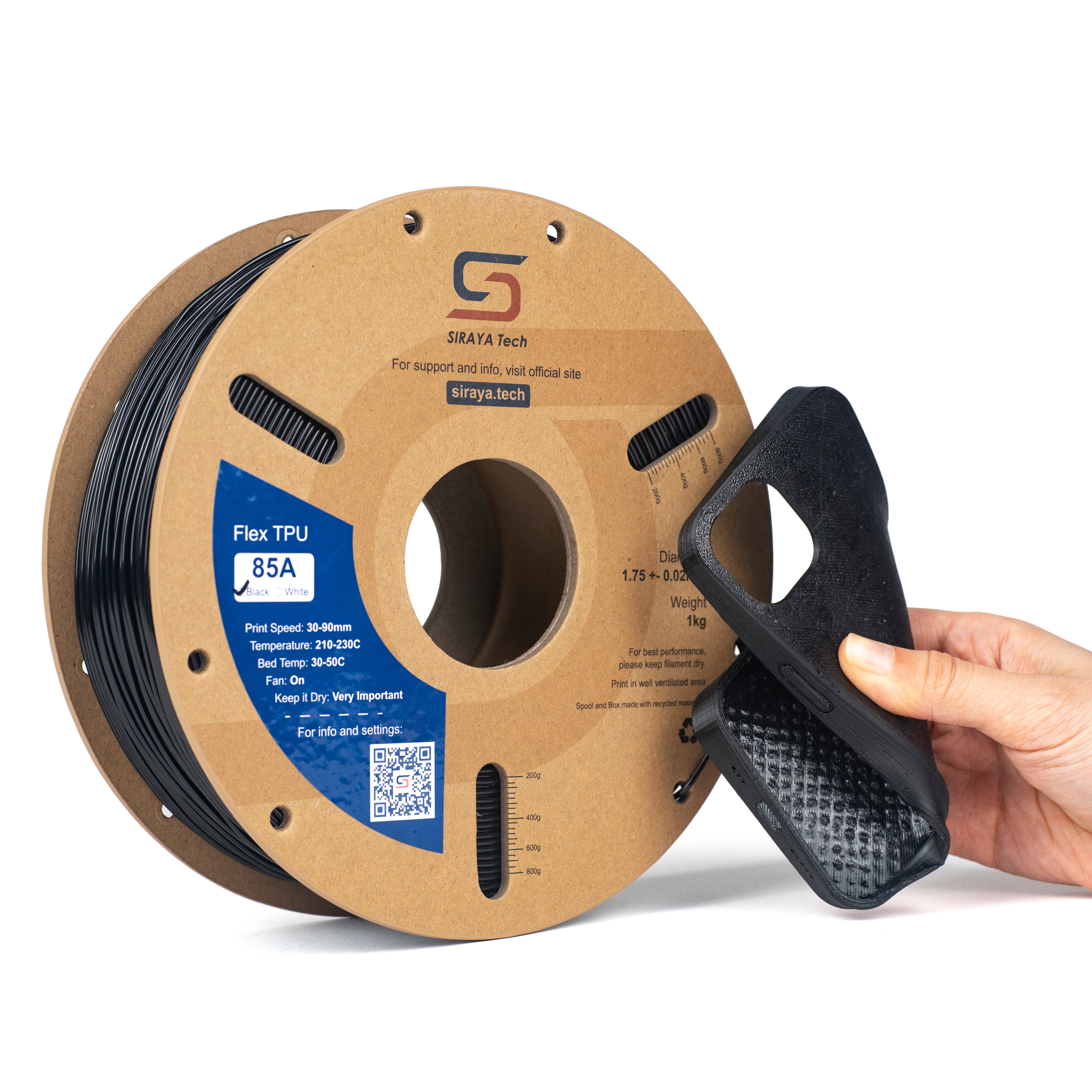
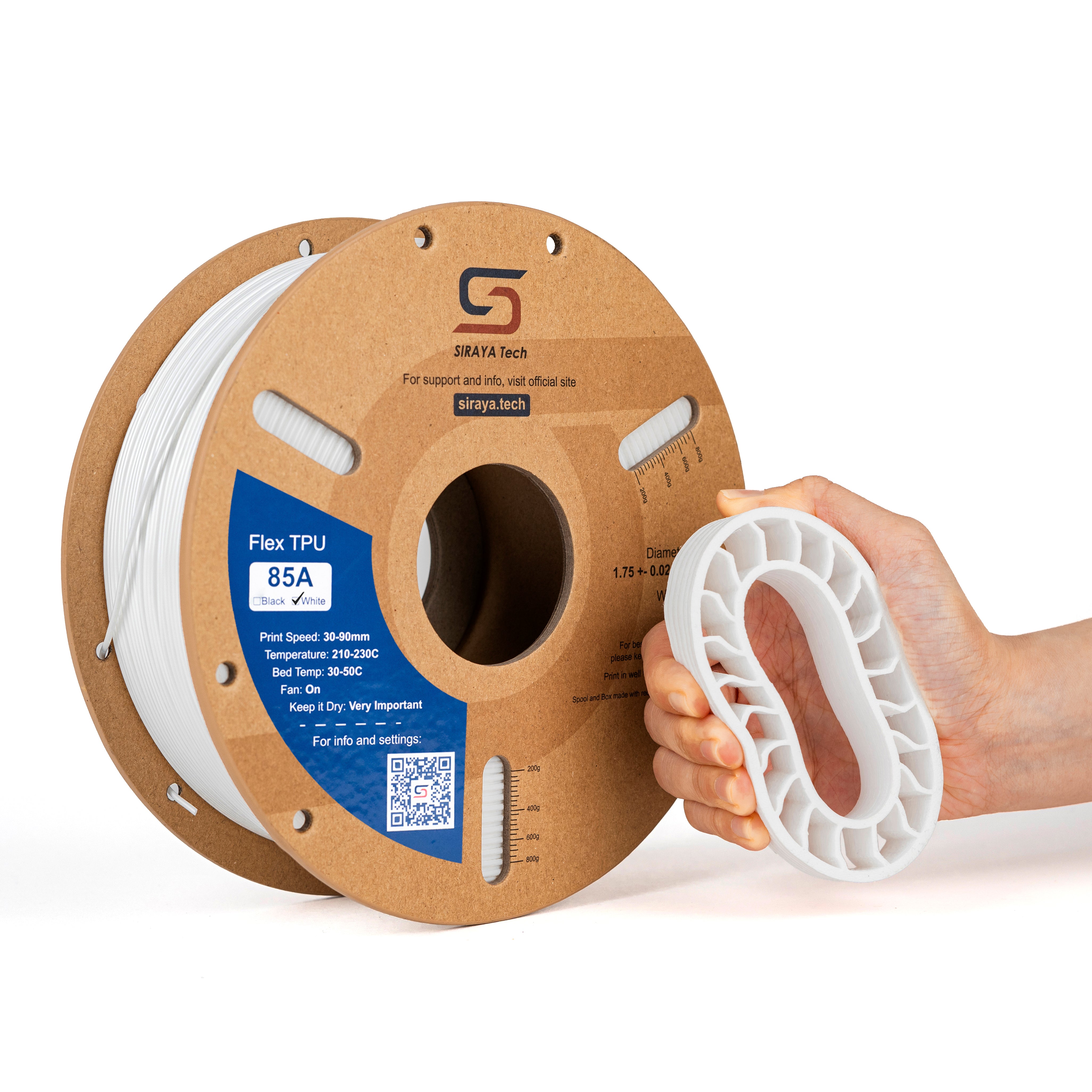
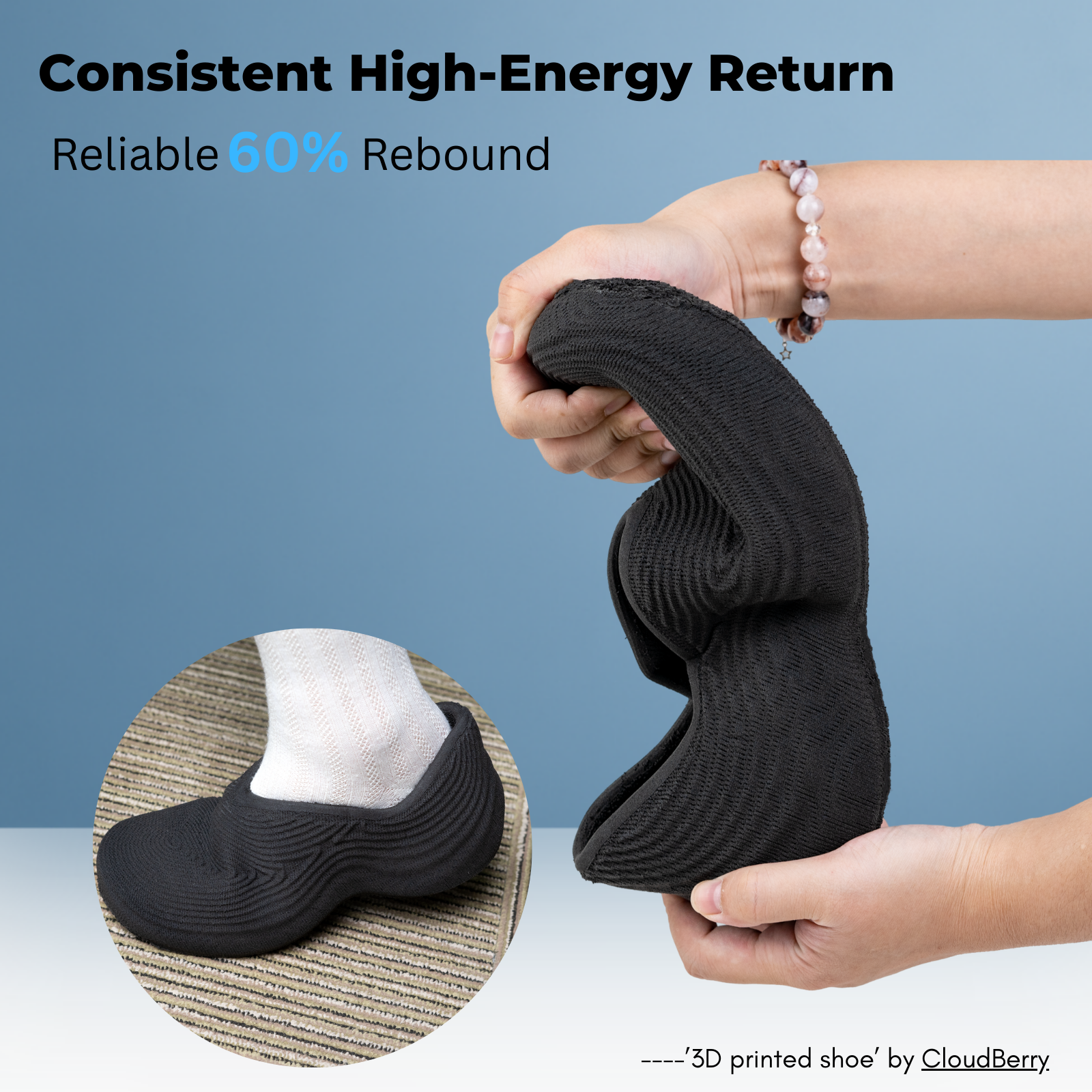
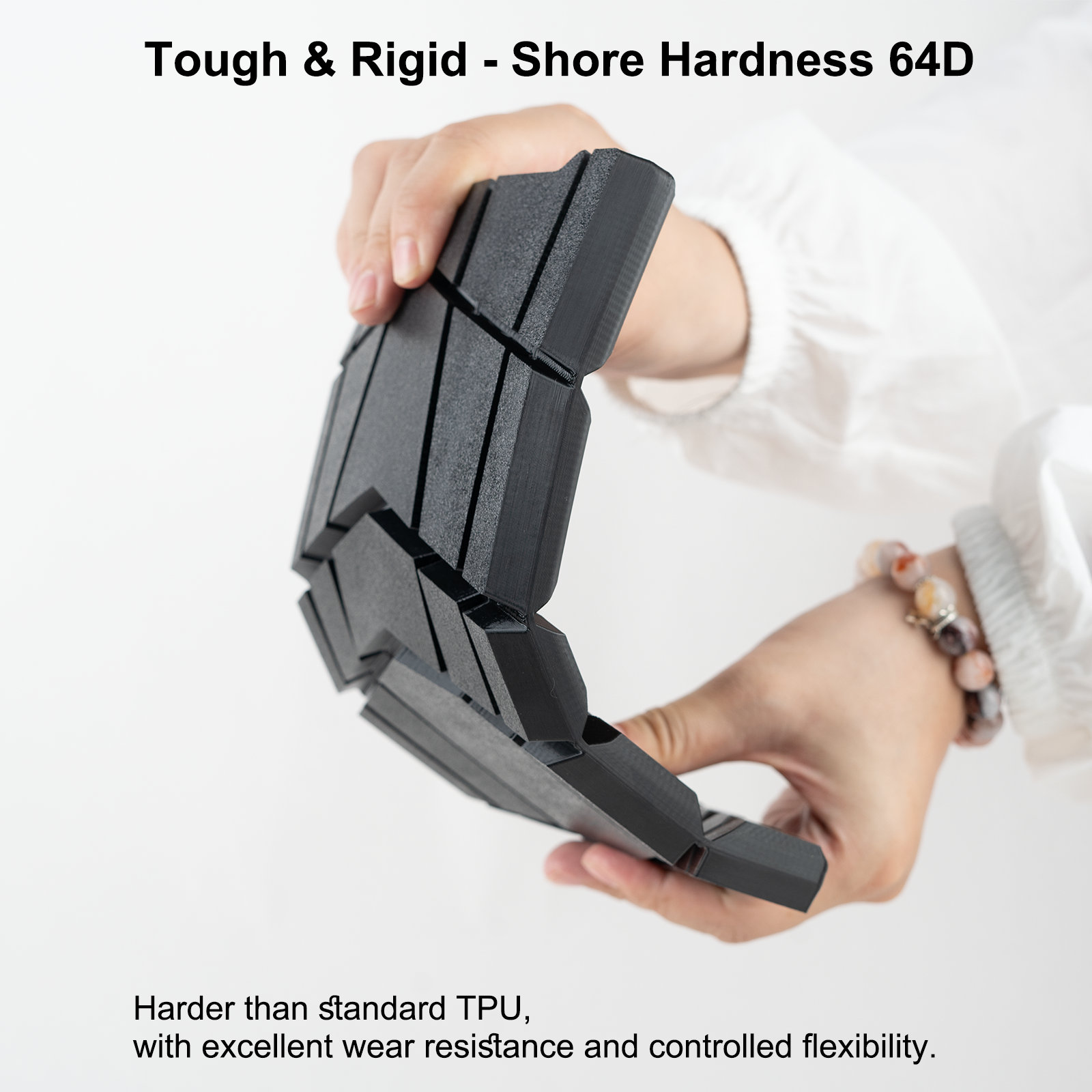
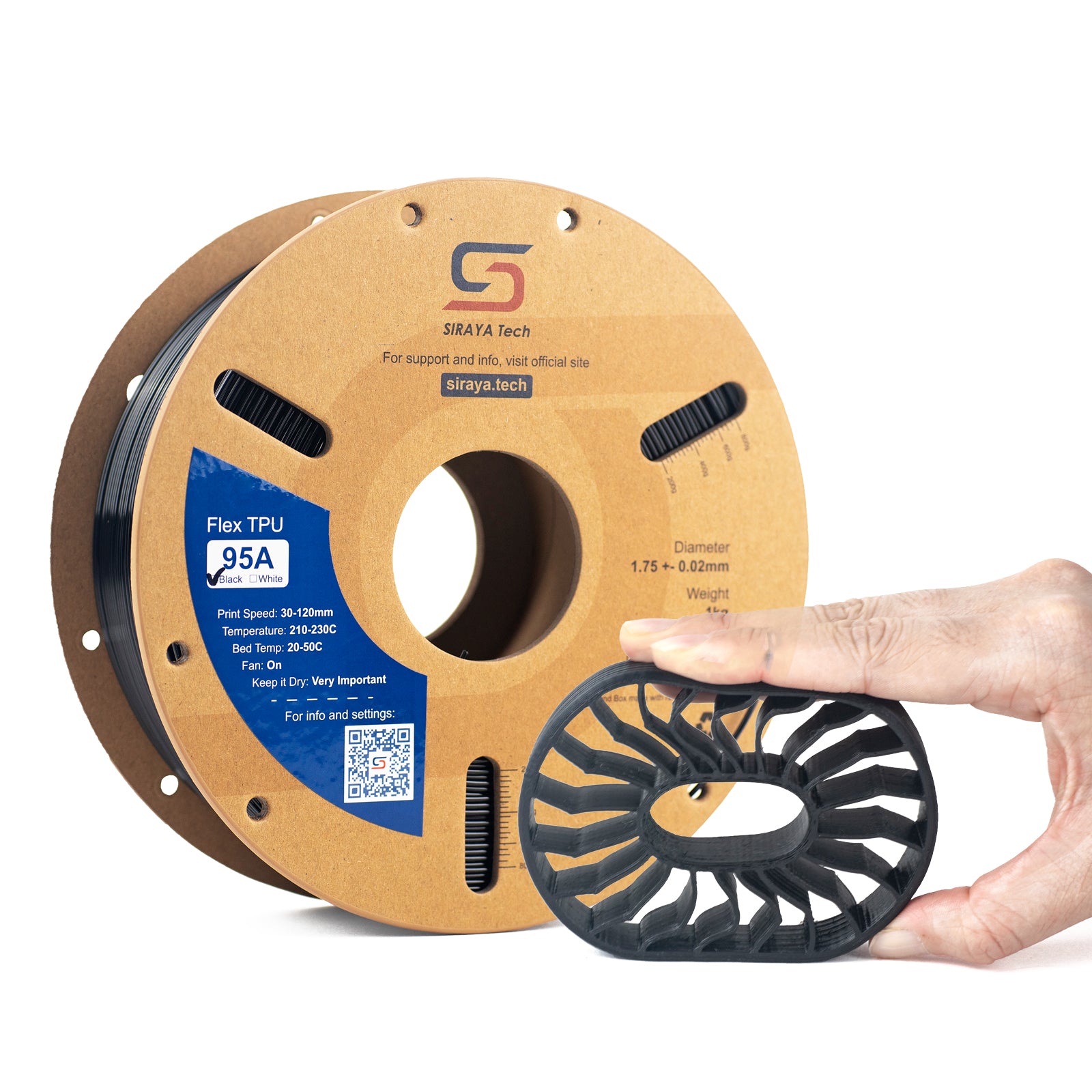
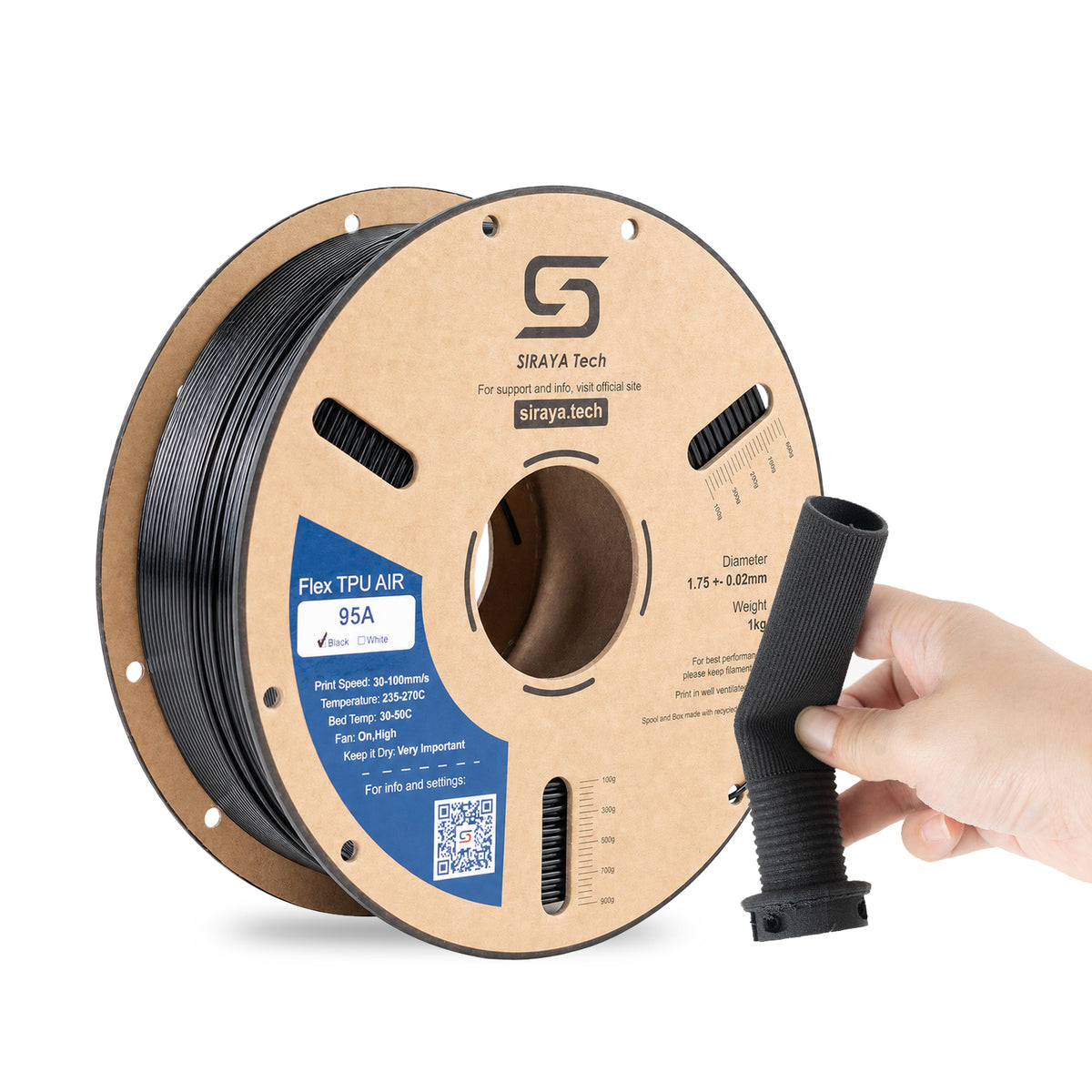
TPU runs well thanks to the dual-gear direct drive extruder
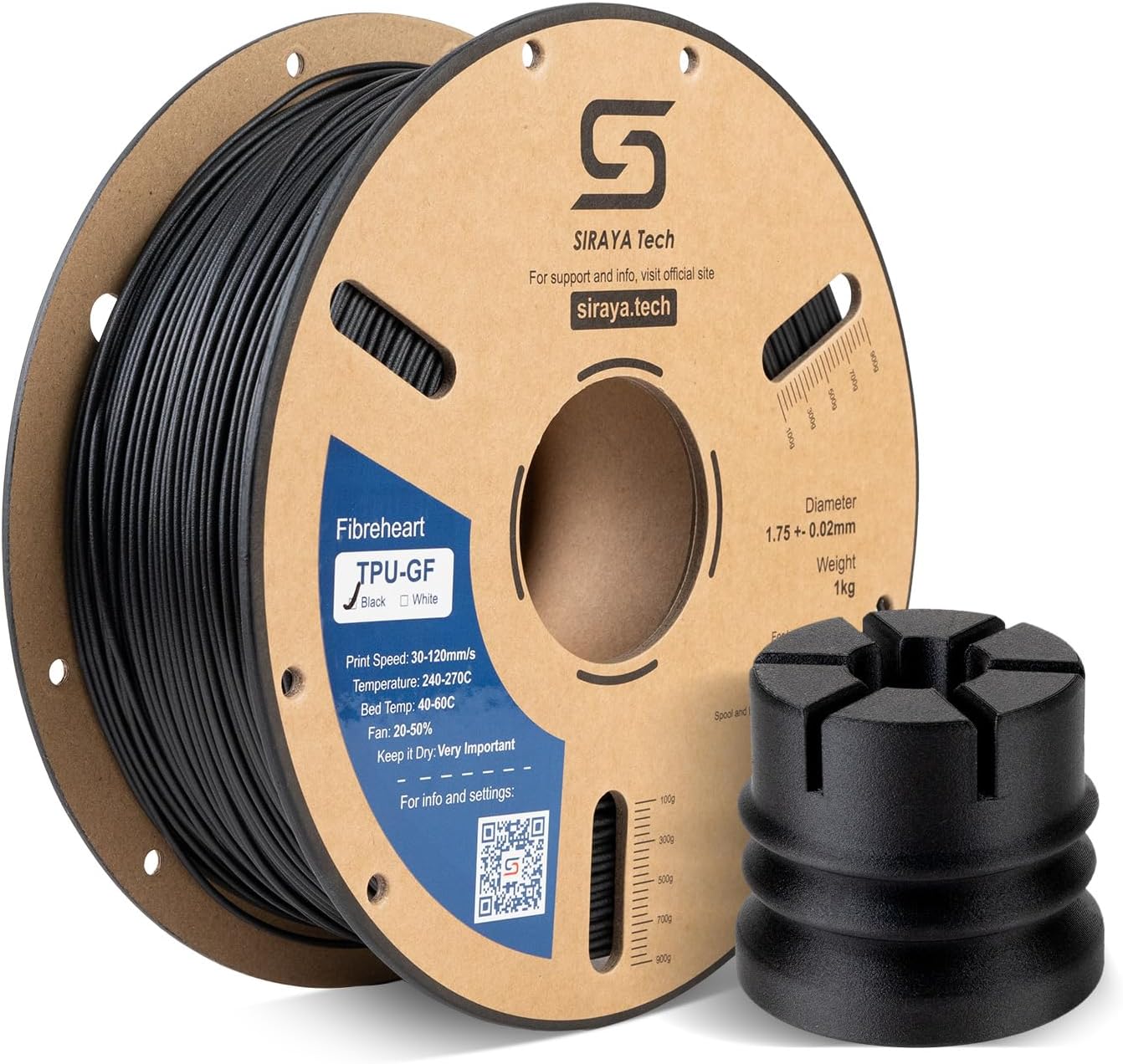
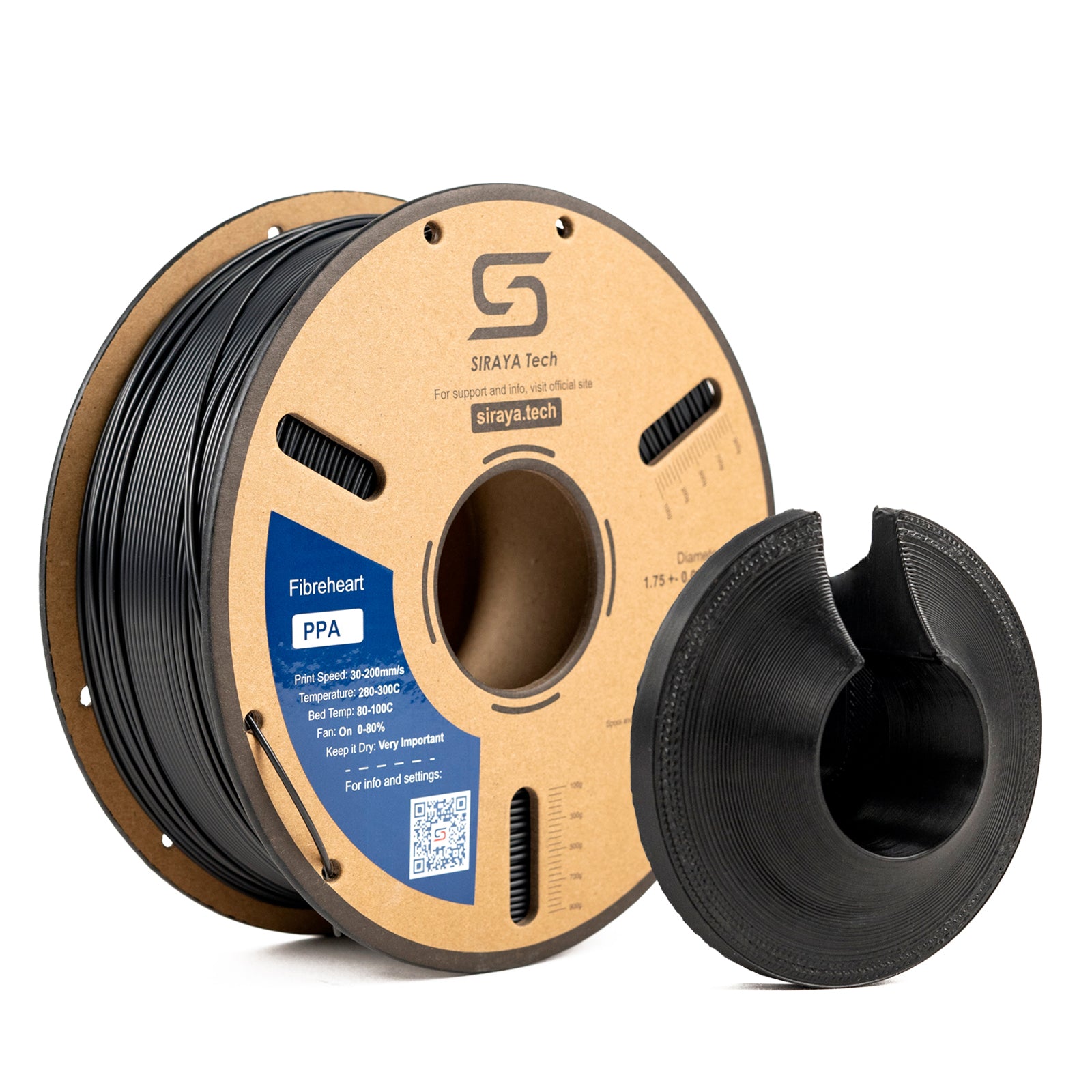
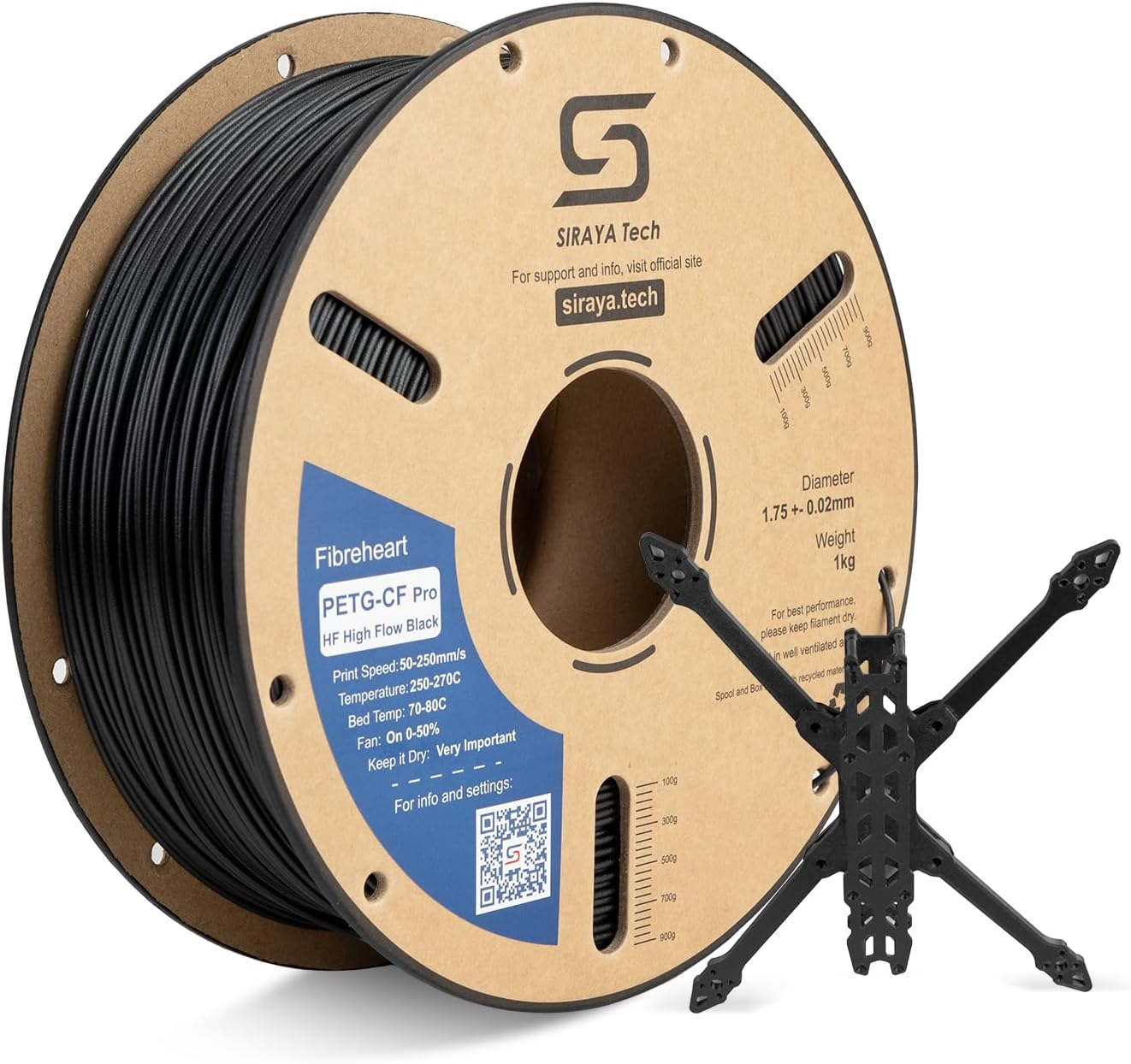
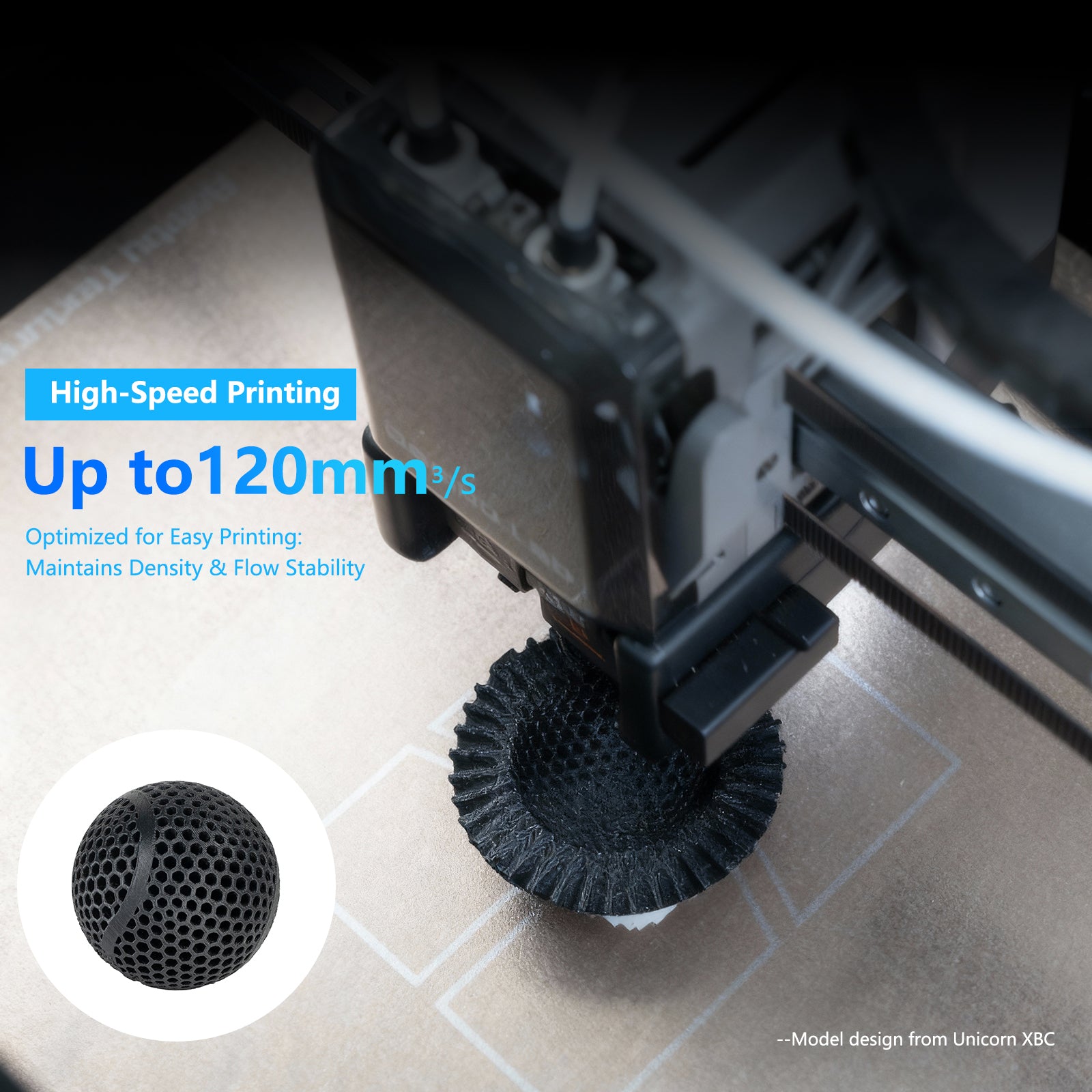
High flow filament closes the gap between the printer's marketed and real speeds
PLA vs PETG vs ABS vs TPU
Material
SK1 Compatible
Nozzle Needed
Best For
PLA
Yes
Stock 0.4mm
Everyday prints, prototypes
PETG
Yes
Stock 0.4mm
Functional parts
ABS-CF
Yes, with nozzle swap
Hardened steel required
Stiff, load bearing parts
TPU
Yes
Stock 0.4mm
Flexible grips and gaskets
Swipe to see all columns →
Why 700mm/s Marketing Speed Is Not the Real Print Speed
Two Trees advertises 700mm/s as a travel speed figure, but the company's own manual recommends 300mm/s for actual printing, and independent testing has found 200 to 300mm/s the practical sweet spot. Standard filament can struggle to melt and extrude fast enough even at these lower real world speeds. High flow filament is built to close that gap, keeping layer adhesion consistent at the speeds the SK1 actually prints rather than the number on the box.
How to Print ABS-CF Successfully on the SK1
Install a hardened steel nozzle first. Carbon fiber filament wears through standard nozzles quickly.
Dry the filament before printing. ABS-CF absorbs some moisture, and wet filament strings and weakens layer bonding.
Use the dual-gear direct drive extruder to your advantage. It feeds stiffer fiber filled filament more consistently than a Bowden setup would.
Add an enclosure or draft shield for larger ABS-CF prints, since the SK1 ships open frame and ABS warps without stable ambient heat.
Print at 200 to 300mm/s rather than the printer's marketed top speed, which independent testing has found is the more reliable range for quality prints.
PLA, PETG, ABS, ASA, TPU, PC, and UltraPA are all officially supported. ABS-CF and other fiber reinforced filaments also print well once a hardened steel nozzle is installed, since the stock nozzle wears quickly against abrasive fiber.
Can the SK1 really print at 700mm/s?
700mm/s is a travel speed figure, not a sustained print speed. Two Trees' own manual recommends 300mm/s for actual printing, and independent testing has found 200 to 300mm/s the more reliable range for consistent quality.
Does the SK1 need a hardened steel nozzle?
Only for carbon or glass fiber filament. The stock nozzle handles PLA, PETG, ABS, and TPU without issue, but fiber reinforced filament will wear through it and needs a hardened steel nozzle instead.
Is the Two Trees SK1 still in production?
The official Two Trees store, wiki, and major resellers still list the SK1 as available, though Two Trees' main site navigation no longer features printers as prominently as it once did. The SK1 remains a supported and purchasable machine through current channels.
Why does the SK1 need high flow filament if it prints slowly?
Even at its practical 200 to 300mm/s range, the SK1's CoreXY frame and direct drive extruder push filament faster than many printers in its class. High flow formulations melt and extrude quickly enough to keep up with that pace without sacrificing layer adhesion.