
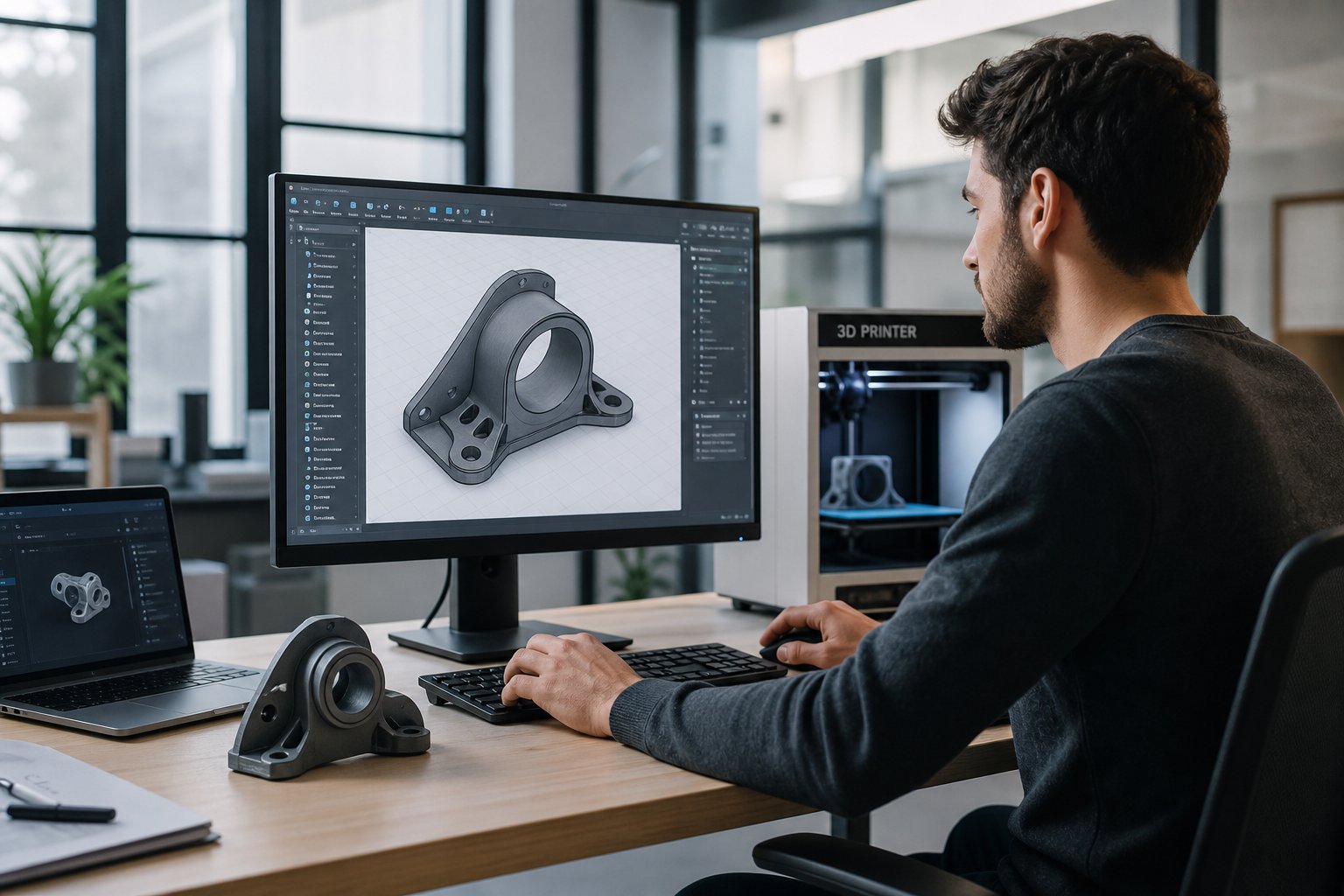
3D modeling has become faster and more accessible than ever. The best AI for 3D modeling can now turn a simple text prompt or image into a detailed 3D object in minutes, which helps game developers, designers, engineers, and 3D printing hobbyists save time and test ideas quickly.
But speed isn't everything. Clean geometry, accurate scaling, and proper file exports still matter just as much as how fast a tool generates a shape. This guide breaks down what makes the best AI for 3D modeling actually stand out, how the top tools compare, and which option fits your specific needs.
🏆Key Takeaways
- •The best AI for 3D modeling depends on your goal, whether that's gaming, product design, or 3D printing
- •Strong AI 3D modeling tools generate clean meshes and support STL, OBJ, FBX, and GLB formats
- •Game assets need optimized topology and textures
- •3D printing requires watertight geometry and proper scaling
- •High quality filaments, resins, and platinum silicone improve final physical results
What Makes the Best AI for 3D Modeling Stand Out

The best AI for 3D modeling isn't just about generating shapes quickly. It has to create models that are usable, editable, and ready to export without a complete rebuild.
Accurate Text-to-3D and Image-to-3D Generation
The tool needs to actually match your prompt or reference image, not just produce something loosely in the right category.
Clean Topology That Reduces Manual Cleanup
A well-built mesh saves hours of retopology work later, which matters more than raw generation speed for most real projects.
Automatic Texturing With Realistic Material Support
Built-in PBR texturing saves a separate trip to a texturing program for game assets and visualization work.
Compatibility With Major Engines and Slicers
Clean export formats matter more than any single feature, since a beautiful model is useless if it won't import where you need it.
If you plan to 3D print your model, always check that the mesh is watertight and scaled correctly before exporting, regardless of how polished the preview looks.
Quick Comparison Table: Best AI for 3D Modeling Tools
The table below gives a side-by-side view of leading AI 3D modeling tools and what each one does best.
| Tool | Best For | Input Type | Export Formats | Skill Level | Key Strength |
|---|---|---|---|---|---|
| Meshy | Game assets | Text, Image | OBJ, FBX, GLB | Intermediate | Auto texturing and PBR support |
| Luma AI | Realistic capture | Photos | OBJ, GLB | Beginner to Intermediate | High realism |
| Kaedim | 2D to 3D conversion | Image | OBJ, FBX | Professional | Designed for production workflows |
| Spline AI | Beginners and web content | Text | GLB | Beginner | Browser based simplicity |
| Blender with AI Add-ons | Free and full control | Text, Plugins | STL, OBJ, FBX | Intermediate to Advanced | Maximum flexibility |
Each tool solves a different problem. The best AI for 3D modeling for a game studio may not be ideal for a 3D printing hobbyist, and that mismatch is usually where disappointment with a tool comes from.
Best AI for 3D Modeling: In-Depth Reviews

Here's a deeper look at how each major AI 3D modeling tool performs in real workflows, not just on paper.
1. Meshy: Best for Game Assets
Meshy focuses on high quality text-to-3D generation for gaming and interactive media. Its key features include high quality text-to-3D output, auto texturing with PBR support, and strong game engine compatibility.
Strengths include fast asset creation, game engine compatible textures, and a good fit for stylized props and characters. The trade-off is that complex mechanical models may still need editing, and mesh cleanup is sometimes required before the asset is truly ready.
2. Luma AI: Best for Realistic 3D Scene and Object Capture
Luma AI specializes in turning real world photos into detailed 3D models. It converts real world photos into 3D objects with strong realism in lighting and textures, and it works particularly well for environments and scanned items.
Product designers, creators working with physical objects, and artists needing realistic models tend to get the most out of it. The catch is less control over topology, and outputs may need optimization before they're ready for gaming or printing.
3. Kaedim: Best for Converting 2D Concepts Into 3D Models
Kaedim is built for turning concept art into usable 3D models quickly through a structured image-to-3D pipeline. It's designed for production workflows and delivers consistent quality across a team rather than one-off results.
Game studios, animation teams, and professional design environments are the best fit here. Kaedim suits studios that need reliable, repeatable results more than solo hobbyists experimenting on the side.
4. Spline AI: Best for Beginners
Spline AI offers a simple, browser-based experience with a clean interface and fast generation for web and interactive content. There's no heavy software installation involved, which keeps the learning curve short.
The trade-off is less advanced control, and it's not ideal for highly detailed production assets or complex CAD modeling. For simple scenes and interactive web visuals, though, it's hard to beat for ease of use.
5. Blender With AI Add-ons: Best Free AI for 3D Modeling
Blender combined with AI plugins is one of the most flexible free solutions available. Blender itself is free, and AI plugins help automate mesh generation and texture tasks on top of it.
Key features include AI plugins and automation tools, full modeling control, and wide export compatibility including STL. It's the strongest option for users who want full creative control, hobbyists and students on a budget, and advanced creators comfortable with complex tools. The learning curve is real, but it pays off as a long-term, no-cost solution.
Best AI for 3D Modeling for 3D Printing
When selecting the best AI for 3D modeling for 3D printing, geometry quality matters more than visual polish.
Watertight Mesh
Before printing, confirm the mesh has no holes or gaps, since any opening breaks the closed-volume rule a slicer depends on.
Sufficient Wall Thickness
Thin sections that look fine in a render can disappear entirely once a slicer tries to resolve them at your nozzle's resolution.
Scale Matching Real Dimensions
AI tools have no inherent sense of physical units unless you specify them, so always double-check scale before exporting.
Material choice also affects final strength and surface quality. Reinforced filaments such as PETG-CF or ABS-CF add stiffness and reduce warping compared to standard materials. Glass fiber blends like ASA-GF improve durability for outdoor applications.
For detailed prints, high quality resins produce smooth surfaces and sharp features. Tough or flexible resins help reduce brittleness. Castable resin is ideal for jewelry and investment casting. Platinum silicone is excellent for mold making when casting parts from printed masters.
The best AI for 3D modeling can create the design, but strong materials are what bring it to life in the physical world.
Turn Your AI-Generated Model Into a Finished Part
A clean STL export is only half the job. Browse Siraya's filaments and resins to match the right material to your AI-generated design before it hits the printer.
Explore Siraya Materials →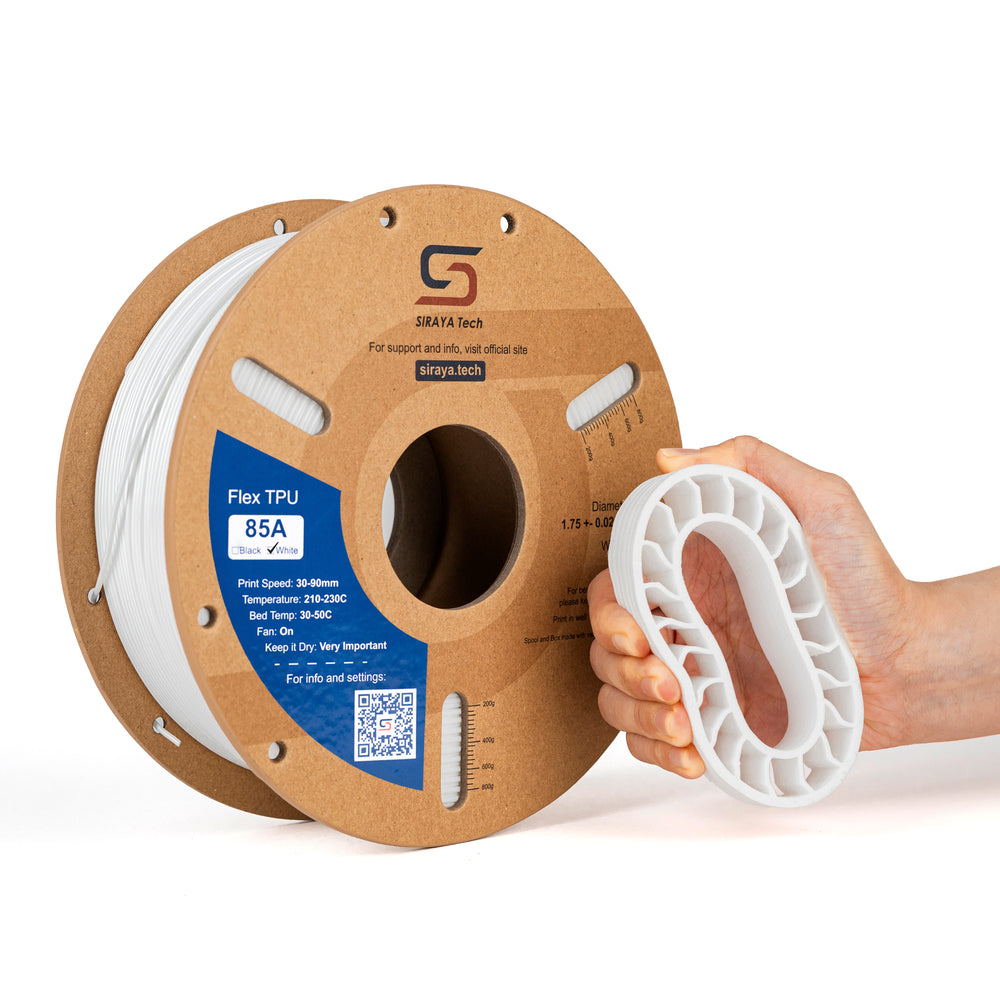


Common Limitations of AI 3D Modeling Tools
Even the best AI for 3D modeling has limits. Knowing them ahead of time helps you avoid frustration when the output doesn't match your expectations.
| Common Issue | Why It Happens | Simple Fix |
|---|---|---|
| Messy Topology | Automatic mesh generation | Retopology in 3D software |
| Dense Meshes | High detail output | Polygon reduction tools |
| Inaccurate Scale | No defined units in prompt | Adjust dimensions before export |
| Mechanical Inaccuracies | AI favors organic shapes | Manual refinement in CAD |
Manual inspection is always recommended before final production, no matter how clean the preview looks on screen.
How to Choose the Best AI for 3D Modeling
Selecting the best AI for 3D modeling starts with naming your main goal before you even open a comparison chart.
Identify Your Primary Use Case
Decide whether your focus is gaming, printing, or visualization, since each priority points toward a different tool from the table above.
Confirm Export Format Compatibility
Check that the tool exports to the format your engine, slicer, or downstream software actually needs.
Compare Ease of Use and Pricing
Review pricing, usage rights, and how steep the learning curve really is before committing to a subscription.
Test Free Trials Before Committing
Running your actual prompts and reference images through a trial tells you more than any spec sheet.
If physical production is involved, plan your materials early. Engineering filaments, reinforced blends, durable resins, and platinum silicone all influence final performance just as much as the modeling tool you chose.
Conclusion
The best AI for 3D modeling can dramatically speed up your workflow and unlock new creative possibilities. Whether you're building game assets, designing products, or preparing files for 3D printing, choosing the right tool makes a real difference. Focus on mesh quality, export flexibility, and ease of use when making your decision, not just generation speed.
For those turning digital designs into physical parts, material quality matters just as much as software. Explore the rest of the Siraya Tech blog for more guides, and browse Siraya's filaments including reinforced blends for added strength, plus resins and platinum silicone for mold making and casting projects.
Frequently Asked Questions
Which AI is best for generating 3D models?
The best AI for generating 3D models depends on your goal. Meshy is strong for game assets, Luma AI excels at realistic object capture, Kaedim is designed for converting 2D concepts into 3D, and Blender with AI add-ons offers the most flexibility for advanced users. The right choice depends on whether you need assets for gaming, product design, or 3D printing.
Is there a free AI to create 3D models?
Yes. Blender is a free and open-source 3D modeling software that supports AI plugins and automation tools. While it doesn't include native text-to-3D generation by default, add-ons can extend its capabilities. Some online platforms also offer limited free tiers.
Can AI generate production-ready 3D models?
AI can generate models designed for production workflows, but most projects still require minor cleanup. Tasks like retopology, scaling adjustments, and mesh optimization are commonly needed before final use in games or 3D printing.
Which AI 3D model generator is best for beginners?
Spline AI is often the best option for beginners because it offers a browser-based workflow and a simple interface. It's ideal for interactive web visuals and basic 3D scenes without requiring advanced modeling skills.
Are AI-generated 3D models good for 3D printing?
Yes, but the model must be checked for watertight geometry, correct scaling, and proper wall thickness. AI tools can create strong starting points, but manual verification is still important before printing.