
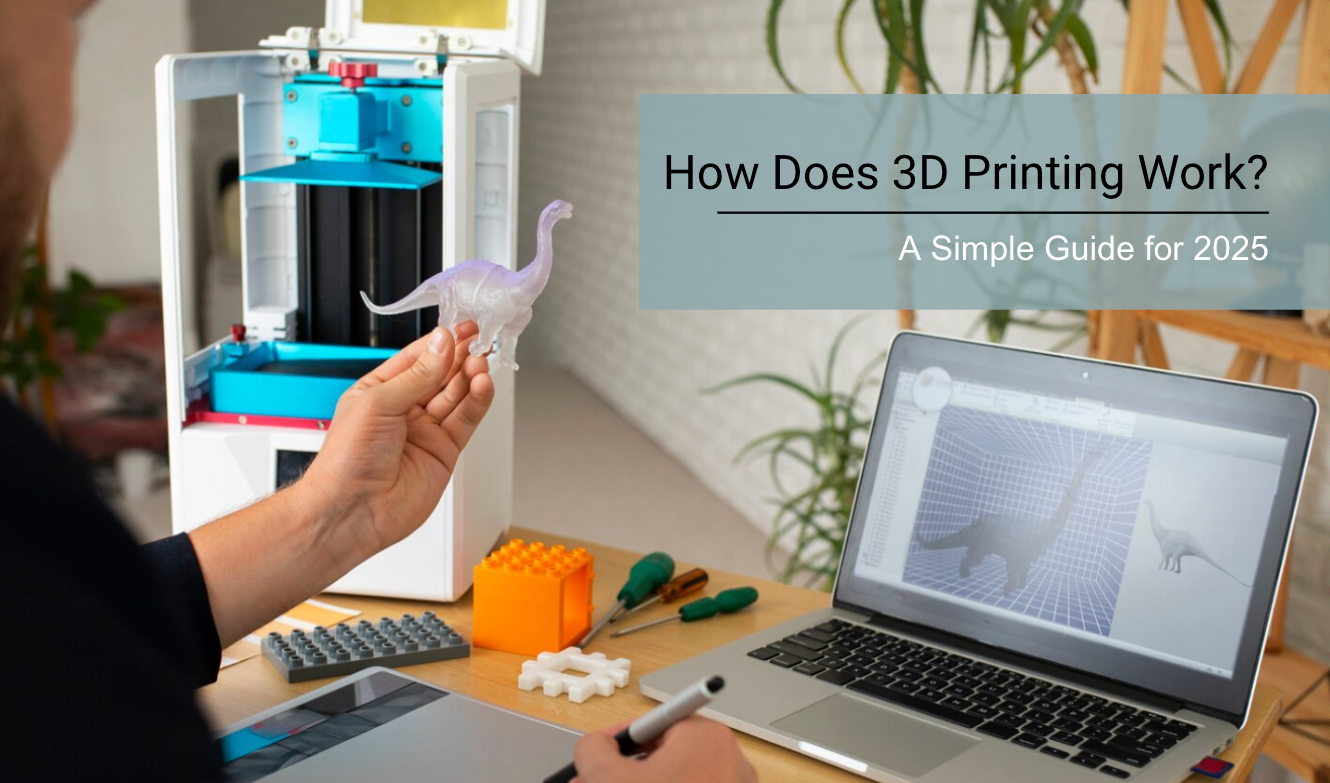
How does 3D printing work?
3D printing can feel like magic. You hit "print" on a computer, and hours later, a physical object appears. But the science behind it is actually quite simple.
All 3D printers work on the same principle: Additive Manufacturing. Instead of cutting material away (like carving wood), a 3D printer adds material layer by layer until the object is complete.
However, how they add that material differs wildly. In 2026, the two main technologies are FDM (Filament) and MSLA (Resin). Here is exactly how they work.
- FDM (Filament): Melts a plastic string and draws the shape like a hot glue gun. Best for big, tough parts.
- MSLA (Resin): Uses a screen to flash UV light at liquid resin, turning it solid instantly. Best for tiny details and smooth surfaces.
What Is 3D Printing?
3D printing is a process of making three-dimensional solid objects from a digital file. You start with a design on your computer and end up with a real object you can hold.
The process works by building objects layer by layer. Think of it like stacking very thin sheets of paper, but instead of paper, you use materials like plastic, metal, or resin.
3D printing uses computer-aided design, or CAD, to create objects layer by layer. Your printer reads the digital design and knows exactly where to place each layer of material.
This technology is also called additive manufacturing. The name fits because you add material to build up the object, rather than cutting away material like traditional manufacturing.
You can print almost anything with the right printer and materials. People have printed homes, medical devices, clothing, and even a human heart.
3D printers have been around since the 1980s. Back then, they were expensive and only used by big companies. Now you can buy a basic 3D printer for less than $200.
The technology works with many different materials:
- Plastics like PLA and ABS
- Metals like titanium and steel
- Resins for detailed objects
- Ceramics for special projects
You simply load your material, send your design to the printer, and watch it build your object from the bottom up.
📌Also Read: Is 3D Printing Expensive? Full Cost Breakdown Guide
You May Want To Shop:
|
|
|


How Does 3D Printing Work Step by Step?
3D printing creates objects by building them layer by layer from a digital design. The process involves creating a 3D model, slicing it into thin layers, printing those layers one at a time, and finishing the final object.
1. Design a 3D Model
You need to start with a digital blueprint of what you want to print. This 3D model acts as the instructions for your printer.
- Create Your Own Design: You can use CAD software to build your model from scratch. Programs like TinkerCAD make this easy for beginners with simple drag-and-drop tools.
- Download Existing Models: Many websites offer free 3D models you can download and print right away. This saves time if you don't want to design from scratch.
- Scan Real Objects: 3D scanners can capture existing items and turn them into digital models. Your smartphone can even do basic 3D scanning with the right apps.
- File Formats Matter: Your 3D model needs to be in the right format. From CAD to mesh formats like STL or 3MF files contain the surface information your printer needs.
The model must be a closed, solid shape without holes or gaps. Think of it like a digital sculpture that defines every surface of your final object.
2. Slice the Model
Slicing software divides your 3D model into thousands of thin horizontal layers. This step translates your design into instructions the printer can follow.
- Layer Height Settings: You choose how thick each layer should be. Thinner layers create smoother surfaces but take longer to print.
- Support Structures: The slicer adds temporary supports under overhanging parts. These keep your model stable during printing.
- Infill Patterns: You set how solid the inside of your object should be. Higher infill results in stronger parts, but it also requires more material and time.
- Generate G-Code: The slicer creates G-code instructions that tell your printer exactly where to move and how much material to use. This code controls temperature, speed, and movement for each layer.
Popular slicing programs include Cura, PrusaSlicer, and Simplify3D. Each offers different features but follows the same basic process.
3. Print the Object Layer by Layer
Your 3D printer follows the G-code instructions to build your object from the bottom up. The printer executes these commands to create each layer precisely.
- FDM Printing: The most common method melts plastic filament through a heated nozzle. The printer moves this nozzle around to deposit melted plastic in the right spots.
- Resin Printing: SLA and DLP printers use UV light to cure liquid resin into solid plastic. Each layer gets exposed to light in the exact shape needed.
- Powder Printing: SLS printers spread thin layers of powder and use lasers to fuse particles together where the object should be solid.
- Layer Adhesion: Each new layer must stick to the one below it. Temperature and timing control how well layers bond together.
The printer repeats this process hundreds or thousands of times until your complete object takes shape.
4. Post-Processing
Once printing finishes, your object needs some cleanup before it's ready to use. The amount of work depends on your printing method and design.
- Remove from Printer: Carefully take your printed object off the build platform. Some materials need to cool down first.
- Clean Up Supports: Remove any support structures added by the slicer. Sand rough spots smooth if needed.
- Resin Cleaning: SLA prints require washing in alcohol to remove uncured resin, followed by UV curing for final strength.
- Surface Finishing: You can sand, paint, or polish your print to improve its appearance. Some people use acetone vapor to smooth ABS plastic prints.
- Quality Check: Test moving parts and check dimensions to make sure everything is printed correctly. Small adjustments might be needed fora perfect fit.
Your finished object is now ready to use, and you've completed the full 3D printing process from digital file to physical item.
You May Want To Shop:
|
|
|
|


Types of 3D Printing Technologies
Method 1: FDM (Fused Deposition Modeling)
FDM is likely what you think of when you hear "3D Printer." It is the most common technology for hobbyists using Peopoly Filaments.
The "Hot Glue Gun" Analogy
1. It takes a solid plastic string (Filament) and pushes it into a hot nozzle (200°C+).
2. The plastic melts into a liquid goo.
3. The nozzle moves around, drawing a flat layer of plastic on a plate.
4. The plate moves down, and the nozzle draws another layer on top of the first one.
Because the plastic is extruded in lines, FDM prints often have visible "layer lines" (tiny ridges) on the surface.
Method 2: MSLA (Masked Stereolithography) Resin
This is where Siraya Tech specializes. Resin printing is chemically different. Instead of melting plastic, we use Photopolymerization.
The "Inverse Shadow Puppet" Analogy
1. A build plate lowers into a tank of Liquid Resin.
2. An LCD screen underneath the tank displays an image of your layer (like a shadow puppet).
3. UV Light shines through the white parts of the image, instantly curing that shape into solid plastic.
4. The plate lifts up, peels the layer off the film, and goes back down for the next layer.
Because resin cures the entire layer at once using pixels, the surface is incredibly smooth, often looking like injection-molded plastic.
Comparison: Which Technology Do You Need?
Understanding how they work helps you choose the right tool for your project.
| Feature | FDM (Filament) | MSLA (Resin) |
|---|---|---|
| Material State | Solid Spools (Plastic) | Liquid Bottles (Photopolymer) |
| Resolution | Low (0.1mm - 0.2mm layers) | High (0.05mm layers) |
| Strength | Good for impact (ABS/PETG) | High Stiffness (Blu Resin) |
| Post-Processing | Minimal (Remove supports) | Wash & Cure needed |
| Best Use Case | Large props, brackets, cosplay | Miniatures, jewelry, dental, molds |
You May Want To Shop:


Applications of 3D Printing
3D printing works across many different industries. You can find 3D printing applications in almost every field today.
Manufacturing and Prototyping
- Create product prototypes quickly and cheaply
- Make custom tools and parts for production lines
- Test designs before mass production
Healthcare and Medicine
- Print custom prosthetics that fit perfectly
- Create dental models and implants
- Make surgical guides for doctors
Automotive Industry
- Produce car parts and components
- Create custom dashboard pieces
- Make lightweight parts that save fuel
Aerospace
- Build aircraft components
- Create lightweight metal parts
- Make complex shapes impossible with traditional methods
Education
- Help students learn with 3D models
- Create teaching tools and visual aids
- Let students design and print their own projects
Fashion and Jewelry
- Make unique jewelry designs
- Create custom clothing accessories
- Print intricate patterns and shapes
Architecture and Construction
- Build scale models of buildings
- Create custom architectural details
- Print entire house structures
Food Industry
- Print chocolate and sugar decorations
- Create custom cake toppers
- Make unique food shapes
You can use various 3D printing technologies depending on what you want to make. Each application needs different materials and printing methods.
📌Also Read: 3D Filament Types: Complete Guide for Every 3D Project
Final Thoughts
In short, understanding how 3D printing works is about grasping a simple three-step process: designing, slicing, and printing layer-by-layer.
We've seen how a digital file is prepared by a slicer and how different technologies like FDM, SLA, and SLS use various materials to bring that file to life.
3D printing is more than just a technology; it's a tool that empowers creativity, innovation, and personalization. Whether you're a hobbyist, an engineer, or just curious, the ability to turn imagination into a physical object is now more accessible than ever.
Print Better With Quality Materials
- ABS-Like Resin for Fine Detail & Tough Prototypes
- 3D Printer Filament (PLA, ABS, PETG, More)
- Flex TPU Filament For Impact-Proof, Grippy Parts
FAQs: How Does 3D Printing Work
Learning 3D printing involves understanding software basics and printer setup, but most beginners can start printing within days. The technology offers multiple approaches from plastic filament to metal powders, each with different accuracy levels and material options.
Is 3D printing hard to learn?
3D printing has a learning curve, but it's not difficult for most people to get started. You can begin printing simple objects within a few days of getting your first printer.
The hardest part is learning the design software. Programs like TinkerCAD are designed for beginners and have simple drag-and-drop tools. More advanced software like Fusion360 takes longer to master.
Most desktop 3D printers come with setup guides and pre-made designs you can print right away. This lets you learn the basics before creating your own designs.
You'll need to learn about printer settings like temperature and speed. But modern printers have preset options that work well for common materials.
Can you explain the different types of 3D printing technologies?
FDM printers heat plastic filament and squeeze it through a small nozzle to build objects layer by layer. These are the most common desktop 3D printers.
SLA printers use a laser to harden liquid resin into solid plastic. They create smoother surfaces and finer details than FDM printers.
SLS printers use lasers to melt plastic powder into solid parts. They can print complex shapes without support structures.
Various 3D printing technologies include Material Jetting, which sprays droplets of material, and Binder Jetting, which uses glue to stick powder together.
Metal 3D printing uses technologies like DMLS to fuse metal powders with lasers. These are mainly used in industrial settings.
What materials can be used for 3D printing?
PLA plastic is the easiest material for beginners. It prints at lower temperatures and doesn't smell during printing.
ABS plastic is stronger than PLA but harder to print. It needs higher temperatures and can warp during printing.
PETG combines the ease of PLA with some of the strength of ABS. It's clear and food-safe when printed properly.
Resin printers use liquid photopolymer that hardens under UV light. These create very detailed parts with smooth surfaces.
3D printing technologies and materials range from basic thermoplastics to advanced metals like titanium and stainless steel for industrial applications.
How accurate is 3D printing?
FDM printers typically achieve accuracy of 0.1 to 0.5 millimeters. The layer height setting affects how smooth your printed surface looks.
SLA resin printers are more accurate, often reaching 0.05 millimeters or better. They produce much smoother surfaces than FDM printers.
Industrial SLS printers can achieve very high accuracy for complex parts. They're often used when precise dimensions matter most.
Your printer's accuracy depends on proper calibration and maintenance. A well-tuned printer will produce more consistent results.
Temperature changes and vibrations can affect print accuracy. Keep your printer in a stable environment for the best results.
How do I choose between FDM, resin, and SLS/MJF?
Choose FDM if you want an affordable printer that's easy to use and safe around kids. It works well for larger parts and functional objects.
Pick resin printing if you need high detail and smooth surfaces. It's perfect for miniatures, jewelry, or dental models.
Resin requires more safety equipment because the liquid resin can irritate skin. You need gloves, ventilation, and UV curing equipment.
SLS and MJF are industrial technologies that cost much more than desktop options. They're mainly used by businesses that need production-quality parts.
Consider what you want to make, your budget, and your workspace. FDM printers are the most versatile choice for most people.
Can you 3D print metal parts at home?
True metal 3D printing requires expensive industrial equipment that costs tens of thousands of dollars. Home users are unable to access technologies such as DMLS or SLS metal printing.
Some desktop printers can use metal-filled filaments. These contain metal powder mixed with plastic, but they're not pure metal parts.
You can print parts in plastic and then use metal casting techniques to create metal versions. This requires additional metalworking skills and equipment.
Metal 3D printing also needs high temperatures, protective gases, and powder handling systems that aren't safe for home use.
Most home users rely on plastic materials or online services for printing metal parts professionally.