
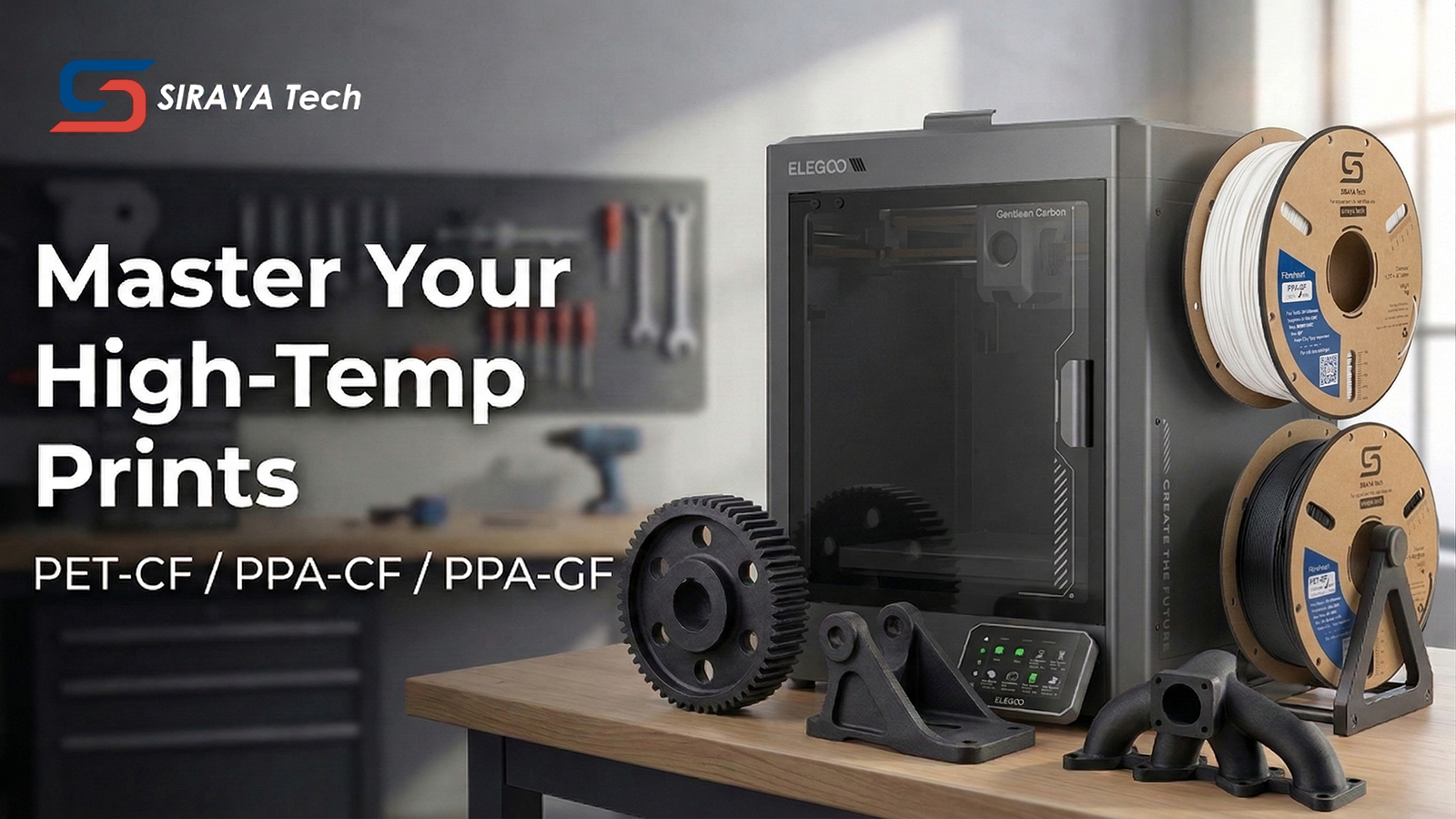
When working with industrial-grade filaments like Siraya Tech PET-CF, PET-GF, PPA, and PPA-CF, temperature is your most powerful tool—and your greatest risk. These materials typically require a printing range of 280°C to 320°C. Achieving the perfect thermal balance is the difference between a part that shatters under stress and one that outperforms metal components.
In this guide, we’ll explore how to optimize your settings for top brands like Bambu Lab, Creality, Prusa, Anycubic, Elegoo, and Sunlu, ensuring maximum strength without compromising your hardware.
1. The Power of Heat: Why High Temps Matter
In 3D printing, temperature is the primary driver of molecular diffusion. When you print at the higher end of a filament's recommended range:
-
Stronger Layer Adhesion: Higher heat allows the new layer to partially melt the previous layer, creating a monolithic bond rather than just stacked plastic.
-
Reduced Internal Stress: Better flow at high temperatures helps eliminate micro-voids in the extrusion line.
-
Improved Surface Finish: High-temp engineering materials often flow more smoothly at elevated temperatures, reducing the appearance of "fuzzy" fibers.
Pro Tip: If your machine allows it, always aim for the higher end of the material's range to maximize the mechanical integrity of your functional parts.

2. The "5°C Safety Buffer" Rule
While high heat is good, pushing your hardware to its absolute limit is a recipe for disaster. We recommend a "5°C Buffer" approach to protect your machine.
The Problem with Maximums
If your printer's firmware specifies a max temperature of 320°C (common on high-end Voron builds or customized Creality K1), and you set your PPA-CF/GF or PET-CF/GF to print at exactly 320°C, you risk Thermal Creep and Overshoot.
Control loops (PID) aren't perfect. A hotend might fluctuate by 3-5 degrees. If it creeps to 325°C or 330°C, you could:
Damage the Hotend: Degrade thermistors or soften heat-break components.
Jam the Extruder: Heat traveling up the filament can cause "heat creep," softening the filament before it reaches the nozzle.
Slicer Errors: Many slicers (like Bambu Studio or OrcaSlicer) will simply refuse to start a print if the requested temperature matches the hard firmware limit.
The Recommended Strategy
Print 5°C below your printer's maximum, and 5°C below the filament's maximum.
Example: If your filament is rated for 320°C but your printer maxes out at 320°C, print at 315°C. This ensures the controller can maintain a stable, consistent temperature without hitting a safety shutdown.

Final Thoughts
Printing with Siraya Tech’s PPA and PET series filaments unlocks industrial-level performance on desktop machines. By respecting the 5°C Safety Buffer and aiming for the highest stable temperature your machine allows, you ensure that every print is as strong as it is precise.
Happy Printing!