
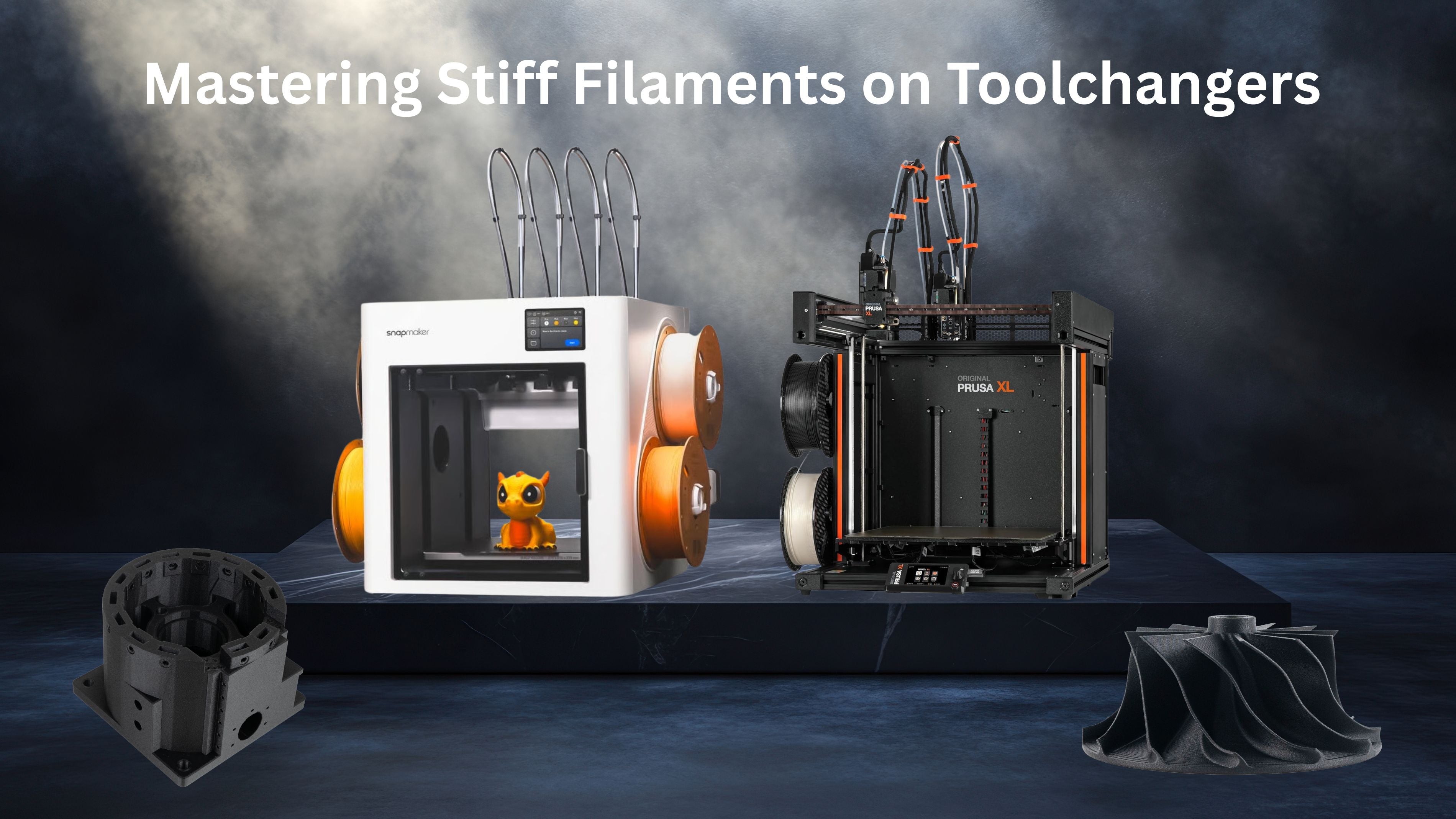
The New Standard: Toolchangers and Industrial Materials
As we move into 2026, the 3D printing landscape has evolved. The "speed wars" have transitioned into the "Versatility Era," led by the dominance of toolchangers like the Prusa XL and the industrial-grade Snapmaker U1. These machines allow for seamless multi-material prints, but they introduce a specific mechanical challenge: the Long-Path Loading Problem.
When printing high-performance composites—like our Fibreheart PET-CF, PPA-GF, or ABS-CF—the very stiffness that makes them superior for metal-replacement parts also makes them vulnerable during the loading process.
The Problem: The "Sharp Angle Snap"
Stiff filaments are reinforced with chopped carbon or glass fibers. This creates a high-modulus structure that is incredibly strong once printed but brittle when cold. On toolchangers, the filament travels through a long PTFE guide tube from the spool to the parked toolhead.
If the toolhead is parked in its default dock (usually at the extreme back of the machine), the PTFE tube often forms a sharp, 90-degree angle or a tight "S-curve." For a brittle filament like PPA-CF Core, this is the danger zone. The stress of the bend, combined with the tug of the extruder gears, can cause the filament to snap inside the tube before it reaches the hotend.


The "Gentle Curvature" Loading Technique
The secret to 100% loading success with stiff materials isn't found in your slicer—it’s in the physical geometry of your PTFE path.
1. Position the Toolhead for Success
Instead of loading while the tool is docked, manually move the toolhead to the center of the build area before initiating the load command.
-
For Snapmaker U1: Use the touchscreen to move the active SnapSwap toolhead to the center of the plate.
-
For Prusa XL: Select the desired tool and move it to roughly X180 Y180 before clicking "Load."
2. Minimize Friction
By moving the toolhead forward, you increase the radius of the curve in the PTFE tube. This significantly reduces lateral stress and friction (drag). For high-flow materials like our PETG-CF HF, a straighter path ensures the extruder gears can grip the filament without shaving the surface or snapping the strand.
Best Practices for Fibreheart Composites
To maximize your success on tool-changing systems, keep these industrial standards in mind:
|
Filament Type |
Required Hardware |
Pro Tip |
|
PPA-CF / GF |
Hardened Nozzle |
Must dry at 110°C for 4 hours. Wet PPA is 3x more likely to snap. |
|
PET-CF |
Hardened Nozzle |
Excellent dimensional stability for toolchanger assemblies. |
|
ABS-GF |
Enclosure Preferred |
Use "Gentle Curvature" loading to prevent snapping during tool swaps. |
SEO Focus: Why Toolchangers are the Future of Functional Parts
The 2026 market demand has shifted from aesthetics to functional assemblies. The Snapmaker U1 and Prusa XL allow you to print a rigid PPA-CF frame with TPU-Air vibration dampeners in a single, unattended job. Mastering the loading of these stiff materials is the final step in turning your desktop into a localized factory.
Conclusion
Don't let a snapped filament ruin a high-stakes industrial print. By simply adjusting your toolhead position to create a gentle curve during loading, you ensure that even the most reinforced Fibreheart composites reach the nozzle safely every time.
Ready to push your printer to the limit? Shop the Fibreheart Composite Collection
Follow us for more 2026 tech guides on Snapmaker U1 and Prusa XL optimization.
2 comments
Print Pals
🔥🔥🔥🔥🔥🔥🔥🔥🔥🔥🔥🔥
Snapmaker.com 5% off discount codes for all regions. Use code at checkout⤵️
For Global: (UK/Canada/Asia/AUS/NZ/other regions):
👉🏼 SNAPU_OFFER
https://test-snapmaker.myshopify.com?ref=snapu_offer
For Europe: 👉🏼 EUROPA_Cinque
https://snapmaker-eu.myshopify.com?ref=europa_cinque
For USA: 👉🏼 SNAPUSA_OFFER
https://snapmaker-us.myshopify.com?ref=snapusa_offer
Fred Good
nope, snapping isn’t a problem…. telling the printer that PPA is loaded is the issue. Theres no material option for PPA