
Hey everyone, Mark here from Siraya Tech.
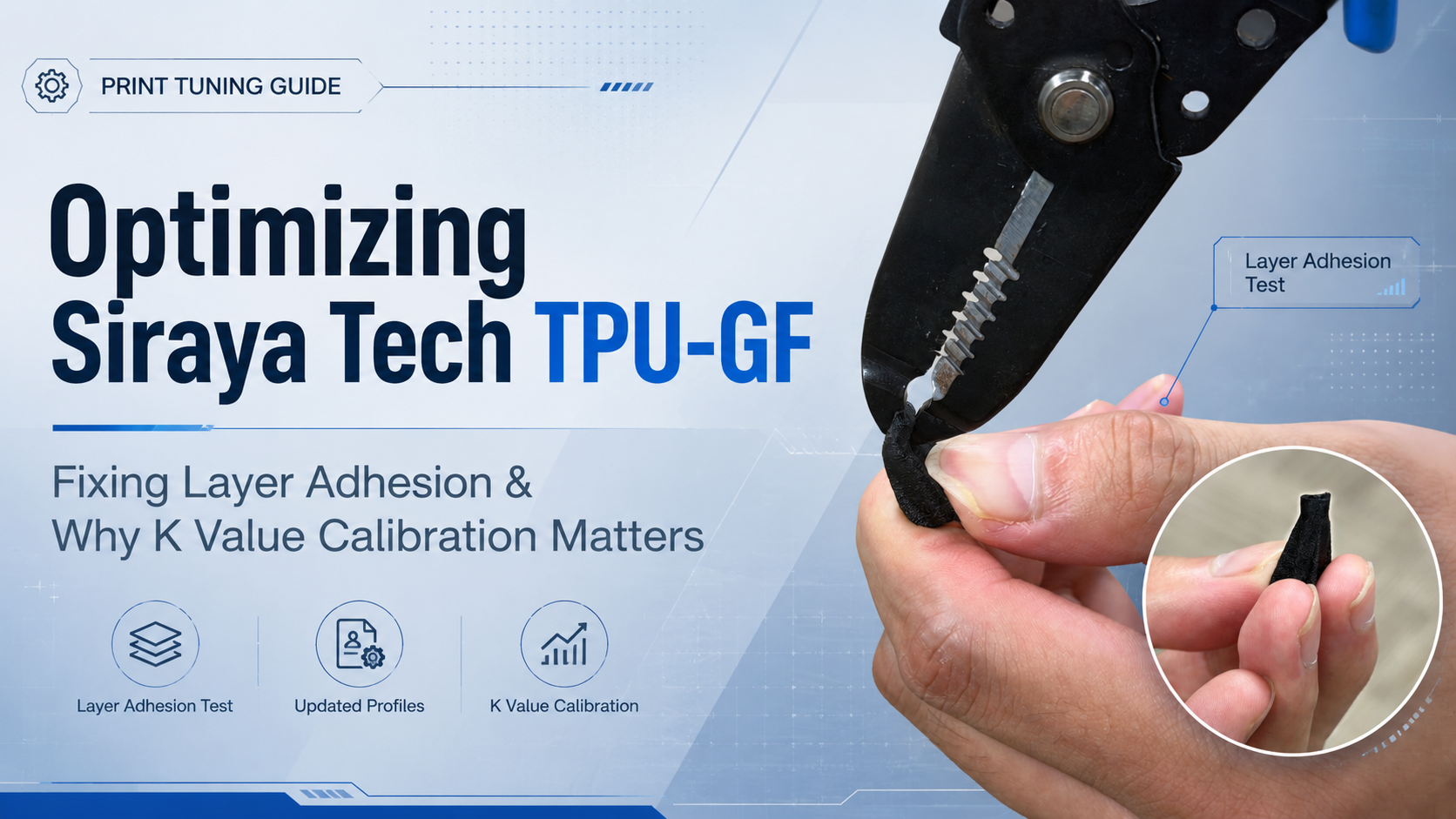
Recently, Lost In Tech published an awesome, in-depth video review of our Siraya Tech TPU-GF. We always love seeing the community put our materials to the test, but Lost In Tech’s video highlighted a specific issue that caught our attention: poor layer adhesion on small, vertical features (where tiny details could be easily pulled out with tweezers).
We immediately jumped into the lab to investigate, reproduced the exact same results, and found the root causes. The good news? It came down to software profile settings, and we’ve already updated our official profiles to fix it!
Here is exactly what was happening, how we fixed it, and a crucial calibration step you should take for your own printer.
01. The Root Cause: The "Cooling Slowdown" Trap
When analyzing the print behavior in Bambu Studio using our public TPU-GF profile, we discovered that the adhesion issue triggered under a very specific condition: when a model has a vertical feature with a small layer volume, resulting in a short layer time.
⚙️ Technical Breakdown
- The 10-Second Rule: Our original profile set the minimum layer time to 10 seconds.
- The Flow Rate Drop: If a specific layer took less than 10 seconds to print, and the "slow down for better layer cooling" setting was enabled, Bambu Studio automatically throttled the flow rate down significantly.
- The Result: This massive reduction in flow rate caused under-extrusion on those tiny layers, drastically weakening the bond between them and making small features brittle.
Original setting:

We have adjusted our print profiles to prevent the slicer from aggressively dropping the flow rate on quick layers. This ensures consistent extrusion and restores the massive layer strength TPU-GF is capable of, even on tiny, intricate details.
Adjust setting:

02. Crucial Step: Calibrate Your K Value (Pressure Advance)
During our investigation, we also identified a second factor that can negatively impact print quality and strength: the K value (Pressure Advance / Linear Advance).
Because TPU is a flexible material, pressure inside the nozzle behaves very differently compared to rigid filaments like PLA or PETG. We realized that the default K value in our previous profile was likely set too high for most users' printers. When the K value is too high, the printer compensates too aggressively during speed changes. This leads to under-extrusion at the seams, sharp corners, and small features—further weakening layer adhesion.
Because every single printer’s extruder and hotend setup handles flexible filament a little differently, a one-size-fits-all K value is rarely perfect.
💡 Action Required:
We highly recommend running a quick K value / Pressure Advance calibration test specifically for your printer using our TPU-GF. Dialing this in will dramatically improve both your surface finish and the structural integrity of your prints.
Download the Updated Profiles
Get the newly optimized profiles to instantly fix minimum layer time issues:
We want to give a massive shoutout to Lost In Tech for putting our material through its paces. Community feedback like this is exactly how we make our materials and profiles better for everyone.
Happy printing!
1 comment
Gavin
I know that the GF should reduce the layer adhesion at least somewhat. Would you be able to show some testing that shows the actual decrease in layer adhesion from regular tpu to this glass fiber variant?