
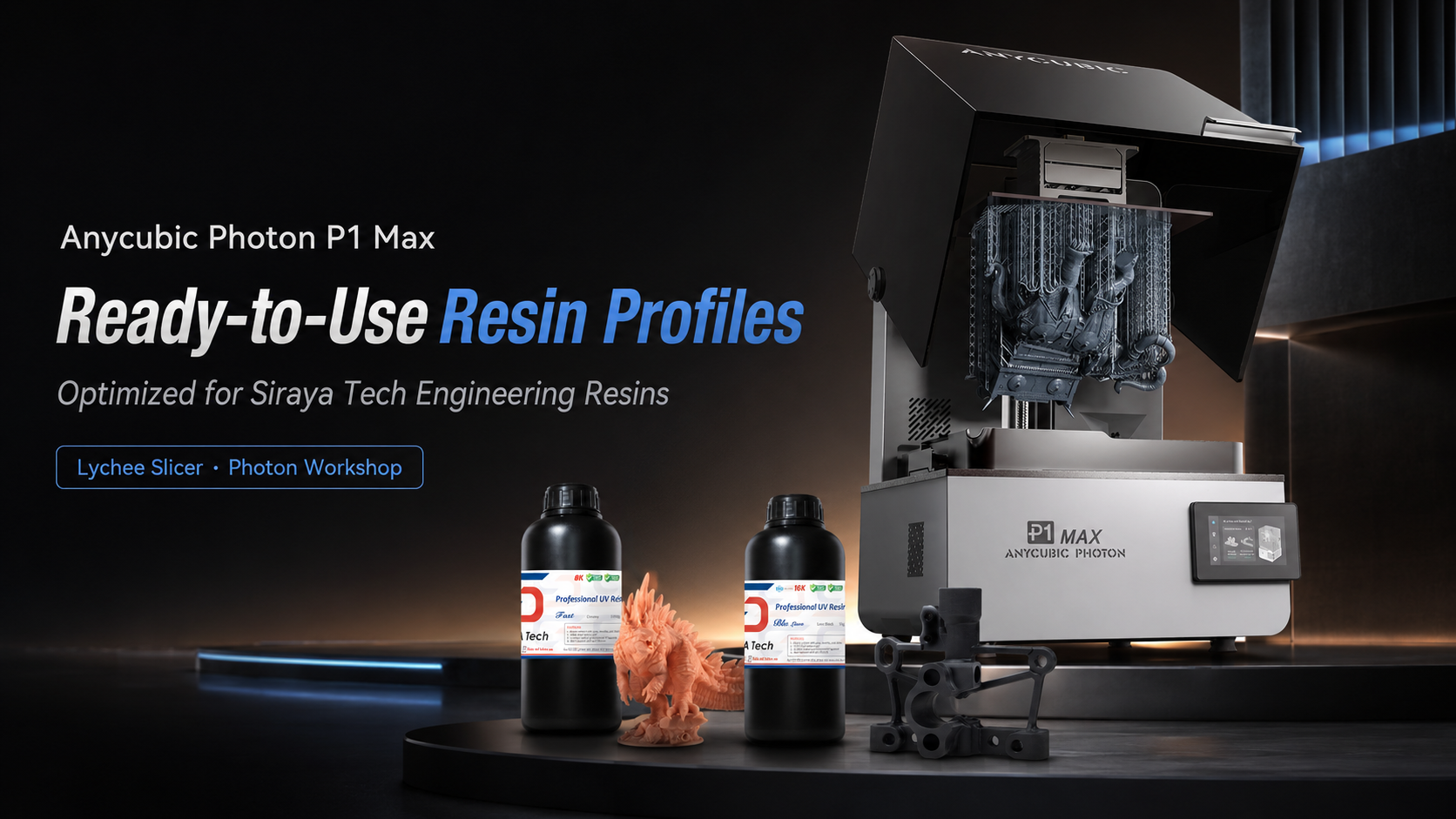
The release of the Anycubic Photon P1 Max has officially raised the bar for large-format resin 3D printing. If you are looking to scale up your production, print massive functional prototypes, or run small-batch manufacturing, this machine is a powerhouse.
But an industrial-grade printer is only as good as the material you put in it—and the slicer settings you use to cure it. That's why we are thrilled to announce that fully optimized printing profiles for our entire line of engineering resins are now available for both Lychee Slicer and Anycubic Photon Workshop.
Here is a look at why the P1 Max is the perfect match for advanced materials, which resins you should be printing with, and how our new profiles take the guesswork out of your workflow.
Why the Anycubic Photon P1 Max Excels at Practical Applications
Printing functional, mechanical, or end-use parts requires a printer that can handle thick, durable resins while maintaining dimensional accuracy across a large build plate. The P1 Max delivers on all fronts:
Integrated Thermal-Controlled Vat
Advanced engineering resins tend to be highly viscous (thick). The P1 Max features a heated resin vat that maintains an optimal temperature (up to 40°C), drastically improving the flow rate of ultra-viscous materials (up to 8000cps). This means fewer failures and better layer adhesion for tough and flexible resins.
Massive 18.3L Build Volume
With a 285.5 × 214 × 300 mm build area, you are no longer restricted to printing small brackets and gears. You can print full-scale drone chassis, automotive prototypes, or large batches of mechanical components in a single run.
Wave Release Technology
Heavy, solid engineering parts create a lot of suction against the FEP film. Anycubic's Wave Release Technology minimizes the separation forces between layers, significantly reducing the chance of your heavy parts tearing or detaching from the build plate.
Industrial Precision (C7 Ball Screws)
When printing interlocking gears or snap-fit joints, dimensional accuracy is everything. The combination of a 14-inch 12K screen (24.8 µm XY resolution) and rigid C7-grade ball screws ensures your structural parts come out true to size with flawless repeatability.
Our Engineering Resins: Built for the P1 Max
When you combine a 12K large-format printer with high-performance materials, resin printing goes from making fragile miniatures to producing real-world, functional hardware:
Download Our Profiles for Lychee Slicer & Photon Workshop
Dialing in exposure times, lift speeds, and retract settings for a new printer can waste hours of time and liters of expensive resin. We've done the heavy lifting for you. Whether you prefer the advanced support generation of Lychee Slicer or the seamless ecosystem integration of Anycubic Photon Workshop, our official Anycubic P1 Max resin profiles are now live and ready for download.
What our profiles optimize:
- Base Layer Exposure: Calibrated perfectly for the P1 Max's laser-engraved steel build plate to ensure zero warping on large prints.
- Normal Exposure Time: Tuned specifically for the LightTurbo 4.0 optical system to hit the sweet spot between crisp 12K detail and structural layer bonding.
- Lift Speeds & Distances: Adjusted to accommodate the specific viscosity of our engineering materials, leveraging the printer's Wave Release Tech to maximize print speed without risking part failure.
How to get started:
Open Lychee Slicer or Anycubic Photon Workshop.
Navigate to the resin profile cloud/library.
Select the Anycubic Photon P1 Max as your printer.
Search for our brand and choose the specific engineering resin you are using.
Slice, print, and start building! The Anycubic Photon P1 Max is a true manufacturing tool. By pairing it with our industrial-grade resins and validated slicer profiles, you can focus less on troubleshooting failed prints and more on engineering your next big project.