
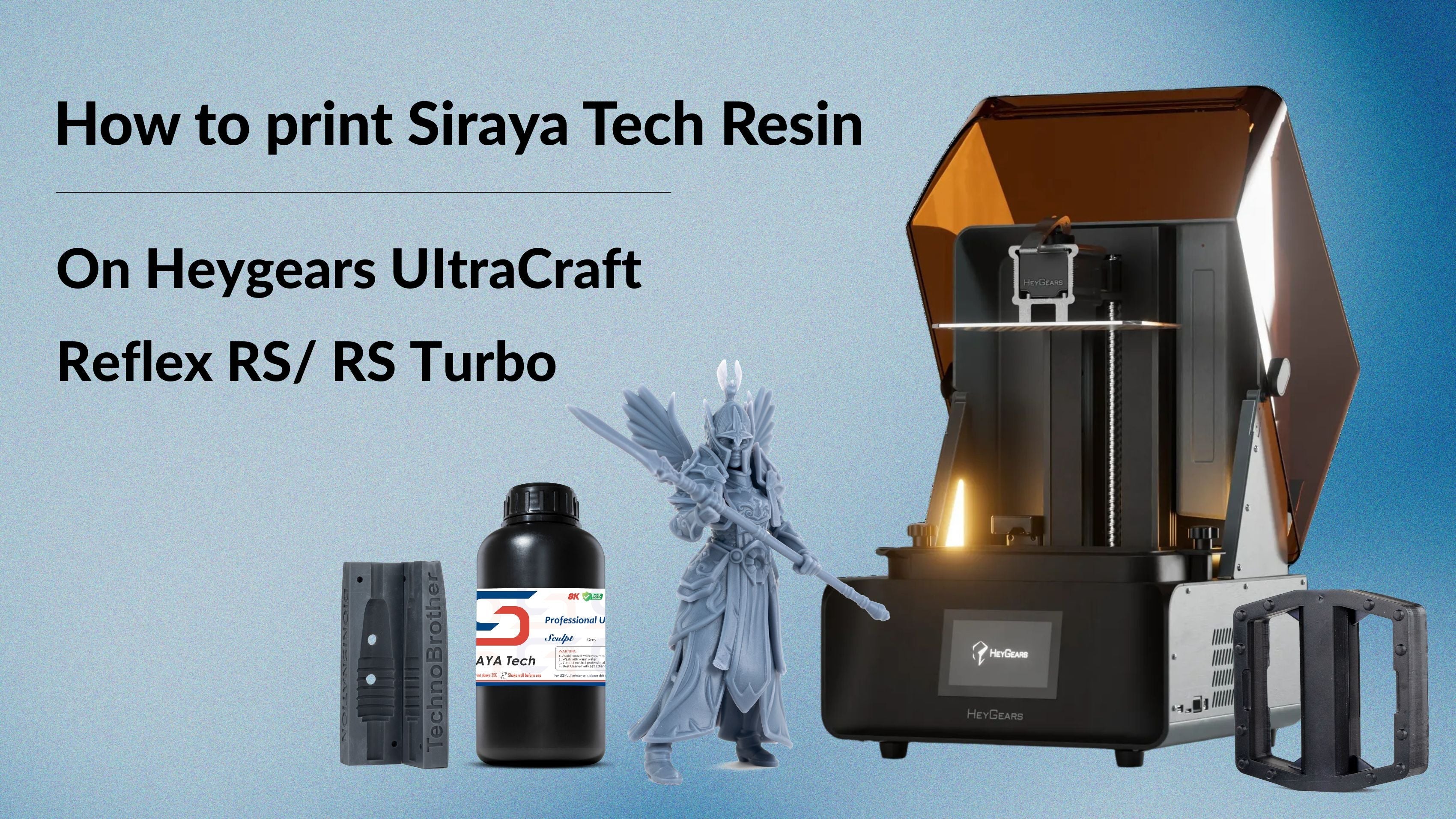
Great news for Heygears users!
In the second quarter of 2026, Heygears officially unlocked editing permissions within BluePrint Studio. This highly anticipated update means that UltraCraft Reflex RS and Reflex RS Turbo users can now fine-tune exposure settings to seamlessly print with Siraya Tech resins.
However, because the software currently does not support exporting or importing custom parameter files, setting up third-party materials requires a manual touch.
In this blog, we will walk you through exactly how to edit these settings and provide you with our verified print parameters for various Siraya Tech resins.
Here are the steps for editing the parameters in BluePrint Studio (Blu Emerald Blue/Clear V2):
1. Select "New" and create a "Local Project".

2. Finish the "Project Setup" by choosing your device, Add-on Module, Application, Material and Layer Thickness, and then click "Apply” and enter the main page.


3. Drag a model into the slicer and click "Slice"; you will see the "Printing Process Editor".


4. After adjusting the parameters, click "Save" to name the customized preset.


5. You can click "Preset" to see the preset you just saved, and click the button near the preset name to apply these parameters.

6. Close the "Printing Process Editor, and you can slice the model with the correct parameters.

Now that you know how to navigate the Printing Process Editor and save your custom profiles, it is time to input the exact settings.
Below, you will find our officially tested and verified exposure parameters for Siraya Tech resins on the UltraCraft Reflex RS and RS Turbo. Simply find your resin below and copy these values into your new preset. Due to the large variety of resins, only data for 2 resins will be listed here. For more details, please click the Google Form below.
| Siraya Tech Resin | Blu(Clear V2/Emerald Blue) | Blu (Lava Black) |
| First Layer Exposure | 6S | 5S |
| Second Layer Exposure | 20S | 16S |
| Transition Thickness | 1.2mm | 1.2mm |
| Normal Layer Exposure | 1.2S | 2.5S |
| Support Extra Exposure | 0.5S | 0.5S |
| Normal Layer Intensity | 17W/m² | 17W/m² |
| Bottom Layer Intensity | 17W/m² | 17W/m² |
| X-axis Scale Ratio | 1.003 | 1.003 |
| Y-axis Scale Ratio | 1.003 | 1.003 |
| Z-axis Scale Ratio | 1.001 | 1.001 |
For more details, please view the Google Form here
Breaking out of a closed ecosystem opens up a whole new world for your 3D printing workflow. Now that you know how to customize your exposure settings, it’s time to fire up your UltraCraft Reflex RS or RS Turbo and put Siraya Tech resins to the test!
2 comments
Aaron
Regarding Tony’s statement, as a general rule short exposure times <2.0s are more problematic and <1.5s usually leads to significant failure of many professional pre-supports as well as automatic supports which would be otherwise successful. Low viscosity + low release force “Fast” resins are usually more tolerant than others in the 1.6-1.8s range, but standard and tough resins will struggle even if the UV dosage is the correct total energy when the exposure is shorter and higher power. From direct testing against Heygears pre-made profiles, they leverage increased time and decreased power for several of their profiles (PAP10 is one of the more obvious lower power examples).
The fix is to normalize the exposure to 2.0s+ by pulling UV intensity. As far as maximum detail rendering (full exposure without going overexposed), dosages are generally associative: 1.2s @ 17W/m² = 2.0s @ 10.2W/m² = 2.4s @ 8.5W/m².
Tony
The settings recommended in this post for the Fast Navy Grey are resulting in severely under-exposed prints. I ran a calibration test comparing it with your previous recommendation of the Heygears PARP10 setting and the PARP10 was much better. I’ve always had good results with the PARP10 setting. If I had stumbled across this blog post before the older one recommending PARP10 settings, I would have avoided using Siraya Tech resin.
Can you explain your testing methodology or provide pictures of your calibration test results? The numbers are all so similar across resins in the spreadsheet and my Navy Grey results were so bad that I am skeptical.