
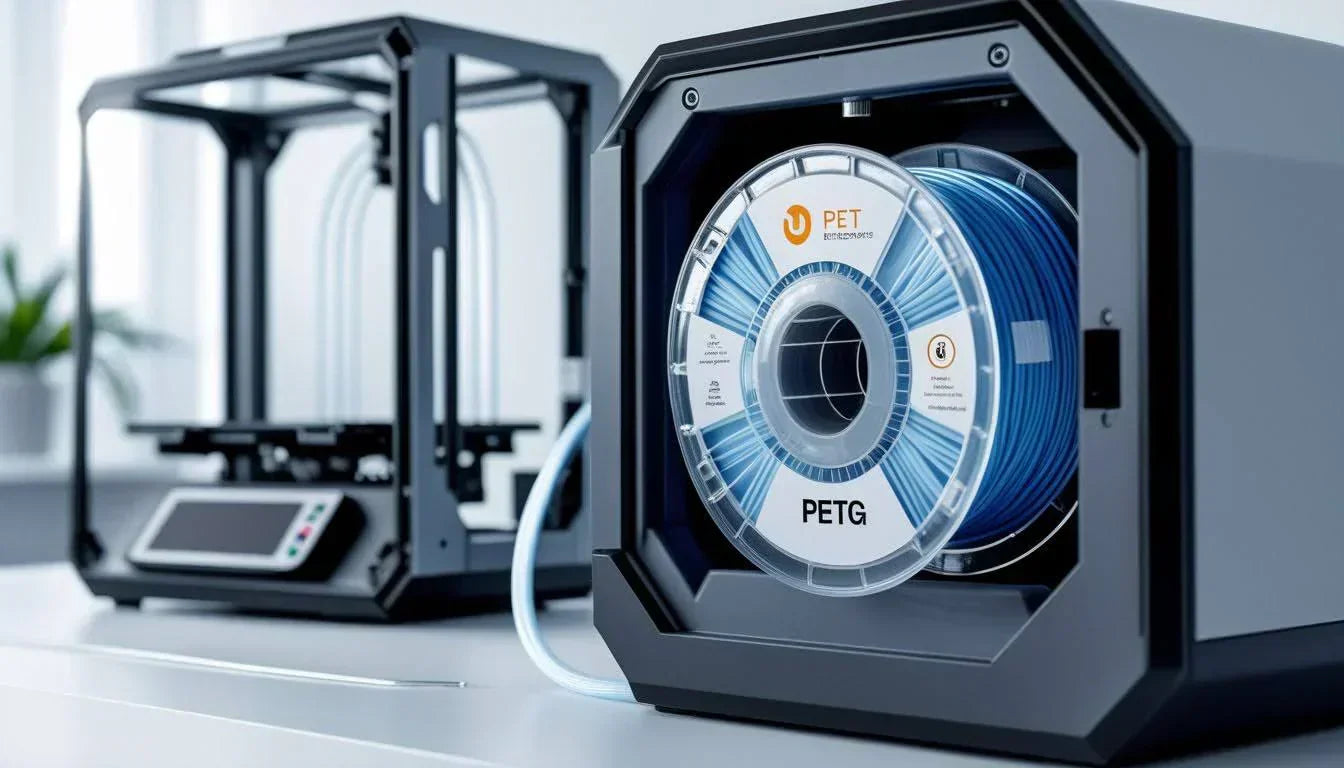
PETG is a popular filament for functional 3D prints because it offers strength, flexibility, and resistance to heat and moisture. Many common PETG issues come from incorrect setup choices rather than problems with the material itself.
Learning how PETG printing settings work together helps reduce stringing, improve layer bonding, and create smoother surfaces.
Read on to understand how the right settings can make PETG printing far more consistent and enjoyable.
What PETG Printing Settings Control
PETG printing settings are the slicer and printer adjustments that determine how the filament melts, flows, and cools during printing.
These settings influence how well layers stick together, how smooth the surface looks, and how strong the final part becomes.
📌 If you want a deeper look at how PETG behaves as a material, check out What Is PETG Filament? A Guide in 3D Printing Applications to better understand why these settings matter.
Best PETG Printing Settings as a Starting Point
Using a proven baseline makes dialing in PETG printing settings much easier. These values work well for most printers and can be adjusted slightly after test prints.

📌 If you are still deciding what type of PETG to use, browse Best PETG Filament of 2026: Buyer’s Guide to match your settings with the right material.
PETG Printing Settings for Nozzle and Bed Temperature

Temperature is the foundation of successful PETG printing. It controls extrusion flow, layer bonding, and surface quality.
Most PETG prints well between 230 and 245 C. Printing too cool often causes weak layers and poor bonding, while printing too hot leads to stringing, blobs, and sagging. A nozzle temperature around 240 C is commonly effective as long as extrusion remains smooth.
PETG Printing Settings for Print Speed
Print speed has a direct impact on strength and appearance. PETG benefits from slower speeds that allow the filament to fully melt and settle before the next layer.
Speeds between 30 and 50 mm per second work well for most PETG prints. Printing faster can cause under extrusion and weaker layers, while slower speeds generally improve surface quality and reliability.
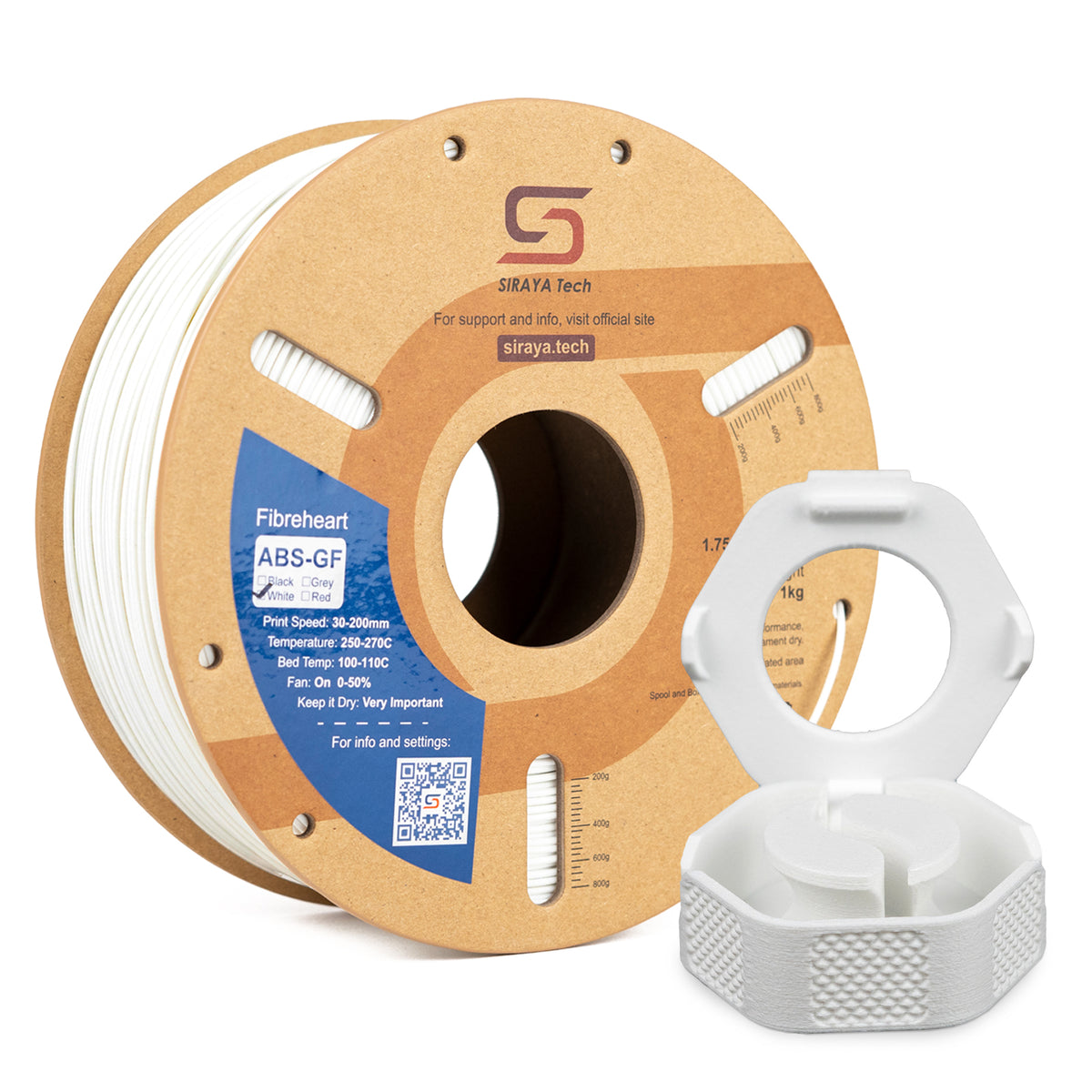
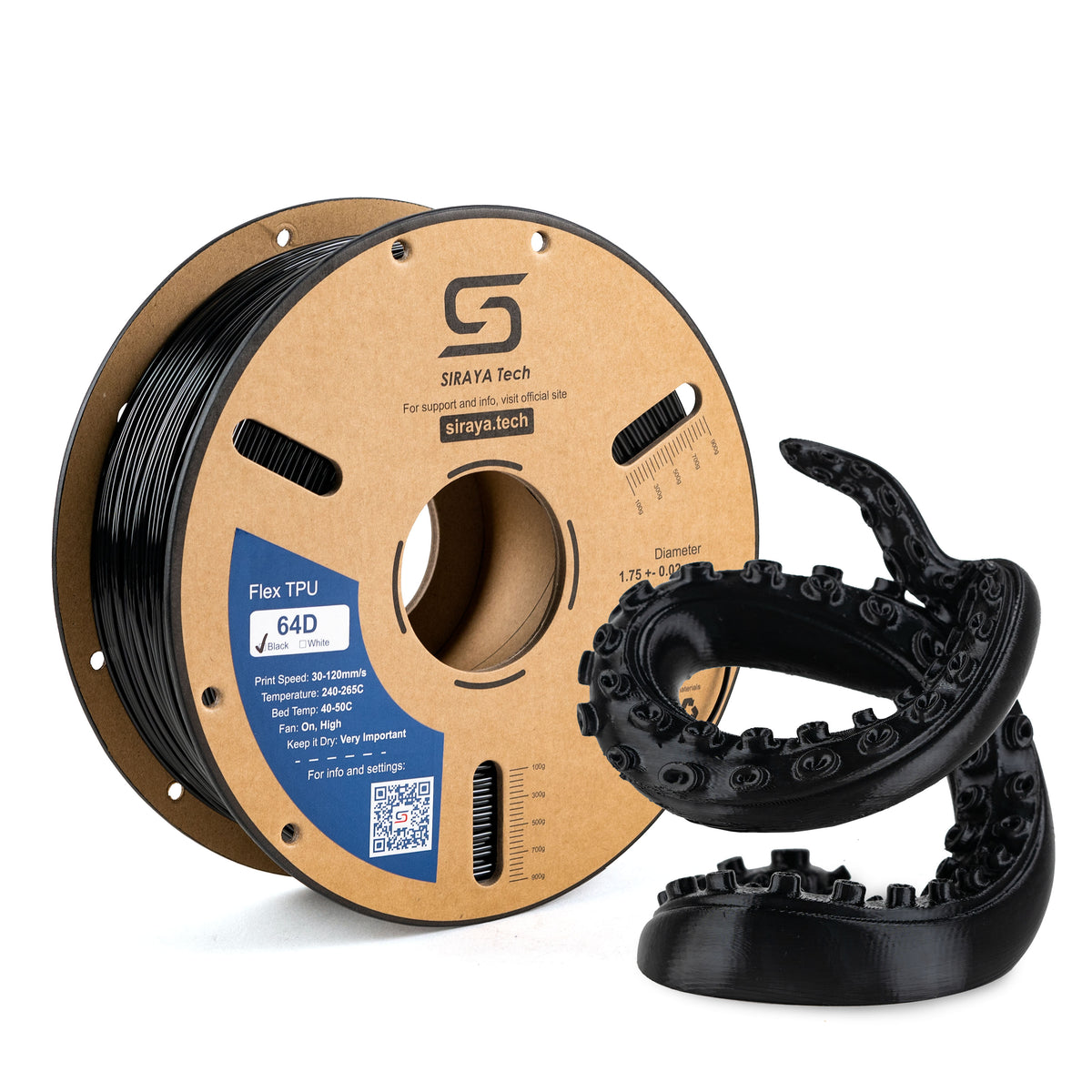
Siraya 3D Filaments and Resin You May Shop
Explore More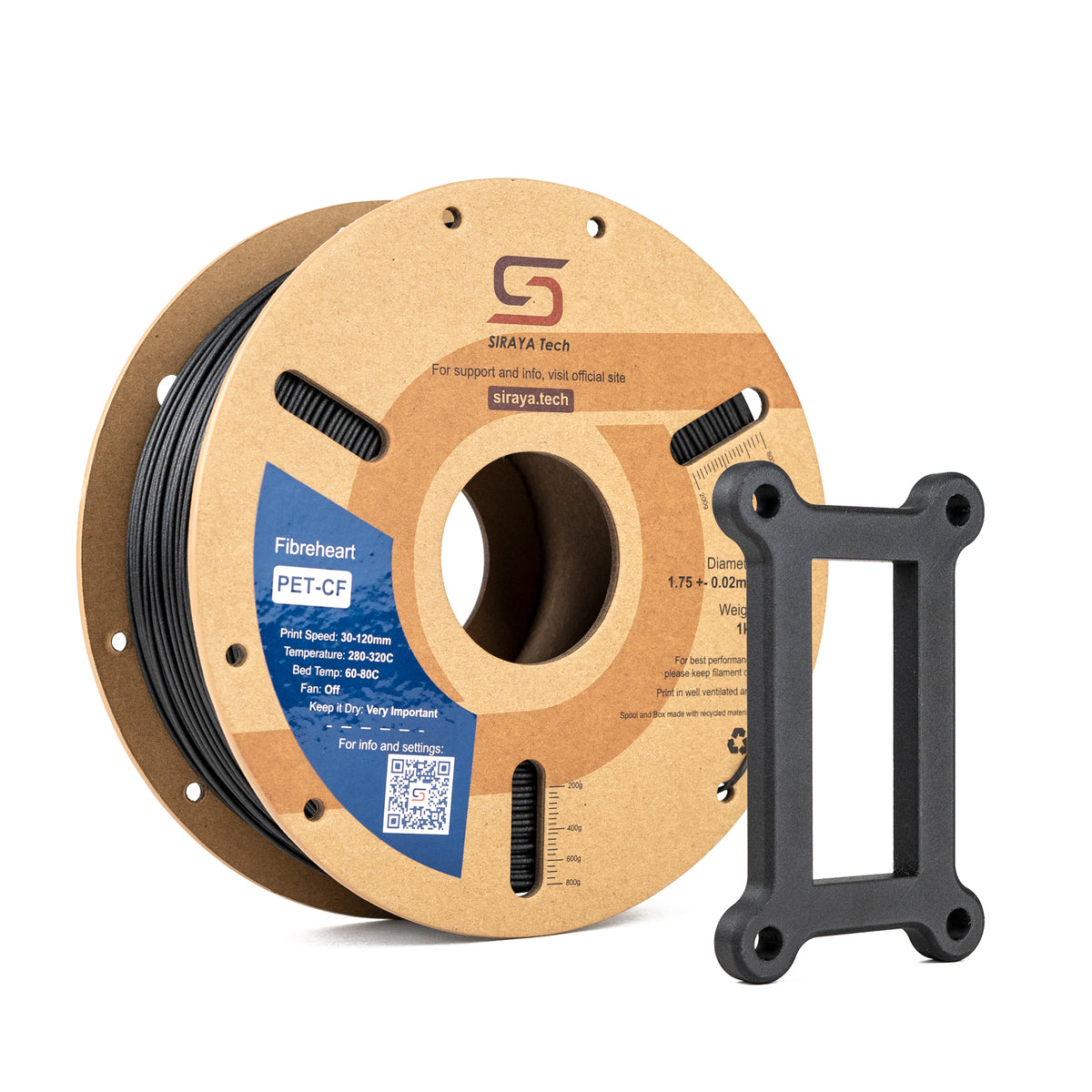
📌 If you are curious how PETG compares at these speeds, don’t forget to check out PETG vs PLA: Key Differences and Which Filament Is Best for 3D Printing? for a clear side by side breakdown.
PETG Printing Settings for Retraction and Stringing Control
Stringing is one of the most common PETG issues. PETG stays soft longer than PLA, so retraction settings must be gentle.
Moderate retraction distance and slower retraction speeds reduce stringing without causing clogs. Aggressive retraction often creates more problems than it solves.
Helpful adjustments include:
- Keeping retraction distance minimal
- Avoiding very fast retraction speeds
- Slightly lowering nozzle temperature if stringing persists
PETG Printing Settings for Cooling and Fan Use
Cooling is often misunderstood when working with PETG. Too much cooling weakens layer adhesion and reduces part strength.
Fan speeds between 20 and 40 percent are ideal for most PETG prints. This keeps surfaces clean without over cooling the layers. Temporary increases in fan speed can help with bridges and overhangs, but sustained high cooling should be avoided.
PETG Printing Settings for Layer Height, Line Width, and Flow

Layer height and line width determine how much material is laid down with each pass. These petg printing settings influence strength, detail, and print time.
Layer heights between 0.2 and 0.28 mm offer a good balance. Slightly wider line widths improve layer bonding and reduce gaps. Flow rate adjustments should be small and only made when surface issues appear.
|
Surface Issue |
Likely Flow Adjustment |
|---|---|
|
Bulging or blobs |
Reduce flow slightly |
|
Gaps between lines |
Increase flow slightly |
PETG Printing Settings for Clear and Smooth Prints
Clear PETG requires careful tuning. Higher nozzle temperatures, slower print speeds, and low cooling help reduce cloudiness. Consistent extrusion matters more than speed when clarity is the goal.
Smooth PETG surfaces often come from slightly higher temperatures and slower movement. Lower layer heights improve visual quality but increase print time, so changes should be made gradually.
PETG Printing Settings and Moisture Control
PETG absorbs moisture from the air over time. Wet filament can cause popping sounds, rough surfaces, and inconsistent extrusion.
📌 Drying PETG before printing improves surface quality and layer bonding, especially in humid environments. To learn the right way to do this, discover How to Dry PETG Filament for Perfect Prints and keep your settings consistent.
PETG Printing Settings Troubleshooting Guide
Most PETG problems point directly to a setting that needs adjustment. Recognizing these patterns helps fix issues quickly.
|
Problem |
Likely Cause |
|---|---|
|
Poor bed adhesion |
Bed temperature or first layer height |
|
Excessive stringing |
Nozzle temperature or retraction |
|
Weak layers |
Too much cooling or low temperature |
|
Blobs and zits |
Over extrusion or excess heat |
|
Rough surfaces |
Moist filament or uneven flow |
Conclusion
Getting PETG printing settings right is about balance and consistency. With proper temperature, controlled speed, gentle cooling, and dry filament, PETG delivers strong and reliable prints for many applications.
For more helpful guides and tips about PETG and other 3D printing topics, Siraya offers a growing library of resources.
Siraya is also a trusted choice for high quality products like advanced 3D printing filaments, professional resins including tenacious resin and castable resin, and platinum silicone crafting materials designed to support precision and creativity in every project.
FAQs About PETG Printing Settings
What is the 45 degree rule in 3D printing?
The 45 degree rule means most printers can handle overhangs up to about 45 degrees without supports. PETG can sometimes handle slightly steeper angles because it retains heat longer. Slower speeds and balanced cooling improve overhang quality. Supports are recommended for sharper angles.
How to print the clearest PETG?
Clear PETG prints best at higher nozzle temperatures and slower speeds. Lower layer heights and minimal cooling help reduce haze. Consistent extrusion is key for transparency. Dry filament also improves clarity.
What happens if I print PETG too hot?
Printing PETG too hot causes stringing, blobs, and surface sagging. Fine details may soften and lose shape. Lowering the nozzle temperature slightly usually fixes these issues. Stable extrusion is the goal.
Should PETG be dried before printing?
PETG absorbs moisture from the air, which affects print quality. Wet filament causes popping, rough surfaces, and weak layers. Drying PETG improves consistency and strength. Proper storage prevents future moisture problems.
Can I drink out of a PETG cup?
PETG is often considered food safe, but 3D printed objects have layer lines that can trap bacteria. Without sealing, printed cups are not recommended for repeated food or drink use. Surface coatings may help but do not guarantee safety.