
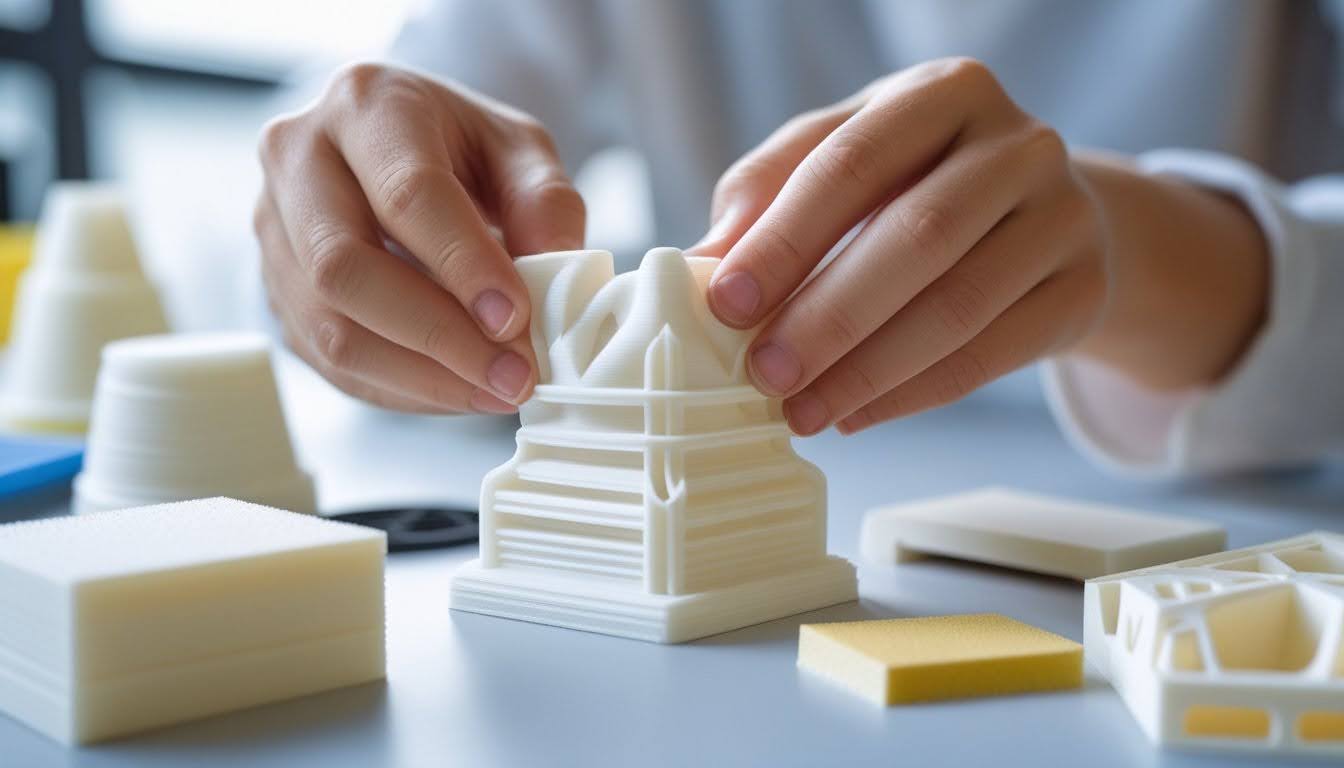
Sanding 3D prints is the secret to transforming rough, layered surfaces into professional-quality finishes. Whether you're working with resin or filament prints, proper sanding techniques can eliminate layer lines, support marks, and surface imperfections that detract from your final piece.
Mastering the art of sanding 3D prints doesn't require expensive equipment or years of experience. With the right tools, techniques, and a systematic approach, you can achieve glass-smooth results that rival injection-molded parts.
This guide covers everything you need to know about sanding 3D prints, from choosing the correct grit progression to advanced finishing techniques that deliver stunning results.
Key Takeaways
- Always use wet sanding to prevent plastic from melting and to control dust.
- Follow a strict grit progression, starting at 150-220 and finishing at 1000+.
- Circular motions are best for FDM prints, while cross-hatching works well for resin.
- Wear a high-quality mask to avoid inhaling microplastics and resin particles.
Want prints that sand beautifully and hold up to heavy use? Check out our strong 3D printer filament collection for durable materials that deliver professional results.
Why Sanding Is Essential for Resin 3D Prints

Resin prints come off the build plate with surface flaws that hide the real quality of your work. Sanding takes care of these imperfections and gets your parts ready for paint or any other finishing you have in mind.
Common Surface Imperfections in Resin Prints
When you print with SLA, you’ll spot visible layer lines across the surface. They show up as horizontal ridges, following the layer height you set in your slicer. Even at fine settings like 0.025mm, some texture remains.
Support marks are another issue. The tiny spots where supports touch your print leave bumps and divots. These stand out and need some love during post-processing.
You might also see cured resin residue—a sticky film left from uncured resin after washing. It creates an uneven finish, especially under bright light.
Some prints pick up slight warping or surface waves from temperature changes or the curing process. These small distortions can throw off the final look.
Benefits of Proper Sanding Techniques
Sanding gets rid of layer lines and evens out the whole print. Start with coarse grits like 220 to tackle big flaws, then work up to finer grits—800 or higher. This step-by-step approach gives you control over how smooth things get.
Smoother surfaces help functional parts work better. Less friction means moving parts slide or rotate more easily, and pieces fit together cleaner.
Paint sticks better to sanded prints, and you’ll see fewer defects in the final finish. The result looks professional, not like it just came off a printer.
Careful sanding can even bring out fine details in your design. If you go slow, you’ll remove roughness without losing those small features you worked hard to model.
How Siraya Tech Resins Respond to Sanding
Siraya Tech resins sand easier than a lot of standard resins. You won’t have to work as hard to erase layer lines, and wet sanding helps avoid dust and keeps your sandpaper from gumming up.
Fast Blue resin gives you a firm surface that can handle aggressive sanding. You can start at 220-grit without worrying about chewing up too much material. Plus, the blue color actually helps you see your progress as you switch grits.
Sculpt resin is made for post-processing. It sands smoothly and doesn’t leave that chalky mess some resins do. If you want a paint-ready finish for display, this one’s a solid pick.
Build resin stays tough during sanding, which is great for functional parts. It doesn’t go brittle or crack when you press down. You can sand thin walls and delicate bits without snapping them.
Wet Sanding vs. Dry Sanding: Which Is Best?
When you begin sanding 3d prints, the choice between wet and dry methods is clear: wet sanding is almost always superior.
By dipping your sandpaper in water (or sanding under a slow stream), you provide a lubricant that washes away the slurry.
This prevents the sandpaper from "clogging" with plastic particles, which extends the life of your abrasives and results in a much smoother finish without deep scratches.
Safety First: PPE for Sanding
It is vital to wear a particulate respirator. Sanding 3d prints generates microplastics and, in the case of resin, potentially toxic dust.
Even when wet sanding, small particles can dry and become airborne. Protect your lungs and work in a well-ventilated area.
Tools and Materials for Sanding 3D Prints

The right tools make sanding way easier. Picking between wet and dry sanding, using the right grit order, and wearing proper safety gear all play a role in getting a pro-level finish.
Grit Progression Guide (From 200 to 3000+)
Kick things off with 120-200 grit sandpaper to erase obvious layer lines and big surface defects. This grit cuts fast but leaves deep scratches, so you’ll need to follow up.
Switch to 320-400 grit sandpaper to smooth out those deep scratches. The surface should look more even now. Sand until the coarse marks disappear.
Move on to 600-800 grit for a really smooth surface, then go to 1000-1500 grit for a nearly polished look. If you want a glossy, glass-like finish, finish with 2000-3000+ grit wet sandpaper. Don’t skip grit levels—it just makes more work for yourself later.
| Grit Range | Purpose | Visual Result |
|---|---|---|
| 100 - 180 | Removing heavy layer lines and supports | Rough, opaque surface |
| 220 - 400 | Smoothing transitions and preparing for primer | Satin finish, layer lines invisible to touch |
| 600 - 1000 | Refining primer or clear-coating preparation | Smooth, slightly reflective |
| 1500 - 3000 | Polishing for transparent or metallic finishes | Glass-like, mirror finish |
Essential Sanding Tools and Safety Equipment
Sandpaper sheets are your basic go-to. Grab a variety pack with different grits so you can work through each stage. Sanding sponges are great for curves and tight spots since they flex to match the shape.
A Dremel or rotary tool with sanding bits speeds things up on big prints. Just keep the speed low so you don’t melt the plastic. Needle files help you get into tiny details and corners where sandpaper just can’t reach.
Don’t skip safety gear. Wear a dust mask (N95 or better) for dry sanding to keep plastic dust out of your lungs. If you’re using chemicals along with sanding, a respirator with organic vapor filters is a must.
Keep a bowl of water handy for wet sanding and rinse your sandpaper often. A sanding block helps you keep pressure even and avoid low spots on flat surfaces.
Keep your projects running smoothly with our filament refill collection. Stock up on quality materials that sand consistently for flawless finishes every time.
Step-by-Step Guide to Sanding 3D Prints
Sanding 3D prints is all about working through the steps—starting with prep, moving through finer grits, and finishing up with the right post-sanding treatments. If you take your time and follow a system, you’ll get a finish that looks and feels professional.
Preparing Your Resin Print for Sanding
Start with a fully cured print that’s been cleaned of any leftover resin. Wash it with isopropyl alcohol and cure it as your resin brand suggests.
Snip off all supports using flush cutters. Sand down those support marks with 120-grit before moving to finer grits. Check for holes or gaps that might need filling.
Apply filler primer or spot putty to problem spots:
- Fill gaps with thin layers, not thick blobs
- Let each layer dry before adding more
- Sand filled spots flush with the rest of the print
- Use 150-200 grit for leveling out the filler
Wear a mask and gloves while dry sanding. Make sure you’re in a well-ventilated space.
Progressive Sanding Technique for Ultra-Smooth Finish
Start with 200-grit sandpaper to knock down layer lines and level any filled spots. Use circular motions or follow the shape—don’t press too hard.
Once you’ve got the big flaws out, move to 400-grit. At this point, switch to wet sanding. Dip your sandpaper in water as you go—this keeps things clean and stops the paper from clogging.
Sanding Different Materials Tips:
| Material | Sanding Difficulty | Pro Tip |
|---|---|---|
| PLA | Hard | Use very low speeds to avoid melting. |
| Resin (SLA) | Easy | Always wet sand; dust is a major irritant. |
| ABS | Medium | Can be vapor smoothed first to reduce sanding. |
| PETG | Moderate | Gummy material; requires frequent water rinses. |
Post-Sanding Treatment and Finishing Options
Wash your print with soap and water after sanding. Get rid of all dust before adding any coatings. Let it dry fully.
Spray on a coat of primer to spot any leftover imperfections. Primer gives you an even base for paint and makes it easy to see spots that need more sanding. Go over the primed surface lightly with 600-800 grit for an ultra-smooth finish.
For the best results, use 2-3 thin coats of primer instead of one thick one. Sand between each coat with finer grits. This back-and-forth gives you a glass-smooth surface, ready for paint.
Want a mirror finish? After 2000-grit sanding, use a polishing compound and a soft cloth. Rub in circles—this works really well on flat areas where you want that extra shine before painting.
Looking for prints with unique properties? Explore our flexible resin collection for materials that combine durability with easy post-processing and sanding capabilities.
Conclusion: Sanding 3D Prints
Sanding 3D prints transforms rough surfaces into professional-quality finishes. With the right tools and grit progression, you can achieve smooth results on any resin or filament print. Whether you're preparing for paint or want a polished final piece, proper sanding techniques make all the difference.
Remember to work patiently through each grit level and maintain good ventilation throughout the process. The time you invest in sanding will pay off with prints that look factory-made rather than homemade.
Ready to perfect your resin printing workflow? Learn the essential steps for preparing your prints in our guide on how to clean resin prints.
Frequently Asked Questions: Sanding 3D Prints
Sanding 3D prints brings up a lot of the same questions—do you really need to do it, how should you go about it, and are there other options? The process works for most materials, but your method depends on your goals and the filament you use.
Can you sand down 3D prints?
Yes, most 3D printed materials can be sanded. PLA, ABS, PETG, and resin each respond differently to sanding. Start with coarse grit (100-200) to remove layer lines, then progress through medium (300-400) and fine grits (800-1500) for a smooth finish.
Do you need to sand down 3D prints?
Sanding isn't always necessary—it depends on your project's purpose. Functional parts and prototypes rarely need sanding unless fit or appearance matters. Decorative pieces, display models, and painted prints benefit most from sanding for a professional finish.
Why don't people sand 3D prints?
Sanding is time-consuming and creates dust that requires safety precautions. Many users prefer alternatives like vapor smoothing, filler primers, or epoxy coatings. These methods are faster but offer less control over the final surface quality.
How to finish 3D prints after sanding?
Clean the print thoroughly with water and let it dry completely. Apply primer in thin coats, then optionally sand with 400-600 grit for extra smoothness. Finish with paint or clear coat, or simply polish the plastic for a natural shine.