
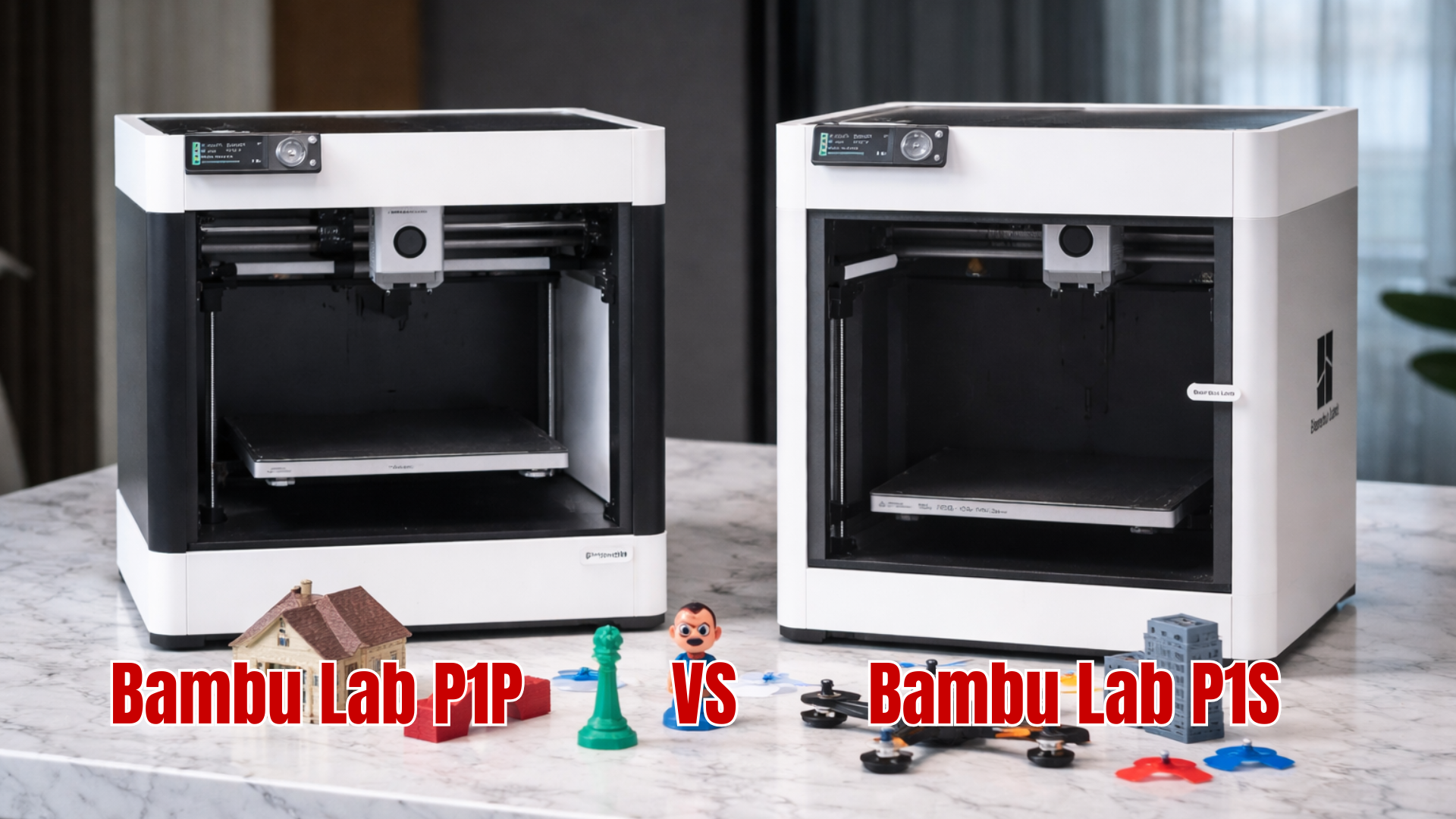
Choosing between the Bambu Lab P1P vs P1S can feel tricky because both printers are fast, reliable, and built around the same core system. The real differences show up in design, noise, and how well each printer handles different materials.
Those details matter a lot depending on what you want to print and where you plan to use the machine. Read on to see a clear, simple breakdown that helps you decide with confidence.
Bambu Lab P1P vs P1S: Quick Comparison
The Bambu Lab P1P vs P1S comparison starts with understanding what these printers share. Both models are built for speed, accuracy, and ease of use, making them popular choices for beginners and experienced users alike.
Where they differ is how they manage heat, sound, and materials. These differences become more noticeable as projects grow more advanced.
Bambu Lab P1P vs P1S Comparison Table
|
Feature |
P1P |
P1S |
|---|---|---|
|
Frame design |
Open frame |
Fully enclosed |
|
Noise level |
Moderate |
Quieter |
|
Temperature stability |
Basic |
More stable |
|
Advanced material support |
Limited |
Strong |
|
Safety for home use |
Good |
Better |
Bambu Lab P1P vs P1S: Design and Build Quality

Design plays a big role in how comfortable and reliable a printer feels. In the Bambu Lab P1P vs P1S discussion, enclosure is the biggest physical difference.
The P1P keeps things open and simple, while the P1S adds panels and airflow control. This affects noise, safety, and print consistency.
Open Frame vs Enclosed Design
The P1P’s open frame makes it easy to access prints and parts. It also keeps the cost lower, which appeals to budget focused users.
The P1S enclosure helps trap heat and reduce outside airflow. This creates a more controlled print environment that improves reliability with tougher materials.
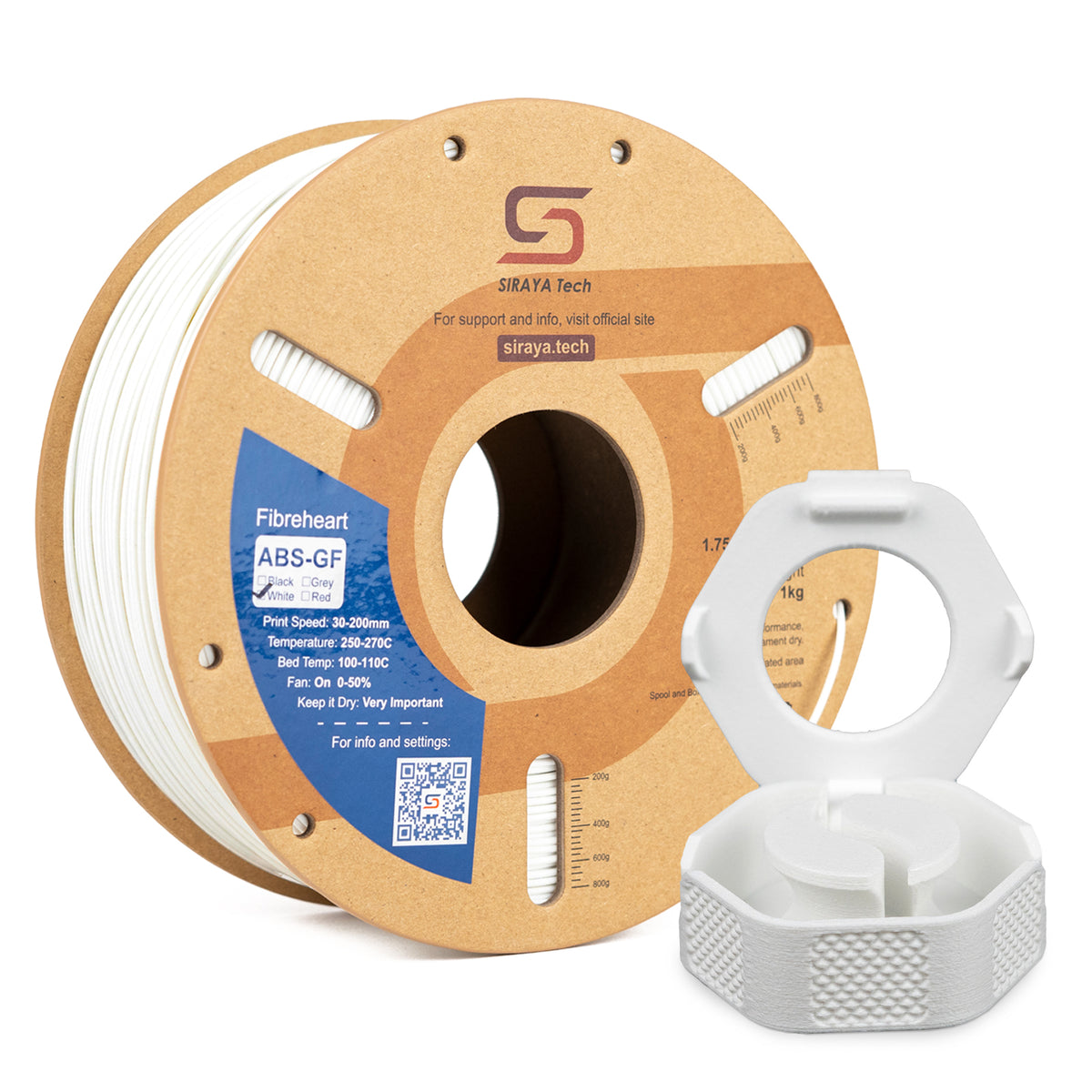
Siraya 3D Filaments and Resin You May Shop
Explore More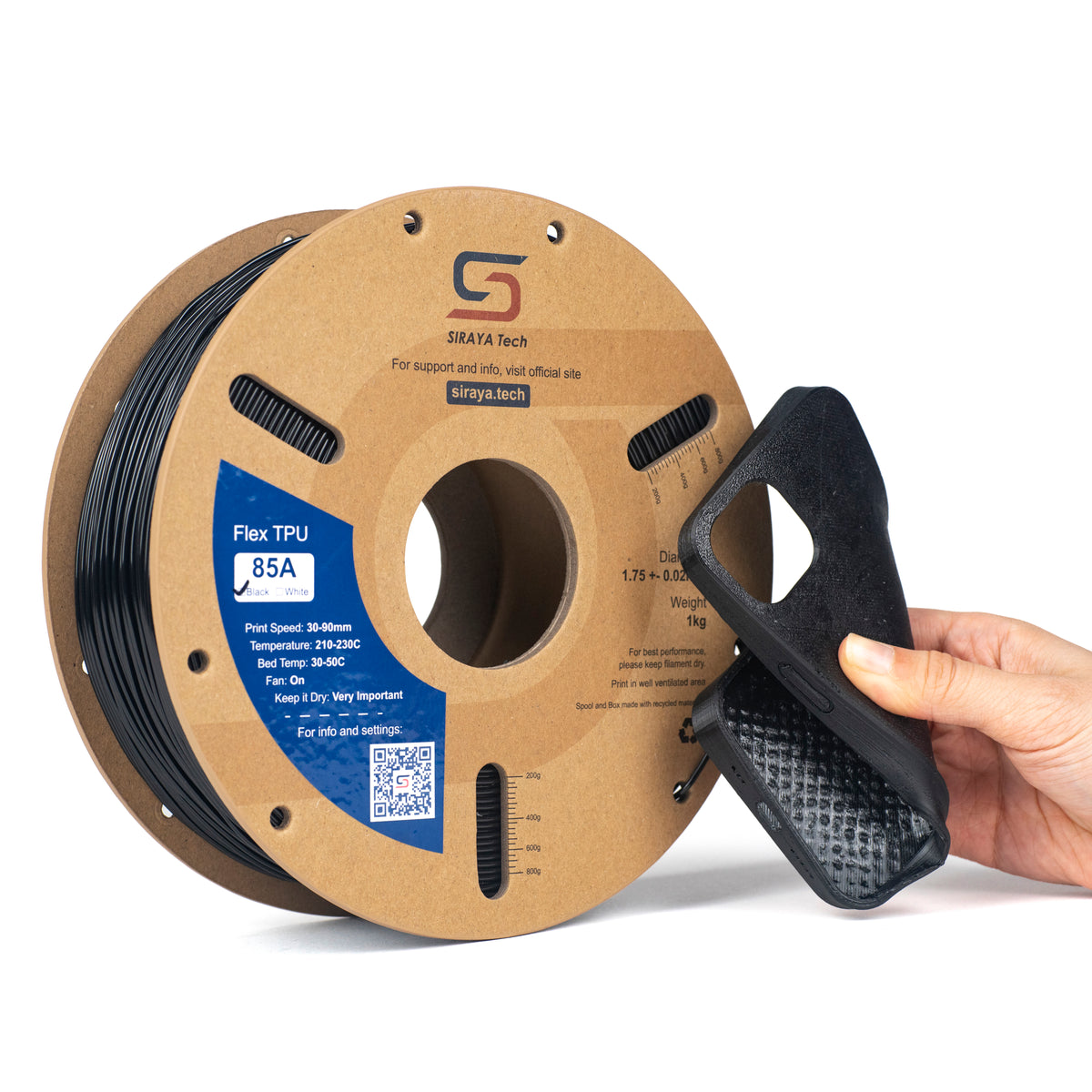

📌 Discover more printer styles in Types of 3D Printers: Which One is Right For You?. It explains how different machines work and where the P1P and P1S fit.
Bambu Lab P1P vs P1S: Print Speed and Quality
Speed and quality are nearly equal when comparing Bambu Lab P1P vs P1S. Both printers use the same motion system, so raw speed is not the deciding factor.
Quality differences appear mostly during long prints or when using materials that need steady heat.
Print Consistency
The P1S holds internal temperatures more evenly. This reduces warping and layer separation on larger or longer prints.
The P1P delivers excellent results with basic filaments but can be more sensitive to room temperature changes.
Bambu Lab P1P vs P1S: Material Compatibility
Material support is often the deciding factor in the Bambu Lab P1P vs P1S choice. Both printers handle everyday filaments well, but advanced materials favor one model.
Common Filaments
Both printers perform well with:
- PLA
- PETG
- TPU
For users interested in stronger options, carbon fiber reinforced blends like PETG-CF share PETG’s ease of use while adding stiffness, reduced warping, and a matte finish.
📌 Check out Best Filament for Bambu Lab P1S & P1P: Easy Picks For Great Prints to see which materials work best for these printers.
Advanced and Reinforced Filaments
The enclosed P1S is better suited for engineering materials that need heat stability. Many high strength filaments perform more reliably in a controlled environment.
If you are planning to use reinforced or specialty materials, choosing high-quality filament matters just as much as choosing the right printer. Siraya offers a wide range of filaments that are compatible with both the P1P and P1S, including advanced blends designed for strength, durability, and professional results.
Material Suitability Table
|
Material Type |
P1P |
P1S |
|---|---|---|
|
PLA |
Excellent |
Excellent |
|
PETG |
Very good |
Very good |
|
TPU |
Good |
Very good |
|
ABS-GF |
Limited |
Excellent |
|
ABS-CF / ABS-CF Core |
Limited |
Excellent |
|
ASA-GF |
Limited |
Excellent |
|
PET-CF / PET-GF |
Good |
Excellent |
|
PPA / PPA-GF / PPA-CF / PPA-CF Core |
Limited |
Excellent |
|
PEBA / PEBA Air |
Good |
Excellent |
|
TPU Air, TPU 85A, TPU 95A, TPU 64D |
Good |
Very good |
For users who want stronger and more heat resistant parts, Siraya provides compatible options such as:
- ABS-GF, ABS-CF, and ABS-CF Core for high strength structural prints
- ASA-GF for outdoor durability and UV resistance
- PET-CF and PET-GF for added stiffness and reduced warping
- PPA, PPA-GF, PPA-CF, and PPA-CF Core for engineering level performance
- TPU 85A, TPU 95A, TPU 64D, TPU Air, PEBA, and PEBA Air for flexible yet durable applications
High-quality filaments designed for strength and durability benefit from enclosure stability. This is where the P1S clearly stands out, especially when paired with reinforced and specialty materials that demand consistent heat and airflow control.
Siraya 3D Filaments and Resin You May Shop
Explore More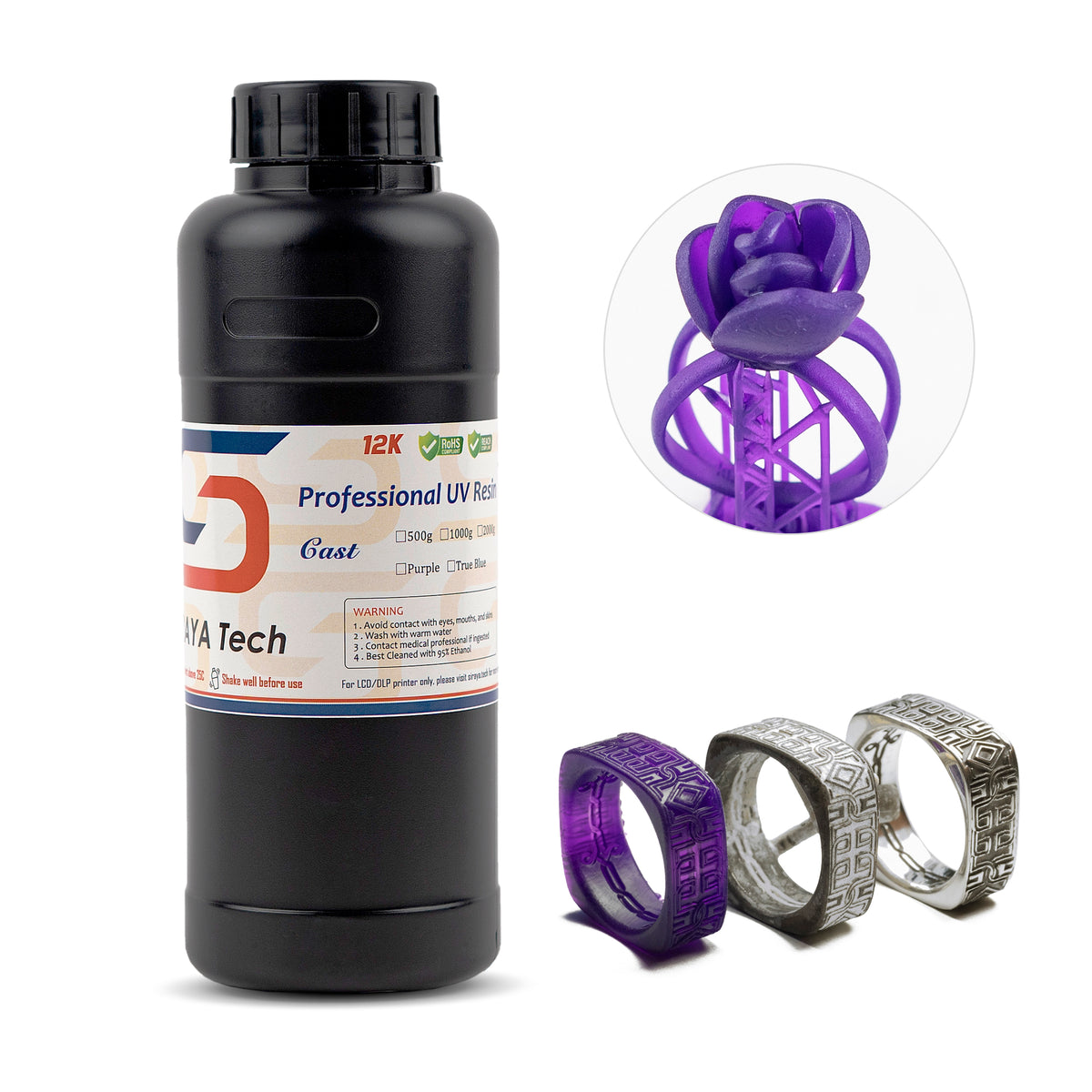
📌 Discover more printer styles in Types of 3D Printers: Which One is Right For You?. It explains how different machines work and where the P1P and P1S fit.
Bambu Lab P1P vs P1S: Auto Leveling and Ease of Use
Ease of use matters just as much as performance when choosing between Bambu Lab P1P vs P1S. Both printers are designed to minimize setup time and reduce user frustration.
Automatic bed leveling is included on both models. This ensures reliable first layers and consistent results without manual tuning.
Daily Use Experience
Menus and controls feel the same on both printers. Loading filament, starting prints, and monitoring progress are simple tasks.
The P1S enclosure adds extra safety by keeping hot parts enclosed, which can be helpful in shared spaces.
📌 Do not forget to check out How Does 3D Printing Work? Understanding Methods and Process if you want a simple explanation of what happens inside the printer.
Bambu Lab P1P vs P1S: Temperature Control and Safety

Temperature control is a practical difference in the Bambu Lab P1P vs P1S comparison. It directly impacts material success and print reliability.
The P1S maintains a more stable internal temperature. This is especially useful for materials prone to warping.
Printing at Higher Temperatures
PLA typically prints well at moderate temperatures. Short periods around 230 degrees Celsius are generally safe when cooling is managed properly.
Materials like ABS-GF, ABS-CF, and ASA-GF benefit from controlled heat, making enclosed printers more dependable.
Bambu Lab P1P vs P1S: Power Use and Running Costs
Running costs are similar when comparing Bambu Lab P1P vs P1S. Electricity usage does not differ dramatically between the two models.
The P1S may use slightly more power due to its enclosure and additional fans. In most cases, this difference is minor over time.
Cost Efficiency
Fewer failed prints can save filament and time. Improved consistency often balances out any small increase in energy use.
Bambu Lab P1P vs P1S: Upgrade and Expansion Options
Upgrade potential affects long term value in the Bambu Lab P1P vs P1S decision. Some users prefer starting simple and upgrading later.
While the P1P can be enclosed with upgrade kits, this adds cost and setup effort. The P1S offers a ready to use solution from day one.
Planning for the Future
Users planning to explore reinforced or engineering filaments often benefit from choosing the enclosed option early. Basic printing needs may not require upgrades at all.
Bambu Lab P1P vs P1S: Who Each Printer Is Best For
Matching the printer to your goals simplifies the Bambu Lab P1P vs P1S choice. Different users value different strengths.
Best Fit Summary Table
|
User Type |
Better Choice |
|---|---|
|
Beginners printing PLA |
P1P |
|
Home users needing quiet prints |
P1S |
|
Advanced material users |
P1S |
|
Budget focused users |
P1P |
Conclusion
The Bambu Lab P1P vs P1S decision depends on how much control and material flexibility you want. Both printers deliver fast, clean prints, but the P1S offers better consistency, quieter operation, and stronger support for advanced filaments.
For more helpful guides and tips about this topic and other areas of 3D printing, Siraya is a valuable resource to explore. Siraya also provides high-quality 3D printing filaments, advanced resins including tough and tenacious resin, castable resin, and platinum silicone crafting materials that support reliable and professional results across many types of projects.
Frequently Asked Questions About Bambu Lab P1P vs P1S
Can the P1S print resin?
Resin printing uses liquid materials cured by light rather than melted filament. These printers are designed for filament based printing only. A different type of machine is required for resin work.
Does the P1P have automatic bed leveling?
Automatic bed leveling helps ensure the first layer adheres properly. This feature reduces setup time and improves print reliability. It is included on both models.
Can firmware updates disable a printer?
Firmware updates are meant to improve performance and stability. Issues are uncommon when updates are applied correctly. Most users update regularly without problems.
Is 230 degrees Celsius too hot for PLA?
PLA usually prints at lower temperatures. Short exposure to 230 degrees Celsius can be acceptable depending on cooling and speed. Proper airflow helps avoid surface issues.