
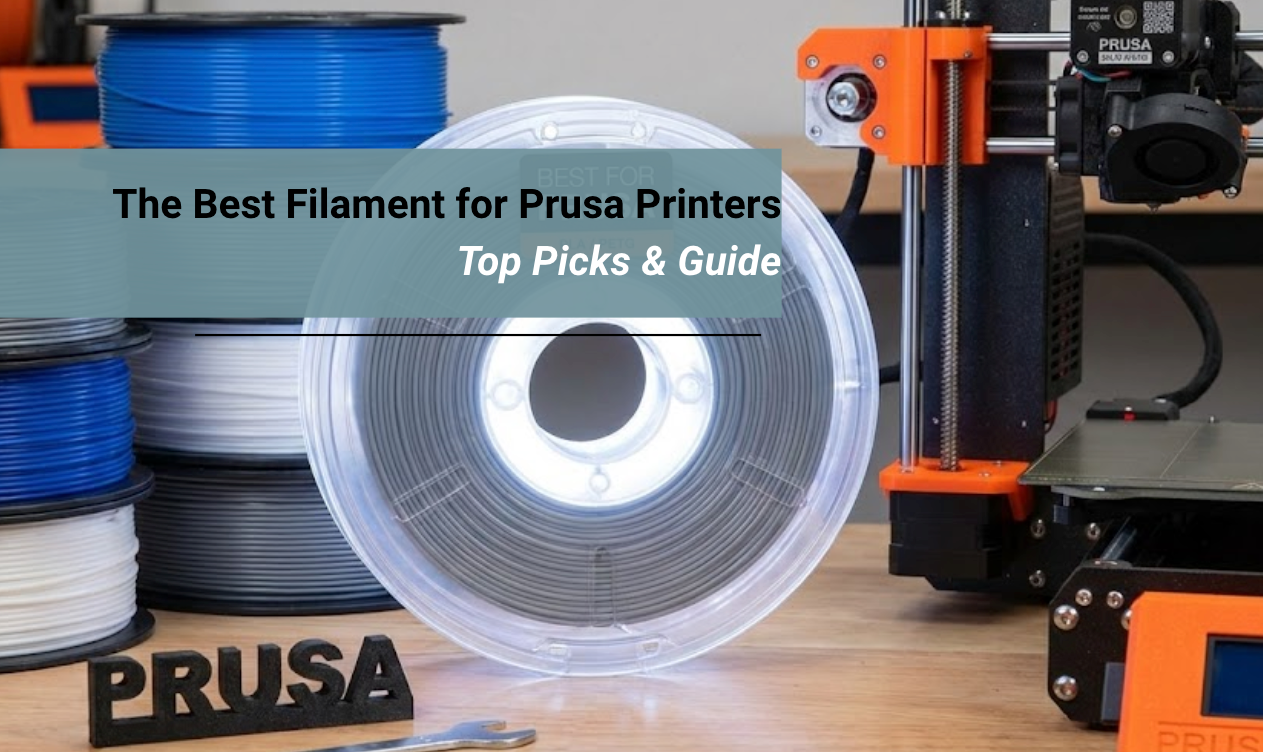
If you want to stop troubleshooting and start printing, you need materials that match your machine’s quality. You need consistent extrusion and reliable bed adhesion.
In this comprehensive guide, we will break down the best filament for Prusa printers to help you get that perfect first layer every single time.
Quick Summary:
What should you feed your Prusa? Prusa printers are famous for their reliability. However, using the wrong material can still cause jams and headaches.
Here is the quick guide to choosing the best filament for Prusa machines:
- Diameter Consistency: Prusa’s precise gears need filament with a strict +/- 0.03mm tolerance. This prevents clogging inside the heatbreak.
- Material Choice: Use PLA for visual models. Use PETG for functional mechanical parts. Use TPU for flexibility and impact resistance.
- Spool Winding: Tangled spools will trigger the Prusa filament sensor. This pauses your prints constantly. Look for neatly wound rolls.
- Compatibility: Siraya Tech filaments are optimized for the high-flow hotends found in the MK3S+, MK4, and XL series.
Why Prusa Printers Need Specific Filament Quality
You might be wondering why a specific filament matters. Plastic is plastic, right? Not exactly.
Prusa printers generally use a "Direct Drive" extruder system. The older models use Bondtech gears, and the newer MK4 and XL use the "Nextruder" with a planetary gear system. This is a fantastic system because it grips the filament very tightly right above the nozzle. It offers amazing control.
However, this precision means it is less forgiving of cheap filament than a sloppy Bowden tube printer might be.
The Diameter Problem
The gears in your Prusa are spaced perfectly for 1.75mm filament.
- Too Thick: If a cheap filament bulges to 1.80mm, it can get stuck in the PTFE tube inside the hotend. This causes the extruder motor to skip. You will hear a loud "clicking" noise.
- Too Thin: If the filament shrinks to 1.65mm, the gears cannot grip it firmly. They will grind the plastic dust off the filament. This leads to under-extrusion, where your layers look weak and gap-filled.
The best filament for Prusa must have high dimensional accuracy. At Siraya Tech, we manufacture our spools to ensure they glide smoothly through Bondtech and Nextruder gears. This works whether you are printing a tiny whistle or a massive cosplay helmet.
The Best Everyday Filament: PLA and PLA+
For 90% of your projects, PLA (Polylactic Acid) is the king. It is easy to print. It smells sweet like corn syrup. It comes in a million colors.
Why Prusa Owners Love PLA
Prusa printers come with a flexible steel sheet coated in PEI. PLA loves PEI. When the bed is heated to 60°C, PLA sticks to it like glue. When the bed cools down, the print pops off automatically. It is a magical experience.
PLA is rigid and holds detail incredibly well. This makes it the perfect material for printing articulated models.
These are models with moving joints printed in place.
👉 If you want to test your printer's capabilities, check out our guide to 3D-printed fidget toys.
These toys require tight tolerances. If your filament is goopy or inconsistent, the joints will fuse together. High-quality PLA keeps those joints free.
Ideal Projects for PLA
Because it is brittle and has low heat resistance, do not use PLA for car parts. Use it for:
- Decorative statues
- Organization boxes
- Board game inserts
- Prototypes to check for fit
If you are looking for inspiration on what to make with your first spool, check out our list of useful things to 3d print around the house.
Prusa Specific Settings for PLA
The standard "Generic PLA" profile in PrusaSlicer works perfectly with Siraya Tech PLA.
- Nozzle: 210°C to 215°C
- Bed: 60°C
- Fan: 100% (This is crucial for PLA to cool down fast for bridges and overhangs).
The Best Functional Filament for Prusa Printers: PETG
When you need a part that can handle heat or mechanical stress, PLA won't cut it. This is where PETG shines. In fact, look at your Prusa printer.
The orange and black plastic parts that hold the machine together are printed out of PETG.
If it is good enough to build the printer, it is good enough for your projects.
Why It is Essential
PETG combines the ease of printing of PLA with the durability of ABS. It is ideal for mechanical brackets, snap-fits, or parts that might stay in a warm car. It has a bit of "flex" before it breaks. This makes it tougher than brittle PLA.
👉 If you want to dive deeper into why this material is a favorite among engineers, read our guide on the best PETG filament.
Handling the Stringing on a Prusa
PETG is notorious for one thing. Stringing. It likes to ooze out of the nozzle like hot honey. Because Prusa printers use direct drive, they are actually very good at handling PETG compared to other printers. But you still need to be careful.
- Retraction: Ensure your retraction settings are dialed in.
- Moisture: PETG absorbs water from the air. Wet PETG strings terribly. If you hear popping sounds while printing, your filament is wet. Dry it out.
Our high-quality PETG is formulated to reduce stringing. This gives you cleaner prints with less post-processing work. You won't have to spend hours burning off wisps of plastic with a heat gun.
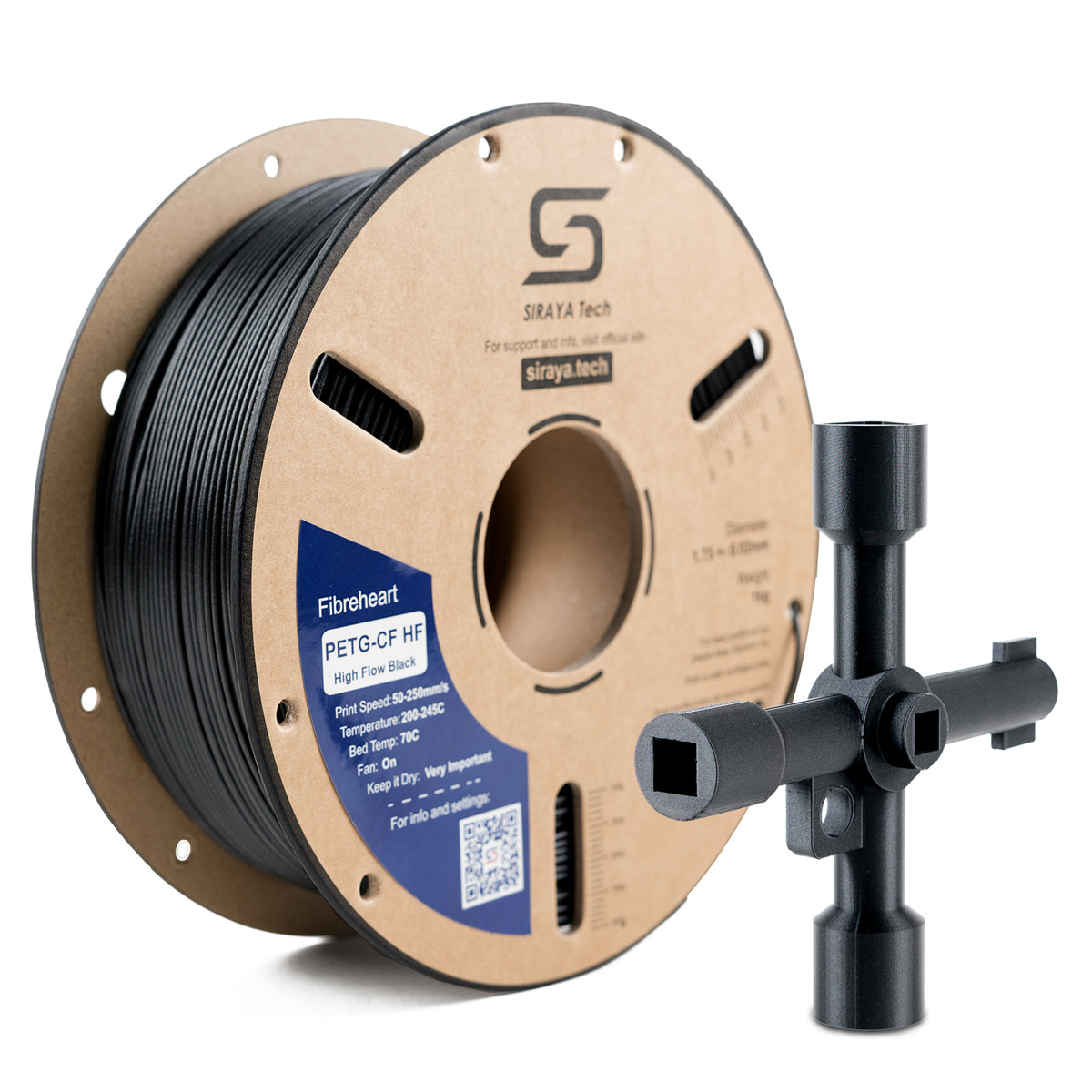
You May Want to Shop PETG Filaments
Explore More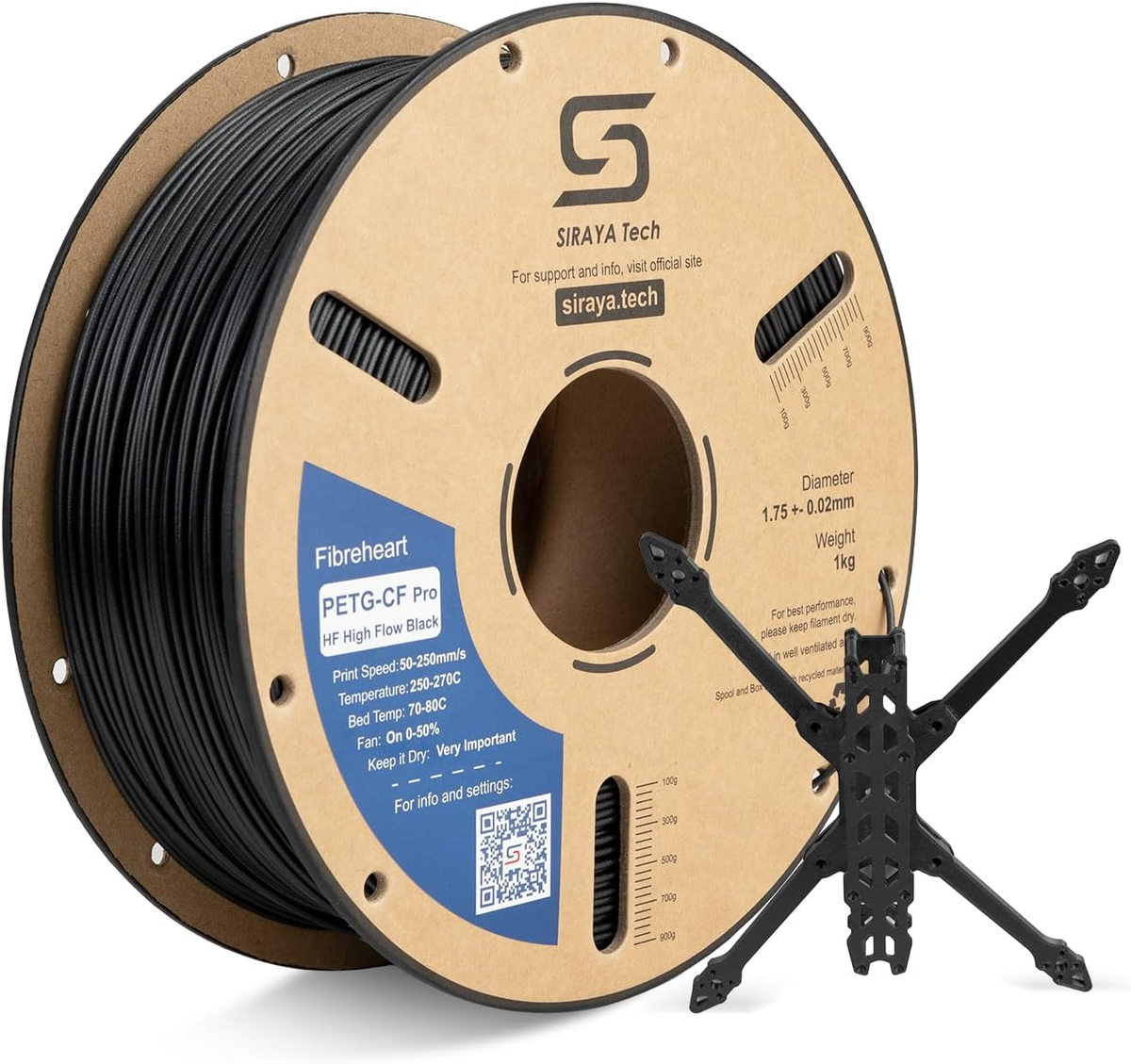

The PEI Sheet Warning
Important: PETG sticks too well to the smooth PEI sheet. If you print PETG on the smooth sheet without a release agent (like glue stick or Windex), you might rip the PEI coating off when you remove the print.
- Solution: Use the "Textured" or "Satin" powder-coated sheet from Prusa for PETG. It releases perfectly once cooled.
The Best Flexible Filament: TPU
This is where your Prusa really outperforms other printers. Many budget printers struggle with flexible filament.
For example, while the Bambu A1 series handles TPU well, the Prusa direct-drive extruder is known for its reliability with soft materials.
Unlocking New Possibilities
With TPU (Thermoplastic Polyurethane), you can print objects that feel like rubber.
- Phone cases
- Drone bumpers
- Custom gaskets
- Tires for RC cars
The Prusa extruder path is very short. This prevents the flexible filament from buckling like a wet noodle inside the gears. This means you can print softer TPU on a Prusa than you can on almost any other stock machine.
Softness Levels: 95A vs 85A
- 95A: This is the standard "hard rubber." It feels like a shopping cart wheel. It is easy to print.
- 85A: This is softer and squishier. It feels like a shoe insole.
👉 Not sure what to make with this fun material? We have curated a list of ideas to print with TPU to get you started.
Prusa Printing Tips for TPU
Even with the best filament for Prusa, you need to make one mechanical adjustment for TPU.
- Loosen the Idler Screw: There is a screw with a spring on your extruder door. Loosen it significantly. If the gears grip TPU too tightly, they will squish it flat and cause a jam.
- Slow Down: Print TPU slowly. Aim for 20mm/s to 30mm/s for the best results.
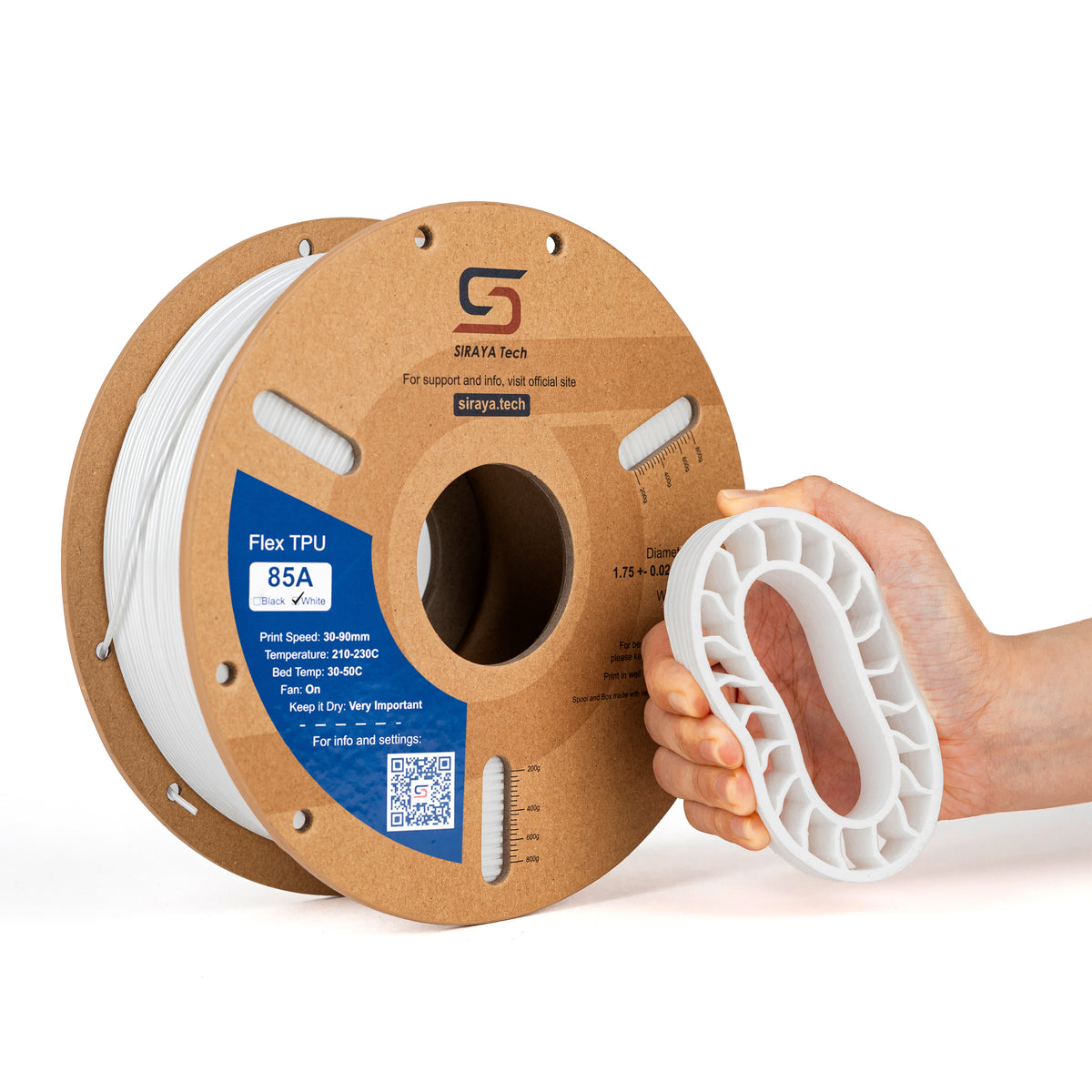
You May Want to Shop TPU Filaments
Explore More
Abrasive Filaments: Carbon Fiber and Glow in the Dark
Want to print parts that are stiff as a rock? Carbon fiber-filled filament is the answer. Want to make spooky Halloween decorations? Glow in the Dark is fun.
But be careful. These filaments are abrasive. They act like liquid sandpaper.
- The Brass Nozzle Problem: The standard nozzle on a Prusa is made of brass. If you print abrasive filament, you will ruin the nozzle in less than 500 grams of printing. The tip will wear out, and your print quality will vanish.
- The Fix: Upgrade to a "Hardened Steel" or "Nozzle X" or "ObXidian" nozzle before using these materials.
Once you have the right nozzle, Siraya Tech Carbon Fiber Nylon prints beautifully on the MK3S+ and MK4, delivering industrial-strength parts.
Troubleshooting Common Prusa Filament Issues
Even with the best machine and the best filament, things can go wrong. Here is how to fix common issues.
1. The "Clicking" Extruder
If you hear a click-click-click sound, the motor is skipping steps.
- Cause: The nozzle is clogged, or you are printing too cold, or the first layer is too close to the bed.
- Fix: Check your temperature. Try a "cold pull" to clean the nozzle.
2. Heat Creep
This happens mostly on the older MK3S models in hot rooms. The heat from the nozzle creeps up the heatbreak and melts the filament too early.
- Symptom: The print stops extruding halfway through. The filament looks swollen at the tip when you pull it out.
- Fix: Use high-quality filament with a higher softening point. Keep your room cool.
3. Wet Filament
If you hear popping, or your print surfaces look fuzzy and rough.
- Fix: Dry your filament. A simple food dehydrator or a dedicated filament dryer works wonders. This is especially important for TPU and PETG.
Conclusion
Your Prusa is a high-performance machine. It was designed by engineers for engineers. It deserves high-performance materials.
Using cheap, inconsistent filament in a Prusa is like putting budget tires on a sports car. You might move forward, but you won't get the performance you paid for.
By choosing filaments with consistent diameter, pure raw materials, and proper spool winding, you protect your extruder and ensure your prints look professional.
Whether you are printing fun fidget toys with PLA, structural parts with PETG, or flexible tires with TPU, the right spool makes all the difference. Stop fighting with clogs.
Stop recalibrating your Z-offset every five minutes. Feed your machine the good stuff and start creating.
Ready to upgrade your print quality?
FAQs About The Best Filament for Prusa Printers
What diameter filament does Prusa use?
A: All modern Prusa printers (MK3, MK4, Mini, XL) use 1.75mm filament. This is the industry standard for most consumer printers. Do not buy 2.85mm filament. That size is for Ultimaker printers and it will not fit in your Prusa.
Do I need an enclosure for my Prusa?
A: For PLA, PETG, and TPU, no. In fact, PLA prints better without one because it needs fresh air to cool down the layers. However, if you plan to print ABS, ASA, or Nylon, you should use an enclosure. These materials warp if they cool down too fast. An enclosure traps the heat and prevents warping.
Why is my filament clicking in the extruder?
Clicking usually means the extruder gears are slipping. They are trying to push the filament, but it won't move. This can happen if the nozzle is too close to the bed, the printing temperature is too low, or the filament has a bulge in its diameter. Using high-quality Siraya Tech filament helps prevent diameter-related jams.
Can I use abrasive filament like Carbon Fiber?
Yes, but you must upgrade your nozzle first. The standard Prusa nozzle is made of brass. Carbon fiber and Glow in the Dark filament are harder than brass. They will sand away the inside of your nozzle in just a few hours. Switch to a hardened steel nozzle before printing these materials.
What is the best brand of filament for Prusa?
While Prusament is the factory brand, it is often expensive and hard to ship. Siraya Tech offers a premium alternative that is tested for high-flow hotends and direct drive extruders. It offers the same dimensional accuracy required for reliable printing at a more accessible price point.
What is the best filament for Prusa?
The best filament for a Prusa 3D printer is PLA because it prints easily and works well for most projects. PLA sticks reliably to the print bed and needs lower temperatures, which helps beginners and experts alike. For stronger parts, PETG is a good choice because it is more durable and flexible than PLA. ABS can also work, but it needs a heated enclosure to prevent warping, so it’s better for experienced users.