
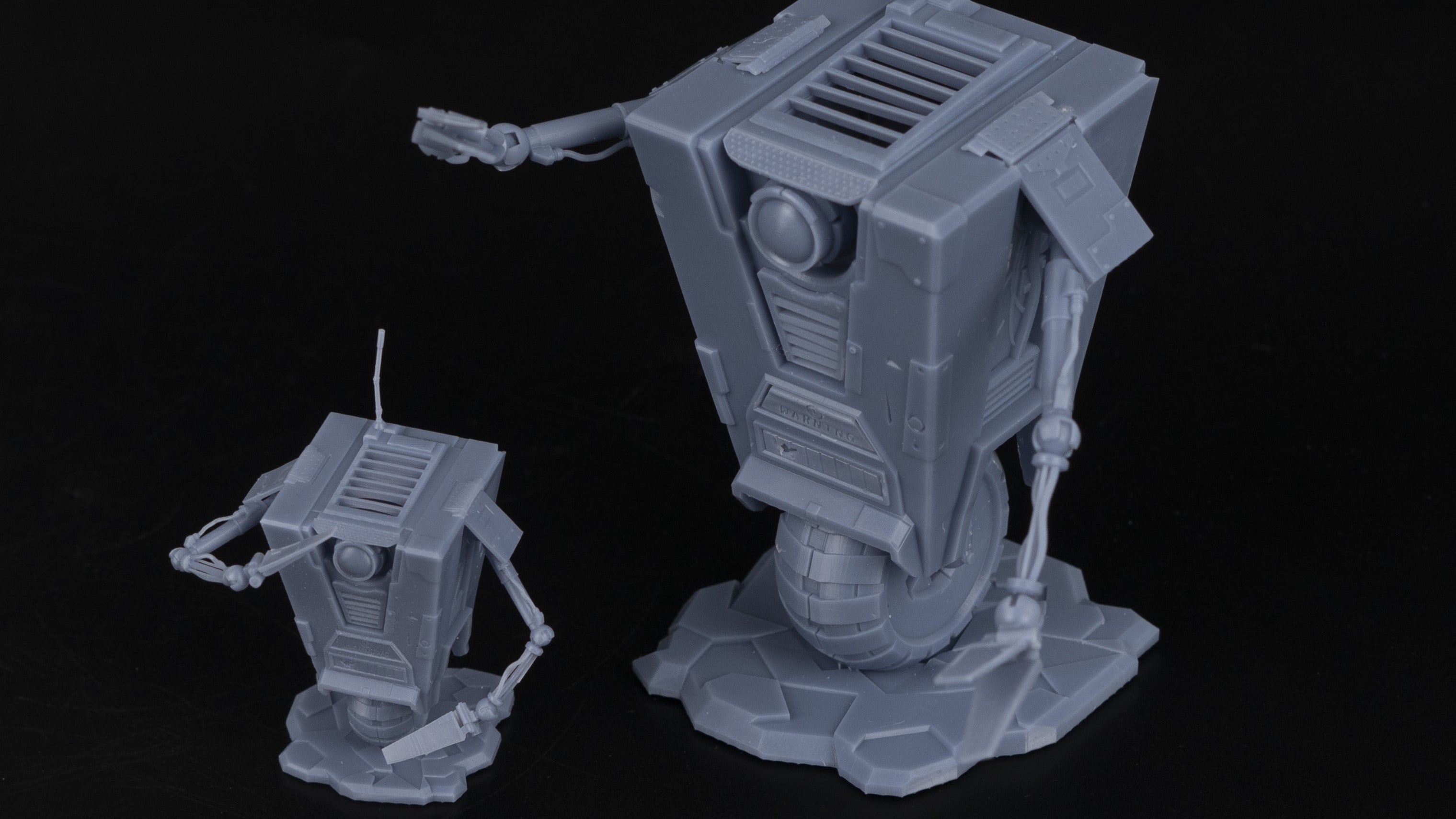
If you want cleaner, more accurate 3D prints, pairing the right resin with the right printer makes all the difference. The Anycubic Photon D2 is one of the most precise consumer DLP printers on the market. And when you load it with Siraya Tech Build Resin, you get prints that are sharp, stable, and strong enough to actually use.
This guide covers everything you need to know about using Siraya Tech Build Resin on the Anycubic Photon D2. Whether you are new to resin printing or upgrading from a standard model resin, you will find clear answers here.
Key Takeaways
- The Anycubic Photon D2 uses DLP technology, which gives it better light uniformity and a much longer lifespan than LCD printers.
- Siraya Tech Build Resin is a drillable, low-warping engineering resin built for precision parts.
- Together, this printer and resin combo works well for functional parts, jewelry, dental models, and detailed miniatures.
- Siraya Tech makes high-performance resins, filaments, and silicone for 3D printing, giving you a full ecosystem of materials for your projects.
- Build Resin can be tapped with a screw to create threaded holes, making it ideal for parts that need to connect and assemble.
What Is the Anycubic Photon D2 and Why Does It Matter for Resin Printing?
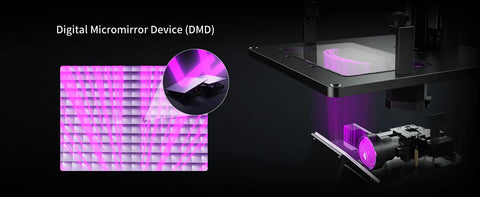
The Anycubic Photon D2 is a consumer DLP 3D printer. DLP stands for Digital Light Processing. Instead of using an LCD screen to expose resin layer by layer, the Photon D2 uses thousands of tiny mirrors to direct light straight into the resin vat with very little scatter.
That matters because light scatter is one of the main reasons resin prints lose fine detail. Less scatter means more accurate prints.
Siraya 3D Filaments and Resin You May Shop
Explore More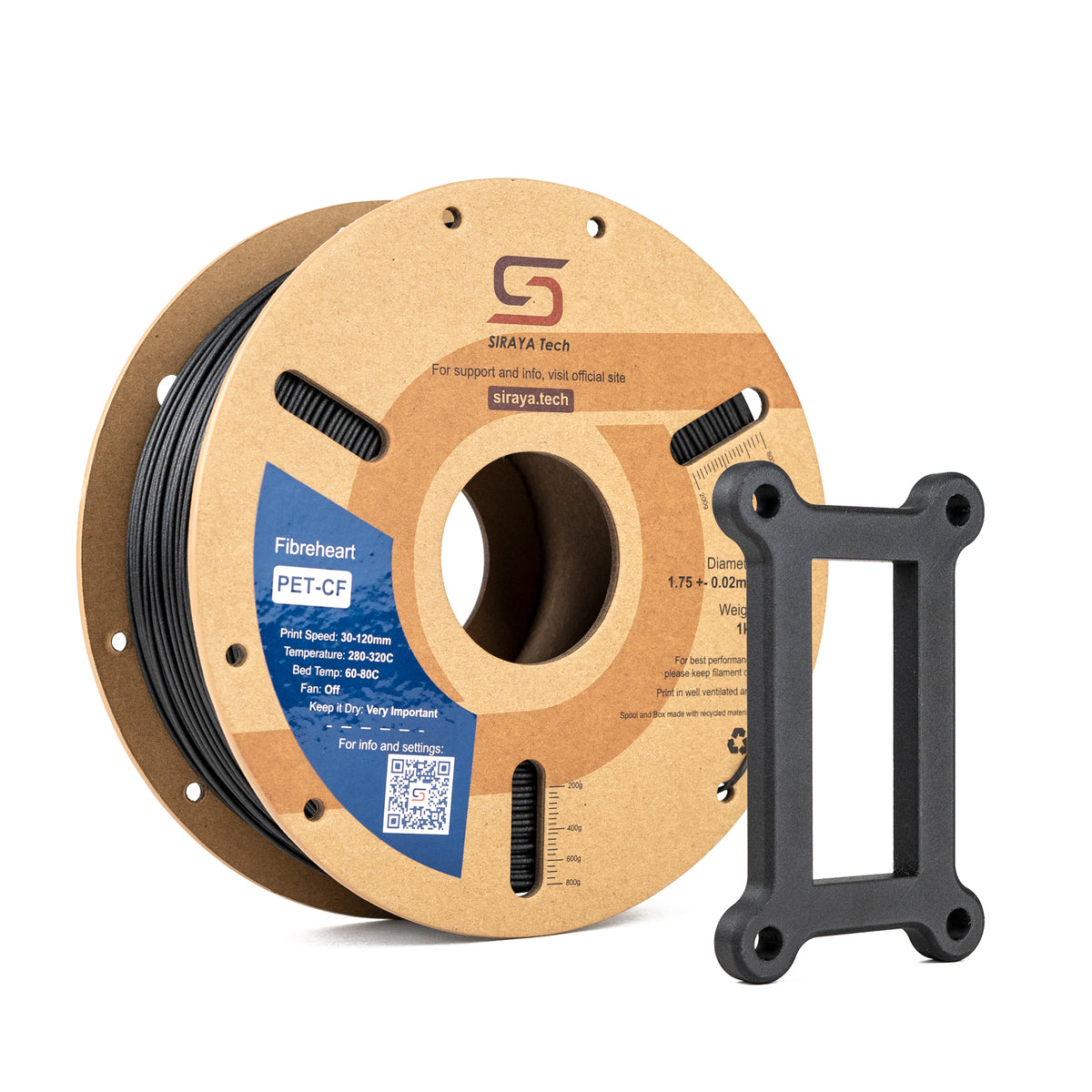

How DLP Technology in the Photon D2 Improves Print Quality
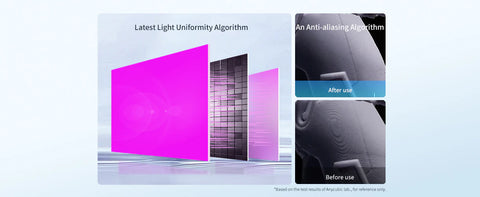
The Photon D2 uses a DMD chip (Digital Micromirror Device) to project each layer. The result is light uniformity above 92%, which means the entire build plate gets consistent exposure from edge to center.
It also uses an anti-aliasing algorithm. This reduces pixel stepping and improves edge smoothness in fine XY details. When you combine these two features, your prints come out with cleaner edges and finer surface detail.
Anycubic Photon D2 Specs: Build Volume, Lifespan, and Energy Use
Here is a quick look at the key specs:
| Specification | Detail |
|---|---|
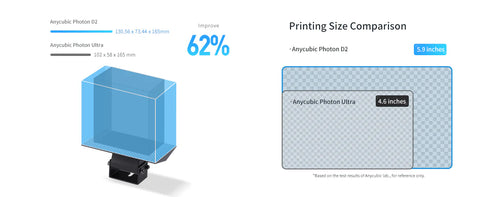
| Build Volume | 130.56mm x 73.44mm x 165mm |
| Print Area | 95.42cm² — approximately 62% more XY print area than the Photon Ultra |
| Projector Lifespan | 20,000 hours vs. 2,000 hours for a standard LCD screen |
| Power Consumption | Only 15W — one of the most energy-efficient in its class |
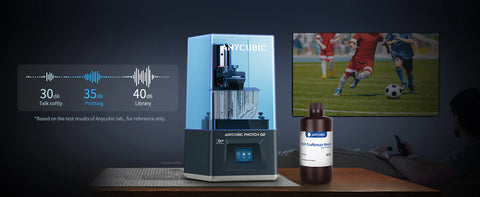
| Noise Level | Fan-less design for quiet operation at home or in the office |
| Bed Adhesion | Laser-engraved build platform for better first-layer grip |
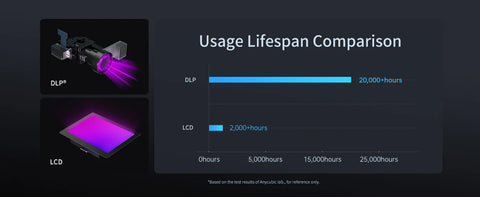
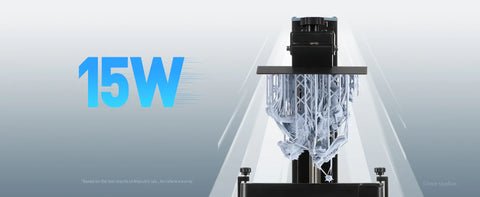
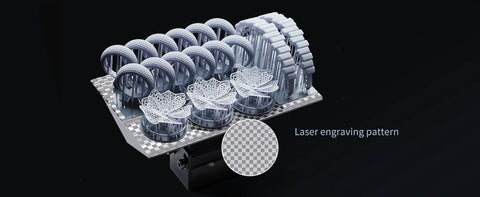
The longer projector life is a big deal. LCD screens need to be replaced regularly and replacement costs add up. With the Photon D2, you are printing for years before that becomes a concern.
What Makes Siraya Tech Build Resin Ideal for the Anycubic Photon D2?
Not all resins are created equal. Standard model resins are fine for figures and decorative pieces. But if you need a print that holds tight tolerances, connects to other parts, or takes some wear and tear, you need something more specialized.
That is exactly what Siraya Tech Build Resin was designed for.
Low Warping and High Dimensional Accuracy
One of the biggest problems with cheap resins is shrinkage. When a part shrinks unevenly during or after curing, it warps. A warped part does not fit where it is supposed to.
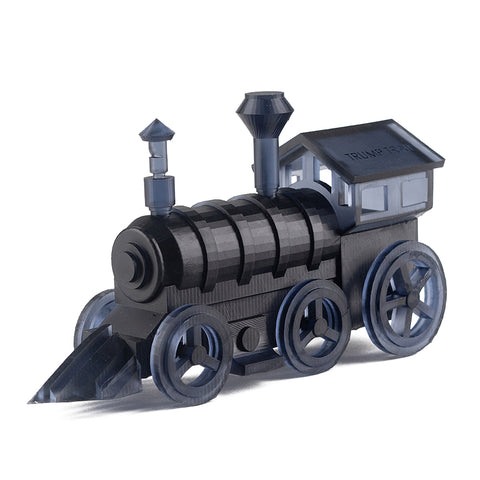
Build Resin has significantly lower shrinkage than typical model resins. This makes it a strong choice for projects where accuracy matters, like enclosures for electronics, mold masters, or parts that need to slot together.
Drillable and Tappable: What That Means for Your Prints
Here is a feature you do not see in most resins. Build Resin can be drilled and tapped with a standard screw. That means you can print a part and then cut threaded holes directly into it without the resin cracking or crumbling.
This opens up a lot of possibilities. You can print casings, brackets, or mechanical connectors and assemble them the same way you would with machined plastic.
Build Resin Mechanical Properties Explained Simply
These numbers tell you how Build Resin behaves under stress:
| Property | Value | What It Means |
|---|---|---|
| Shore Hardness | 73D | Hard but not brittle |
| Tensile Stress at Break | 33 MPa | Strong under pulling force |
| IZOD Impact | 27 J/m (Notched) | Resists sudden impacts better than standard resin |
| HDT at 0.455 MPa | 68°C | Holds shape under moderate heat |
| Elongation at Break | 8% | A small amount of flex before it breaks |
| Young's Modulus | 850 MPa | Stiff enough for structural use |
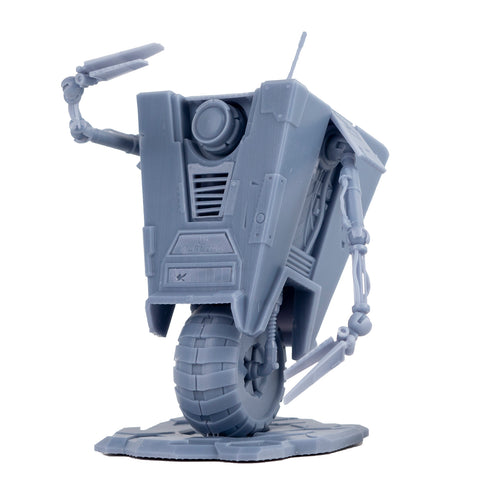
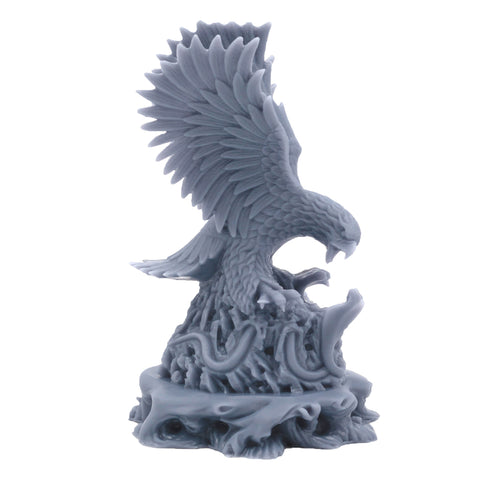
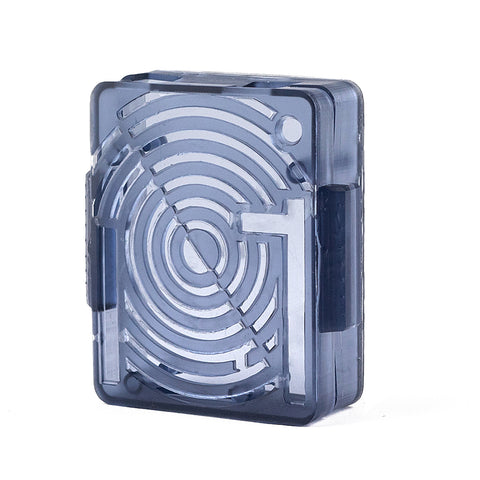
In plain terms, Build Resin sits in the sweet spot between hard and flexible. It will not shatter like a brittle resin, but it is firm enough to hold precise shapes under load.
Best Use Cases for Siraya Tech Build Resin on the Anycubic Photon D2
The Photon D2 and Build Resin combo shines in specific situations. Here are the use cases where it really excels.
Functional Parts and Assembly Components
This is where Build Resin stands out the most. Its low warping and drillable nature make it ideal for:
- Snap-fit enclosures
- Electronic housings
- Bracket and connector parts
- Mold masters for production runs
When mixed with Siraya Tech Blu resin, Build Resin gets even tougher. This blend is popular for parts that need extra impact resistance.
Jewelry Design and Detailed Prototypes
The Photon D2's DLP accuracy captures very fine detail. Build Resin's smooth surface finish means less sanding before you are done. Together, they are well suited for:
- Jewelry prototypes and masters for casting
- Intricate decorative models
- Consumer product mockups
Miniatures, Cosplay, and Display Models
Hobbyists love this combination for detailed figures, dungeon terrain, and display pieces. Build Resin gives a clean surface that paints well and holds up to handling better than standard model resin.
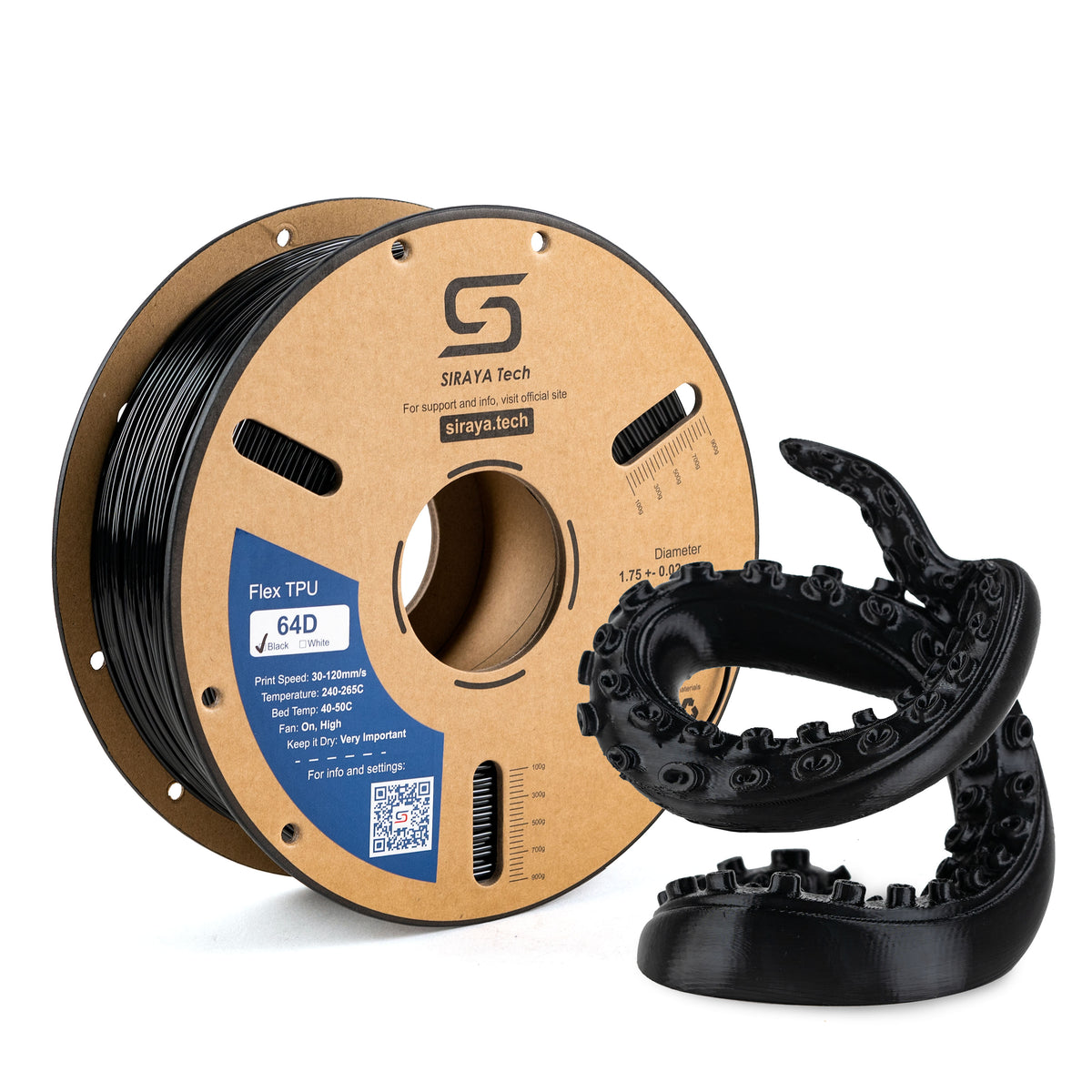
Siraya 3D Filaments and Resin You May Shop
Explore More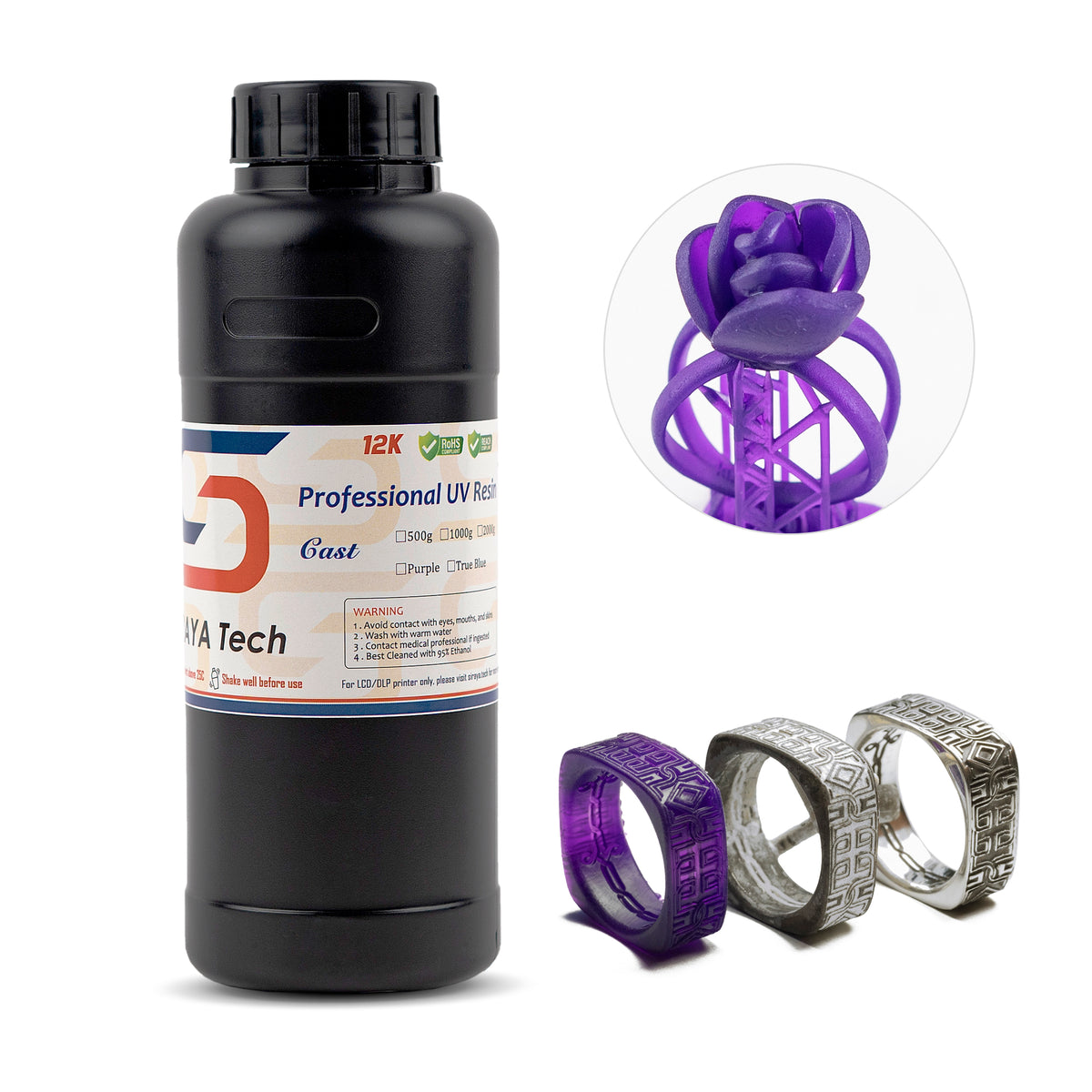

How to Set Up Siraya Tech Build Resin on the Anycubic Photon D2
Print settings matter a lot with engineering resins. Use the wrong exposure time and you will get soft prints or failed layers.
Where to Find the Correct Print Settings
Siraya Tech publishes official print profiles for all their resins, including Build Resin. You can download them here:
Always use the profile made for your specific printer. The Photon D2 has different light intensity characteristics than LCD printers, so settings from an LCD profile will not give you the best results.
Post-Processing Build Resin Prints
Build Resin is easy to clean and cure. Here is a simple workflow:
- Wash the print in IPA or a dedicated resin wash solution for 3 to 5 minutes.
- Air dry before UV curing. Wet resin under UV can cause surface tackiness.
- Cure under a UV station for 2 to 4 minutes depending on part size.
- Tap and drill once fully cured. The resin machine-cuts cleanly without chipping.
Because Build Resin produces low odor, it is more comfortable to work with indoors than some other engineering resins.
Beyond Resin: Siraya Tech's Full Line of 3D Printing Materials
Siraya Tech is more than just a resin brand. Their product line now includes high-performance filaments and platinum silicone, giving makers a wider range of materials to work with across different project types.
Resins: From flexible Tenacious and tough Blu to high-temperature Sculpt and precision Build, each resin in the Siraya Tech lineup is engineered for a specific job.
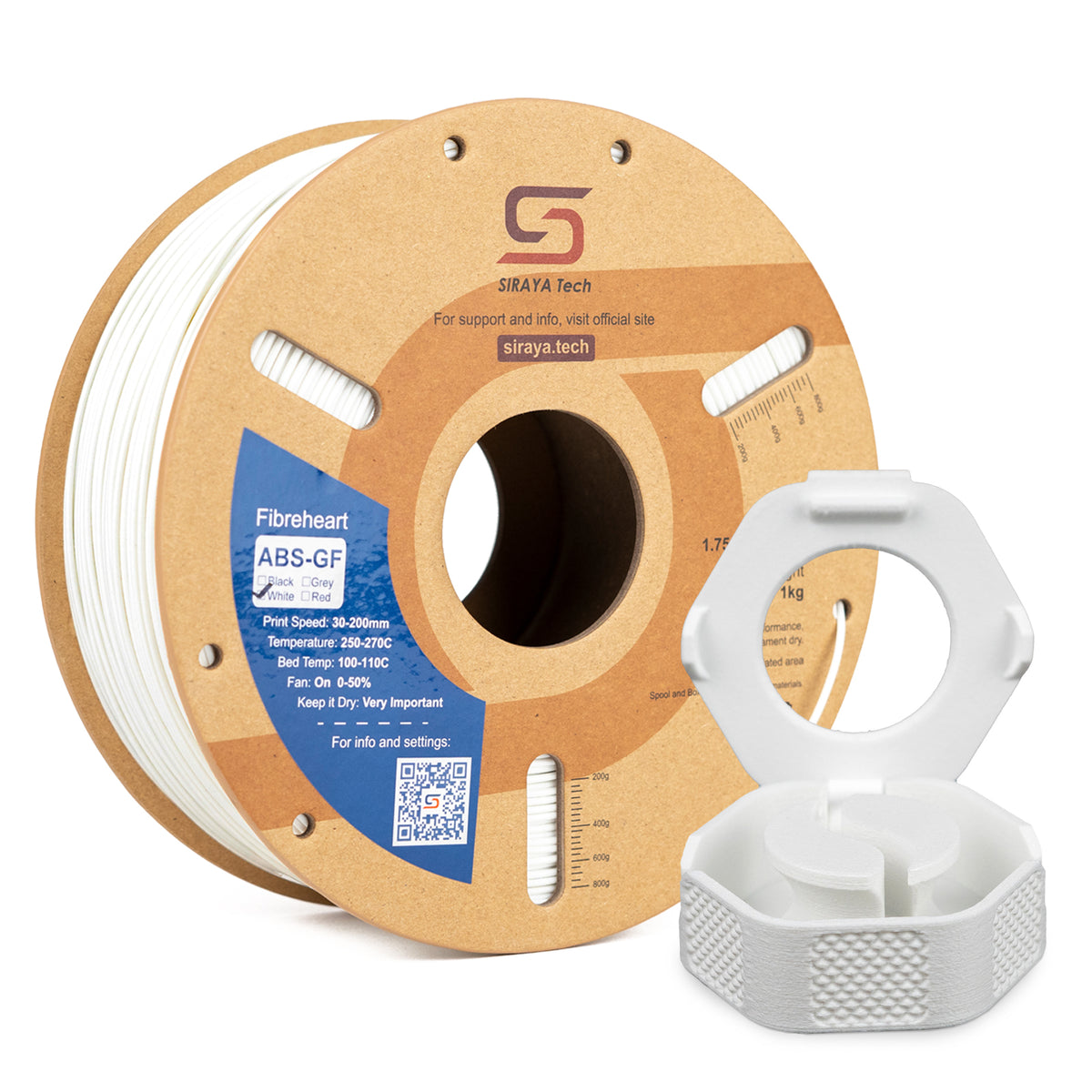
Filaments: The Fibreheart and Flex families cover materials like TPU, PPA-CF, PET-CF, and ABS-GF. These are designed for FDM printers and cover everything from flexible wearable parts to stiff, fiber-reinforced structural components.
Silicone: Siraya Tech's Defiant silicone line (available in 10A, 15A, and 25A hardness) is a platinum-cure silicone built for mold making and casting, food-safe applications, and flexible 3D-printed parts.
Conclusion
Using Siraya Tech Build Resin with the Anycubic Photon D2 gives you a reliable path to high-precision, functional 3D prints. The Photon D2's DLP engine delivers consistent light exposure and fine detail reproduction.
Build Resin adds dimensional stability, drillability, and the kind of mechanical strength you need for real-world parts.
Whether you are printing jewelry masters, functional enclosures, or detailed miniatures, this combination handles the job well.
Add in Siraya Tech's wider material lineup of resins, filaments, and silicone, and you have a full toolkit for almost any 3D printing project you can think of.
Frequently Asked Questions About Siraya Tech Build Resin and Anycubic Photon D2
Can I use Siraya Tech Build Resin on other DLP or LCD printers?
Yes. Build Resin works on most MSLA and DLP resin printers. You just need to use the correct print profile for your specific machine. Always download the Siraya Tech print settings and adjust exposure if needed.
How does Build Resin compare to standard model resin?
Standard model resins are lightweight and easy to print, but they tend to be brittle and warp more. Build Resin is stiffer, less prone to warping, and can be drilled and tapped. It trades some of the fast-print ease for much better mechanical performance.
Is Siraya Tech Build Resin safe for home use?
Build Resin is a UV-curing photopolymer resin. Like all resins, it should be handled with gloves and used in a well-ventilated area. It produces low odor compared to many other engineering resins. Always check the MSDS on the Siraya Tech website for full safety information.
What happens if I mix Build Resin with Blu Resin?
Mixing Build and Blu is a popular method for increasing toughness. Blu adds flexibility and impact resistance, while Build keeps dimensional accuracy high. Many users experiment with 20 to 30 percent Blu to increase toughness, adjusting ratios based on their performance needs.