
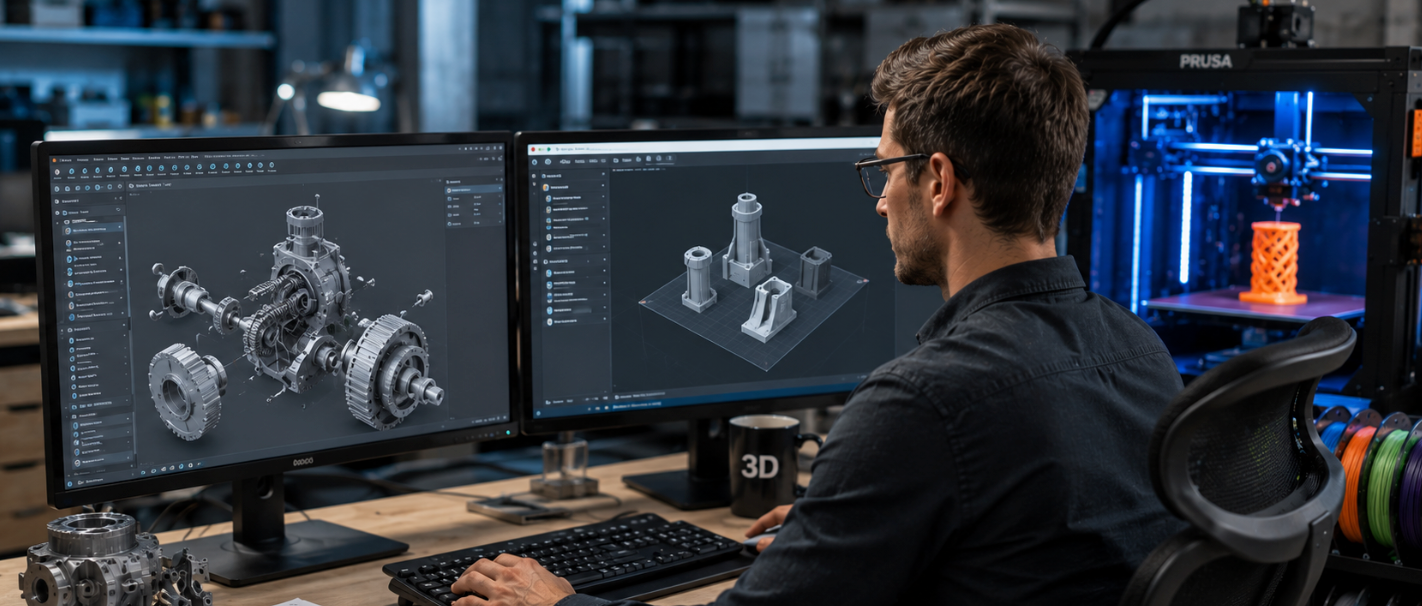
The best 3D slicer software in 2026 is OrcaSlicer for most FDM users, thanks to its built-in calibration, wide printer support, and frequent updates. Bambu Studio is best for Bambu Lab printers, Cura is best for beginners, and PrusaSlicer is best for Prusa machines. For resin printers, Lychee and CHITUBOX lead. All of these are free or have a strong free plan.
The best 3D slicer software is the bridge between your 3D model and a finished print. A slicer takes your STL or 3MF file, cuts it into thin layers, and turns it into G-code your printer can follow.
Your printer decides what you can print, but your slicer decides how well it prints. In 2026 the top tools added smarter calibration, faster speeds, and better multi-material support.
This guide ranks the best free and paid slicers for FDM and resin, shows which fits your printer, and explains how settings change with your material.
- Best overall (FDM): OrcaSlicer, with the best calibration tools and broad printer support.
- Best for beginners: Cura, the easiest and most widely used free slicer.
- Best for Bambu Lab: Bambu Studio, built for AMS and fast, hands-off printing.
- Best for resin: Lychee Slicer and CHITUBOX for SLA and DLP printers.
- Material matters: dial in slicer settings for your exact filament or resin for the best results.
What is a 3D slicer?

A slicer is software that converts a digital 3D model into printer instructions called G-code. It cuts your model into hundreds of thin horizontal layers and tells the printer where to move, how fast, and how much material to push out for each one.
Without a slicer, your printer has no instructions, so you cannot print at all. The slicer also controls key settings like layer height, infill, print speed, and support structures, all of which decide your final quality.
How to choose the best 3D slicer software
The right slicer depends on your printer and your goals.
Keep these points in mind:
- Printer support. Pick a slicer with a ready-made profile for your exact printer to skip hours of setup.
- Ease of use. Beginners want simple presets; power users want deep control over every setting.
- Active updates. A slicer updated every month or two beats one that has gone quiet for over a year.
- 3MF support. Modern slicers read 3MF, which stores settings and color data better than plain STL.
- Calibration tools. Built-in flow, temperature, and pressure tests help you tune a new printer or material fast.
- FDM or resin. FDM and resin need very different slicers, so match the tool to your machine type.
| Slicer | Best for | Type | Skill level | Price |
|---|---|---|---|---|
| OrcaSlicer | Power users, multi-brand setups | FDM | Intermediate | Free |
| Bambu Studio | Bambu Lab printers, AMS | FDM | All levels | Free |
| Ultimaker Cura | Beginners, universal support | FDM | Beginner | Free |
| PrusaSlicer | Prusa and Voron machines | FDM | Intermediate | Free |
| Simplify3D | Pro users wanting fine control | FDM | Advanced | Paid |
| Lychee Slicer | Resin minis and figures | Resin / FDM | All levels | Free / Paid |
| CHITUBOX | Budget resin (SLA/DLP) | Resin | All levels | Free / Paid |
| Creality Print | Creality printers | FDM | Beginner | Free |
Best slicers for FDM printers

1. OrcaSlicer: best overall in 2026
OrcaSlicer started as a community fork of Bambu Studio and has become the most active slicer project.
It pairs a clean interface with the widest printer support, hundreds of community profiles (Bambu, Prusa, Voron, Creality, Anycubic, Elegoo, and more), and the best calibration tools for tuning a new printer or filament.
There is no required sign-in, no telemetry, and frequent updates. The trade-off is occasional rough edges in beta builds, but for serious FDM makers it is the top pick.
2. Bambu Studio: best for Bambu Lab printers
Bambu Studio is built for Bambu Lab machines and their AMS multi-color system.
It automates calibration and slicing so you can go from file to print with very little fiddling, which makes it great for fast, reliable results.
The main downside is its tight link to Bambu's cloud and ecosystem, so it is less ideal if you run other brands or want full local control.
3. Ultimaker Cura: best 3D Slicer Software for beginners
Cura is still the most widely used slicer in the world. It is free, easy to learn, supports almost every FDM printer, and has a huge plugin library and community knowledge base.
If you are brand new and just want things to work, Cura gets you printing fast. Many experienced makers keep it installed as a quick fallback even after moving to OrcaSlicer.
4. PrusaSlicer: best for Prusa and Voron
Made by Prusa Research, PrusaSlicer is mature, stable, and packed with features like variable layer height, paint-on supports, and modifier meshes.
It is the natural choice for Prusa owners and has strong community profiles for Voron and other machines. It is also the codebase that Bambu Studio and OrcaSlicer were built from, so it remains a trusted standard.
5. Simplify3D: best paid option for fine control
Simplify3D is a paid, professional slicer known for fast slicing and highly customizable supports.
It works across many printers and gives advanced users deep control over print quality and speed.
It has a learning curve and a price tag, so it suits pros who want one tool with granular settings rather than beginners.
Best slicers for resin printers
Lychee Slicer: best for resin minis
Lychee is a community favorite for SLA and DLP resin printers, especially for figurines, miniatures, and jewelry.
Its one-click "Magic" tool auto-positions, orients, and supports your model, and Pixel Perfect mode optimizes slicing for high-resolution screens. It also works with FDM, and has both a free tier and a paid Pro plan.
CHITUBOX: best for budget resin printers
CHITUBOX is built for SLA and DLP printers and integrates deeply with common budget resin machines.
It handles orientation, hollowing, supports, and slicing well, with clear tooltips for beginners. The free version covers the basics, while the Pro version adds advanced tools for a monthly fee.
Resin slicers control exposure time, layer height, and supports, but the right settings change with each resin. Always start from your resin's recommended profile. Siraya Tech publishes tested settings for popular printers to help you dial in fast.
Match your slicer settings to your material
A great slicer still needs the right settings, and those settings depend on what you print. Here is how common materials pair with slicer choices and the right Siraya Tech product.
| Material | Slicer type | Key settings to tune | Siraya Tech product |
|---|---|---|---|
| ABS-like resin | Resin (Lychee, CHITUBOX) | Exposure, layer height, supports | Fast ABS-Like Resin |
| Tough resin | Resin | Exposure, bottom layers | Blu Tough Resin |
| Castable resin | Resin | Exposure, fine detail | Cast – Castable Resin |
| Flexible TPU | FDM (Orca, Cura) | Slow speed, low retraction | Flex TPU Filament |
| Carbon-fiber filament | FDM | Hardened nozzle, temp, flow | Fibreheart CF Filament |
| High-temp resin | Resin | Exposure, post-cure | Sculpt – High Temp Resin |
| Any FDM (bed issues) | FDM | First-layer height, adhesion | Grip Bed Adhesive |
Siraya Tech keeps tested slicer profiles for many popular printers, so you can load proven settings instead of guessing. You can download print settings here.
What makes a slicer worth using
Beyond the brand name, look for these traits when you compare options:
- Clear preview. A good slicer shows a layer-by-layer preview so you catch problems before you print.
- Smart supports. Automatic, easy-to-remove supports save material and cleanup time.
- Speed control. Per-feature speed and travel settings help you balance quality and print time.
- Strong community. If you can search a problem and find an answer, the slicer has real reach.
- Reliable export. It should handle STL and 3MF cleanly and export G-code your printer reads without errors.
Pick your slicer and start printing
The best 3D slicer software comes down to your printer and your comfort level. OrcaSlicer wins for most FDM users in 2026, Bambu Studio is best on Bambu hardware, Cura is the friendliest start for beginners, and Lychee or CHITUBOX lead for resin.
Most of them are free, so you can try a few and keep what feels right. Just remember: the slicer is only half the job.
Pairing it with the correct Siraya Tech resin or filament and tuned settings is what turns a clean slice into a sharp, strong, finished print.
Frequently asked questions
What is the best 3D slicer software for beginners?
Cura is the best slicer for beginners. It is free, easy to learn, and works with almost every FDM printer, plus it has a huge community and plugin library. Bambu Studio is also very beginner-friendly if you own a Bambu Lab printer, because it automates calibration and slicing. Both let new users get a clean print without deep technical knowledge.
Is OrcaSlicer better than Cura?
For most users in 2026, OrcaSlicer is the more powerful choice. It has better calibration tools, finer seam control, stronger Klipper support, and faster updates. Cura is simpler and gets beginners printing faster, so it is still a great starting point. Many makers keep both installed: OrcaSlicer for tuned workflows and Cura as a quick fallback.
Are 3D slicers free?
Most of the best slicers are completely free, including OrcaSlicer, Cura, PrusaSlicer, Bambu Studio, and Creality Print. Some resin slicers like Lychee and CHITUBOX have a free version plus a paid Pro plan with extra tools. Simplify3D is one of the few fully paid options. You can run a full FDM or resin workflow without spending anything.
Can I 3D print without a slicer?
No. A slicer is required because it turns your 3D model into G-code, the layer-by-layer instructions your printer follows. Without it, the printer has no path to follow and cannot move or extrude correctly. Even if you download a ready-made model, you still run it through a slicer to prepare it for your specific printer and material.
Does the slicer affect print quality?
Yes, a lot. The slicer controls layer height, print speed, infill, temperature, and supports, which all shape the final result. The same model can look great or fail depending on these settings. Starting from a tested profile for your printer and material, then fine-tuning, is the fastest way to get reliable, high-quality prints.