
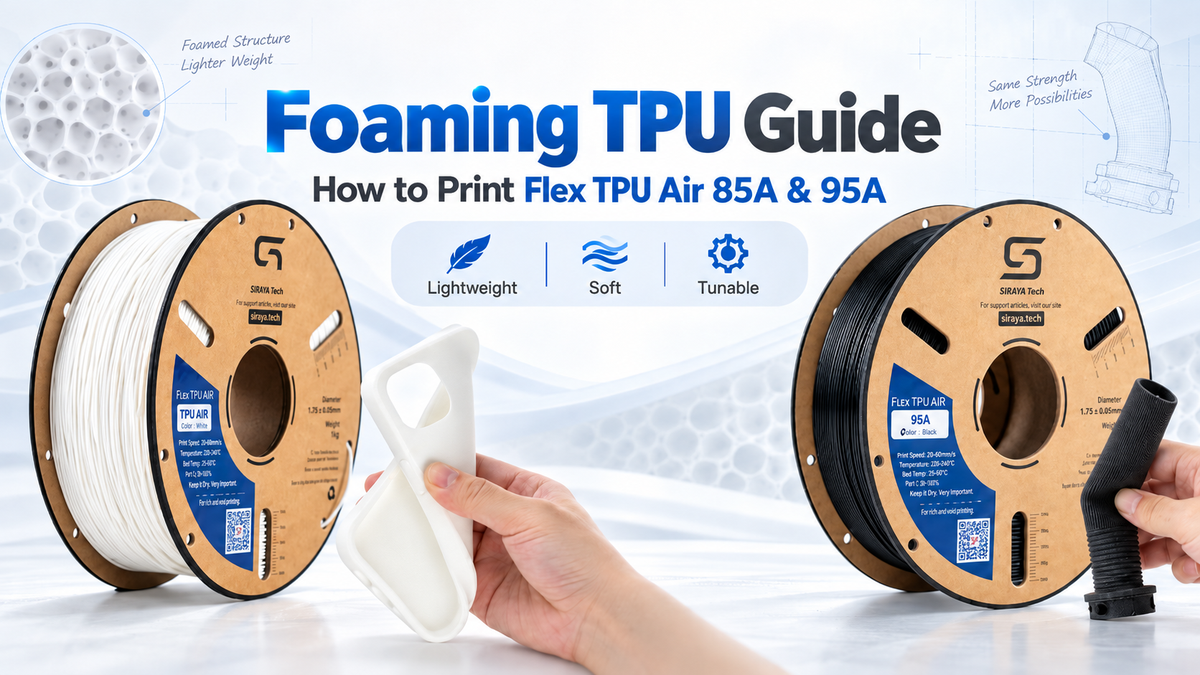
The result is lighter, softer and more cushioned than the same part printed in regular TPU. One of the biggest advantages is that you can control the amount of foaming with a key setting: nozzle temperature.
That also makes foaming TPU different to print. Settings that work for regular TPU, especially flow and retraction, can produce over-extruded or messy parts when used without adjustment.
This guide explains how foaming TPU works, how temperature changes weight and hardness, and how to tune Flex TPU Air 85A and Flex TPU Air 95A. Because the two grades respond differently, their hardness and flow data are listed separately.
What is foaming TPU?
Foaming TPU is thermoplastic polyurethane formulated to expand when heated inside the hotend. As the molten material leaves the nozzle, it expands and forms a cellular structure that remains inside the finished print.
This produces three useful effects:
- Lower weight. Both Flex TPU Air 85A and Flex TPU Air 95A can produce parts up to about 50% lighter than standard solid TPU.
- A softer feel. More foaming creates a softer part with a slightly textured, fabric-like surface rather than the smooth rubbery finish of conventional TPU.
- Temperature-controlled properties. Lower temperatures produce denser and firmer parts. Higher temperatures activate more foaming for lower weight and increased softness.
Both Flex TPU Air grades use active foaming, so nozzle temperature becomes one of the main controls for final density and softness. However, 85A and 95A should not share the same hardness or flow calibration.
Flex TPU Air 85A
Flex TPU Air 85A is the softer option in the Flex TPU Air family. It is well suited to lightweight cushioning, flexible wearables, grips and parts that need to compress or conform. Multiple color options are available for both functional and appearance-focused prints.

Black |

White |

Green |

Icy Blue |

Blush |

Papaya |

Lilac |
Flex TPU Air 85A temperature response
Flex TPU Air 85A becomes lighter and softer as nozzle temperature increases. Its measured printed-part properties are shown below.
| Nozzle Temp | Printed Density | Shore A | Vicat Softening Temp | Elongation at Break |
|---|---|---|---|---|
| 240°C | 0.88 g/cm³ | 78A | 83°C | 629% |
| 250°C | 0.70 g/cm³ | 71A | 74°C | 605% |
| 260°C | 0.59 g/cm³ | 68A | 65°C | 547% |
| 270°C | 0.51 g/cm³ | 63A | 53°C | 475% |
More heat creates a lighter and softer print, but strength and heat resistance also decrease. For cushioning, grips and wearables, higher temperatures may be useful. For parts that need more structure, use the cooler end of the range.
View Flex TPU Air 85A | View 85A TDS
Flex TPU Air 95A
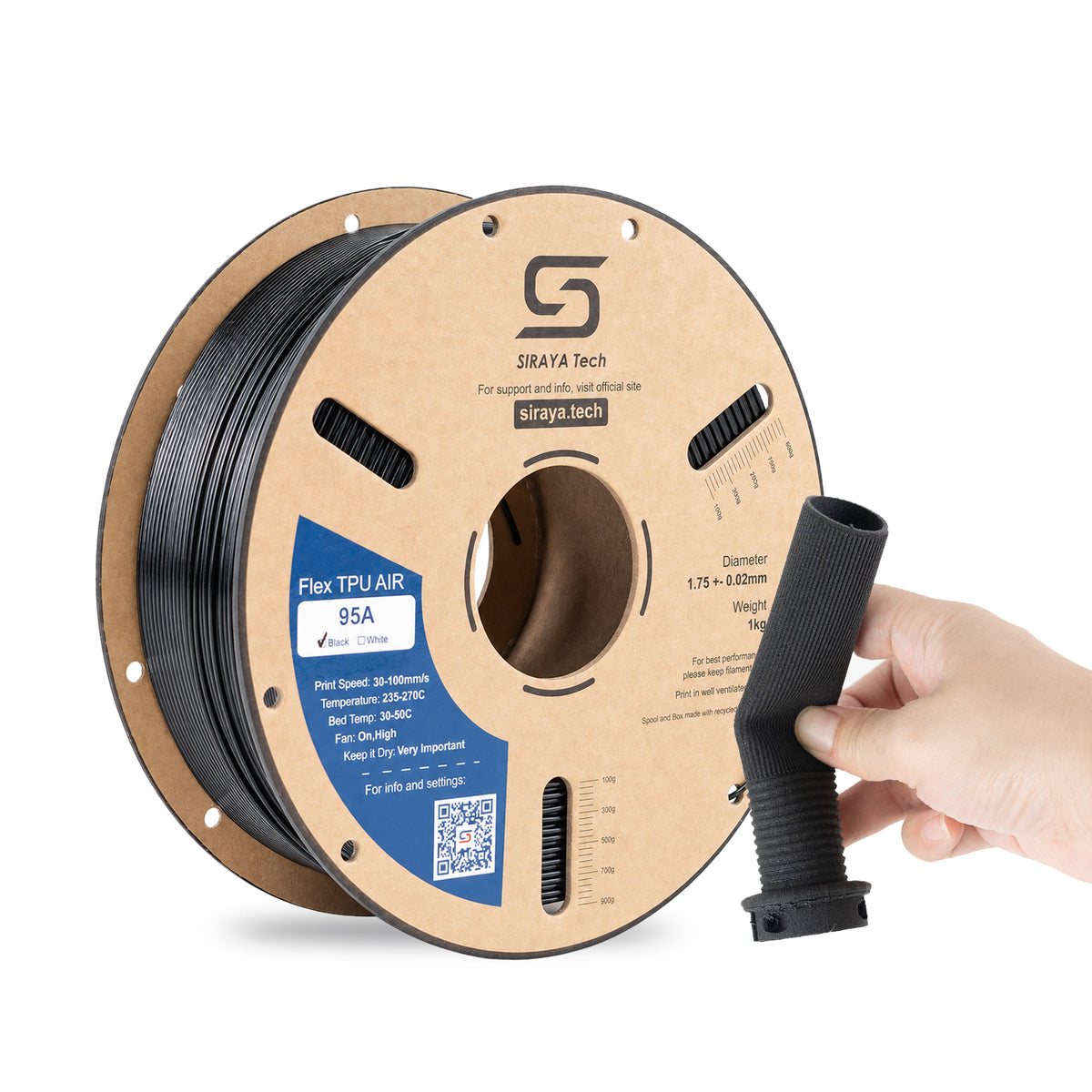
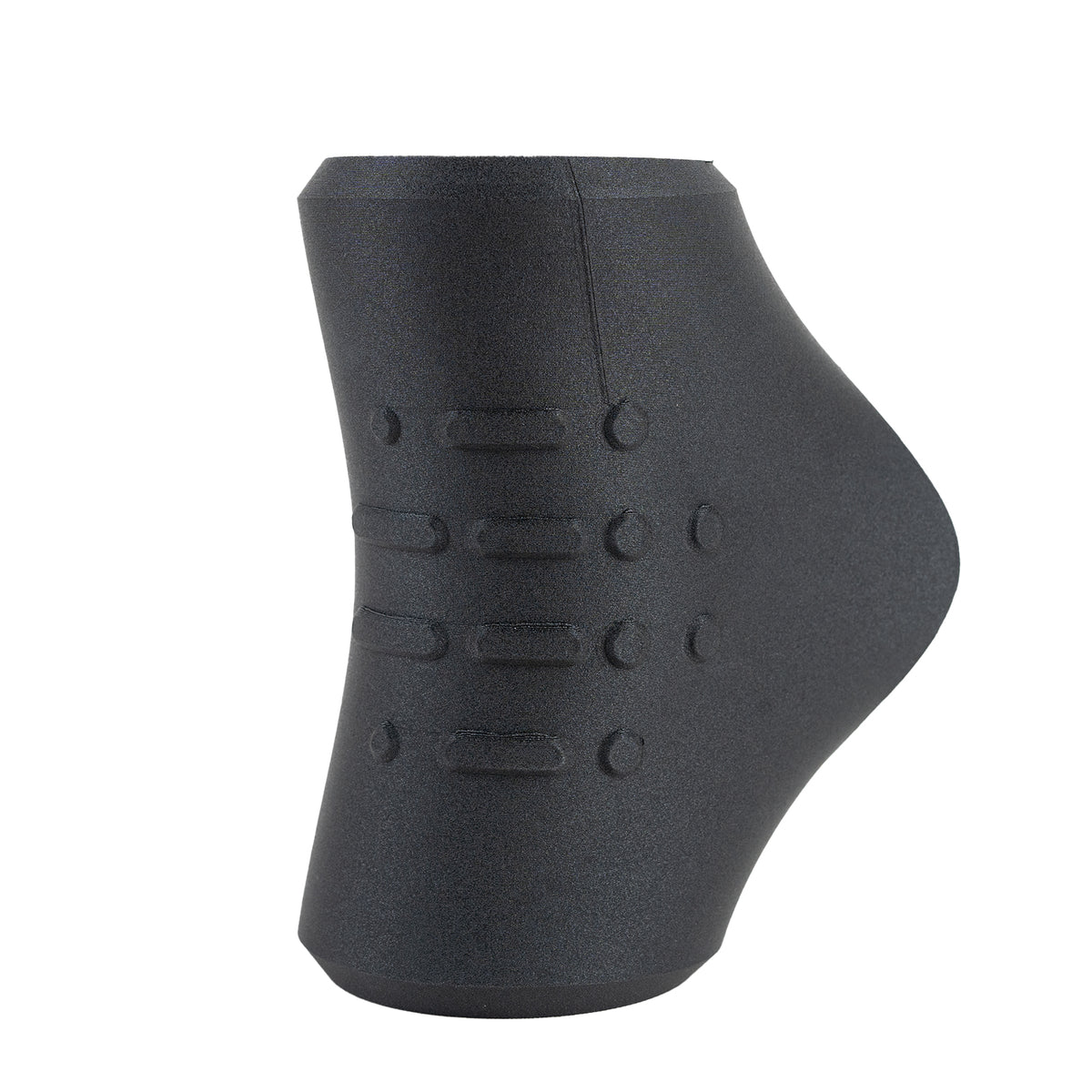
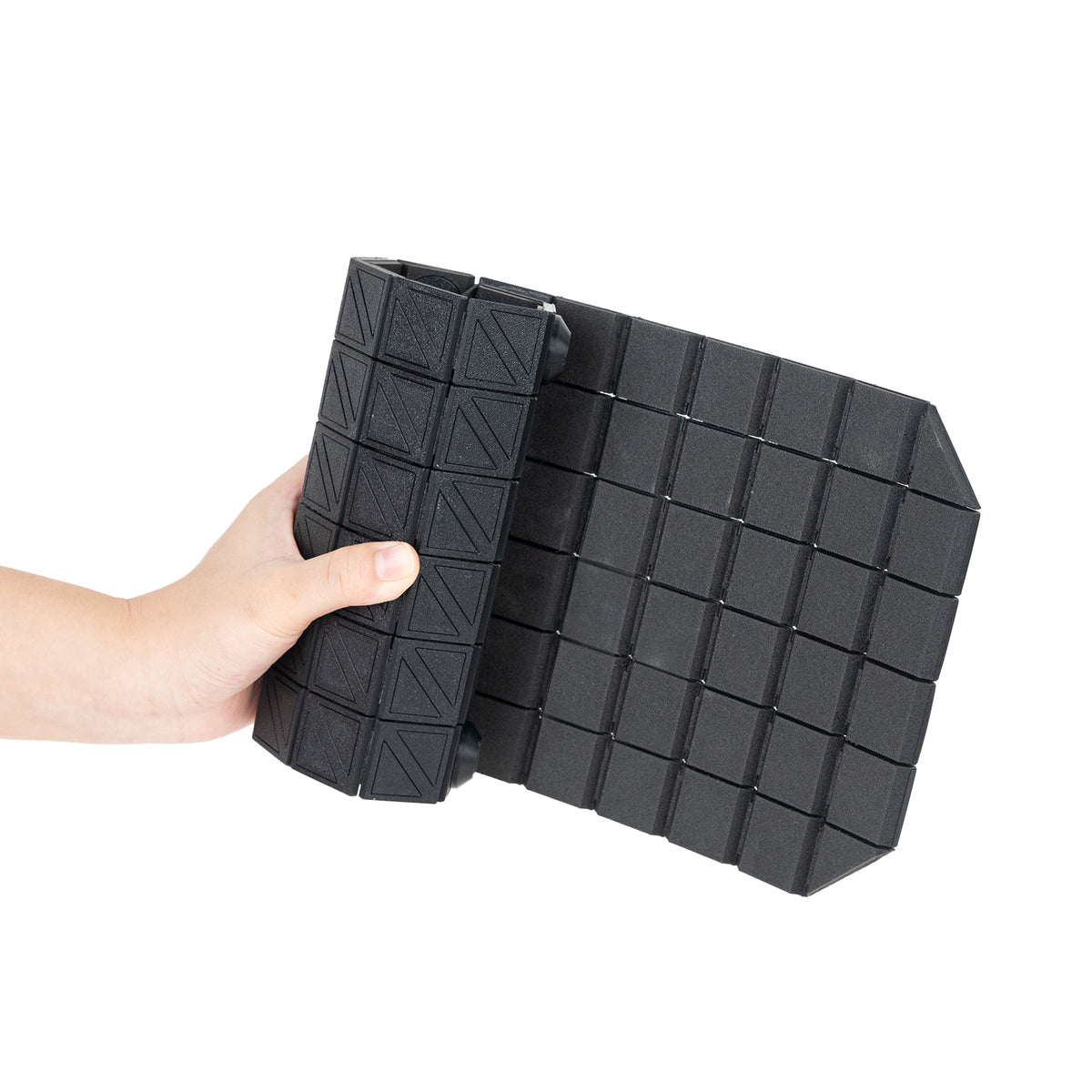
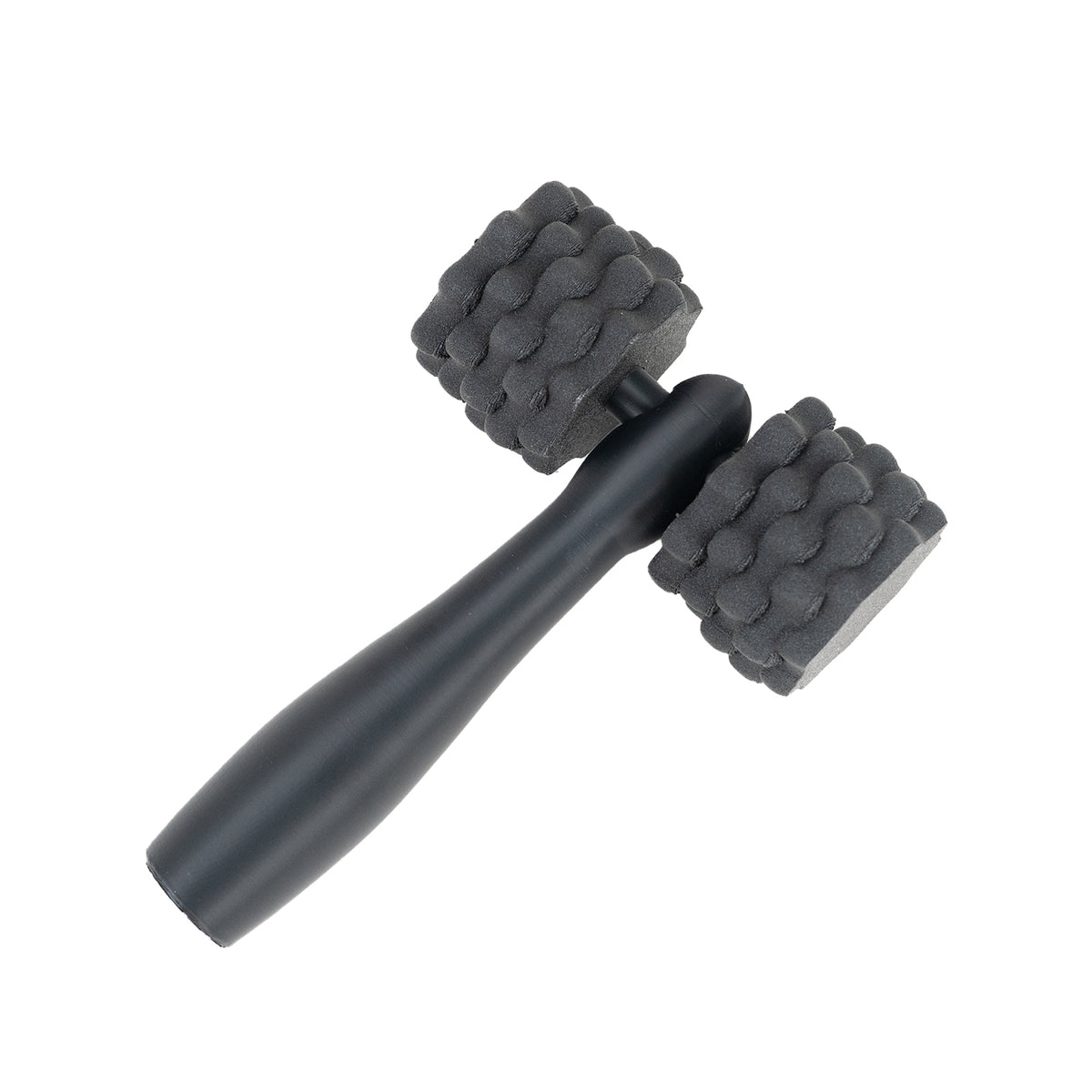
Flex TPU Air 95A starts firmer and provides more structure during both feeding and printing. It is designed for applications that still benefit from low weight and a foam-like feel, but need better shape retention.
 |
 |
 |
 |
Flex TPU Air 95A temperature and flow tuning
| Print Temp | Approx. Shore Hardness | Result | Starting Flow |
|---|---|---|---|
| 230–240°C | ~90A | Denser, stiffer, less foaming | ~85–90% |
| 250°C | ~85–80A | Balanced foaming, lighter and softer | ~60–70% |
| 260°C | ~80–75A | Good balance of foaming and softness | ~50–55% |
| 270°C | ~75A | Maximum foaming, lightest and softest | ~50–55% |
These values are practical calibration starting points. Exact hardness and flow depend on the printer, nozzle size, extrusion calibration and foaming level.
Foaming TPU vs. regular TPU
| Feature | Regular TPU | Foaming TPU |
|---|---|---|
| Printed structure | Solid and dense | Cellular foam |
| Hardness | Mostly fixed by grade | Adjustable with print temperature |
| Weight | Full material density | Up to about 50% lighter for Flex TPU Air |
| Surface | Smooth, rubbery | Soft, slightly textured, fabric-like |
| Flow | Usually close to 100% | Reduced as foaming increases |
| Retraction | Usually enabled and tuned | Recommended off |
Print settings that work
Flex TPU Air 85A and Flex TPU Air 95A share many base settings. Start with these values, then calibrate temperature and flow for the specific grade.
| Setting | Starting Value |
|---|---|
| Nozzle temperature | 230–270°C; 260°C is a useful starting point |
| Nozzle diameter | 0.4–0.8 mm |
| Bed temperature | 30–45°C |
| Build surface | Glass, PEI, BuildTak or Wham Bam PEX |
| Cooling fan | 100% |
| Print speed | 30–60 mm/s to start; capable machines may go faster after tuning |
| Retraction | Off; set distance and speed to 0 |
TPU can bond very strongly to PEI. A PVP glue stick, Magigoo or similar release layer can make removal safer. Let the build plate cool fully before removing the part.
Both grades can work with many FFF/FDM printers, including Bowden setups, although direct drive generally provides more control when tuning softer settings.
Download Siraya Tech Print Profiles
Why flow and retraction are different
Foaming TPU expands as it melts, so the slicer needs to feed less raw filament than it would for a solid TPU. As temperature rises and foaming increases, flow generally needs to decrease.
| Nozzle Temp | Flex TPU Air 85A | Flex TPU Air 95A |
|---|---|---|
| 230–240°C | ~85–90% | ~85–90% |
| 250°C | ~65–70% | ~60–70% |
| 260°C | ~55–60% | ~50–55% |
| 270°C | ~50–55% | ~50–55% |
Treat these numbers as starting points rather than fixed extrusion multipliers. Print a small calibration cube, look for gaps or bulging walls, and adjust flow until the perimeter looks clean.
Retraction should normally be turned off. Active foaming continues inside the hotend, so conventional retraction often does little to stop oozing. Printing one model at a time and reducing unnecessary travel moves usually gives cleaner results.
Drying and storage
TPU is hygroscopic. Moisture can cause bubbles, stringing and weak layer adhesion. In a foaming filament, unwanted moisture bubbles can also be difficult to distinguish from normal foaming.
- After opening: keep the spool sealed with active desiccant and aim for less than 15% humidity. Printing directly from a dry box is ideal.
- If the filament is wet: dry it at 70–80°C for 4–6 hours.
- After printing: return the spool to a tightly sealed bag or dry box with desiccant.
Troubleshooting
- Rough, bubbly surface or heavy stringing: dry the filament first, then check flow.
- Bulging or over-extruded walls: reduce flow or lower nozzle temperature slightly.
- Part is too heavy or stiff: increase nozzle temperature in 10°C steps and recalibrate flow.
- Part is too soft: reduce nozzle temperature.
- Poor bed adhesion: clean and level the bed, then use a slower and slightly wider first layer.
- Part sticks too strongly to PEI: use a release layer and allow the bed to cool completely.
What to print with foaming TPU
Foaming TPU works especially well when a part benefits from being lightweight, soft and comfortable while still retaining the durability of TPU.
- Sports equipment
- Insoles and cushioning components
- Grips and handles
- Wristbands and wearables
- Protective covers and cases
- Soft toys
- Support and comfort components
For footwear-specific applications, see our guide to 3D printed slides .
Roamr TPU Air HR 80A and 85A
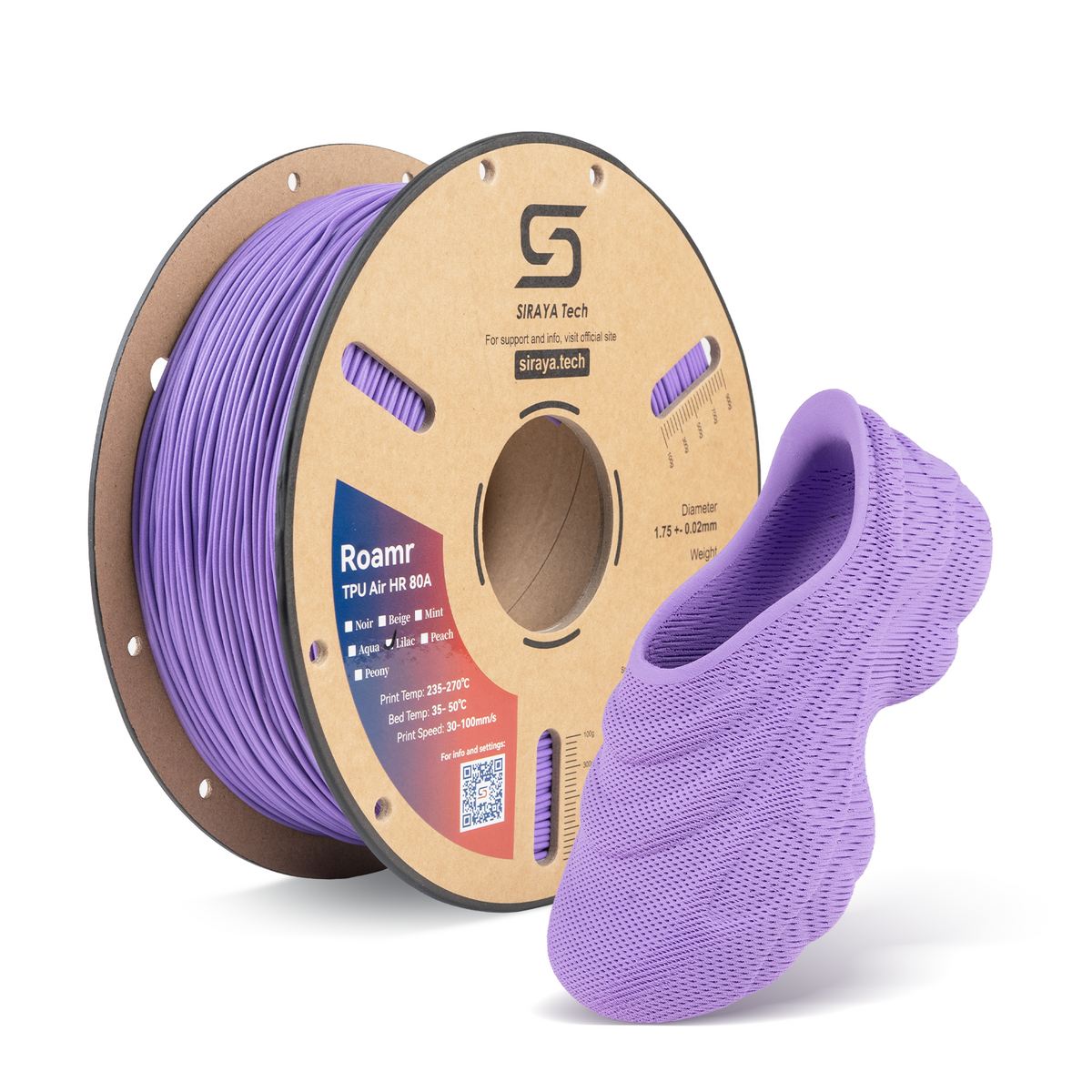
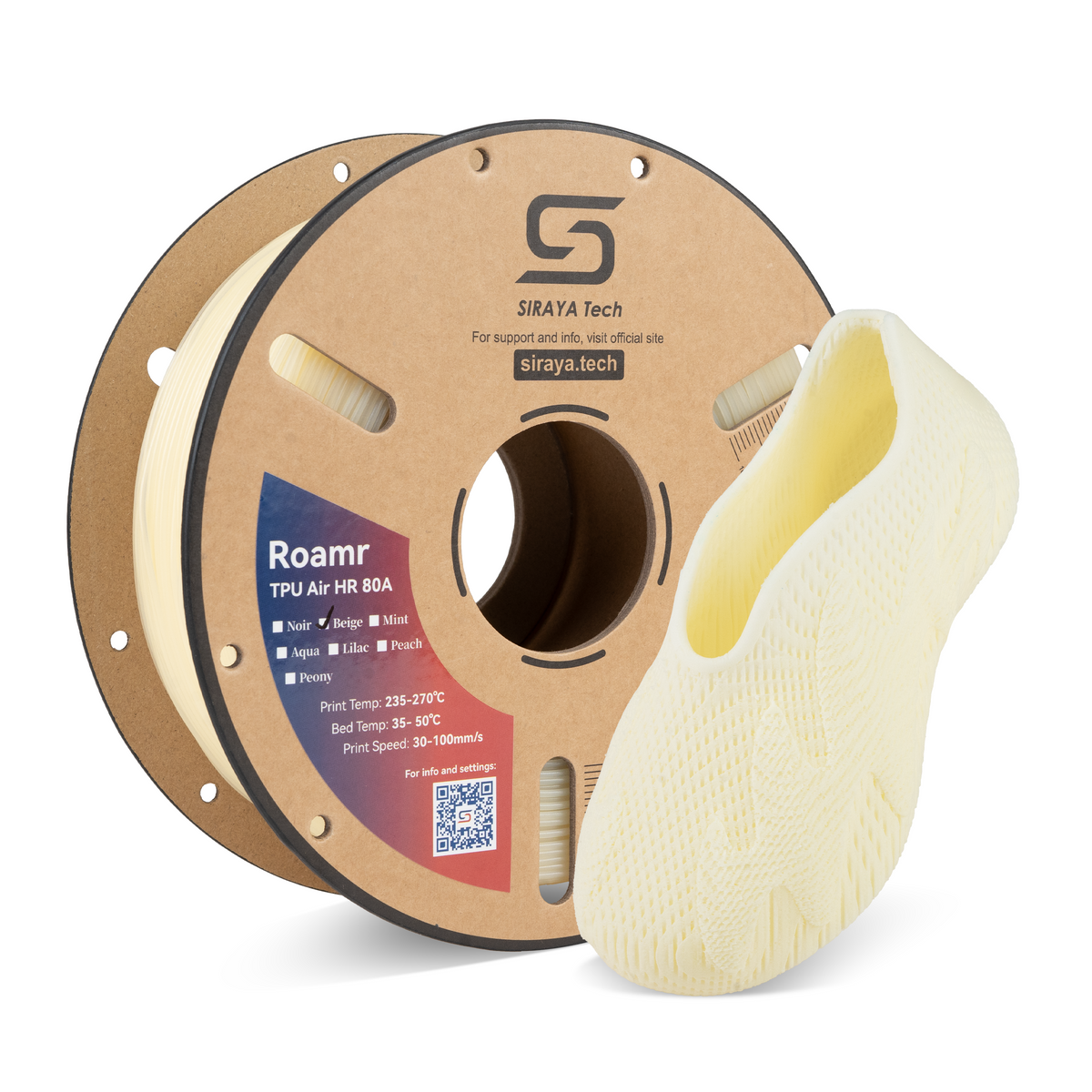
The Roamr TPU Air HR family is tuned specifically for footwear, where rebound, walking comfort and structural support matter more than general-purpose softness.
 |
 |
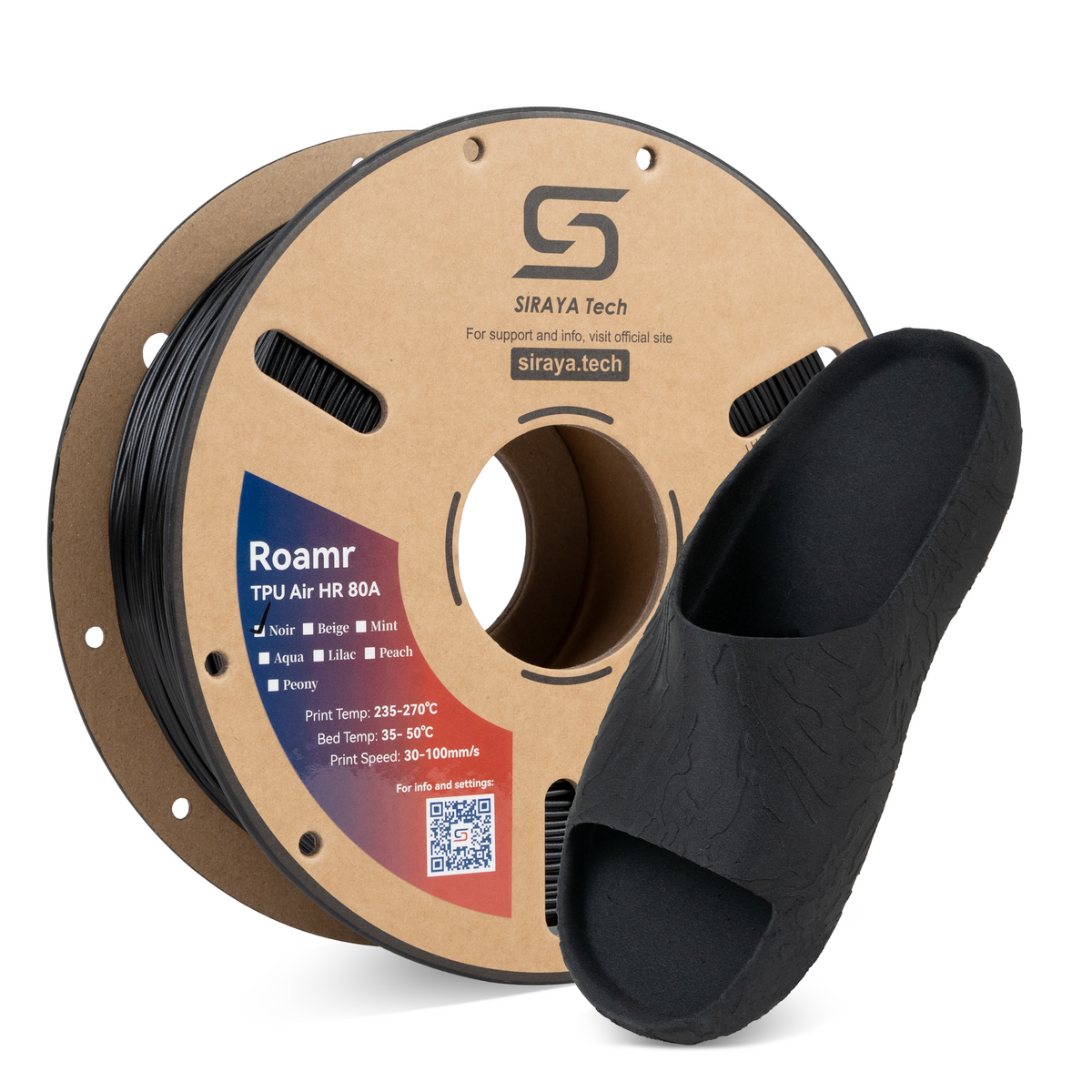 |
Roamr TPU Air HR 80A
The softer option, designed for midsoles, insoles, slides and comfort liners. It combines active foaming with high rebound for footwear applications where cushioning and walking comfort are priorities.
View Roamr TPU Air HR 80A | View 80A TDS
Roamr TPU Air HR 85A
The firmer option is better suited to structural midsoles, outsoles, reinforced footwear sections and areas where more support and shape retention are needed.
View Roamr TPU Air HR 85A | View 85A TDS
Which foaming TPU should you pick?
| Material | Best When You Need | Typical Applications |
|---|---|---|
| Flex TPU Air 85A | Softer, more flexible foamed parts | Cushioning, wearables, grips, flexible parts |
| Flex TPU Air 95A | More structure and shape retention | Lightweight shells, props, structured flexible parts |
| Roamr TPU Air HR 80A | Soft footwear cushioning and rebound | Insoles, midsoles, slides, comfort liners |
| Roamr TPU Air HR 85A | More footwear support and structure | Outsoles, structural midsoles, reinforced zones |
Frequently asked questions
What is foaming TPU?
Foaming TPU is a flexible filament that expands into a cellular foam as it is extruded. The finished part is lighter and softer than solid TPU, and nozzle temperature can be used to control the amount of foaming.
How much lighter is foaming TPU?
Flex TPU Air 85A and 95A can produce parts up to about 50% lighter than standard TPU, depending on temperature and foaming level.
What temperature should I print foaming TPU at?
Flex TPU Air 85A and 95A both use a recommended nozzle range of 230–270°C. Around 260°C is a useful starting point. Print cooler for denser, firmer parts and hotter for lighter, softer parts.
Why do I need to lower the flow rate?
The filament expands as it melts, so a smaller amount of incoming filament fills a larger volume after foaming. Flow therefore needs to decrease as foaming increases.
Should I turn retraction off?
Yes. Set retraction distance and speed to 0 as a starting point. Active foaming materials can continue to expand in the hotend, so standard retraction is often ineffective.
Can I print foaming TPU on a Bowden printer?
Yes. Flex TPU Air can work on many Bowden-style FFF/FDM printers. Start conservatively and tune the filament path carefully. Direct drive is still easier to control at softer settings.
Is foaming TPU the same as the TPU used for shoes?
Not always. Flex TPU Air 85A and 95A are general-purpose, temperature-tunable foaming TPU grades. For footwear, the Roamr TPU Air HR family is specifically tuned for cushioning, rebound and structural support.
Ready to print?
Choose Flex TPU Air 85A when you need a softer tuning range, or Flex TPU Air 95A when you want more structure and easier feeding. For footwear applications, explore the Roamr TPU Air HR family.
Need help choosing a material or tuning your settings? Contact support@siraya.tech